


Have you ever wanted to create 3D models but been intimidated by the complexity of professional 3D software? You’re not alone. For years, 3D modeling has been reserved for trained artists with hours of experience—requiring mastery of technical tools, tedious manual work, and a steep learning curve. But thanks to AI, that’s all changing. Today, anyone—from hobbyists and students to small business owners—can create high-quality 3D assets without prior experience, and Tripo Studio is leading the charge with its user-friendly, AI-powered platform that simplifies every step of the process.
Gone are the days of spending hours learning how to retopologize a model or paint textures by hand. Tripo Studio uses advanced AI to automate the most challenging parts of 3D creation, letting you focus on what matters: bringing your ideas to life. Whether you want to create a 3D model for a school project, a small business marketing campaign, or just for fun, Tripo Studio makes it easy—no technical skills required.
Breaking Down Tripo Studio’s Core Features: No Jargon, Just Results
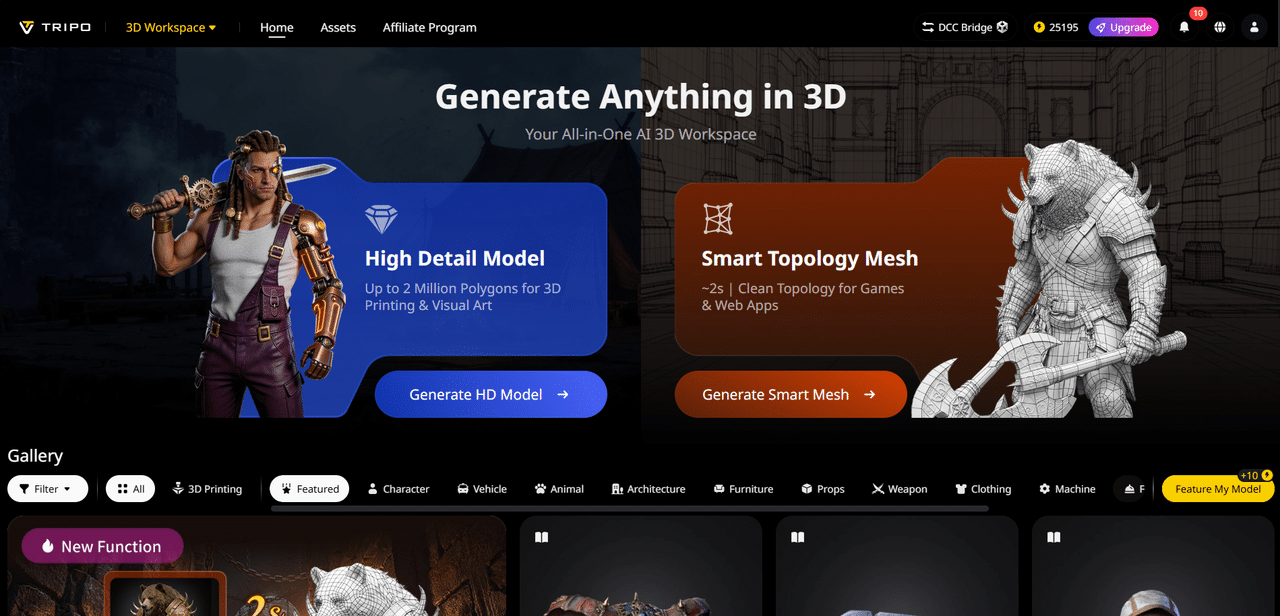
Text to 3D Model: This is the perfect tool for beginners who don’t know how to draw or model. Simply type a description of what you want—like “a cute cartoon cat with big eyes and a fluffy tail”—and the AI will turn your words into a 3D model in seconds. It solves the problem of not knowing how to translate your ideas into 3D, making it easy to experiment and iterate. The best part? You can tweak the prompt to adjust the model until it matches your vision.
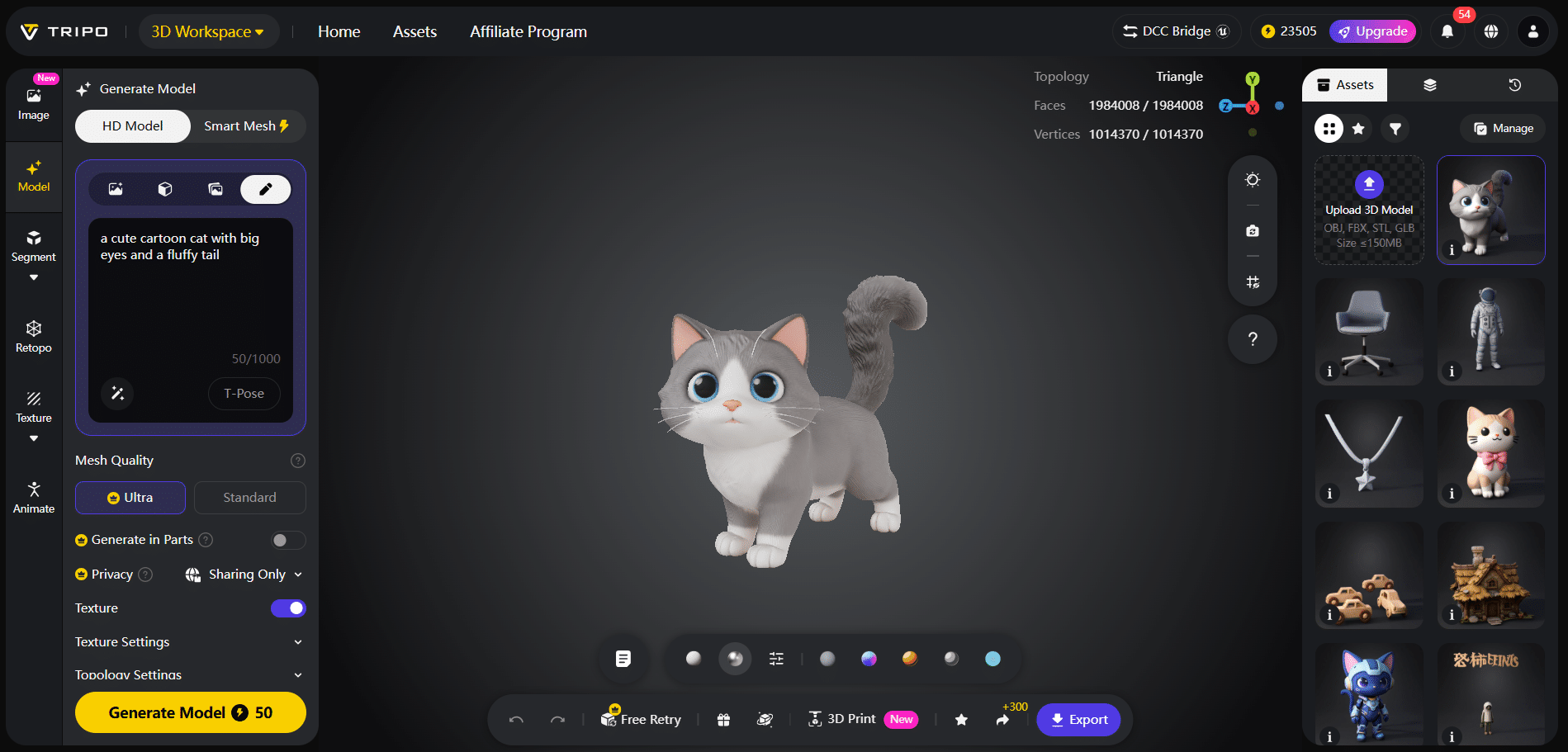
Image to 3D Model: If you have a 2D image—like a photo of your pet, a sketch you drew, or a product you want to replicate—Image to 3D Model can turn it into a 3D asset. This is perfect for hobbyists who want to create 3D versions of their favorite things, or small business owners who want to turn product photos into interactive 3D models for their website. It eliminates the need to start from scratch, saving you time and frustration.
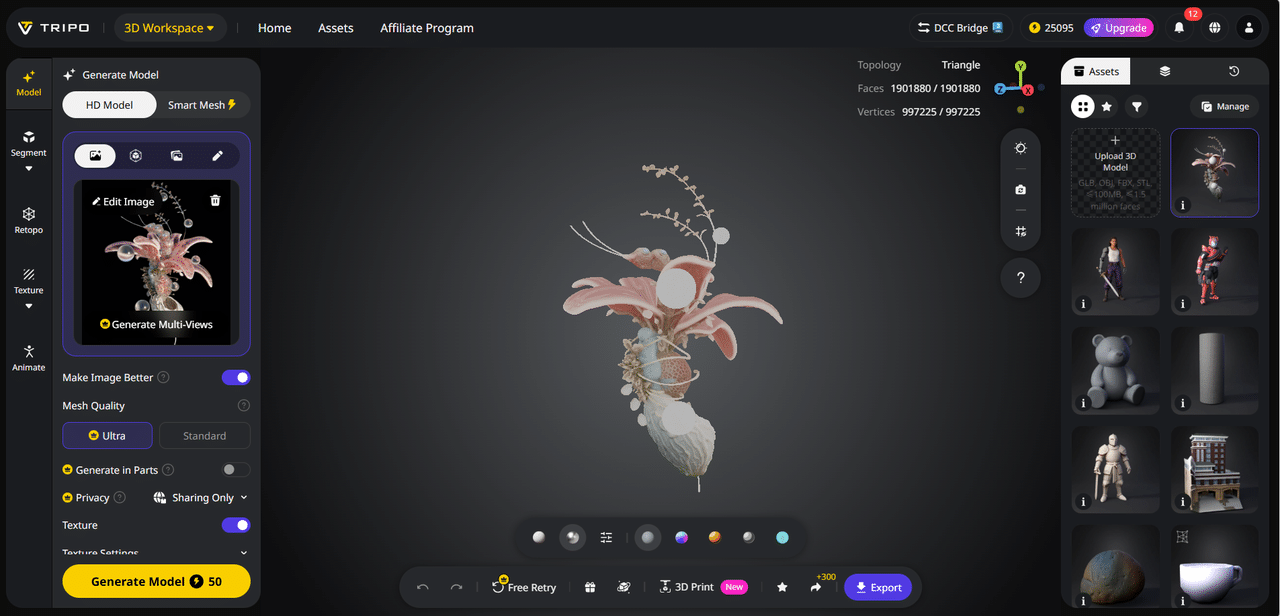
AI Model Segmentation: Once you have a 3D model, you might want to edit specific parts—like changing the color of a shirt on a character or adjusting the shape of a table leg. Segmentation/Split 3D Model automatically splits the model into individual parts, so you can edit each one without affecting the rest. This solves the problem of editing complex models, which can be overwhelming for beginners.
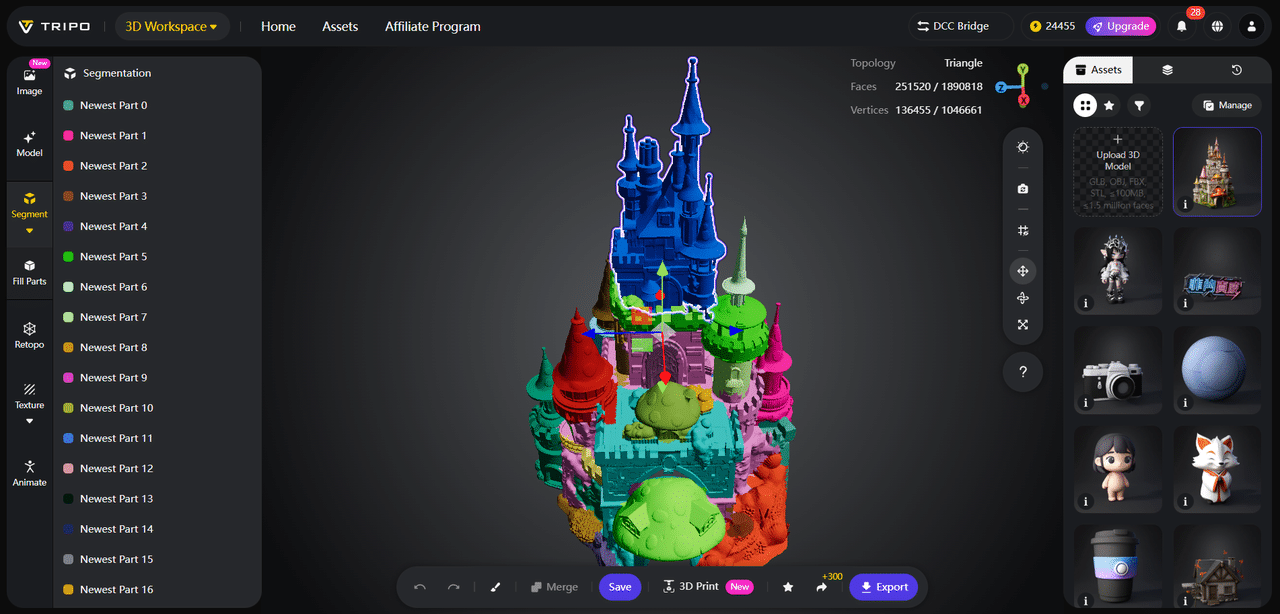
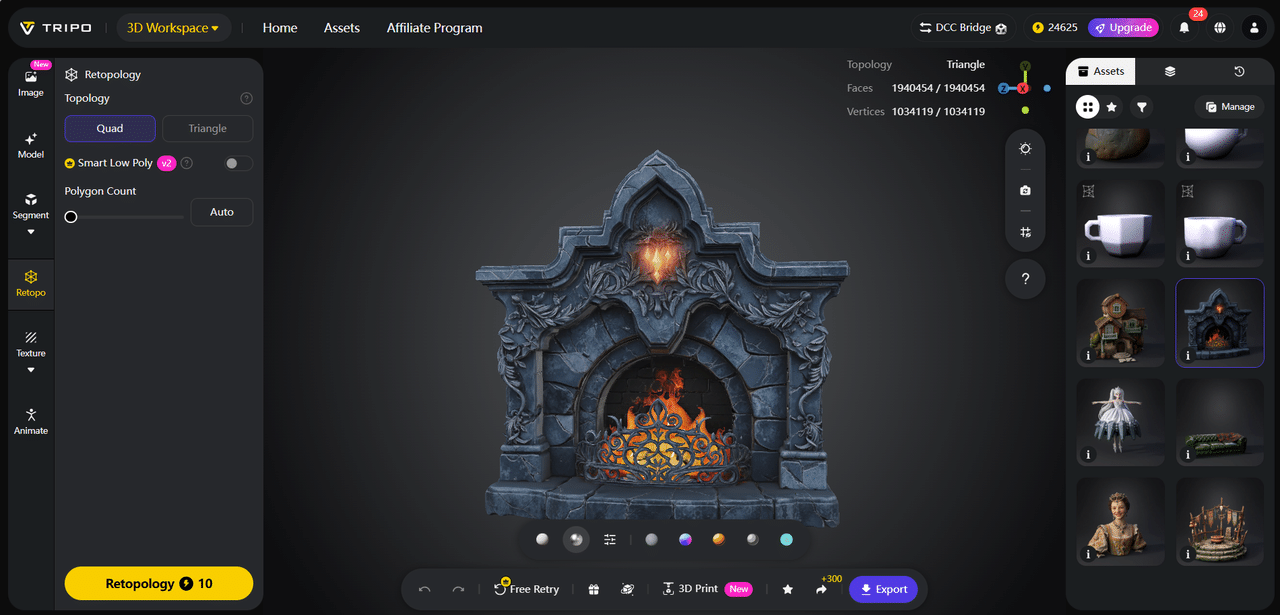
AI Retopology: If you’ve ever tried to edit a 3D model and noticed it’s “blocky” or has rough edges, that’s because it needs retopology—a process that smooths out the mesh to make it look clean and professional. Tripo Studio’s AI Retopology does this automatically, so you don’t have to learn how to do it manually. It’s a game-changer for beginners, who can now create smooth, polished models without any technical work.
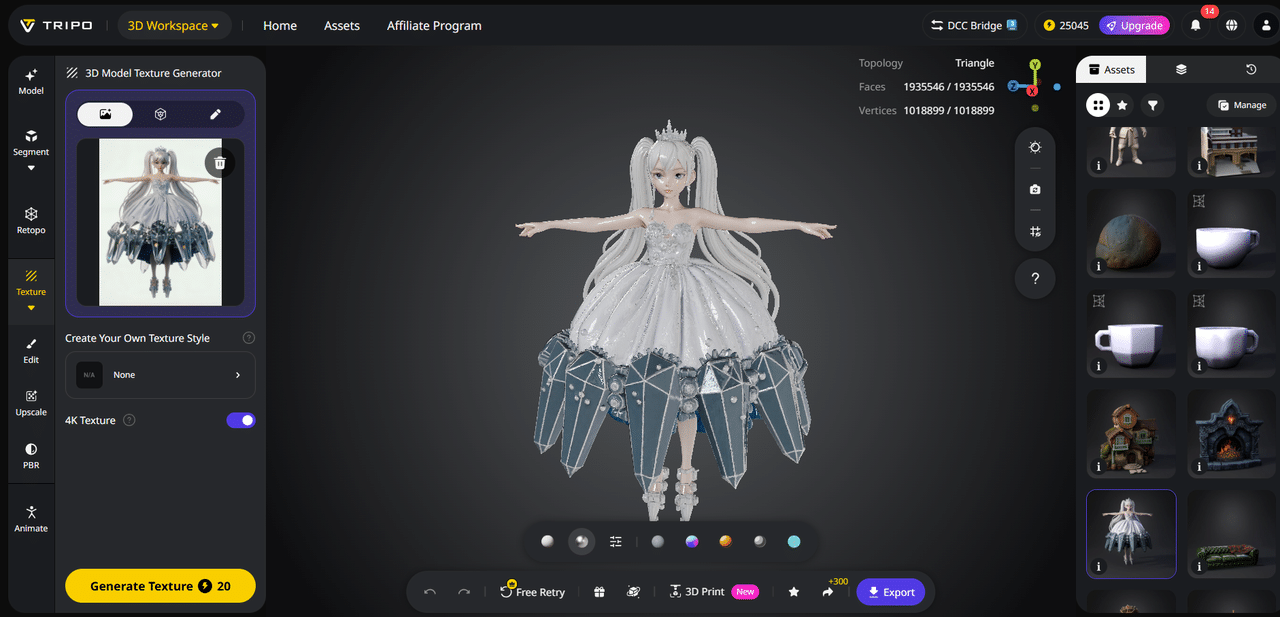
AI Texturing: Adding textures to a 3D model—like making it look like wood, metal, or fabric—used to require manual painting, which is time-consuming and hard to get right. AI Texture in Tripo Studio lets you add realistic textures with just a few clicks. You can choose from pre-made textures or type a prompt (e.g., “shiny red plastic”) to get exactly what you want. It’s easy, fast, and produces professional results.
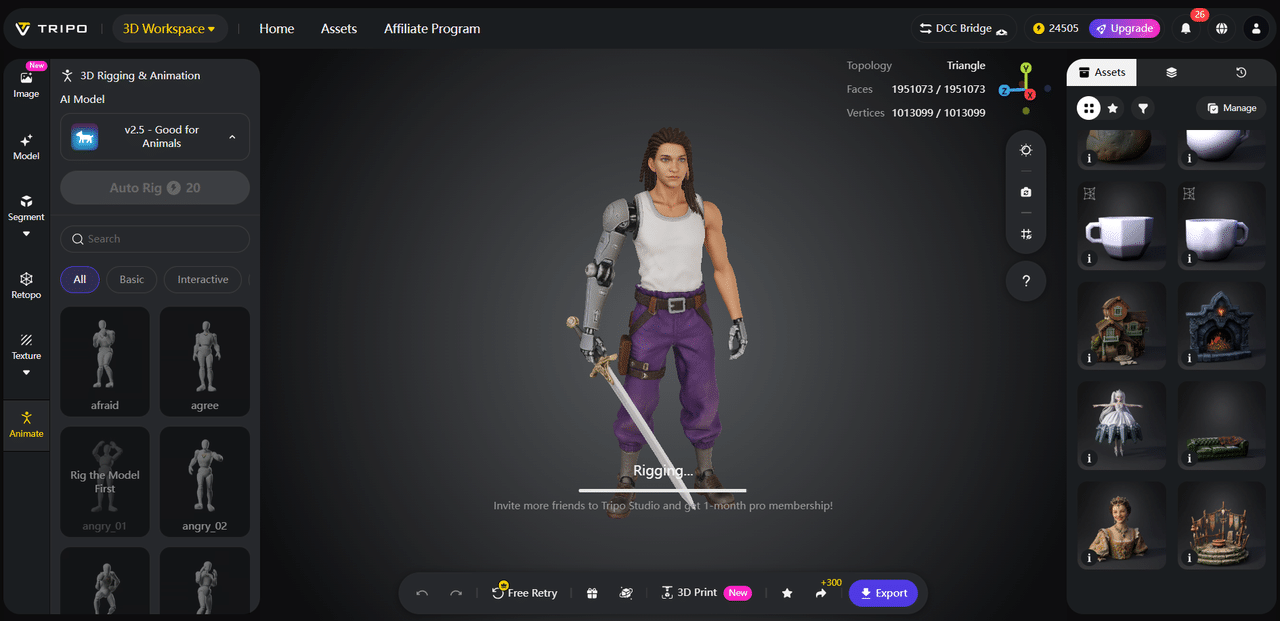
AI Rigging: Rigging is the process of adding “bones” to a 3D model so it can be animated—like making a character walk or a object move. This is one of the most complex parts of 3D modeling, but Tripo Studio’s AI Rigging automates it. You can create a rigged model in minutes, even if you’ve never rigged anything before. It’s perfect for hobbyists who want to animate their 3D creations or small businesses that need animated assets for social media.
Who Can Use Tripo Studio? Everyone!
Tripo Studio isn’t just for professionals—it’s for anyone who wants to create 3D content. Students can use it for school projects, from 3D art assignments to science models. Hobbyists can create 3D models of their favorite characters, props, or even their own inventions. Small business owners can use it to create 3D product models for their website or social media, helping customers visualize products better. Even teachers can use it to create interactive 3D teaching tools to engage students.
Why Tripo Studio Is Better Than Other 3D Tools for Beginners
Most professional 3D software (like Blender or Maya) has a steep learning curve—you might spend weeks just learning the basics. Tripo Studio, on the other hand, is designed to be intuitive. The interface is simple, the tools are easy to understand, and the AI does the hard work for you. It’s also an all-in-one tool—you don’t need to download multiple programs to model, texture, and rig your assets. And best of all, it’s affordable, with a free trial so you can try it before you buy.
Tutorial: Create Your First 3D Model in 5 Simple Steps
- Sign up for a free Tripo Studio account and log in—no credit card required.
- Click “Create New” and select “Image to 3D Model.” Upload a photo of something you want to turn into 3D (e.g., a flower, a mug, or your phone).
- Wait a few seconds for the AI to generate the 3D model. If you don’t like it, you can upload a different image or adjust the settings.
- Use AI Texturing to add a realistic texture—try “soft green leaves” for a flower or “shiny metal” for a phone.
- Export your model and share it with friends, post it on social media, or use it in your project. Congratulations—you just created a 3D model!
3D modeling doesn’t have to be hard. With Tripo Studio, anyone can create professional-quality 3D assets in minutes. Whether you’re a beginner looking to learn the ropes or a hobbyist wanting to bring your ideas to life, Tripo Studio has everything you need. Sign up for your free trial today and start creating!

