


RYOBI power tools are known for their durability, efficiency and innovation. No wonder they’ve been a favourite with DIYers in Australia for so long now! But even the best tools occasionally run into problems because of wear or misuse by users’ battery issues. Familiarity with how to troubleshoot common RYOBI tool problems can help you to save time and money, as well as ensuring that your projects get done on schedule.
Here’s a simple guide to diagnosing and fixing the most common RYOBI power tool problems.
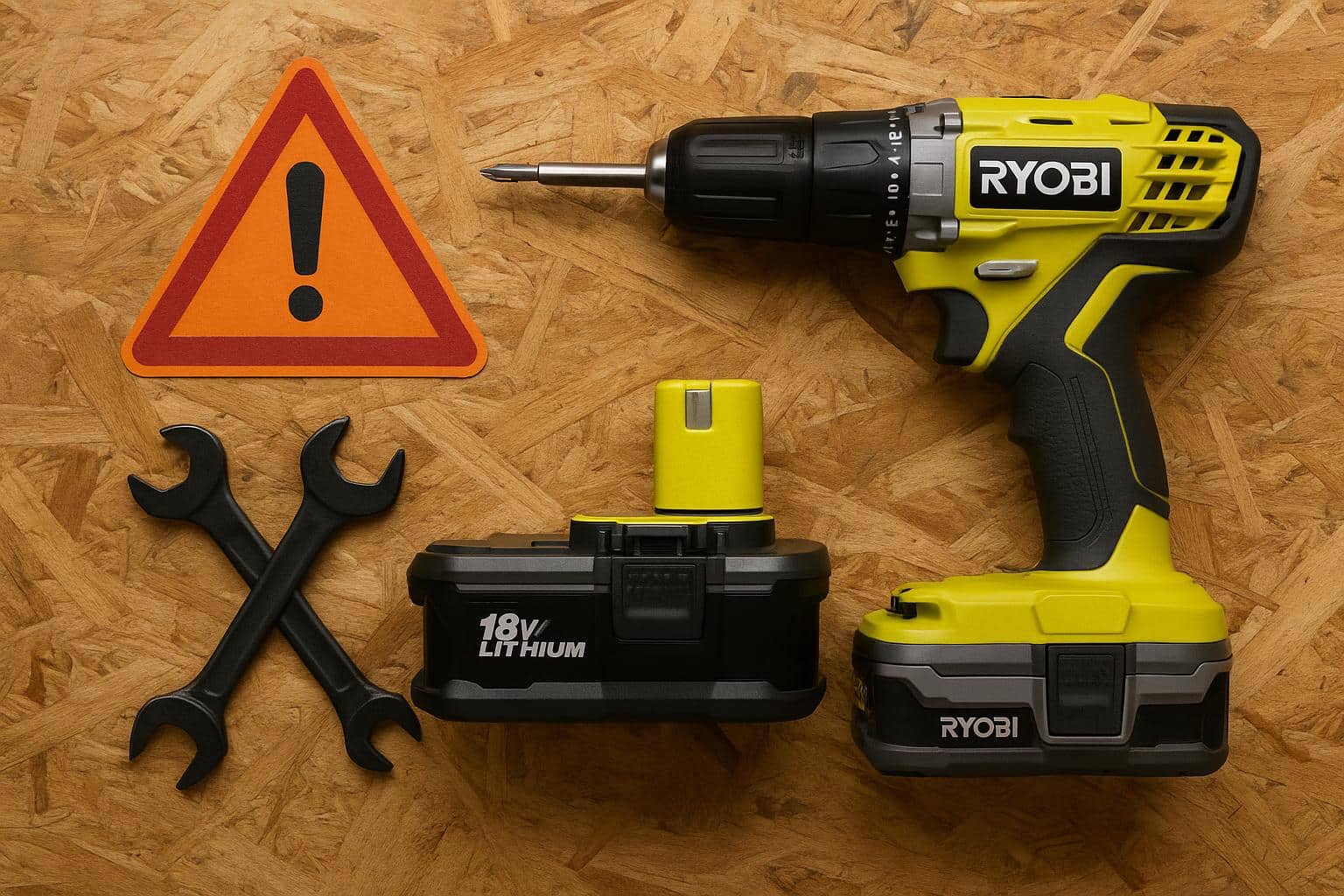
1. Power Tool Won’t Start
One of the most common issues RYOBI users face is a tool that won’t start. The problem might be simpler than it seems.
Possible causes, fixes, and troubleshooting for RYOBI power tools:
Battery not charged or faulty: Check that your battery is fully charged. Try another battery to confirm if the issue lies with the power source.
Loose battery connection: Remove the battery and reinsert it securely until it clicks in place.
Trigger lock or safety switch: Some RYOBI tools have safety locks. Make sure it’s released before starting.
Dirty or corroded terminals: Clean the terminals using a dry cloth to ensure a good connection.
If none of these solutions work, your tool might have an internal electrical issue that needs professional service.
2. Motor Stops or Overheats
If your RYOBI tool suddenly shuts off or feels hot to the touch, overheating could be the issue.
Fixes to try:
Rest the tool: Stop using it and let it cool down for 15–20 minutes.
Clean air vents: Dust or debris blocking ventilation can cause overheating. Use compressed air or a brush to clear vents.
Avoid overloading: Don’t force the tool beyond its capacity. For example, pushing a drill too hard can make the motor overheat.
Use correct battery: Some tools require high-output batteries for longer use without overheating.
Continuous overheating can damage the motor permanently, so always let the tool rest between long tasks.
3. Battery Not Charging or Holding Charge
RYOBI’s ONE+ lithium batteries are reliable, but they can sometimes fail to charge due to temperature, age, or contact issues.
Possible causes and fixes:
Charger light not turning on: Check your power outlet or extension cord. Try plugging the charger directly into a wall socket.
Battery too hot or cold: RYOBI chargers include thermal protection and won’t charge batteries that are too hot or cold. Let the battery adjust to room temperature before charging again.
Dirty contacts: Wipe the battery and charger terminals with a clean, dry cloth.
Battery at end of life: After several years of use, lithium batteries naturally lose capacity. Replacement may be needed.
For consistent performance, store batteries in a cool, dry place and avoid full discharge whenever possible.
4. Poor Performance or Loss of Power
If your RYOBI power tool feels weak or operates slower than usual, several factors may be at play.
Try these fixes:
Battery nearly empty: Even a partially drained battery can affect power. Recharge or swap for a fresh one.
Worn brushes or motor parts: Over time, the carbon brushes in corded RYOBI tools wear down. These can be replaced at an authorized service center.
Clogged filters or vents: Clean vents and filters regularly to maintain airflow and prevent motor strain.
Improper attachments: Using dull blades, bits, or sanding pads can make the tool feel underpowered. Replace worn accessories.
5. Unusual Noises or Vibrations
Unusual sounds or vibrations are warning signs of internal issues that shouldn’t be ignored.
Common causes include:
Loose screws or parts: Tighten all external screws, guards, and attachments.
Worn bearings or gears: Persistent grinding noises may indicate internal wear — have it checked by a RYOBI service technician.
Unbalanced accessories: Ensure that drill bits or saw blades are properly centered before use.
Ignoring these indicators may eventually result in more serious and costly issues.
6. Safety Switch or Trigger Malfunction
If your tool doesn’t respond when you press the trigger, the safety mechanism might be jammed.
Fixes:
- Disconnect power or battery.
- Check if debris or sawdust is stuck around the trigger.
- Clean carefully using compressed air or a soft brush.
- Do not force the switch — if it feels loose or stiff, seek professional servicing.
7. When to Contact RYOBI Support
If troubleshooting doesn’t solve the issue, reach out to RYOBI Support Australia or visit an authorized service centre. They can diagnose deeper electrical or mechanical faults and ensure repairs use genuine RYOBI parts.
You can contact support through the official RYOBI Australia website or locate a nearby service centre using your postcode.
Keep Your Tools in Top Shape
Understanding how to troubleshoot common RYOBI power tool issues helps you work smarter and safer. With regular maintenance, proper storage, and quick attention to small problems, your RYOBI tools will stay reliable for years to come.
When in doubt, rely on RYOBI’s expert support network — because taking care of your tools means taking care of your craft.

