


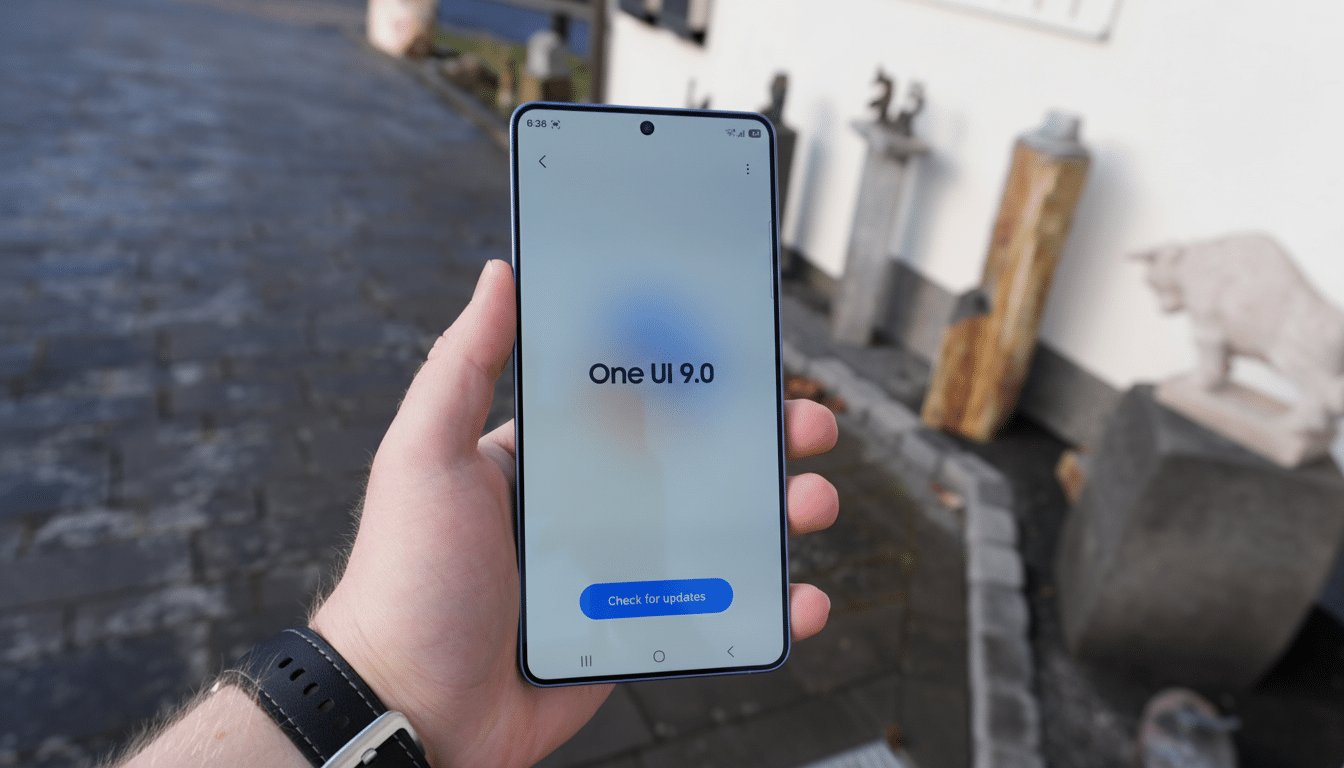
A fresh leak points to a visual refresh in Samsung’s next big software update, with One UI 9 reportedly bringing a darker Now Bar, squarer widgets, and a smarter way to select photos in the Gallery. Early screenshots, shared by the enthusiast outlet SammyGuru, suggest Samsung is tuning everyday touchpoints rather than overhauling the interface—small changes that could make the system feel cleaner, more coherent, and easier to use.
What the leaked One UI 9 screenshots reveal so far
The standout is the updated Now Bar. According to the leak, the music control pill now adopts a darker background that should boost contrast and legibility, especially in low light. The track title appears at the top while a wavy animation runs along the bottom of the pill—an effect reminiscent of Android’s modern media controls, where dynamic shapes visualize playback progress. Long-pressing the Now Bar reportedly surfaces quick options, including a faster path to its settings or the ability to remove the toggle entirely.
These are subtle but meaningful tweaks. The previous iteration of Samsung’s media controls leaned into bold, rounded elements; the new style looks more deliberate, pushing key information to predictable locations and minimizing visual noise. If Samsung also calibrates animation timing and haptics here—as it has done in prior One UI updates—the Now Bar could feel less decorative and more informative.
A sharper widget aesthetic with squarer corner styles
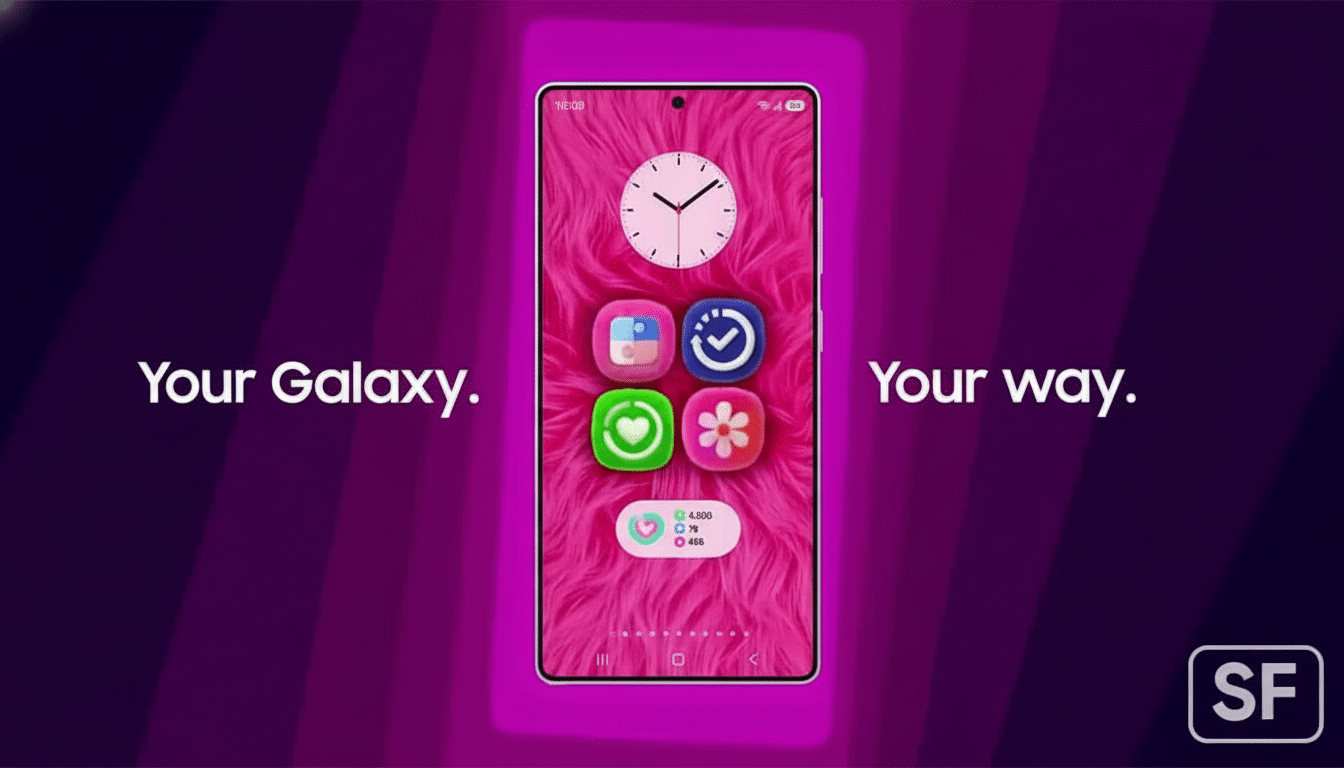
The leak also shows widgets shifting to more squared-off corners across system components, including the Weather widget, the Now Bar widget, and the company’s browser widget. The publication indicates there may be presets for corner styles, hinting at user-selectable geometry that moves beyond the “one size of roundness fits all” approach of past builds.
This would mark a notable design pivot. One UI has long favored pill shapes and heavy rounding, while Android’s broader Material You direction has experimented with variable radii and bolder geometry. A squarer, more modular widget system could improve information density and alignment on home screens, creating tidier layouts on both compact phones and the larger canvases of foldables and tablets.
Gallery selection gets smarter with a new multi-select box
The most practical change might be in the Gallery app. Leaked images show a softly blurred box that appears when you multi-select photos; as you tap items, they accumulate into this box, making your selections visible in one glance. The screenshots suggest a cap of up to 15 items in the box at once.
That’s a quality-of-life improvement with real impact. Today, power users regularly bounce between selecting, sharing, and organizing batches of images. A persistent selection box reduces context switching and makes bulk actions—like picking a set for messaging, editing, or album creation—far less error-prone. It’s similar in spirit to how Google Photos surfaces selections along the top, but Samsung’s blurred container could be more visually distinct and easier to parse at speed.
Why these subtle One UI 9 tweaks could matter every day
Interface updates that live in the shade—media controls, widgets, and selection behaviors—often punch above their weight. They are touched dozens of times a day, and small frictions add up. A higher-contrast Now Bar aids readability and accessibility; squarer widgets can enhance grid cohesion; a live selection box shortens the path from intent to action.
The scale of the audience also matters. Samsung has led global smartphone shipments in multiple recent quarters at roughly the 20% range, according to IDC’s trackers. When the company standardizes a design cue, it quietly becomes the default experience for hundreds of millions of people. That makes these micro-improvements especially consequential.
Rollout expectations and caveats for Samsung’s One UI 9
Samsung is still busy pushing the stable One UI 8.5 release broadly after launching it with the Galaxy S26 line, so One UI 9 is unlikely to land imminently. Historically, major One UI builds reach recent flagships first, followed by foldables and upper mid-range devices, with wider coverage over subsequent months. Samsung’s extended update policy on newer phones means these refinements should reach a long tail of devices once finalized.
As with any pre-release peek, treat the leaked screenshots as provisional. Visual treatments, animations, and customization toggles can evolve—or disappear—before stable rollout. Still, the direction is clear: One UI 9 appears to prioritize a cleaner visual hierarchy, greater customization, and smoother multi-select workflows, the kind of day-to-day polish that often makes a new version feel instantly “right.”
If these changes stick, One UI 9 won’t just look different—it will likely help users do the same things a little faster, with a little less effort. That’s the kind of upgrade you notice without having to look for it.

