


A rare bundle is making waves among deal hunters: a lifetime license to Microsoft Office Professional 2021 paired with Windows 11 Pro for just $42.48 when you use the checkout code MARCH15. For anyone tired of recurring software bills, this is a pay-once-and-own alternative that undercuts typical retail pricing by a wide margin.
Why This One-Time License Matters for Many Users
Software spending has shifted hard toward subscriptions, but not everyone needs rolling upgrades. Microsoft’s own figures highlight the trend, with Microsoft 365 consumer subscriptions surpassing 70 million according to recent earnings reports. Yet a sizable group of users—students, freelancers, small offices, and home PCs that do familiar tasks—often value predictability over perpetual add-ons. A one-time license locks in core tools without the anxiety of annual renewals or price hikes.
- Why This One-Time License Matters for Many Users
- What You Actually Get in This Windows and Office Bundle
- How Big Is the Discount Compared to Microsoft Pricing
- Perpetual Office Versus Microsoft 365: Key Trade-Offs
- Compatibility and Requirements for Windows 11 and Office
- The Catch and How to Vet a Seller Before You Buy
- Who Should Consider This Deal and Who Should Skip It

What You Actually Get in This Windows and Office Bundle
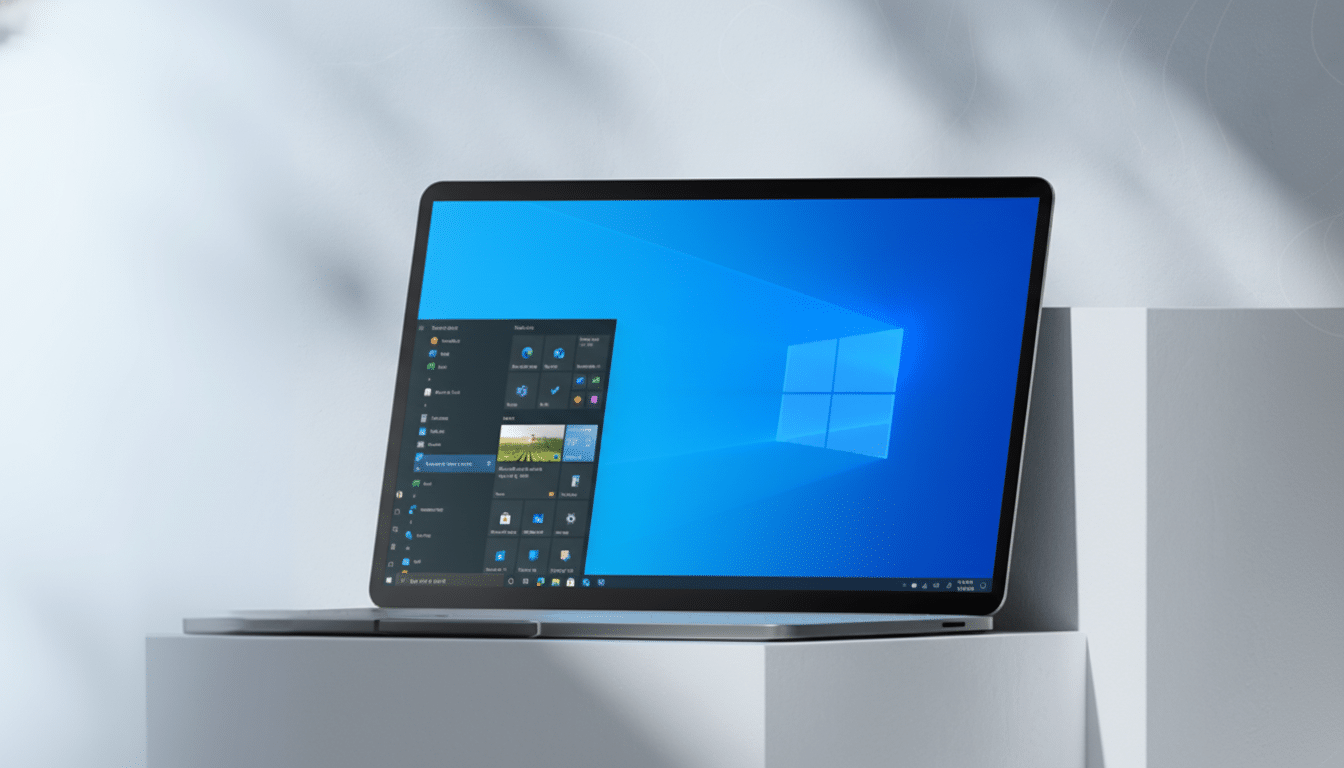
The bundle typically includes Windows 11 Pro and Office Professional 2021 for a single Windows PC. Office Pro covers Word, Excel, PowerPoint, Outlook, Publisher, and Access—enough to handle documents, budgets, decks, email, desktop publishing, and databases. It’s a classic perpetual license: once activated, it remains tied to that machine for its life.
Windows 11 Pro adds work-ready features beyond the Home edition. Think BitLocker device encryption for protecting data at rest, Remote Desktop for secure access on the go, Group Policy for granular control, Windows Sandbox and Hyper-V for testing and virtualization, and enhanced hardware security baselines. Daily usability perks like Snap Layouts, revamped virtual desktops, and improved window management round out the package.
How Big Is the Discount Compared to Microsoft Pricing
Direct from Microsoft, Windows 11 Pro lists around $199. Office Professional 2021 is listed around $439 on Microsoft’s storefront. Bought separately at those prices, you’d pay north of $600. At $42.48, the bundle represents a savings in the neighborhood of 90%—a number that will raise eyebrows, but also explains the deal’s sudden popularity.
Perpetual Office Versus Microsoft 365: Key Trade-Offs
Before you jump, know the trade-offs. Office 2021 is feature-frozen aside from security and stability updates; it does not get the continuous feature rollouts, collaboration extras, or bundled cloud storage that come with Microsoft 365. You won’t see AI-driven Copilot features or monthly Excel/Word innovations. According to Microsoft’s lifecycle documentation, Office 2021’s support window extends into 2026, so you’ll receive important fixes but not marquee upgrades.
On the flip side, Microsoft 365 Personal runs about $70 per year and Family about $100 per year. If you primarily write documents, crunch spreadsheets, and build slide decks without heavy cloud collaboration, the one-time license can pay for itself quickly and keep paying off for years.
Compatibility and Requirements for Windows 11 and Office
Windows 11 has tighter hardware requirements than Windows 10, including TPM 2.0, Secure Boot, and a supported CPU. Microsoft’s compatibility documentation lists approved processors and security standards. If your PC is a few years old, run a compatibility check before counting on the upgrade. Office 2021 runs on Windows 10 and Windows 11, so even if your hardware can’t make the Windows 11 jump now, you can still use the Office license on an eligible Windows machine.
The Catch and How to Vet a Seller Before You Buy
Ultra-low software prices often spark a fair question: is the key legitimate? Microsoft warns that keys from unauthorized marketplaces can be recycled, MSDN, or volume-license leftovers that may stop working. To protect yourself, buy from a seller with clear licensing terms, visible customer support, and a return policy. After activation, confirm your Windows status in Settings > System > Activation and link the digital license to your Microsoft account. For Office, sign in with your Microsoft account and verify your product shows under Services and Subscriptions.
It’s also prudent to note the scope: these deals are generally for one PC, non-transferable. If you replace your motherboard or move to a new system, you may need a new license. That’s standard for many deeply discounted retail or OEM-style keys and is worth factoring into the long-term math.
Who Should Consider This Deal and Who Should Skip It
If your workflow is steady—writing, budgeting, email, slides, maybe an Access database—and you don’t need constant feature updates or integrated cloud storage, a perpetual Office license paired with Windows 11 Pro is compelling. Small businesses that value BitLocker and Remote Desktop, families upgrading an older PC, and students who want a predictable setup can all benefit.
For power collaborators entrenched in Teams, OneDrive, and bleeding-edge Excel features, Microsoft 365 remains the gold standard. But for cost-conscious users who prefer to own software outright, the $42.48 bundle is a rare opportunity to secure both the operating system and the productivity suite in one shot—without another bill in a year’s time.

