


Apple’s latest Mac update quietly adds a feature many laptop owners will notice right away: a new Slow Charger alert. Rolling out in macOS 26.4, the system now flags when your MacBook is connected to a power source that can’t deliver enough wattage, helping you avoid sluggish top-ups and unexpected battery drain.
What The Slow Charger Alert Actually Means
The Slow Charger indicator appears in the battery status menu and above the Battery Level graph in System Settings. According to an Apple support document highlighted by 9to5Mac, it surfaces when your Mac detects a charger, hub, or cable that isn’t meeting Apple’s recommended power for your model. It’s a simple prompt, but a meaningful one for anyone using hotel USB sockets, airplane seats, old phone bricks, or low-wattage USB-C hubs.
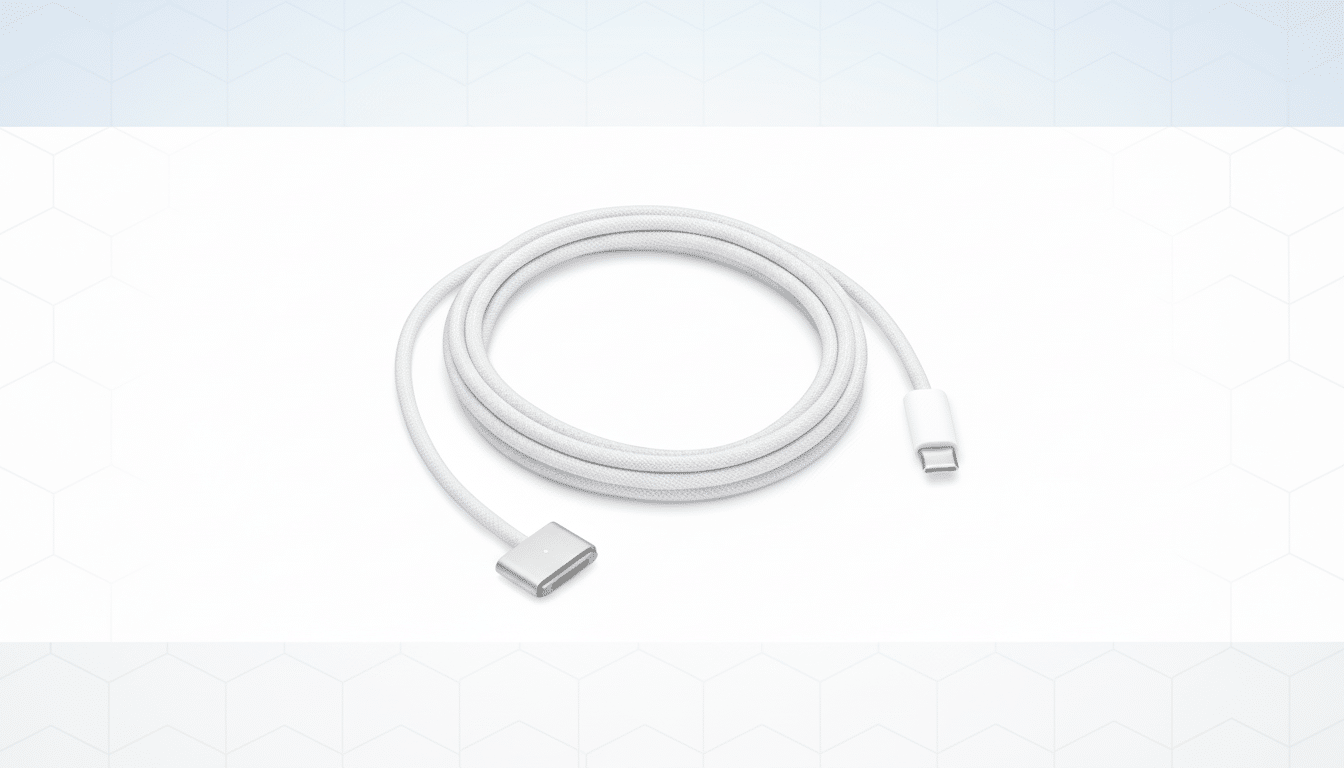
Power Delivery matters more than many realize. Common pass-through hubs cap at 60W, which can be borderline for performance laptops. Apple’s guidance varies by machine—recent MacBook Air models are best paired with 30W–35W adapters, while 14-inch MacBook Pro models often ship with 70W or 96W bricks and 16-inch models can draw up to 140W via MagSafe 3 using USB-C PD 3.1. If you’re running Xcode, Lightroom exports, or gaming on an underpowered adapter, your battery may still discharge under load; the new alert is designed to catch that.
Practical tip: use the original Apple adapter and cable or a certified USB-C PD charger with equal or higher wattage than the one that shipped with your Mac. Also watch the cable—some older USB-C cables can limit power to 60W even if the brick supports more.
Charge Limit Comes to MacBook for Better Battery Health
macOS 26.4 also introduces Charge Limit on MacBooks, mirroring a popular iPhone feature. You can cap charging at 80%, 85%, 90%, or 95% to reduce battery wear, or allow a full 100% when you need maximum runtime. The control sits alongside Optimized Battery Charging in System Settings.
Why bother? Lithium-ion cells age faster when held at high states of charge and high temperatures. Industry research discussed by Battery University and IEEE has long shown that reducing peak charge voltage can significantly extend cycle life. Apple already uses adaptive algorithms on iPhone; giving Mac owners manual limits adds another lever for longevity—especially for people who work plugged in all day.
Note that Charge Limit is a user-set ceiling, not a guess. If you need a full tank before travel, you’ll have to temporarily turn the cap off to top up to 100%.
Safari And System Tweaks Round Out The Release
Safari regains its compact tab bar option for a sleeker layout—welcome news to users who favor vertical space on smaller displays. Apple also refines accessibility with cleaner subtitle and caption menus, and expands payment options for families using Family Sharing, easing shared purchases and subscriptions.
On the fun side, there are eight new emoji, including Bigfoot, a treasure chest, and a killer whale. They’ll roll into Apple’s system keyboard and any app that uses the native emoji picker.
Heads-Up On Rosetta And App Compatibility
Developers and power users will start seeing notifications about apps that won’t make the cut in a future macOS release as Apple winds down Rosetta 2. The translation layer has been a bridge for Intel-only software on Apple silicon Macs; Apple signaled at WWDC that this bridge won’t last indefinitely. These new alerts should give you time to find native updates or alternatives before macOS 27 lands.
Real-World Scenarios and Best Practices for Charging
If your Mac shows Slow Charger when connected through a dock, check the dock’s PD rating—many are labeled 60W or 85W. Video output and peripherals can reduce available charging headroom, especially on bus-powered hubs. Creative workloads or virtual machines can push draw above what the hub can pass through, prompting the warning. Directly connect a higher-wattage adapter or switch to a dock that supports full-system power for your Mac model.
Frequent travelers should pack a PD 3.0 or 3.1 charger that matches Apple’s wattage and a 100W–240W-rated USB-C cable. For 16-inch MacBook Pro users, a 140W MagSafe 3 setup delivers the fastest, most reliable results. Keep an eye on the Battery pane after updating—if you see the Slow Charger banner, you’ll know it’s time to swap gear.
How to Get macOS 26.4 and Enable New Battery Features
Update by heading to System Settings > Software Update and following the prompts. After installation, open System Settings > Battery to set a Charge Limit and confirm the new Slow Charger messaging is active. The combination of proactive alerts and user-controlled charging caps makes this one of Apple’s most practical MacBook updates in recent memory.

