


I spent two years following Apple’s iPhone charging advice to one end: preserve battery health without ruining day-to-day usability. I charged a recent iPhone using the default 80% charge limit, kept optimized battery charging on and tried to avoid heat and deep discharges. Here’s what really went down, repeated over hundreds of charge cycles.
If you’ll accept the short version, though: Battery health declined at a rate slower than I have seen on identical phones charged to 100%, and the real-world payoff was small enough that cutting my daily capacity by 20% often felt worse than the incremental padding of long-term system health.
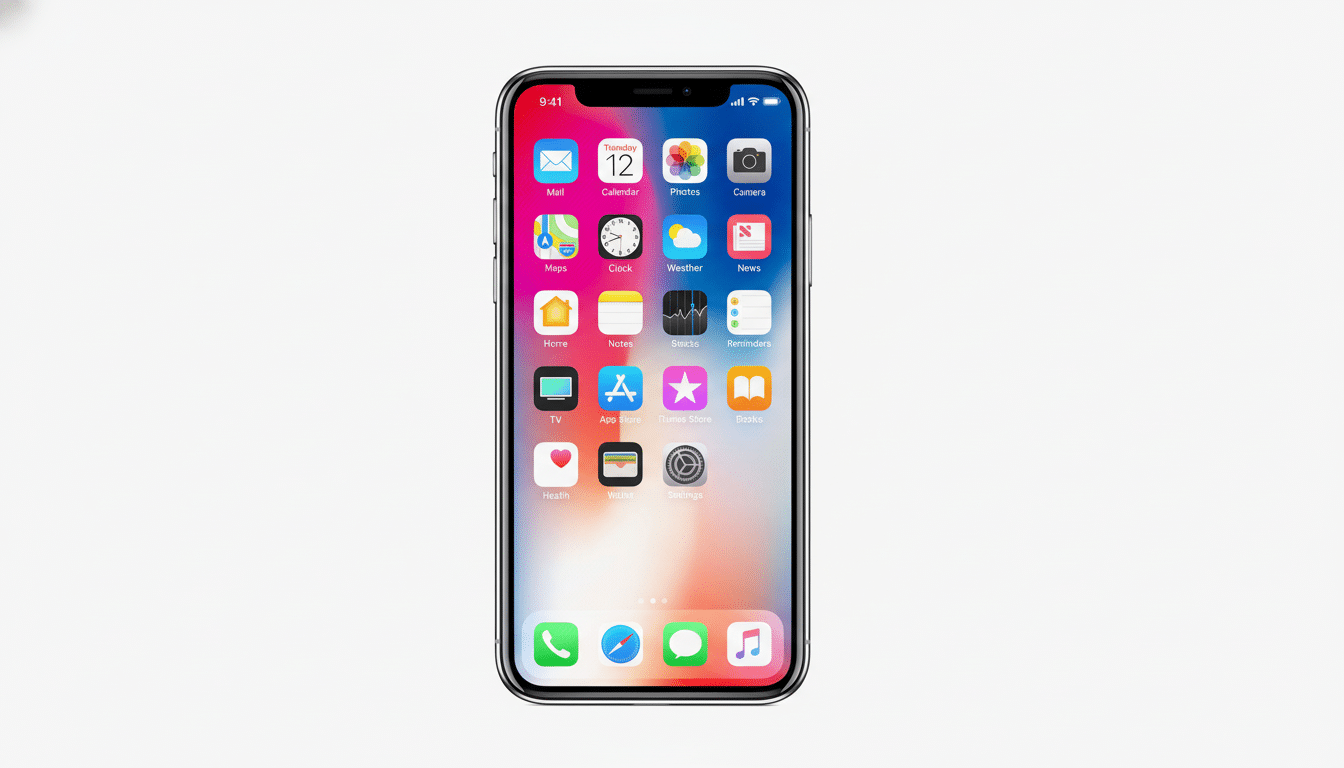
What Apple Recommends for Healthier iPhone Charging
Apple’s guidance amounts to a few main axes: keep the iPhone cool, avoid leaving it fully charged over lengthy spans of time, use an optimized battery charging process that tops off around when you wake up, and, on supported models, consider limiting how high the charge can go (to 80 percent). Apple also claims new iPhone 15 models can maintain up to 80% of their original capacity after long-term use (1,000 full charge cycles) in optimal conditions.
I followed that guidance closely. My setup: 80% charge limit on most days and overnight optimized charging, with 20W wired charging (or MagSafe) used only at home, without a case during charging to reduce heat, as well as no gaming or 4K video capture while plugged in.
The Numbers, After Two Years of Careful Charging
iOS analytics recorded approximately 680 full-cycle equivalents over a period of about 24 months. According to Battery Health & Charging, my battery health dropped from 100% to 89%. My six-month checks were at about 96%, 92% by a year, ~90% around 18 months and 89% at two years. Ambient temperature remained mild, with only a few summer days causing the phone to warm up during maps and camera use.
By contrast, coworkers who were charging to 100% daily must have ended somewhere around 85%–87% after two years (cycle counts in the same area). That implies perhaps the 80% cap has a 2 to 4 percentage point advantage under careful regimes. It jibes with what independent testers have found, and reinforces a similar conclusion reached by MacRumors staff member Juli Clover after an 80 percent limit test over time.
The Daily Tradeoff of Living With an 80% Charge Cap
Living at 80 percent is a tax on your day. On lighter days I ended with 25%–35% of the battery left. On heavy days — photos, GPS, hotspotting — I was consistently below 20 percent by late afternoon; I couldn’t get a power bank out fast enough. That resulted in me having to charge more often and pay closer attention to battery levels than I would prefer.
Sometimes when iOS calibrated and permitted a true 100% charge, it was obvious: that extra comfortable buffer that took battery anxiety out of the equation. The difference made it obvious that the 80% cap was directly costing you runtime, particularly for heavy users who truly want to be able to use up that top-of-tank reserve.
Why the Gains Are Small for iPhone Battery Health
Lithium-ion cells age from two primary forces: cycle aging (use per charge/discharge) and calendar aging (time at high state of charge and heat). Studies aggregated by websites such as Battery University and findings published in journals including the Journal of Power Sources indicate that raising the temperature or overcharging over a long period can speed up the growth of the solid electrolyte interphase, which robs capacity. It also helps to spend less time at 100%, but that’s just part of the picture.
In practice, iPhones are already quite aggressive in how they manage charging. Optimized charging minimizes time at 100%, and thermal controls slow the charge when the system heats up. If you primarily charge overnight at room temperature, you’re already steering well clear of worst-case scenarios. Which is perhaps why my 80% strategy produced gains in the single digits instead of something highly dramatic.
What I’ll Do Next to Balance Health and Usability
I’m going back to the 100% target line and leaving optimized charging on by default, while reserving the 80% cap for trips, hot days, or days when I know I’ve been good about giving my phone rests. Maximum daily runtime, minimal extra wear: That’s a more appropriate balance, especially considering how much protection Apple puts around the pack in its software already.
Practical Tips, and Not the Usual Ones You Hear
- Keep the phone cool. Heat is the No. 1 way to kill a battery, so do not charge your device under pillows, in hot cars or while gaming or filming directly in the sun.
- Use optimized battery charging. Teach the phone your routine so it doesn’t remain at full charge for all of those hours.
- Prefer moderate-power, certified chargers. 20W for Apple is a good default. If the phone feels hot — or even warm to the touch — unplug and let it cool.
- Avoid frequent deep discharges. Charging between 20% and 80–100% is better than yo-yoing from single digits to full.
- Take off thick cases when charging, and place MagSafe pads on hard surfaces so heat can escape.
Bottom line after two years: Apple’s recommendations work, but the 80 percent cap by itself is not going to revolutionize battery longevity. It gets you a span of a few percentage points if you can tolerate the daily compromise. For most people, optimized charging, moderate temps and sane habits will give them a balance of battery life and convenience.
