


If the idea of renting software makes you cringe, here’s a rare bit of good news: a full-featured PDF editor (with viewing ability) that you don’t have to pay for again and again.
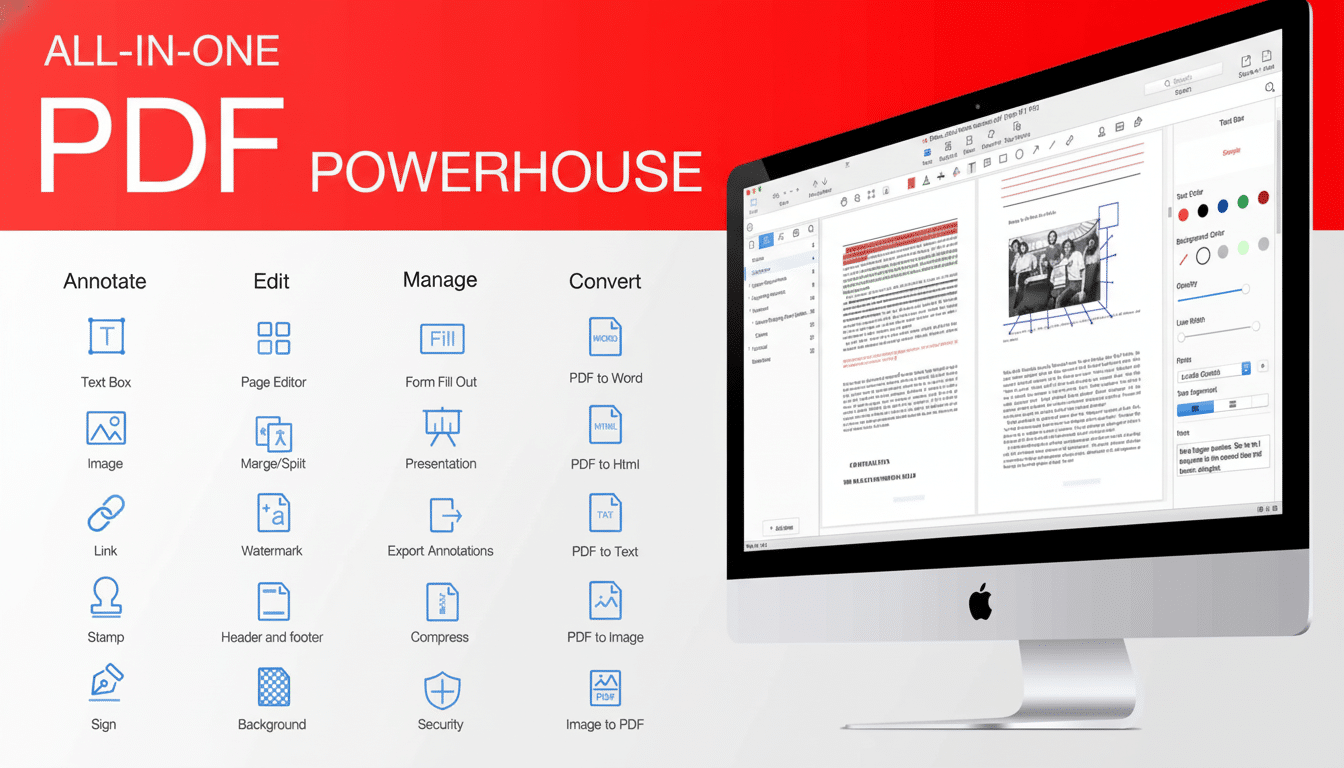
PDF Reader Pro adds the tools most folks need for everyday work with PDFs — editing text and images, merging or splitting files, annotating documents, applying a signature, and more — without the monthly fees that come standard in premium PDF suites.
- Why a One-Time PDF Editor License Matters
- Practical Ways to Use This Full-Featured PDF Editor
- OCR and Forms Designed for Actual Workflows
- Performance and Everyday Usability for Large Files
- How It Compares With the Big-Name PDF Editors
- Who Stands to Benefit Most From This PDF Editor
- Bottom Line: A One-Time License Worth Considering
Why a One-Time PDF Editor License Matters
Subscriptions pile up fast. According to a search this morning, the annual cost of popular PDF editors is approximately $19.99–$22.99/month per user, which multiplies to $240–$276 per year for one seat. That’s the cost of several perpetual licenses over the course of two years. For freelancers, small businesses, and schools operating on tight budgets, a single purchase can translate into significant savings without any drop in capability.
The PDF format is an international standard (ISO 32000), so an editor you own will never become obsolete. In contrast, some cloud-first tools will need continued access to proprietary services, but a local full‑featured editor can help ensure that your documents will be accessible and editable even if your software stack changes.
Practical Ways to Use This Full-Featured PDF Editor
PDF Reader Pro allows you to edit live text and swap images within a PDF, then format fonts, spacing, and alignment to mirror the original layout. You may add a file or several to the batch and they will be added to a queue, where you can copy, move, or delete pages. Annotations — highlights, notes, shapes, and stamps — make team reviews easy.
And batch jobs can take care of such chores as compressing a folder full of PDFs for emailing, adding watermarks to the entire collection, or standardizing the permissions on files. In practice, these time-savers can help turn an afternoon of click-through-the-website monotony into a few minutes of configuration.
Security features include password protection and redaction for permanent deletion of content. We need to be sure digital redaction is done properly: both the US National Institute of Standards and Technology and the UK’s National Cyber Security Centre have issued guidance saying visual black boxes alone are not sufficient — content has to be deleted irreversibly. PDF Reader Pro’s redaction process aims to cover you for exactly that possibility.
OCR and Forms Designed for Actual Workflows
Built-in optical character recognition creates accurate, editable text and searchable PDFs. Today’s OCR engines work extraordinarily well on clean scans — academic benchmarks of packages such as Tesseract report character accuracy in the mid-to-high 90% range for clean input, which is more than enough quality for contracts, invoices, and bank statements.
Form creation is just as helpful: create fillable fields, checkboxes, and dropdowns for client intake or HR onboarding, then export reusable templates. Digital signatures do an efficient job signing off approvals, and under certain circumstances also satisfy regulations including the US ESIGN Act and the EU’s eIDAS Regulation. You should always double-check with your internal policies, but it’s a good set of tools to meet standard business demand.
Performance and Everyday Usability for Large Files
Large technical manuals, or image-heavy submissions, can slow down inferior tools.
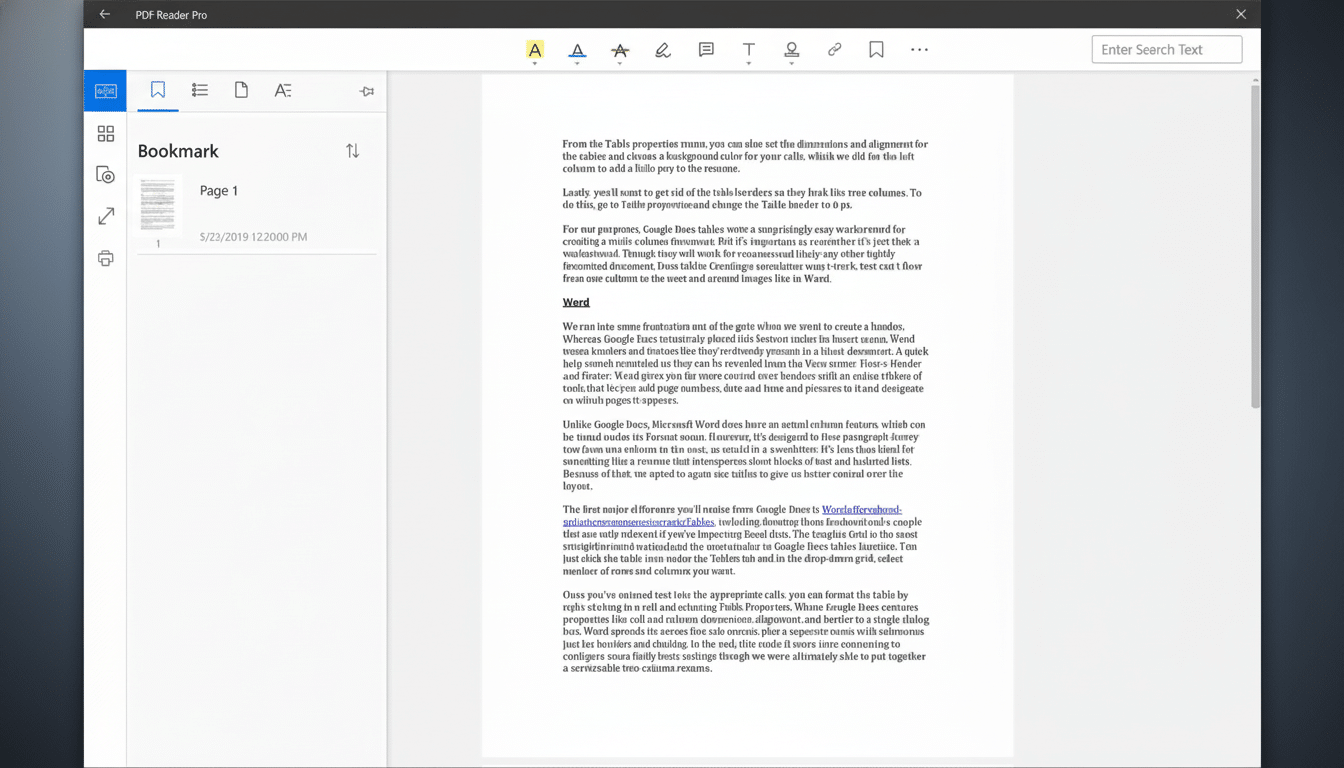
PDF Reader Pro is optimized to open large files so you can view many pages at once, and it still lets you read them easily with less eye fatigue through a night mode. Keyboard shortcuts, custom toolbars, and a navigation sidebar make it easy to switch between your markup and its final export without having to constantly move back and forth.
How It Compares With the Big-Name PDF Editors
Flagship editors from major vendors tend to be great — but they’re priced that way too, with subscriptions that renew until the end of time. PDF Reader Pro checks off the basic list demanded by most professionals: in-document edits, comments, forms and signatures, OCR, secure redaction, batch automation. The truth is those are the features that matter most, day to day, for many users. The perpetual license at $29.97 (list, $79.99) comes in significantly cheaper than both subscription services and many of the market’s perpetual competitors — which can run into triple digits.
It also works nicely with built-in viewers like Preview on macOS or the PDF readers in most web browsers. Here’s where those free tools fall short — perhaps you need to edit live text (not just the image of it), redact, password-protect, or mark up an original form with your signature without jumping through hoops. Those are all things that PDF Reader Pro can help you with, and it won’t push you straight into an expensive plan.
Who Stands to Benefit Most From This PDF Editor
- Independent contractors editing SOWs
- Students annotating their research
- Legal and finance departments making redactions
- Offices using image file type conversions
- HR teams onboarding new hires
And many more people would benefit from a reliable standard editor. Most importantly, many IT desks need it to replace lost DDE functionality. Don’t forget that last statement: “Depend on it.” First off, some who could benefit have never heard of it at all.
It is available as a 1-year/3-PC digital download and also has free version upgrades with no renewal needed, so you are free to standardize on this edition without worrying about new release versions.
Bottom Line: A One-Time License Worth Considering
If you’re interested in professional-level PDF editing without subscription charges, this $29.97 lifetime license is tempting.
What you receive: easy-to-use editing tools the pros use.
- Edit text and images
- Annotate and comment
- Consolidate and organize pages
- Sign documents and collaborate
- Work with PDFs and fillable PDF forms
For lots of folks, this is the sweet spot between capability and cost, not to mention an easy way to knock one more subscription off that spreadsheet.
