


Samsung’s new Privacy Display for the Galaxy S26 Ultra is engineered for the modern, shoulder-surfing world. It tackles the everyday problem of prying eyes by making on-screen content readable straight on, but far less legible from off angles—ideal for commutes, cafés, and open offices where confidentiality often collides with convenience.
Rather than relying on a bulky film, Samsung applies a dynamic pixel patterning approach that reduces side-view contrast without crippling clarity for the person holding the phone. The idea is similar to enterprise privacy filters used on laptops, but tuned to OLED characteristics. Security pros have warned for years that “visual hacking” is both common and easy; a widely cited experiment by 3M’s privacy group found visual hacks succeeded in 91% of attempts. Against that real-world backdrop, here are four practical things you can do with Privacy Display on the S26 Ultra.
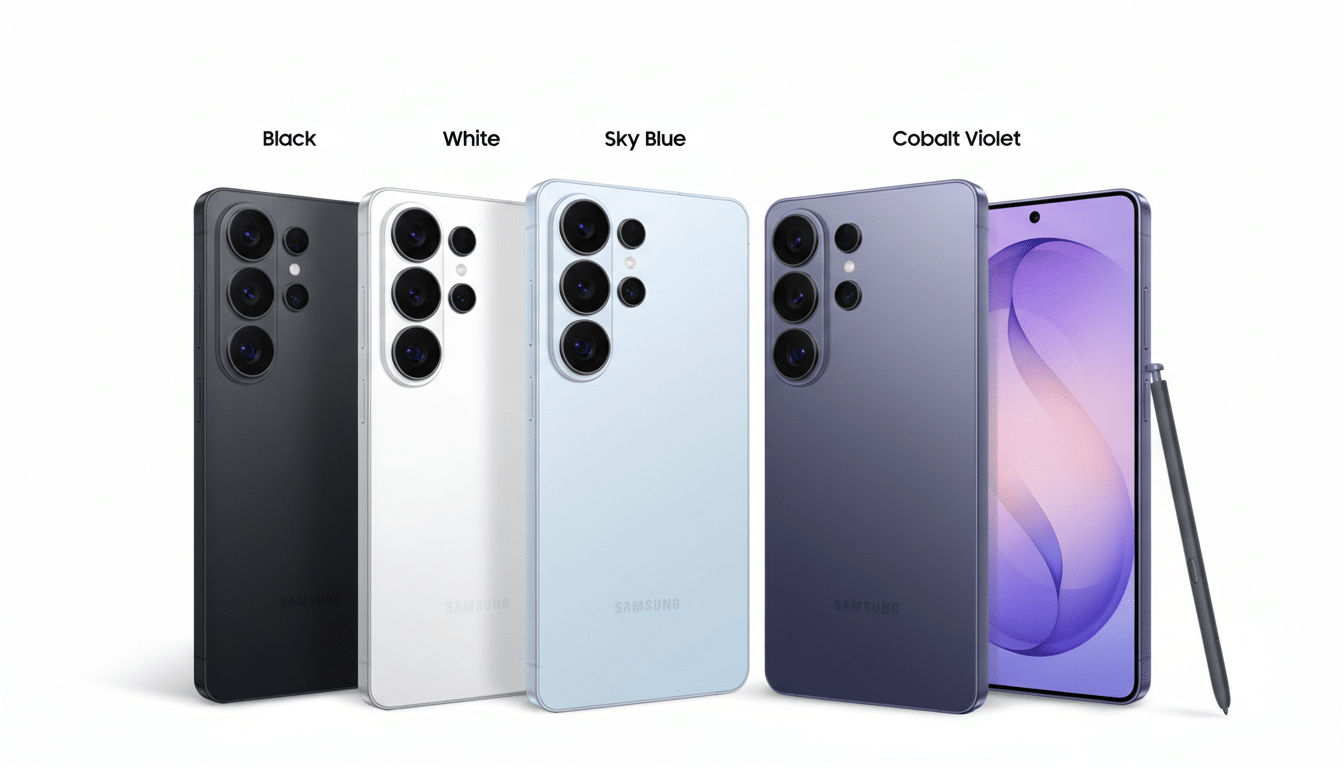
Automatically Lock Privacy Display for Sensitive Apps
If there are apps you never want exposed—banking, password managers, health records—you can set Privacy Display to always activate the moment those apps open. That per-app control means you don’t have to remember to toggle protection every time you check a balance or approve a transfer at the checkout line. It’s the smartphone equivalent of frosted glass for your most sensitive tasks, and it’s particularly useful for professionals handling client data in public spaces.
For organizations, this is more than convenience. Mobile device management administrators can standardize privacy requirements by function—think finance tools or proprietary dashboards—so the policy follows the data, not the user’s memory. It’s a small, practical hedge against the human element that security reports from groups like Verizon’s Data Breach Investigations Report continue to flag as a dominant factor in compromises.
Obscure Notifications and Pop-Ups on the Fly
Notifications are notorious for leaking more than intended: names, one-time passcodes, calendar details, even subject lines. With Privacy Display, you can blur or mask those snippets as they appear, keeping lock-screen previews and floating banners from broadcasting your life to the person two seats over. It’s the cleanest fix for the awkward moment when a private message surfaces while you’re showing someone a photo or navigating with maps.
This small setting punches above its weight. Many “visual hacks” happen in seconds and require no technical skill at all. Privacy advocates at organizations like the Electronic Frontier Foundation routinely recommend limiting on-screen exposure; notification obfuscation operationalizes that advice without adding friction to your day.
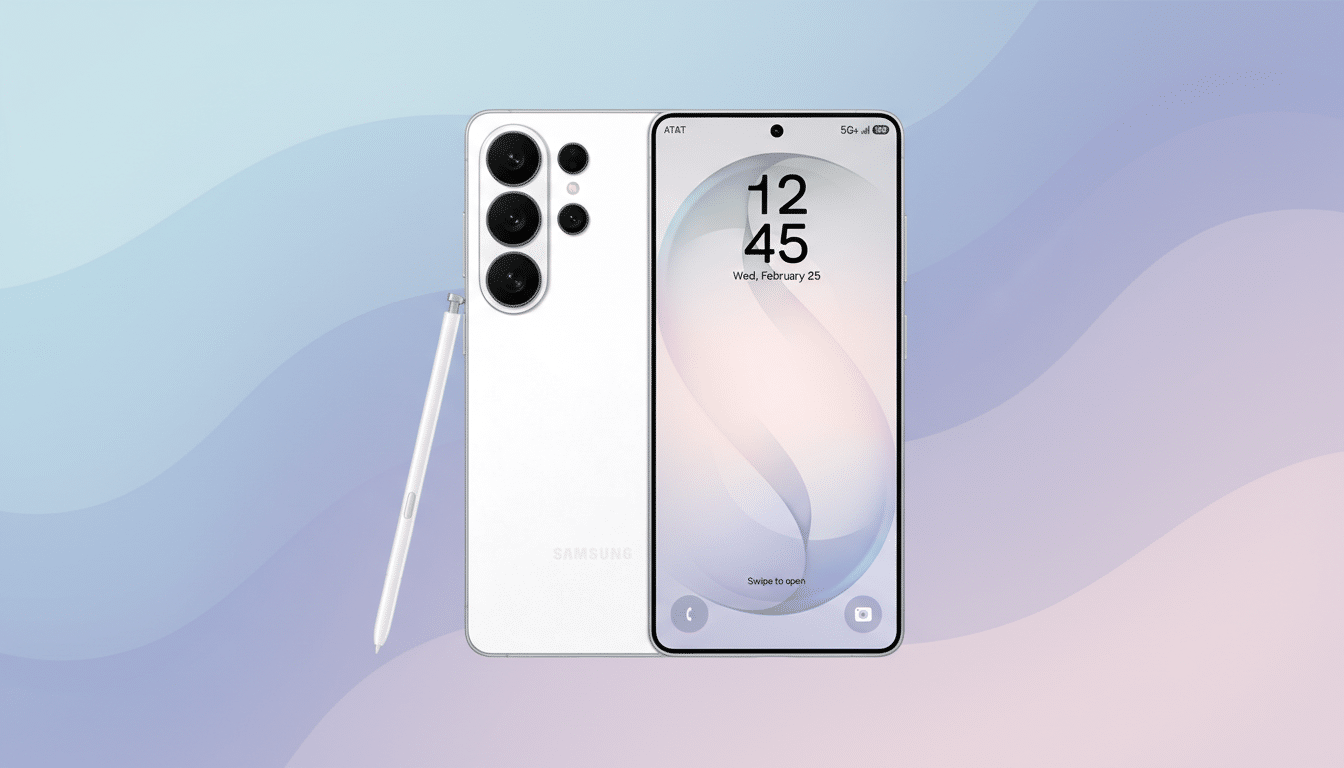
Trigger Instant Privacy with a Hardware Shortcut
Privacy needs can be sudden—a colleague appears at your shoulder, a flight attendant bends near your screen, or you’re entering credentials in a crowded venue. On the S26 Ultra, you can double-press the power button to activate Privacy Display instantly. No digging into menus, no breaking your workflow.
It’s a deceptively important design choice. Security features are only as good as their usability; if they’re buried, people won’t use them. A hardware-level shortcut meets the moment by reducing activation time to a fraction of a second, which is often the difference between discretion and disclosure.
Reduce Side-View Snooping in Crowded Spaces
Ultimately, the marquee benefit is simple: narrow the view. Privacy Display reduces legibility at off angles, so someone in the next seat gets little more than visual noise while you see your screen normally. It’s built for everyday scenarios—tapping a 2FA code on a train, pulling up an e-ticket at a turnstile, or reviewing client notes in a shared workspace—where traditional screen brightness and crisp fonts are ironically the problem.
Expect trade-offs typical of privacy tech: a modest dip in perceived brightness and contrast when the feature is enabled, particularly at extreme angles. That’s a fair exchange for confidentiality, and Samsung’s OLED tuning aims to maintain on-axis readability so you’re not squinting to compensate. Display scientists have long noted that controlling off-axis luminance is the most reliable defense against casual glances; Samsung’s approach brings that principle to a device you actually carry everywhere.
Privacy Display debuts on the Galaxy S26 Ultra as a built-in layer of protection you don’t need to stick on, charge, or remember to pack. Combined with app-level rules, notification masking, and an emergency hardware toggle, it turns everyday discretion into a reflex—precisely where smartphone privacy has too often fallen short.
