


Curious about Samsung’s latest flagships but not ready to switch hardware? Samsung is letting iPhone and non-Galaxy Android users take the Galaxy S26 experience for a spin through its refreshed Try Galaxy web app, a lightweight, on-device simulation of One UI 8.5 that runs right from your phone’s home screen.
The browser-based demo doesn’t mirror chipset speed or camera sensors, but it does re-create the feel of Samsung’s interface and core software features, so you can judge whether the “Galaxy way” fits your habits before setting foot in a store.
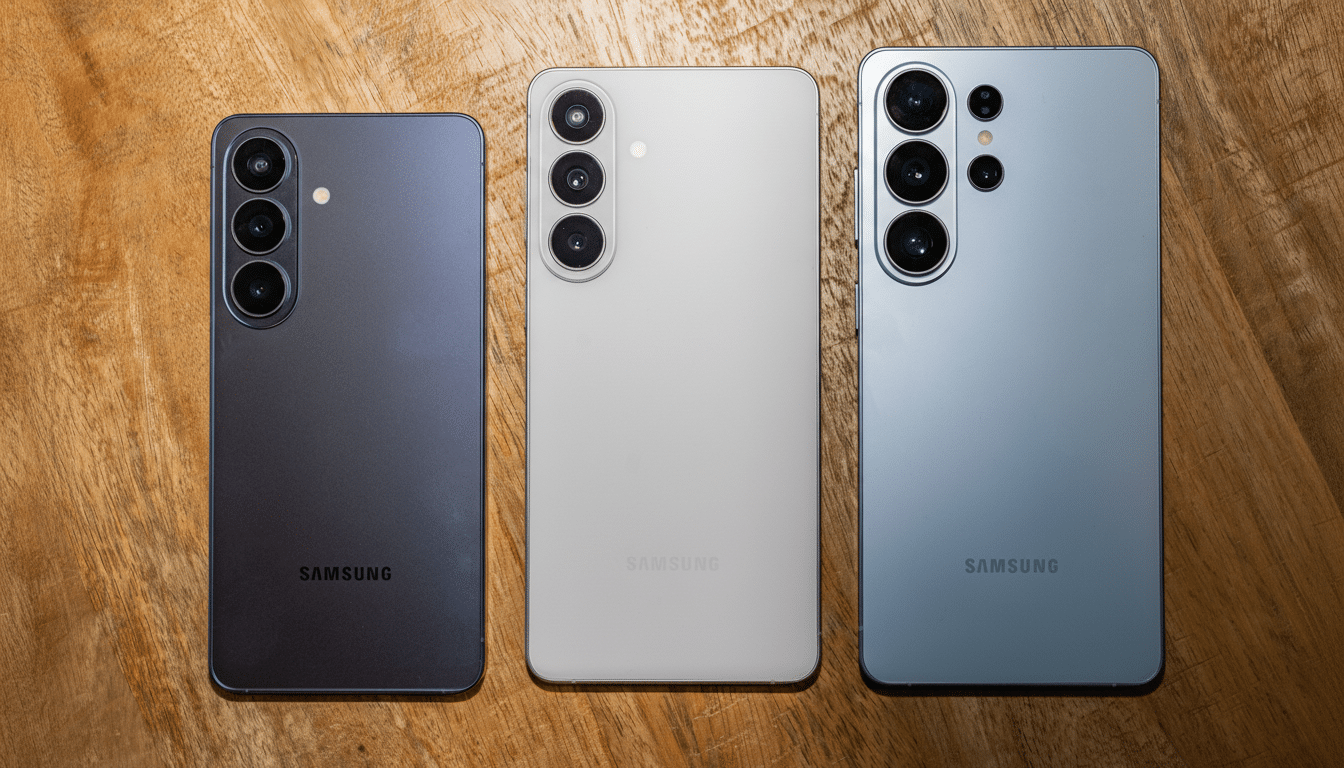
What You Can Explore In Samsung’s Try Galaxy Demo
The latest Try Galaxy focuses on S26-era software highlights. Privacy Display is front and center, simulating Samsung’s viewing-angle shielding designed to deter shoulder surfing in public. You can also test Photo Assist by describing edits in everyday language—think “remove the crowd,” “sharpen the sign,” or “brighten the sky”—to see how Samsung’s AI-driven workflow streamlines common fixes.
Nightography demos showcase how the camera app handles low light with steadier exposure and cleaner detail, while the new Nudge assistant surfaces context-aware suggestions as you move through your day. The walkthrough also previews Smart Switch, Samsung’s migration tool that helps move essentials like photos, contacts, and messages from your current device to a new Galaxy.
Because this is a guided simulation, you won’t be shooting real photos or benchmarking any silicon. What you do get is a realistic sense of the interface, settings layout, camera modes, and the overall cadence of One UI 8.5.
How To Try The Try Galaxy Demo On iPhone And Android
Set Up The Try Galaxy Demo On iPhone
- Open Safari.
- Visit the Try Galaxy site.
- Tap the Share icon.
- Choose Add to Home Screen.
- Launch the new icon to start the demo.
Add The Try Galaxy Demo On Non-Galaxy Android
- Open your browser.
- Open the menu.
- Select Add to Home Screen.
- Launch the icon to start the demo.
The experience is built as a progressive web app, so it feels app-like, supports full-screen mode, and responds to common gestures. It’s designed to be explored in a few minutes, but there’s enough depth to poke at the camera interface, settings, and AI prompts without a download.
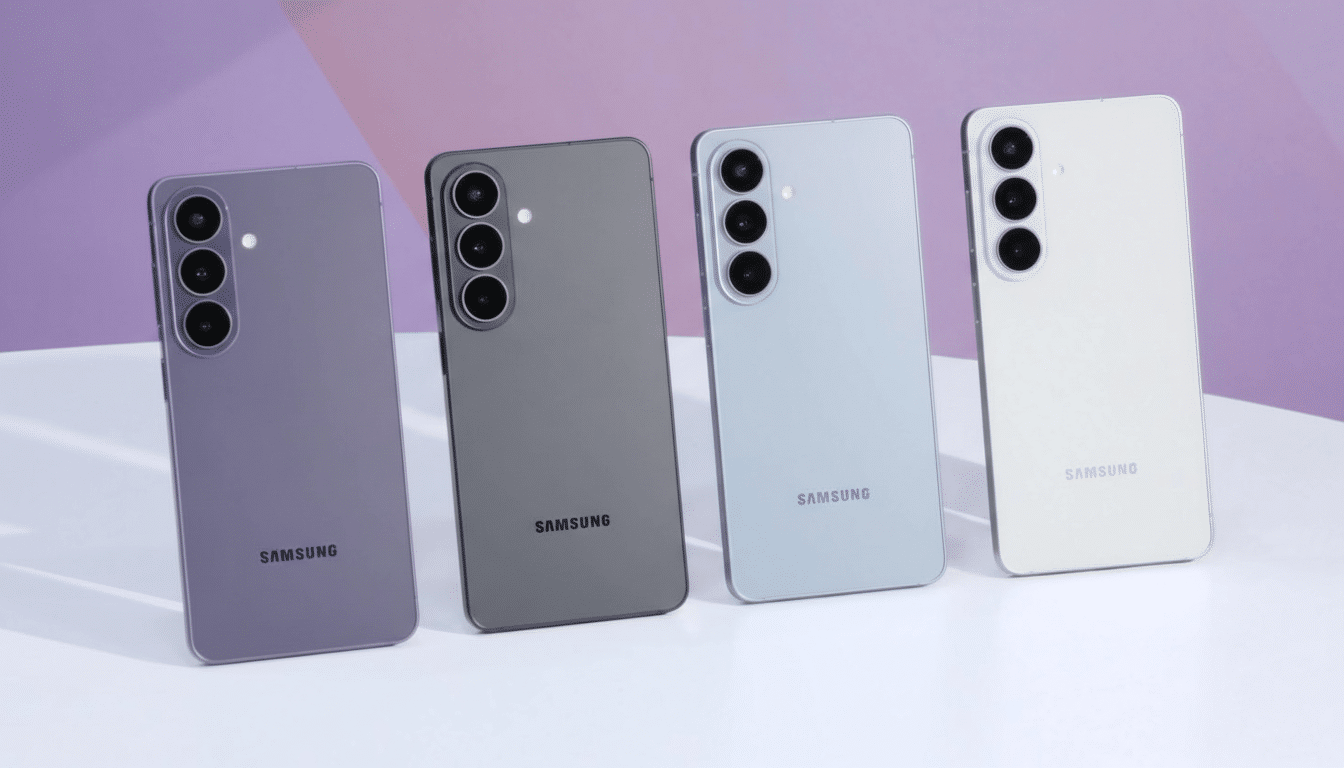
Why This Matters For Switchers Weighing A Platform Move
Switching ecosystems is historically high-friction: new muscle memory, unfamiliar settings, and uncertainty about daily tasks. Usability researchers at Nielsen Norman Group have long noted that hands-on onboarding reduces abandonment, and a live simulation is the closest thing to trying a phone in your own context—your lighting, your grip, your commute—without a purchase.
The timing also fits the market backdrop. IDC’s tracking shows Samsung and Apple frequently trading the top spot in global shipments across quarters, a rivalry that turns on convincing current owners to switch. Apple’s Move to iOS and Google’s Switch to Android focus on migration; Samsung’s tactic here is different—let people “live” the software first, then worry about cables and backups later. Carriers and retailers are backing the pitch with aggressive trade-in offers if you decide to make it official.
Limitations To Keep In Mind When Using The Try Galaxy App
This is still a demo. It won’t reproduce the S26’s display brightness, refresh rate, haptics, battery longevity, or Snapdragon-class performance. On iPhone, the experience runs within WebKit, which means limited access to sensors and system-level hooks; animations and interactions are optimized to feel close, not identical, to native software.
Some showcases—like Privacy Display and Nightography—use illustrative overlays and sample media to convey outcomes. Treat them as a preview of behavior and workflow, not a benchmark. For definitive camera quality or thermal behavior, you’ll want hands-on time with actual hardware.
Bottom Line: Who Should Try It And What To Expect
The revamped Try Galaxy lowers the barrier for iPhone owners and Android holdouts who want to understand One UI 8.5 and Galaxy AI additions without a commitment. Spend a few minutes customizing the home screen, triggering Photo Assist with natural-language prompts, and exploring privacy and camera controls. If it clicks, schedule a quick in-store session to test the hardware and compare trade-in deals. If not, you’ll have your answer—no contracts, no SIM swaps, just an informed decision made on your own phone.
