


According to reports, Samsung is testing a smarter screen recorder in One UI 8.5 that gives you the option to record only a portion of your display — audio and all. It’s a deceptively small tweak that was stolen from OnePlus’ playbook, and yet it could be one of those day-to-day features that makes all the difference for creators, gamers, and support pros alike.
What the leaked One UI 8.5 build screenshots reveal
The feature appeared in a One UI 8.5 test build shared by leaker Ice Universe on Weibo. Screenshots indicate a recording overlay that presents an option to capture the whole screen or a resizable, cropped section. That is to say, you can cut precisely what matters and leave out the rest, then export your output as a regular video with sound instead of a silent GIF.
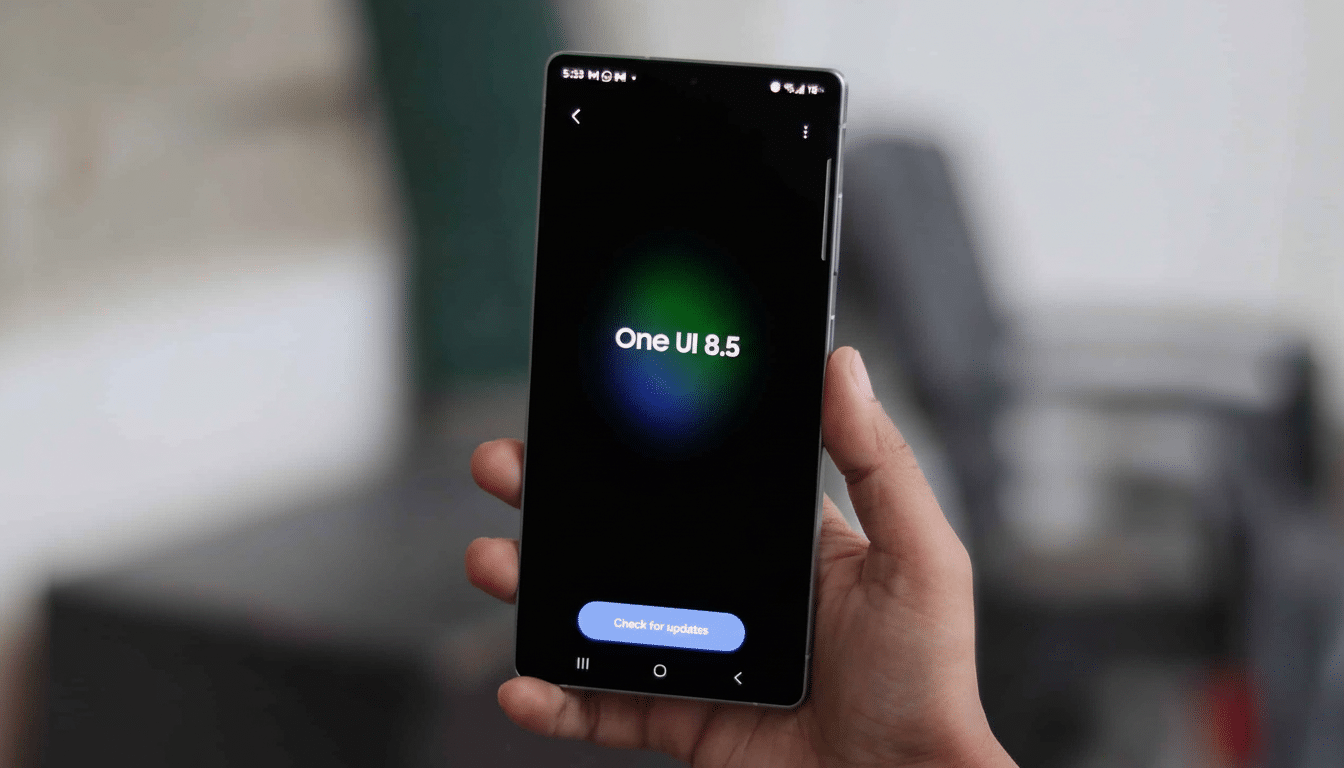
That in itself would be a significant quality-of-life improvement. Today, Samsung’s own tool can do that only for a partial area — the GIF file will be ugly without system or mic audio and is useless for tutorials, app demos, or social posts. Transitioning to real video is easy, and saves the trouble of cropping in post — it will keep clarity and voiceover.
How it compares with Google and OnePlus screen recorders
Google introduced app-only recording in Android 15, which is wonderful from a privacy standpoint as hopping between apps turns the view black, but it still doesn’t allow you to record a specific section of your phone’s screen. OnePlus did it differently in OxygenOS 15 with partial screen recording, allowing users to select a drag-to-size window that captures only the part of the screen you want — picture a video player, chat pane, or game HUD.
If Samsung, beyond possibly an improved version of the feature in its earlier gestation, does bring to One UI 8.5 a similar region-based recorder, it would satisfyingly lack the issues that full-screen recording can have while presenting advantages over app-only capture for games and other visual experiences on your phone.
For those who jump between apps while they record, a regional capture is often the fastest way to get back to telling your story without accidentally grabbing nearby notifications or unrelated content.
Why partial screen recording matters in daily phone use
Short-form video has altered the way we share product tips, game highlights, and bug reproductions. A region recorder lets you:
- Record your gameplay scoreboard or combo meter without the rest of the scene getting in the way.
- Record a settings tile or a sequence of menu steps for an instant tutorial, with you guiding them at each step.
- Submit clearer support tickets by narrowing down the glitch area and keeping sensitive information off-screen.
- Produce vertically oriented clips more quickly, since the source is already cropped for Reels and Shorts.
In my experience, these micro-workflow wins add up. If you can hit record already inside your frame, rather than having to put yourself in it later on, then the friction of manipulation (and of making mistakes) decreases — and so does the risk of posting an image that’s not really what you wanted to share. The sort of tool one uses casually every week without considering it — until it is missing.
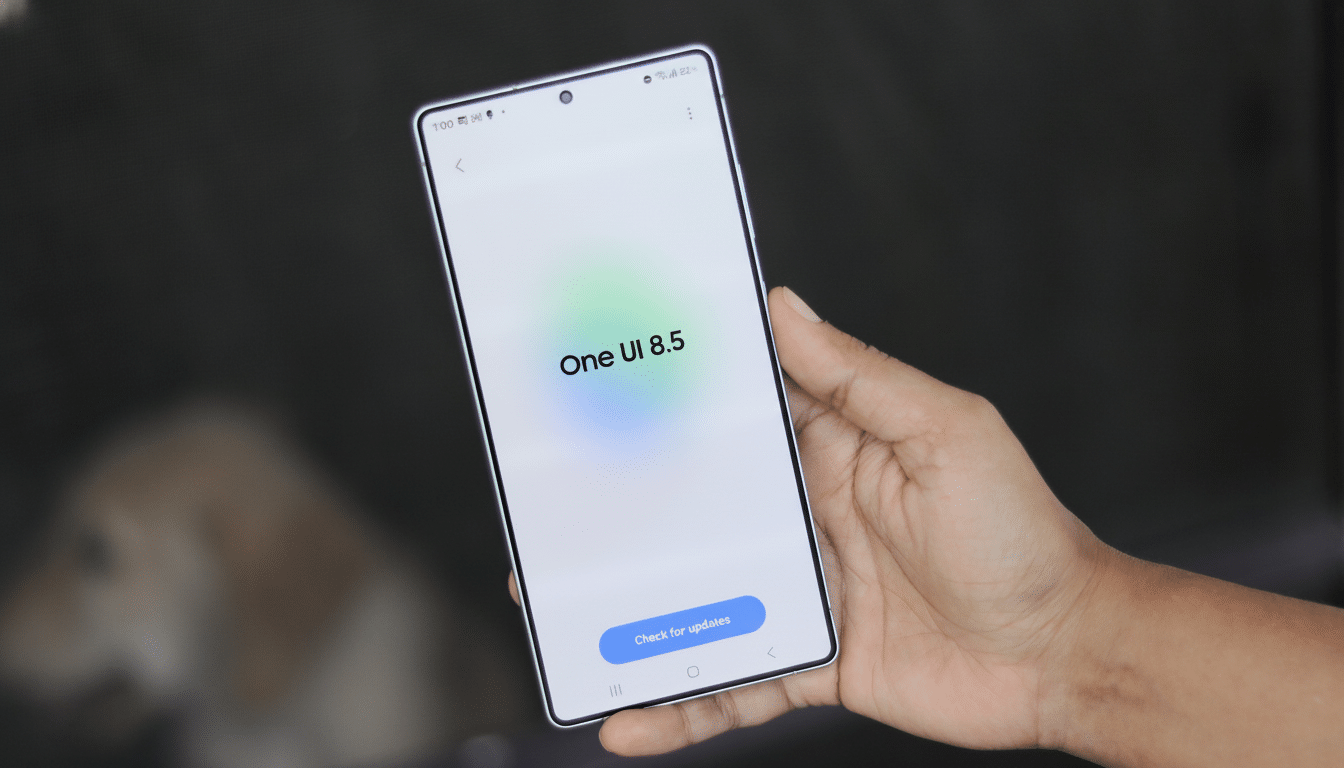
Timing and the usual caveats for One UI 8.5’s rollout
One UI 8 came to devices faster than the previous major release, and 8.5 is heavily rumored to coincide with a new line of Galaxy S flagships.
Like any such pre-release feature found in a test build, there’s no guarantee that it ships or that details won’t change before it does. Yet the proposed implementation appears mature beyond just being a lab experiment.
Among things to test beyond the recorder are a rejuvenated Quick Settings layout and a notification digest styled in line with summary features found elsewhere, as well as enhanced video tools in Gallery — these include support for RAW video tuning and LUTs. That larger push reads as a cycle emphasizing polish and creator-friendly workflows over sweeping visual overhauls.
The competitive context for Samsung and its Android rivals
That kind of development elbow room carries far more weight because of the roughly 250 million devices Samsung sells every year. Samsung has been consistently number one or two globally by shipment volume, according to industry trackers like IDC, so tiny UX improvements reach hundreds of millions of users over a device’s lifetime. In a culture where competitors such as OnePlus, Google, and others iterate fast on utility functions, borrowing a tried-and-true concept — and getting it right — can have as much impact as introducing something entirely new.
Should One UI 8.5 arrive with a decent, audio-capture-enabled partial screen recorder, it will make the very short list of features users notice and quickly adopt for good.
It is not sexy, but it is useful — and that generally counts as smart software.
