


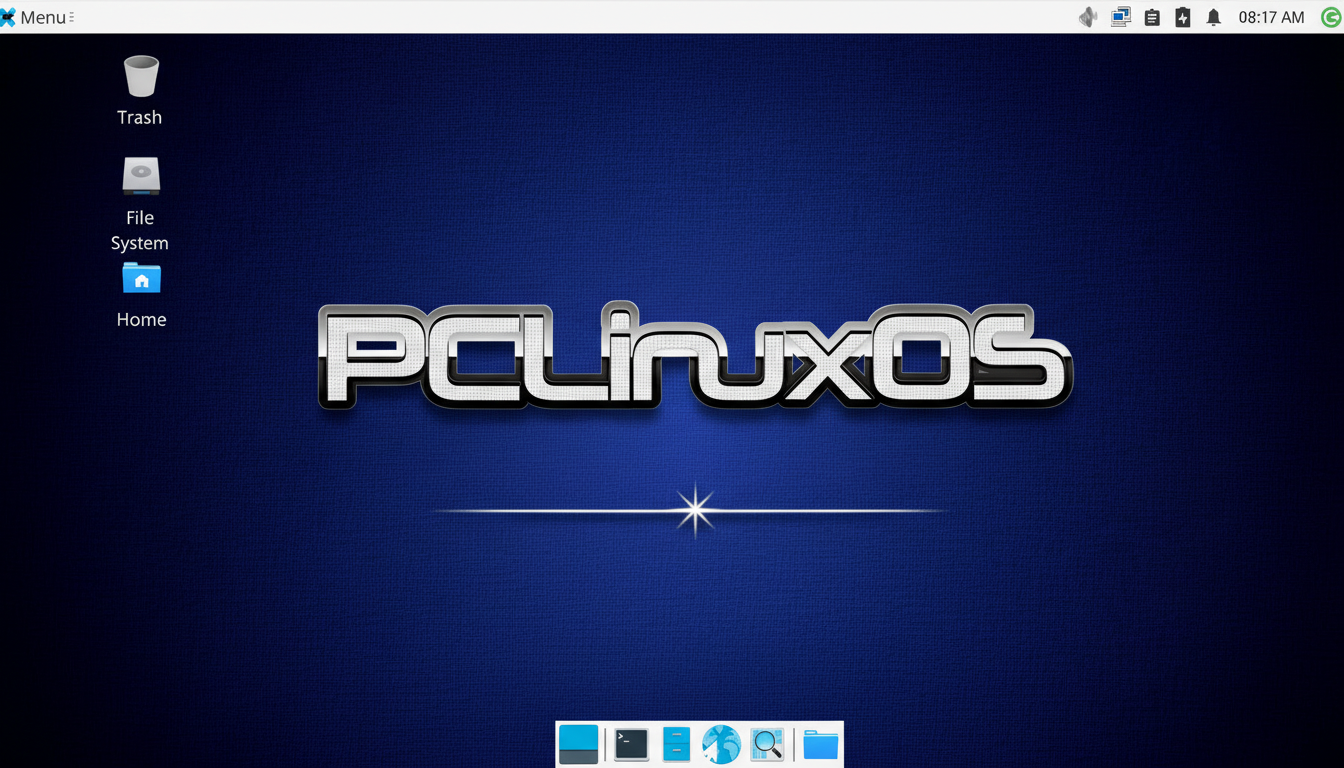
PCLinuxOS is quietly back in the spotlight, reminding longtime Linux users why it once turned heads — and giving frustrated Windows users a painless off-ramp. After years out of the limelight, the veteran distro is drawing fresh attention for doing what it has always done best: delivering a familiar, full-featured desktop that “just works” on real-world PCs.
Why PCLinuxOS Is Back on the Radar for Desktop Users
Page-hit interest has climbed on DistroWatch, a bellwether for community curiosity, and that tracks with what many desktop users are feeling: they want stability without friction. PCLinuxOS — a long-running project led by Bill “Texstar” Reynolds — sticks to a curated rolling model, meaning you install once and update continuously without annual reinstall rituals. It also remains systemd-free, a design choice that appeals to users who prefer classic, transparent init tooling.

Unlike trend-chasing remixes, PCLinuxOS focuses on a consistent experience anchored by the KDE Plasma desktop, long-term polish, and a deep set of tools inherited from its Mandrake/Mandriva lineage. The result is a distro with a conservative upgrade cadence, modern kernels and drivers, and surprisingly little drama.
A Comfortable Landing For Windows Switchers
If you’re coming from Windows, the learning curve is gentle. KDE Plasma presents a taskbar, system tray, application menu, and file manager layout that feels instantly familiar, while still offering serious customization when you’re ready. The PCLinuxOS Control Center centralizes networking, sharing, hardware, and security settings, so you don’t have to spelunk through half a dozen utilities to get work done.
Samba file sharing can be enabled from the GUI, printer setup is straightforward, and multimedia codecs are available so common media formats play without the scavenger hunt. For anyone eyeing a move before the next Windows support cliff, this kind of predictability lowers the barrier.
What You Get Out of the Box with PCLinuxOS
PCLinuxOS ships with a practical, work-ready suite: LibreOffice for documents and spreadsheets, Firefox for browsing, GIMP for image work, Audacity and HandBrake for media, and tools like GParted for disk tasks. The Synaptic Package Manager provides a visual storefront to thousands of RPM packages using apt-rpm under the hood — a familiar workflow for anyone who’s used Synaptic elsewhere.
Two signature extras stand out. First, Timeshift makes snapshot-based rollbacks easy, a must-have safety net for rolling releases or big driver updates. Second, MyLiveCD lets you capture your configured system and spin a custom live ISO — perfect for cloning labs, deploying a standard image across a small office, or keeping a rescue environment tailored to your hardware.
Performance and Hardware Compatibility on PCs
With KDE Plasma’s efficiency gains in recent releases, a typical idle desktop often sits comfortably under 1GB of RAM, and PCLinuxOS feels snappy on older quad‑core systems with SSDs. NVIDIA users benefit from straightforward driver installation, and open drivers for AMD and Intel graphics are first-class citizens. Rolling kernel updates keep newer Wi‑Fi and Bluetooth chipsets in play without forcing a full reinstall.
That matters in a world where many “retired” Windows machines have plenty of life left. Research groups and refurbishers routinely report that replacing a hard drive with an SSD and installing a lean Linux desktop can cut boot times dramatically while extending a PC’s service life by years. For home users, that’s real money saved — with fewer background updaters, fewer reboots, and no forced feature changes.
Package Management and Updates on PCLinuxOS
PCLinuxOS uses apt-rpm with Synaptic, giving you granular control over updates and easy package search, filtering, and rollback. Repositories are curated to reduce breakage, and Flatpak support is available for those who want sandboxed desktop apps like Spotify or Steam without touching system libraries. Best practice still applies: take a Timeshift snapshot before large updates or driver changes, then roll back in minutes if something misbehaves.
For context, desktop OS share still skews heavily toward Windows globally — StatCounter regularly shows Windows above 70% with Linux single digits — which is exactly why distros that minimize friction matter. The transition has to feel boring in the best possible way. PCLinuxOS leans into that philosophy.
Who Should Install It Now and Why It Makes Sense
If you want a stable, familiar desktop with sane defaults, strong multimedia support, and an upgrade path that doesn’t involve annual drama, PCLinuxOS is an easy recommendation. It’s also a smart fit for small teams, classrooms, and makerspaces that value cloning a known-good setup via MyLiveCD and maintaining it with minimal admin overhead.
The pitch is simple and still compelling: download the ISO, boot the live environment to test drivers and Wi‑Fi, and install when you’re ready. You’ll get a capable, modern desktop that feels instantly usable — and a clean break from the churn that pushed you to look for a Windows escape in the first place.
