


PCLinuxOS, once the darling of desktop Linux, is quietly staging a comeback — and for Windows users eyeing an exit, it lands right on time. After years out of the spotlight, the long-running distro has reappeared on DistroWatch’s Page Hit Rankings in the mid-30s, a meaningful signal that curious switchers are kicking the tires again. The draw is familiar: an approachable, everything-you-need desktop that feels instantly usable without wrestling with codecs, drivers, or arcane setup.
Why This Comeback Matters for Windows Switchers
Windows transitions have grown more contentious, with hardware checks, frequent UI shifts, and expanded telemetry pushing some to explore alternatives. StatCounter’s global data shows desktop Linux usage hovering around the 4% mark — small, but trending upward as more users discover modern Linux isn’t just for tinkerers. PCLinuxOS leans into that momentum by doing what it has always done best: provide a sane, classic desktop with curated tools that “just work” on day one.
A Familiar Desktop Without the Usual Friction
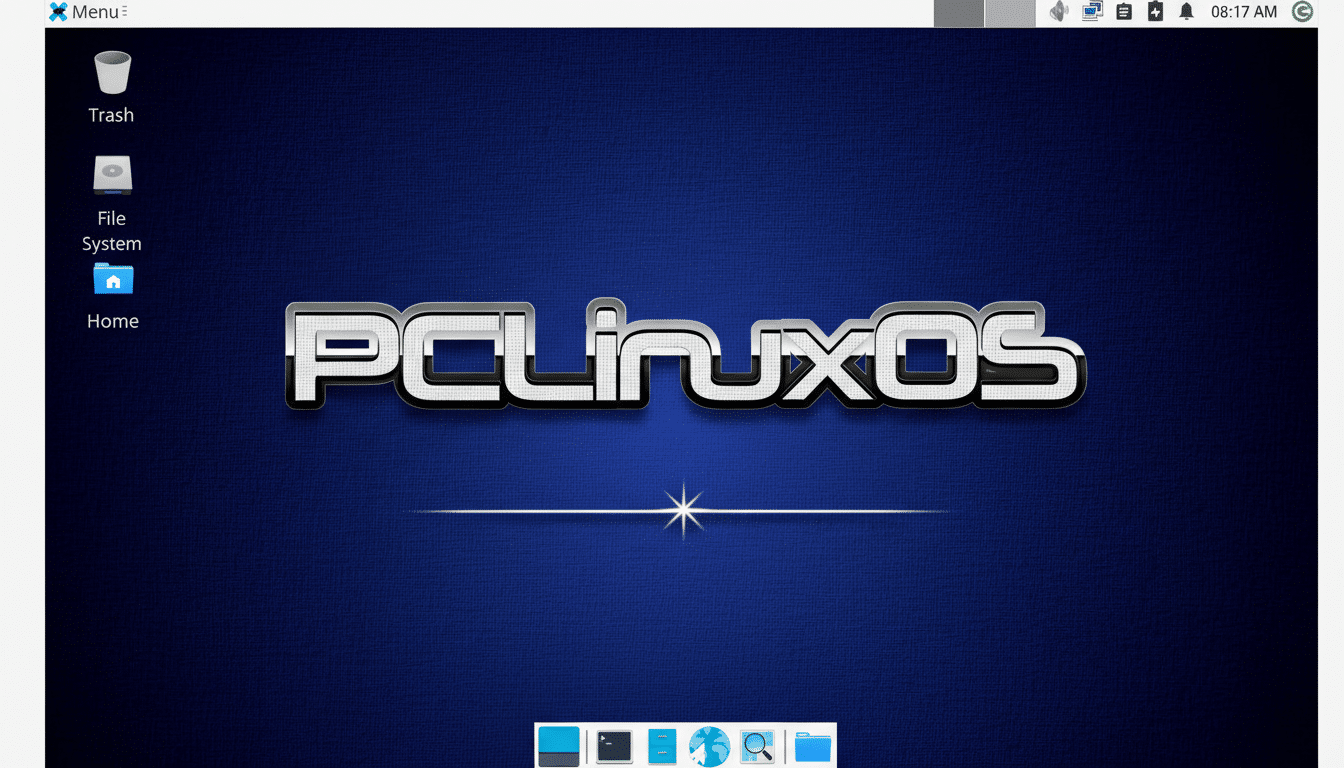
The default experience centers on KDE Plasma, presented in a traditional panel-and-menu layout that will feel natural to longtime PC users. It’s a straightforward take — no gimmicks, no hidden gestures to learn — but subtle choices nod to the distro’s heritage. If you remember PCLinuxOS from its PCManFM days, you’ll spot the evolution: today’s build ships with Plasma’s own Dolphin file manager, offering tabs, split views, network browsing, and tight integration with the desktop stack.
The theme leans dark out of the box, though a quick trip to Settings > Global Theme flips it to a lighter, high-contrast look. The overall effect is a desktop that feels both contemporary and unpretentious: quick to grasp, fast to adapt, and friendly to muscle memory.
What You Get Out of the Box on First Boot
PCLinuxOS has always been generous with defaults, and that hasn’t changed. Expect a full office suite via LibreOffice, Firefox for browsing, GIMP for image editing, Audacity and HandBrake for media work, Celluloid for playback, and Timeshift for system snapshots. A simple NVIDIA driver installer eases the usual graphics friction, and the Easy Flatpak Manager broadens software choice with a couple of clicks. Multimedia codecs are preloaded, sparing you the scavenger hunt that derails many first-time Linux installs.
One standout remains the MyLiveCD tool, which lets you remaster your installed system into a bootable live image. It’s a power feature with practical uses: clone a tuned setup across several machines, carry a portable toolkit, or keep a rollback image that’s more personalized than a stock ISO.
Control Center Power with Minimal Fuss for Newcomers and Pros
PCLinuxOS inherits a polished, centralized configuration hub reminiscent of the classic Mandrake Control Center. From one pane you can manage networking, firewalls, storage, user accounts, printers, and Samba file sharing. It’s the kind of “everything in one place” utility that reduces the learning curve for newcomers and speeds routine admin tasks for veterans. If a component such as Samba isn’t installed by default, the prompts make it clear what’s needed, and the built-in package tools handle the rest.
Under the hood, the distro remains notable for being systemd-free, favoring a traditional init approach while still delivering a rolling, continuously updated repository. Updates are curated rather than chaotic, and the GUI package manager keeps it approachable. Pair that with Timeshift snapshots and you gain a safety net that encourages regular updates without anxiety.
Performance and Hardware Fit on Modern PCs
KDE Plasma has matured into a responsive desktop that scales well from older laptops to modern workstations. On a decade-old ThinkPad test machine, PCLinuxOS booted quickly, recognized Wi‑Fi and function keys, and delivered smooth windowing without tweaks. Newer hardware benefits from streamlined graphics setup and solid power management. While the primary ISOs focus on 64‑bit systems, community spins with Xfce or MATE are available for those who prefer an even leaner footprint.
Who Should Try It and Why It Might Be Right
If you’re a Windows 10 holdout wary of the Windows 11 upgrade path, or you want a drop-in desktop for family, classrooms, or small offices, PCLinuxOS deserves a look. It delivers the creature comforts beginners expect — a conventional UI, complete app set, working codecs, easy printer and file-share setup — while giving enthusiasts the control and transparency they crave.
The low-commitment path is simple: write the latest PCLinuxOS ISO to a USB drive, boot into the live environment, and take the desktop for a spin. DistroWatch’s listing and the project’s own documentation make it easy to find the right flavor. In a Linux landscape crowded with excellent choices (think Linux Mint, Fedora Workstation, and elementary OS), PCLinuxOS carves out its niche by sticking to a clear promise — a clean, capable, Windows-friendly desktop that makes switching feel boring in the best possible way.
