


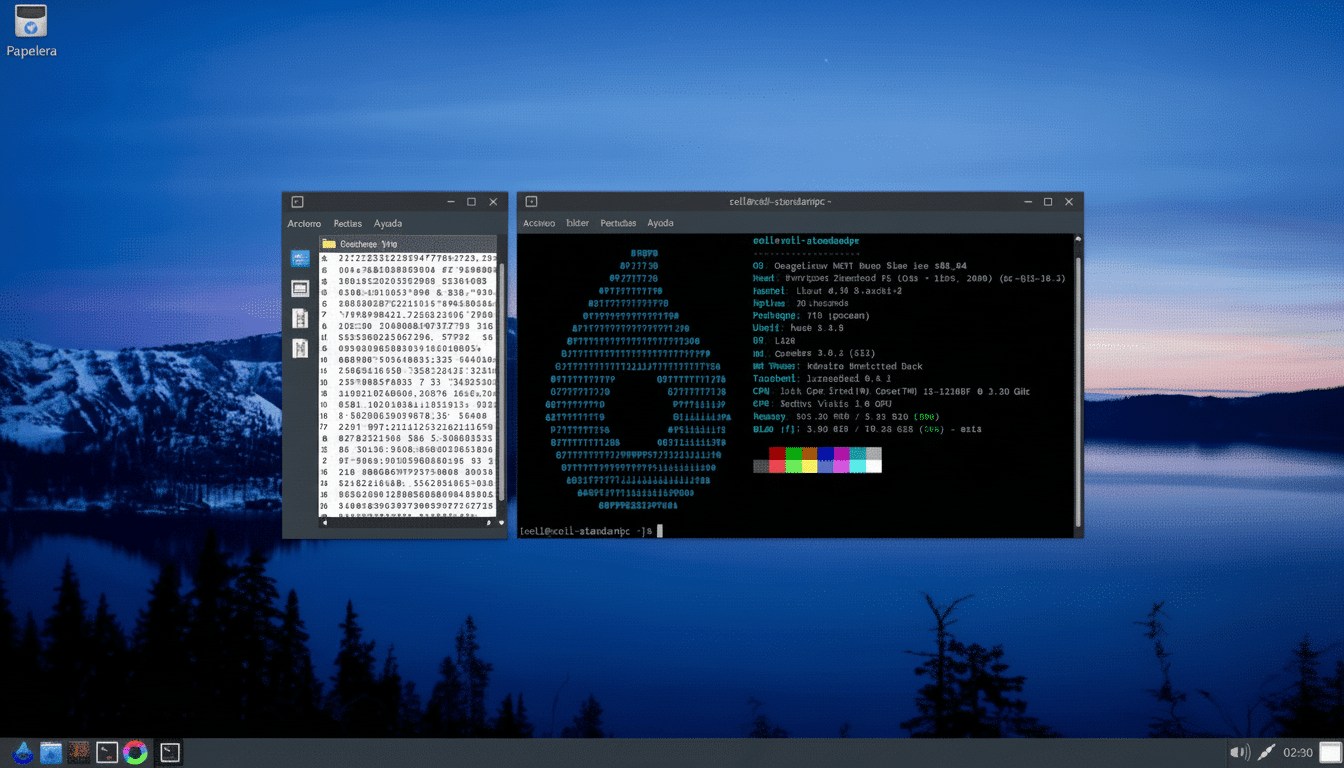
I spent a week trying to revive an aging desktop with Omega Linux, and the results were startling enough to make familiar Ubuntu flavors look sluggish. Omega is an Arch-based distribution focused on being lean, fast, and up-to-date, and on decade-old hardware it delivered a level of snap and responsiveness I rarely see outside of carefully tuned setups.
Where most mainstream distros target modern machines and creature comforts, Omega goes for headroom. In my tests, it routinely idled at under 1% CPU and kept memory use impressively low, which left applications—not the operating system—free to use the budget.
- Why This Matters for Old PCs and E‑waste Reduction
- Test Bench and Setup for Reviving an Aging Desktop PC
- Performance Findings on Boot, Idle Use, and App Launches
- Software and Package Management on Omega’s Rolling Release
- Stability and Hardware Support During Daily Use
- Who Should Install It on Older PCs and Who Should Not
- Bottom Line: Omega Linux Delivers Speed on Old Hardware
Why This Matters for Old PCs and E‑waste Reduction
Keeping older hardware alive is not just frugality; it is a sustainability play. The latest Global E-waste Monitor from UNITAR and the International Telecommunication Union estimates tens of millions of tonnes of electronics are discarded annually, with only a fraction formally recycled. Stretching a PC’s life even a few years can materially cut that footprint—and spare your budget.
Lightweight Linux distributions are the easiest way to do it, but many users default to Ubuntu-based options out of habit. Omega shows there is real upside to looking beyond them, especially when performance trumps familiarity.
Test Bench and Setup for Reviving an Aging Desktop PC
I used a 2013 small-form-factor desktop with a quad‑core Intel Core i5, 8GB of DDR3, integrated graphics, and a SATA SSD. I installed Omega Linux with its default lightweight desktop and compared it against clean installs of Xubuntu and standard Ubuntu, fully updated, using the same drive and BIOS settings. All tests started from a cold boot and included three runs per scenario.
The goal was simple: measure boot responsiveness, idle resource use, and app launch performance for everyday tools like a web browser, LibreOffice, and GIMP.
Performance Findings on Boot, Idle Use, and App Launches
Idle footprint was the headline. Omega consistently hovered below 1% CPU at rest, while memory use sat in the 400–500MB range after login. On the same machine, Xubuntu typically idled closer to 650–750MB, and standard Ubuntu floated around 1.1–1.3GB. That delta translates into real-world snappiness the minute you start opening apps.
Boot times told a similar story. Omega landed on the desktop in the low‑20‑second range, about 30–40% faster than Ubuntu on the same hardware and clearly ahead of Xubuntu. It felt immediate: no post‑login churn, no delayed panel elements, just ready to work.
Application launches were where Omega really separated itself. LibreOffice started in under a second every time. GIMP—a notorious cold‑start heavyweight—opened in roughly five seconds on the first run and about half that on subsequent launches. On the Ubuntu installs, LibreOffice and GIMP were never egregiously slow, but they were noticeably behind. Independent community tests and reporting from performance-focused outlets like Phoronix have long shown overhead from certain packaging formats and background services; my hands-on mirrored that reality on older hardware.
Software and Package Management on Omega’s Rolling Release
Omega inherits Arch’s rolling release model and the pacman package manager. That means frequent, incremental updates and access to very current software. The trade-off: you will be using the terminal. In my testing, attempts to add popular pacman GUIs such as Pamac or Octopi failed, so I stuck with commands like “sudo pacman -S libreoffice.” The learning curve is real but not steep—even for newcomers willing to follow a brief cheat sheet.
Another upside for power users is the Arch User Repository, which dramatically expands available software. It requires caution and some reading, but on an old PC where efficiency counts, the combination of pacman and curated AUR packages felt both fast and flexible.
Stability and Hardware Support During Daily Use
Rolling releases can worry risk-averse users, yet Omega was steady throughout routine updates. Suspend and resume worked predictably, audio and Wi‑Fi drivers loaded without drama, and printing via CUPS was straightforward. As always, snapshotting or keeping a recent backup before big updates is prudent—but on this hardware, Omega behaved like a daily-driver OS.
Because its kernel and userland move quickly, Omega can also be an advantage if your “old” PC actually needs newer drivers—a common scenario with replacement Wi‑Fi cards or SSDs.
Who Should Install It on Older PCs and Who Should Not
If you want maximum speed on aging hardware and are comfortable—or curious—about the command line, Omega belongs at the top of your list. It rewards you with headroom that you can feel. If you prioritize point‑and‑click simplicity over raw performance, Lubuntu or Linux Lite remain excellent alternatives backed by Canonical’s Ubuntu ecosystem.
Bottom Line: Omega Linux Delivers Speed on Old Hardware
Omega Linux made my old PC feel new again and, in the process, made Ubuntu-based options look tired on the same machine. The secret is not magic—it’s minimal services, efficient defaults, and the speed-first ethos of Arch. For breathing life into aging desktops and laptops, Omega is the rare distro that makes a measurable, daily difference.
