


My nightstand drawer could pass for a Kindle museum, but experience keeps proving a simple truth: most people only need one e-reader. The allure of a “home Kindle” and a “go-bag Kindle” is real, yet the everyday gains rarely outweigh the extra cost, clutter, and mental overhead. Thanks to Amazon’s tight ecosystem, one good device can handle nearly everything modern reading demands.
Amazon built the temptation into the software. Whispersync aligns your last page, highlights, and notes across hardware and apps in seconds, making it easy to believe a second Kindle adds freedom. In practice, that same synchronization also removes the need for duplicates. Your primary Kindle remains the hub, and your phone or tablet app becomes an instant backup in any pinch.
Why One Reader Covers Most Everyday Use Cases
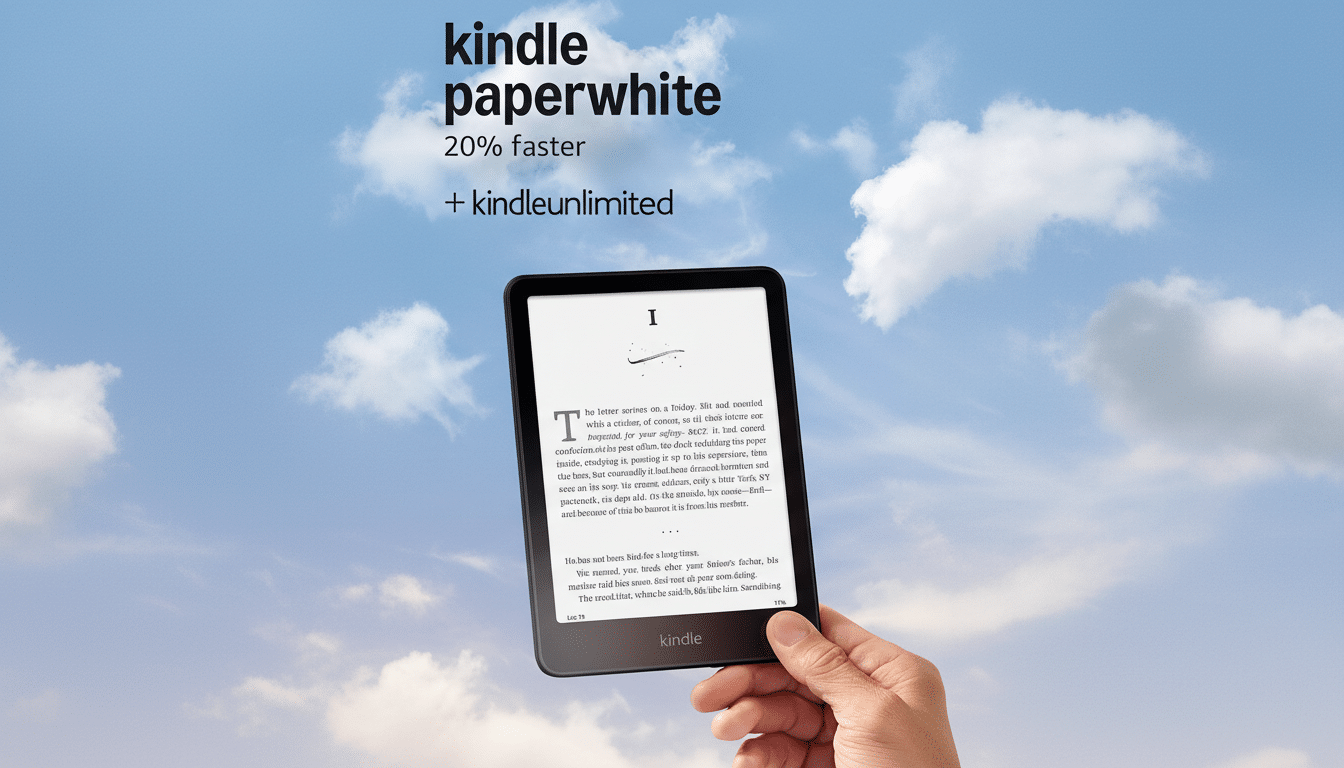
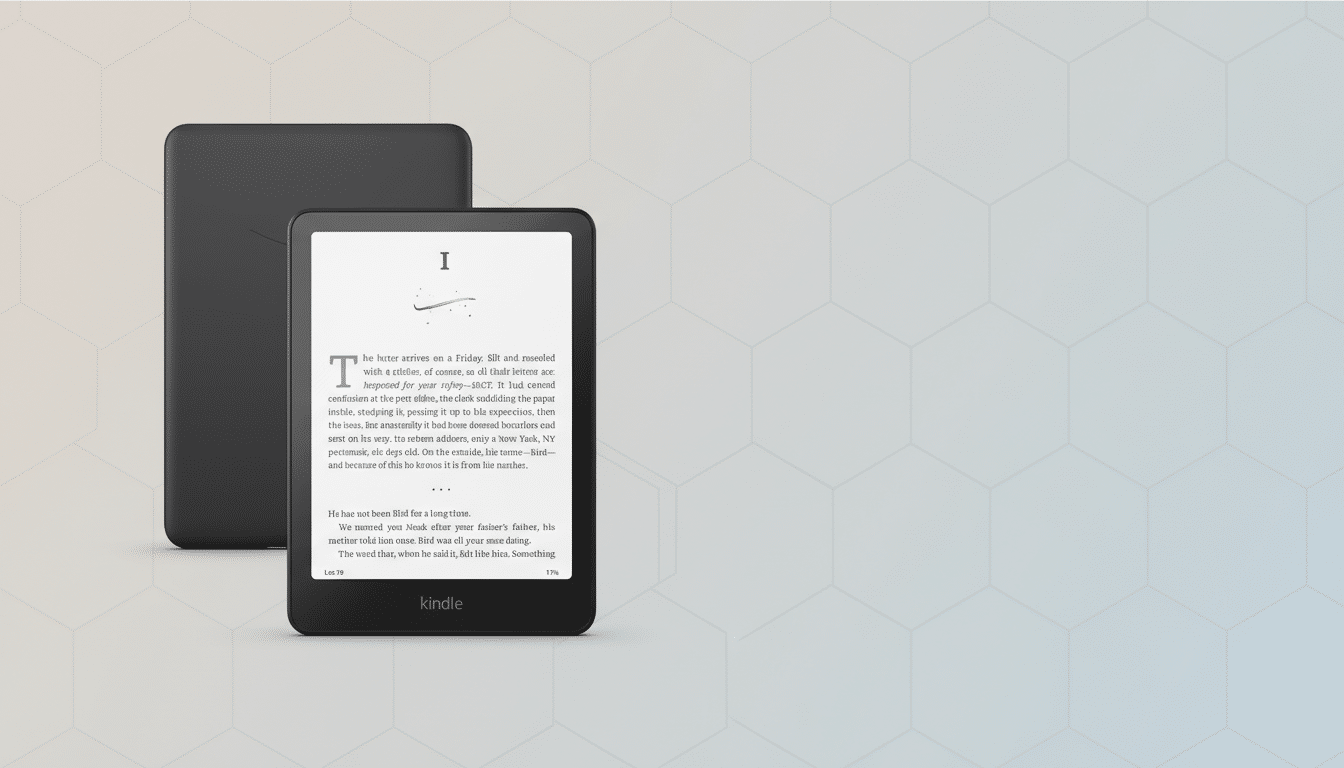
Across the lineup, the core experience is remarkably consistent: glare-free E Ink, crisp 300 ppi text on current models, adjustable lighting, and battery life measured in weeks. Whether it’s the entry Kindle or a Paperwhite with a warm front light and water resistance, long-form reading feels the same where it matters most—your eyes and your wrists.
The differences are real but incremental. A 6.8-inch screen is more comfortable than 6 inches for some readers, and physical buttons can change ergonomics. Yet for novels, nonfiction, and news digests, the quality-of-life gap between models is narrower than marketing implies. One capable device covers bedtime, commutes, and cross-country flights.
Time spent reading supports the case for simplicity. The American Time Use Survey consistently shows Americans devote well under an hour per day to leisure reading, often closer to minutes than hours. With that cadence, even heavy readers will see little practical return from spreading attention across multiple devices.
And if you do forget your Kindle, the Kindle app is your built-in safety net. Your place in the book is preserved, your annotations travel with you, and downloads can be queued for your primary device later. Redundancy is already baked into the ecosystem.
When a Second Kindle Actually Makes Sense
There are legit edge cases. Some readers keep an extra device offline for library loans, preventing a hold from vanishing mid-vacation when a title expires. Families may keep a communal reader in the kitchen, separate from a personal one on the nightstand. A dedicated travel Kindle can be comforting for frequent flyers who prefer ultra-light packing.
The strongest case for two devices is specialization. The Kindle Scribe, with its large display and stylus support, fills roles smaller Kindles do not: marking up PDFs, annotating drafts, and replacing paper notebooks. It excels on a desk more than a hammock. Pairing a Scribe for work and a lighter Kindle for everything else isn’t duplication—it’s division of labor.
The Hidden Cost of Multiples You Might Miss
Managing more than one Kindle adds invisible friction. You charge two batteries, juggle downloads for offline trips, and occasionally grab the wrong device. Whispersync keeps progress aligned, but content availability still requires foresight—especially for sideloaded files and library loans.
There’s also the monetary and environmental tab. Hardware is durable, but manufacturing any extra device carries a material footprint. Life-cycle assessments across consumer electronics consistently show that production, not daily use, drives most emissions. If a second Kindle sits idle, its true cost isn’t just the sticker price.
How To Choose Your One Kindle with Confidence
Pick for comfort first. If you read mostly in bed or on transit, a Paperwhite’s 6.8-inch screen, warm light, and water resistance make it the default recommendation for most people. Budget-focused readers are well served by the latest 6-inch Kindle, now with a 300 ppi display. If you prefer physical page-turn buttons, choose a model that offers them or consider a grippy case that improves one-handed balance.
Storage anxiety is usually misplaced. At typical ebook sizes, 8GB holds thousands of titles, and everything else lives in the cloud. Step up in capacity only if you keep large PDF libraries or download many audiobooks. Whispersync and Family Library features ensure households can still share without adding hardware.
What the Data Says About Ebook Reading Habits
Pew Research Center finds Americans blend formats—print, ebook, and audiobook—rather than going all-in on any single medium. Library use backs this up: OverDrive has reported record digital checkouts in recent years, a sign that readers value access more than device variety. Meanwhile, publishing analysts have long estimated Amazon’s US ebook share above 80%, which helps explain why the Kindle app already covers most cross-device needs.
The bigger unlock is habit, not hardware. If a second Kindle solves a specific problem—work annotation, family sharing, or a deliberate offline reader—go for it. But for nearly everyone else, one thoughtfully chosen Kindle, plus the app as a safety net, is the cleanest and most satisfying setup. The best reading device is the one you actually open.
