


Google Photos is getting a nice quality-of-life upgrade to its Collage tool that will make it faster and easier to start and finish multi-image layouts. Some preliminary code in the new app build hints at a redesigned flow that will allow you to create collages quicker, adjust layouts on the fly, and share them in fewer taps — which should be very popular among its already huge fanbase.
What Works Differently Inside the Collage Editor
The largest change is in what a collage starts with. In place of requiring you to first pick out your photos, the editor will simply open with blank placeholders. You’ll hit a + button in every cell to add images one at a time. That small shift eliminates the “back-and-forth” dance of selecting photos and then arranging them, and it fits into Google’s broader Material 3 design push for context-first editing.
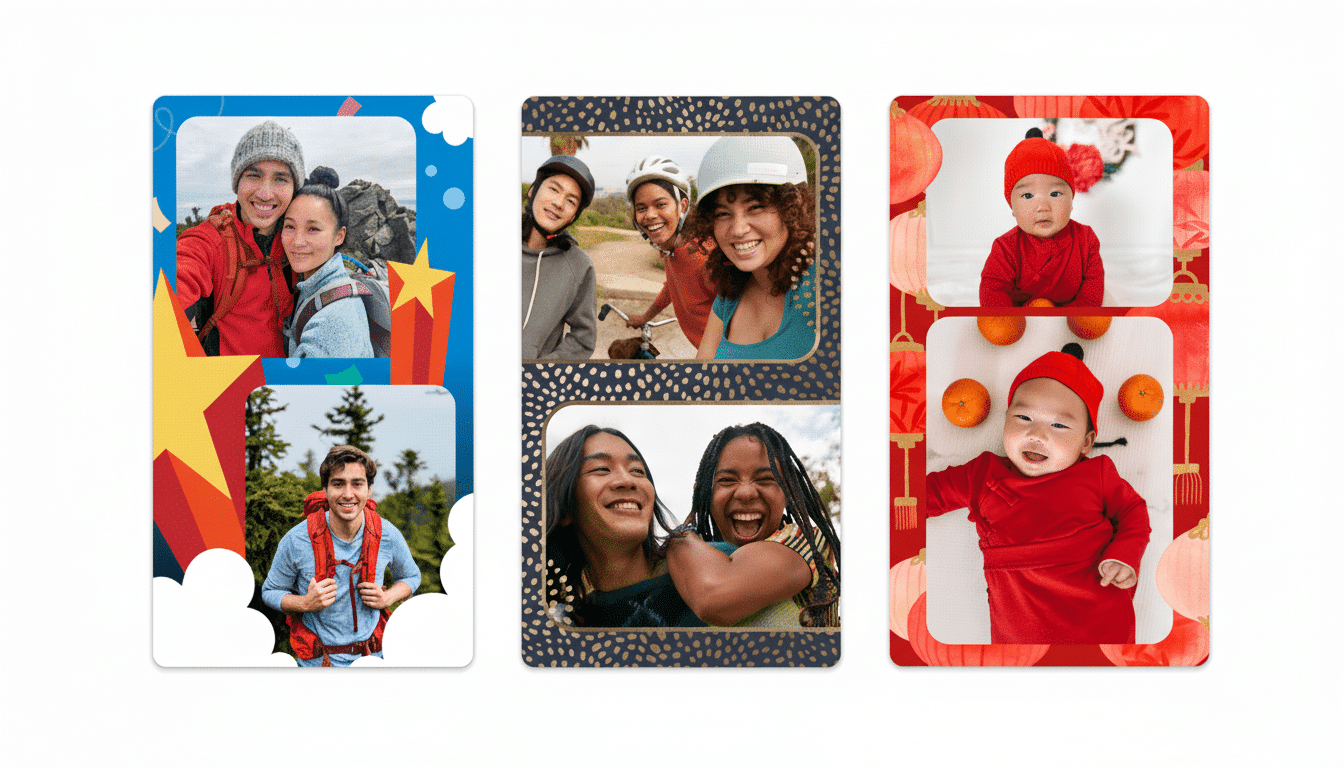
Flexibility in design is also getting a lift. A new +/- control allows you to add or remove grids from the in-editor grid — up to six cells — but after you have already started a build. Before, when you selected images and entered the editor, there was no going back regarding the grid count. Now you can start with a two-photo layout and then add frames for more photos if the story needs even more scrolling.
And there’s also a really nice sharing flow. You have a Share link at the bottom of the editor which enables when all slots are full. Tapping it then fires the standard system share sheet and sends your collage as-is without saving yet another copy to your device. For a shareable link or local file to archive, Save — that old friend — is still present.
The Significance for Millions of Google Photos Users
Google Photos caters to well over a billion users; according to its Play Store listing, it stands at greater than five billion installs. For an audience that large — and diverse — collages are a simple, high-impact way of communicating moments without overproducing them. These shifts lower the friction at precisely the points where casual creators often seize up: picking images in the optimal order, committing to a layout too soon, and making save-versus-share trade-offs.
Consider everyday scenarios. A parent can feature a birthday with a recap, by dropping in the best shots as they scroll, and popping up the layout from four to six frames when two more keepers are found. A small business can mock up a quick before-and-after set without having to worry about file clutter if sharing to chat apps. Teachers or coaches can create highlight grids for class updates or team recaps and send them right away, no additional exports required.
Seasonal Designs Mark a Festive Shift for Diwali
Strings and media assets in the app refer to new Diwali-themed collage styles, which include designs called Diya, Lights, and Rangoli. Seasonal templates are a well-known playbook for Google’s creative tools, and with India having one of the largest mobile audiences, Diwali is an obvious moment to kick the plan into gear. Industry trackers like GSMA Intelligence count hundreds of millions of smartphone users in India, and local creative tools can lead to meaningful engagement around festivals.

If advocatory language is anything to go by, expect these tropes to feature heavily when the feature arrives. Look for a prominent intro card or carousel in the editor that displays the festive options, similar to previous holiday or event-driven surfaces inside Google’s creative suites.
Rollout Expectations and How to Prepare for Changes
The changes have been spotted showing up in version 7.47.0 of Google Photos, but it’s usual for updates to roll out at different times and be a combination of both app updates and server-side switches from the company.
As a result, some of you may see the updated Collage editor before others do — this is an example of what can happen on the same version number. The best way to get in early is by keeping the app updated through the Play Store or App Store.
For when the changes do start coming out, you’ll want to keep an eye out for a Material 3–flavored editor with distinct and touchable controls: per-cell +/- buttons for picking images, visible +/- grid adjustments, and a Share button that sits ready to go once your layout is complete. If you’d like a saved file for printing or backup to the cloud, save; otherwise, tap to share instantly and keep your camera roll clutter-free.
Collectively, these changes don’t overhaul the Collage tool as much as they ease out the speed bumps that made it feel fussy. It’s a smart, human-scaled iteration: get up to speed faster, tweak more freely, share more cleanly. For such a utilitarian product in the ecosystem — the most-used consumer photo service on Android, and also popular on iOS — it is the sort of small tweak that keeps everyday creativity bubbling along.
