


Nvidia’s chief executive Jensen Huang will deliver a headline keynote at CES that will be broadcast across the world. If you would like a front-row seat at home, here’s how to smoothly watch it on any screen, what channels to bookmark and why this keynote is relevant for AI, gaming and the larger chip economy.
How to watch the livestream on YouTube, CES and TV
The Nvidia site hosts live keynotes where you can watch the newest announcements; you can also use its official YouTube channel. Open the Nvidia channel and tap Notify Me on the stream page to get an alert when it goes live. You can also anticipate a simultaneous feed on Nvidia’s corporate site under its Newsroom or Events tabs.
CES also typically streams major sessions on its digital platform for registrants. If you’ve already registered for virtual access to CES through the Consumer Technology Association, look for the Nvidia session on your dashboard and add it to your watchlist.
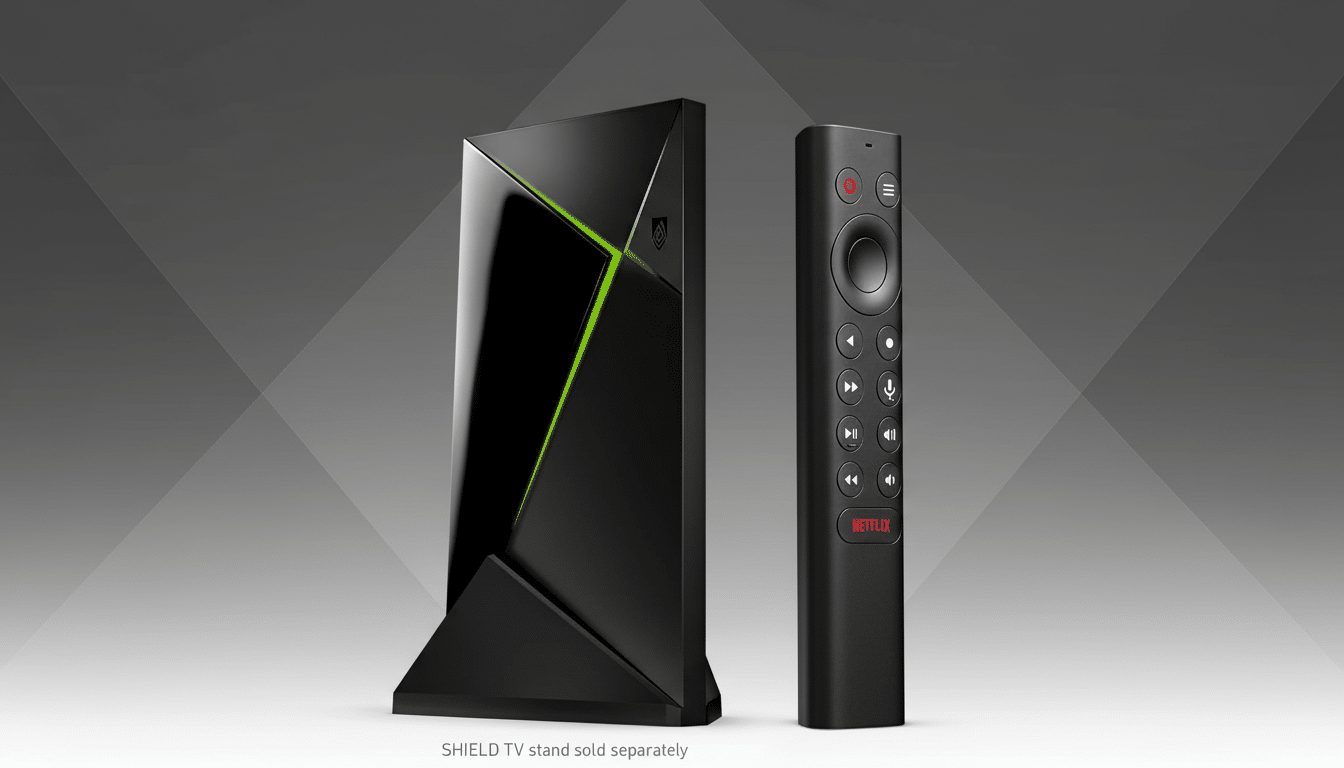
Love watching on the largest screen in the house? If you are using a smart TV or streaming box like Nvidia Shield TV, Roku, Apple TV or Fire TV to access the YouTube app, then you can open it and search “Nvidia CES.” You could also cast from your phone or laptop to a television if you have Chromecast or AirPlay.
Pro tips to ensure a smooth, high-quality stream
For relatively crisp video with little pausing, just heed YouTube’s own advice: roughly 5 Mbps download for 1080p quality and about four times that — 20 Mbps — for videos in 4K. If your connection is shared between roommates or loved ones, try temporarily halting big downloads or cloud backups so you can keep the stream stable.
Turn on closed captions directly in the YouTube player for accessibility and note-taking reasons. If you’re hoping to multitask during the show, control the stream on desktop or mobile so you don’t miss out on any of the live demos.
Want instant highlights? Open a second screen to keep tabs on Nvidia’s posts across key social platforms. The company usually shares essential slides, brief clips and links to technical blogs in near real time.
What to listen for in Huang’s CES keynote address
Huang’s CES keynotes typically serve to connect the dots across Nvidia’s vast empire: AI data centers, GeForce and gaming platforms, robotics with Omniverse-fed simulation, and automotive partners fashioning advanced driver assistance technology as well as in-cabin artificial intelligence. Look for a heavy emphasis on how new GPUs, networking and software stacks can work together to reduce inference costs and accelerate model deployment.
Nvidia is now the bellwether of the industry for accelerated computing. TrendForce calculates the manufacturer has controlled around 80% of the AI GPU market, while Reuters notes Nvidia temporarily became the world’s most valuable public company as recently as 2024. It is that momentum that leads not just developers, but CIOs and gamers to tune in: an announcement here sends ripples through cloud roadmaps, OEM designs and the PC gaming ecosystem.
Look for updates on partner ecosystems — cloud providers, enterprise ISVs and PC makers — as well as demos featuring real workloads such as generative AI to accelerate content creation, a scalable simulation of training large language models, and an example of inference at the edge (and with automotive).
Where the stream is: official and secondary sources
- Primary: Nvidia’s official YouTube channel and the Nvidia Newsroom or Events page. These feeds usually provide the best quality and are quick to replay with a complete VOD following the end of a broadcast.
- Secondary: CES digital platform for attendees, which could feature simultaneous translation or sessions indexed beyond the session time. You may also spot clips on platforms like X and LinkedIn, but for uninterrupted viewing, stick to the main feeds.
How to catch up if you missed it: replays and recaps
Full replays usually end up on Nvidia’s YouTube channel and in the company’s press materials. For the deeper background, see Nvidia’s technical blogs and whitepapers posted alongside the talk. Analyst reports from companies such as Gartner, IDC and Omdia can be useful for understanding headline claims in the context of potential deployment timeframes alongside total cost of ownership considerations.
If you’re interested in gaming announcements, stay tuned to GeForce.com for updates. Make sure to check back for news on driver releases, G-SYNC Compatible monitor releases, game updates, and new partner hardware launches. Enterprise teams should scan for updates in SDKs and partners on any major framework.
Why this keynote matters for AI, gaming and chips
CES draws more than 100,000 attendees, according to the Consumer Technology Association, and Huang’s event has become a touchstone for the future of accelerated computing. With enterprise AI spending rising and simulated chip demand revamping data center design, this presentation helps prioritize for the year — what gets built, shipped and developed.
Whether you’re a system builder, a CTO responsible for an entire platform, or a developer who’s enthusiastic about the next big breakthrough in computer intelligence — this is the place to be. So set your timers, check your bandwidth, and be prepared to pause on the many slides everyone will be dissecting afterward.
