


Google is readying a significant refresh for Live Translate on Android, signaling a broader push to make real-time conversations smoother and more intuitive. App builds currently in testing point to a redesigned interface for live conversations, new audio playback controls for clearer pronunciation, and fresh shortcuts and widgets that cut the time it takes to start translating. It’s the latest in a string of upgrades that have steadily moved Translate from a simple tool into a more full-featured communication platform.
A Cleaner Live Translate Interface for Conversations
The upcoming Live Translate experience opens with a guided splash screen that lets you quickly confirm how you want to conduct a conversation before it starts. Instead of digging through small toggles during the chatter, you can preselect whether translations play out loud, route to an earbud, or display on screen. For users who bounce between commute, office, and travel contexts, that one-tap setup will save time and reduce friction.
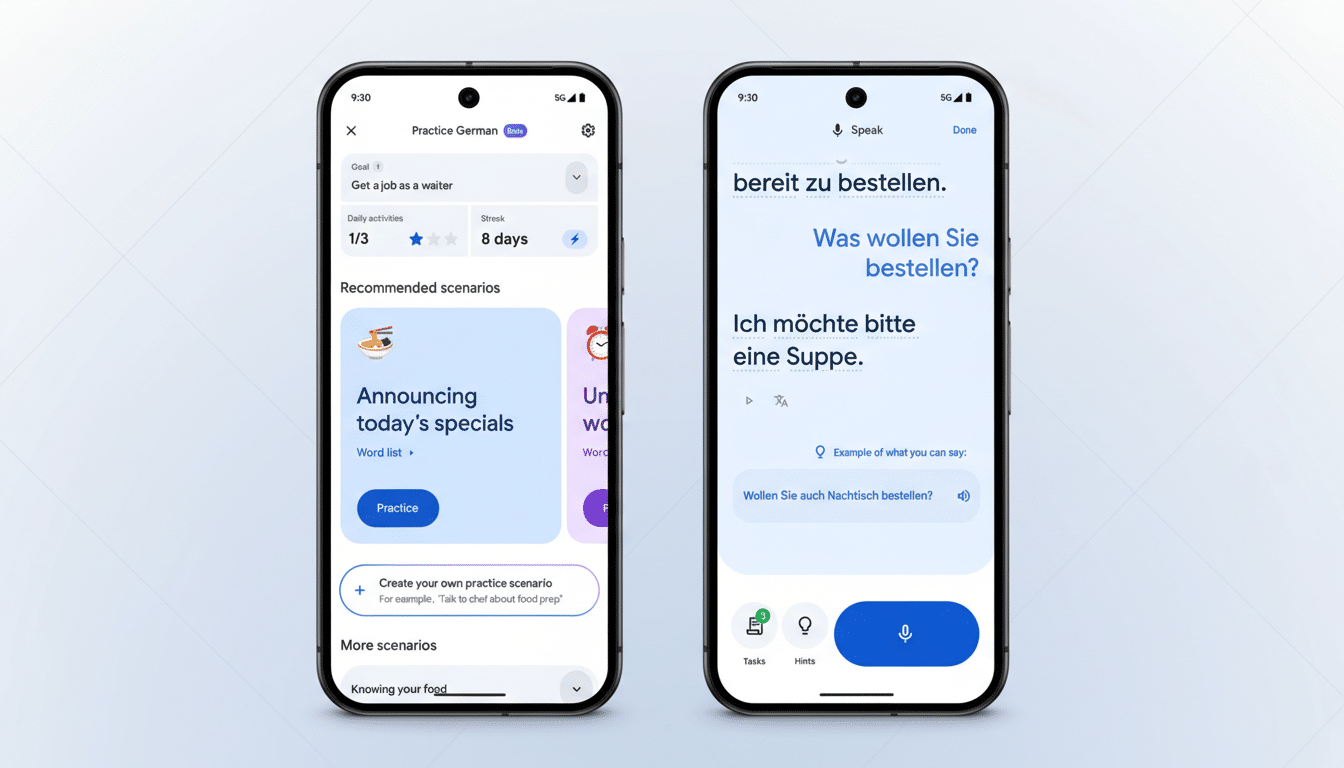
Once a session begins, the transcript log shifts toward the bottom of the display. That’s a subtle but meaningful change: keeping the latest lines anchored near your thumbs mirrors how messaging apps present new messages, making it easier to keep pace in fast exchanges. Previously, translations stacked from the top, forcing more eye and hand movement while you were already juggling a live conversation.
Combined with Translate’s existing on-device smarts on Pixel phones, the refreshed layout suggests Google wants Live Translate to feel less like a utility and more like a native conversation space—especially useful at a busy hotel desk, a clinic intake counter, or a factory floor where quick back-and-forth is nonnegotiable.
Smarter Pronunciation With Tone And Speed
Google is also preparing new controls for audio samples of translation results. Early indicators show options to slow down playback and adjust tone, which could mean alternate voice timbres or emphasis patterns to improve intelligibility. That’s a practical boost for learners and travelers who depend on audio to be understood in noisy environments or when tackling languages with unfamiliar phonetics.
These options won’t roll out to every language at once. Still, they align with Google’s recent language expansion efforts, which added over 100 new languages in 2024 using large language models. For tonal and stress-sensitive languages, even small tweaks to speed or voice characteristics can help avoid misunderstandings—think ordering medicine at a pharmacy or confirming a train platform under pressure.
New Widget And App Shortcuts For Faster Access
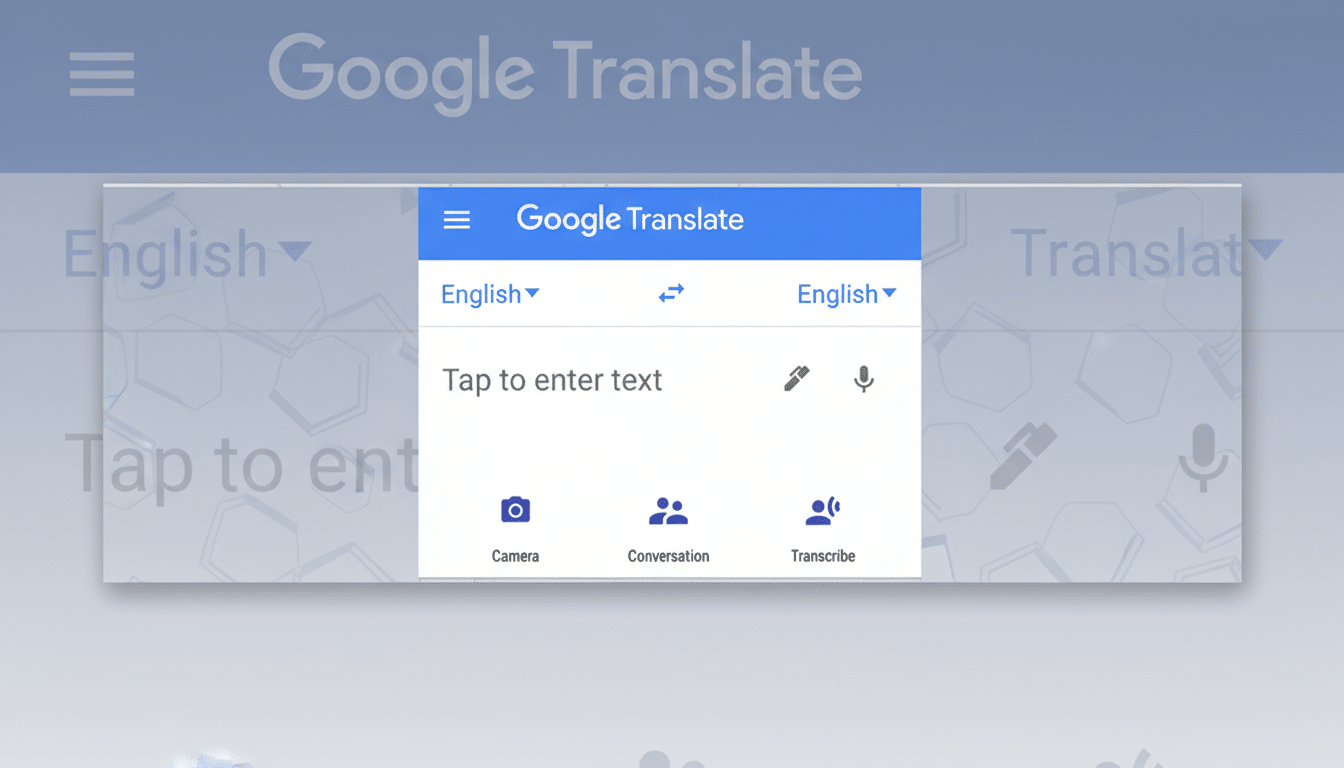
To reduce taps, Translate is working on an additional 3×2 home screen widget that jumps straight into a specific language pair. If you frequently move between Spanish and English or Japanese and English, launching the right mode from the home screen takes you directly where you need to be, trimming precious seconds when you’re on the go.
Long-press app icon shortcuts are also lighting up for more users, offering one-tap access to Conversation mode, Camera translation, and Practice. That last addition is part of Translate’s emerging language-learning angle, which has been gaining traction as a lightweight alternative to dedicated study apps and a companion for real-world practice.
Why This Matters for Android Users and Travelers
Live conversation features are becoming a battleground across mobile platforms. Samsung’s Interpreter mode on Galaxy devices and Apple’s Translate app both emphasize in-person communication, but Google’s breadth stands out. The company has said Translate handles well over 100 billion words daily and, after its 2024 expansion, supports hundreds of languages—reach that can supercharge Android’s global appeal when paired with frictionless UX.
Crucially, Live Translate has benefited from on-device processing on Pixel hardware, reducing latency and preserving privacy for quick exchanges without steady connectivity. A more legible transcript, smarter audio, and faster entry points build on that foundation, closing the gap between everyday conversation and machine assistance. For businesses with multilingual teams, frontline workers, or travelers navigating transportation hubs, these tweaks are not cosmetic—they’re productivity upgrades.
Availability and What to Expect Next on Android
The new interface and controls are currently tucked behind server-side flags in recent Android builds of Translate, so not everyone will see them right away. As with many Google app updates, expect a staggered rollout through the Play Store and server switches. If past patterns hold, features should arrive first for a subset of users before broad availability. Keep Translate updated, and check the app icon’s long-press menu and the widget picker to see what’s live on your device.
