


Google is preparing a long-requested fix for Pixel Watch notifications, and it could dramatically change how alerts appear on your wrist. New evidence in the latest Pixel Watch app suggests users will soon be able to choose whether notifications light up the screen the moment they arrive or only when the watch detects a wrist raise.
The setting, surfaced via strings in version 4.3.0.867617185 of the companion app, isn’t live yet. But the language is clear: there will be two options—“On wrist raise” (recommended) and “Immediately” (with a warning that it reduces battery life). That small toggle addresses one of the most persistent frustrations reported by Pixel Watch owners since launch.
- What Google Is Testing for Pixel Watch Notification Screen Wake
- Why It Matters for Current Pixel Watch Owners Now
- Battery Life Trade-Offs When Waking Alerts Immediately
- How It Compares to Rival Smartwatches from Samsung and Apple
- Another Feature Hiding in Plain Sight in the App Update
- What to Expect Next as Google Preps Wider Feature Rollout
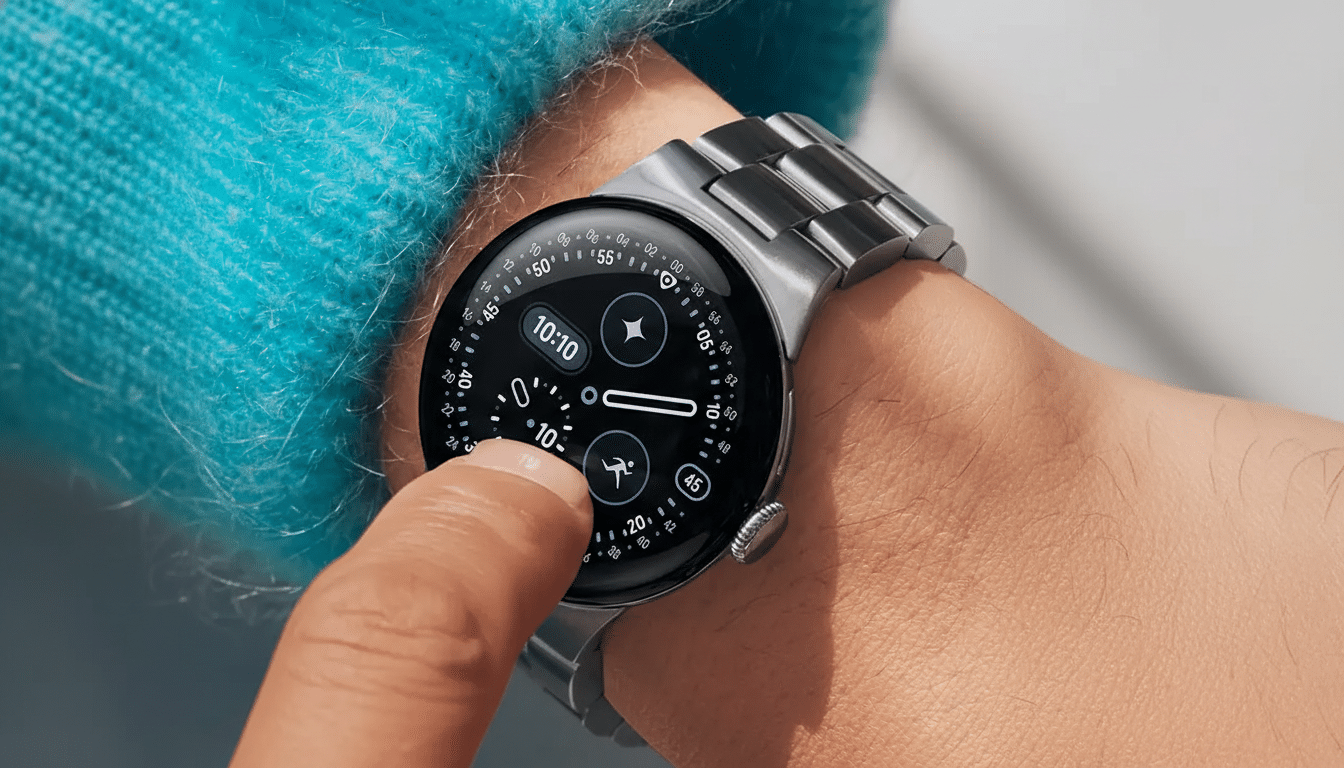
What Google Is Testing for Pixel Watch Notification Screen Wake
Today, when a notification hits a Pixel Watch, you typically get haptics or a chime, but the display stays off until you raise or twist your wrist just right. If that motion doesn’t register—say you’re typing, pushing a stroller, cycling, or holding a cup—you can easily miss the glanceable info that smartwatches promise.
The new setting tackles that head-on. Select “Immediately,” and the display should wake the moment an alert lands, showing the content without relying on motion detection. Stick with “On wrist raise,” and you keep the current battery-friendly behavior that lights the screen only when you look.
Why It Matters for Current Pixel Watch Owners Now
Gesture-based wake isn’t perfect. It relies on accelerometer and gyroscope thresholds designed to avoid false positives while you’re walking, driving, or gesturing—inevitably causing misses at inconvenient times. The ability to light the screen on arrival solves that reliability gap, which users have flagged for months across community forums and Google’s Issue Tracker.
It’s also a parity play. Competing wearables, including recent Samsung Galaxy Watch models, provide options to wake the display for notifications. Apple Watch offers granular controls that make notifications more visually prominent. For Pixel Watch, gaining a similar toggle helps reduce friction and makes Wear OS feel more responsive out of the box.
Battery Life Trade-Offs When Waking Alerts Immediately
There is a cost. The display is one of the most power-hungry components on any smartwatch, and waking it for every alert inevitably eats into endurance. Google labels “On wrist raise” as the recommended setting for a reason—especially on smaller batteries where every minute of screen-on time counts.
How much will it impact you? That depends on volume and behavior. If you receive dozens of alerts daily, each wake adds up to a few extra minutes of screen time. Users who already fine-tune notifications to only essential apps may see a negligible hit, while those who let everything through will notice the difference more. The silver lining: Wear OS power optimizations have improved in recent cycles, and short, high-brightness pulses are less costly than sustained screen use.
How It Compares to Rival Smartwatches from Samsung and Apple
Samsung’s watches let users instantly wake the screen for alerts, which many find indispensable during workouts or commuting when wrist-raise detection struggles. Apple’s ecosystem emphasizes strong haptics and predictable wake behavior that often makes notifications feel immediate. By adding an “Immediately” option, Google isn’t reinventing the wheel—it’s aligning Pixel Watch with what many smartwatch users already expect.
Another Feature Hiding in Plain Sight in the App Update
The same app update also includes strings for a “Notify when left behind” option that would ping your watch if you walk away from your phone. Similar functionality has proven popular in other ecosystems as a simple safety net against leaving a device on a desk or in a rideshare. The presence of these strings in the companion app signals the feature is moving closer to public release.
What to Expect Next as Google Preps Wider Feature Rollout
Neither the instant notification display toggle nor the left-behind alert is live yet. Google often seeds app code weeks or months before flipping the switch via server-side updates, Feature Drops, or Wear OS patches. If testing goes smoothly, the rollout could arrive broadly with a routine update—no new hardware required.
For Pixel Watch owners, the change is simple but meaningful: fewer missed moments and a smartwatch that behaves more like a glanceable screen and less like a silent buzzer. If Google nails the defaults and educates users on the trade-offs, this one setting could remove a daily annoyance for millions.
