


Google is making a bold play to turn Search into a true creation environment, rolling out Gemini’s Canvas in AI Mode to all users in the U.S. in English. First tested in Google Labs, Canvas now sits inside Search as a workspace where people can plan projects, draft documents, and even spin up simple apps without leaving the results page.
What Canvas in AI Mode Actually Does for Users
Canvas gives users a structured, side-by-side space to think and build with AI. You can upload or reference materials, ask for summaries and outlines, and then turn those into tangible outputs: a study guide, a shareable web page, a quiz, or an audio overview. For creative work, it can critique a draft, propose revisions, and maintain versioned iterations as you refine.
- What Canvas in AI Mode Actually Does for Users
- How It Works Inside Google Search with AI Mode
- A Big Reach Advantage for Google via Search
- How It Compares to Rival AI Creation Spaces
- Early Use Cases That Stand Out for Creators
- Quality, Safety, and the Fine Print for Canvas
- Availability and What to Expect Next from Google
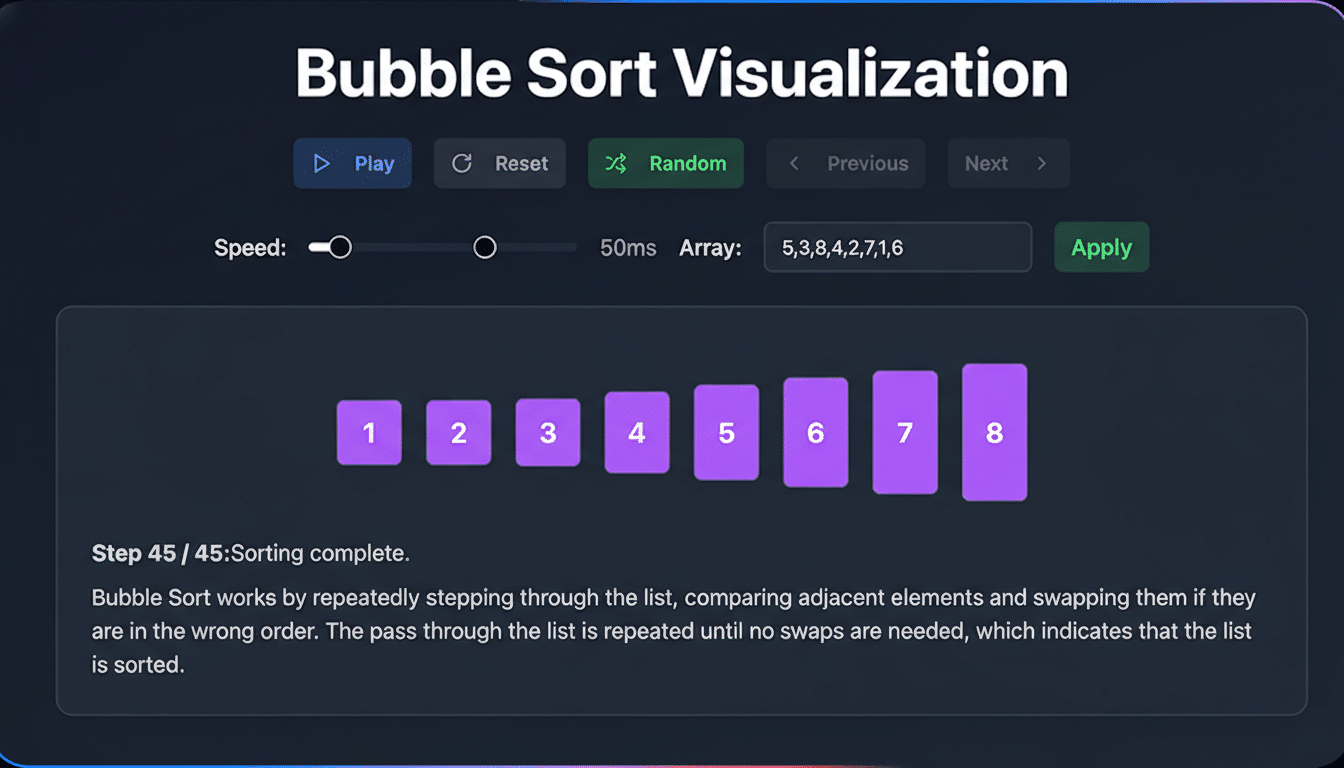
Where it gets especially interesting is tooling. Describe an idea—say, a habit tracker or flashcard app—and Canvas can generate the code, show you the underlying logic, and let you test the prototype in place. It’s not a full IDE, but it lowers the bar to getting a working concept on screen and makes it simple to iterate with natural language prompts.
How It Works Inside Google Search with AI Mode
In AI Mode, users tap the plus icon to launch Canvas. A dedicated panel opens alongside results, letting you pull in information from the web and Google’s Knowledge Graph to ground your work. If you’re building an app, you can toggle between the interface and generated code, test functionality, and ask Gemini to adjust behavior in real time—add fields, change validations, or rework layouts—without starting over.
The experience ties research to creation without the typical copy-and-paste shuffle. That proximity is the point: you can source reputable references, transform them into usable artifacts, and preserve the chain of reasoning as you go.
A Big Reach Advantage for Google via Search
Canvas already exists inside Gemini, where Google AI Pro and Google AI Ultra subscribers can access the latest Gemini 3 model and a larger context window—up to 1 million tokens—for more complex projects. But placing Canvas directly in Search exposes it to vastly more people who may never have tried a standalone chatbot.
That distribution matters. Google accounts for roughly 90% of global search share, according to StatCounter, giving it an unrivaled on-ramp for new AI behaviors. By embedding a workspace in the world’s default search box, Google isn’t just answering questions; it’s training users to build things where they look for information.
How It Compares to Rival AI Creation Spaces
OpenAI and Anthropic both offer creation spaces that blur chat and canvas. ChatGPT’s Canvas feature often appears automatically when a query looks project-like, while Anthropic’s Claude typically requires explicit setup to manage documents or build tools. Google’s approach is more deliberate inside Search: you opt into Canvas from the tool menu and then co-create with Gemini in a structured panel.

The differentiator for Google is integration. Canvas can cite live web information and Knowledge Graph entities, a pairing that helps ground outputs in current facts and recognized concepts. For tasks like lesson planning, market scans, or policy briefs, that grounding can reduce hallucinations and speed up source checking.
Early Use Cases That Stand Out for Creators
Students can seed Canvas with class notes and readings to produce a study pack—summaries, spaced-repetition flashcards, and self-check quizzes—then export a shareable page for group review. Independent creators can turn a research thread into a visual explainer, complete with an audio overview for accessibility.
Small businesses can assemble an event plan by pulling vendor options and venue details from Search, generating a schedule, a simple registration form, and a lightweight landing page prototype. Tinkerers can prototype utilities—budget trackers, workout logs, or recipe planners—then inspect and tweak the auto-generated code to learn as they go.
Quality, Safety, and the Fine Print for Canvas
As with any generative system, oversight is key. Google says Canvas draws on the web and Knowledge Graph to keep outputs grounded, but users should review code for security, verify citations, and test critical workflows end to end. Guidance from groups like NIST on AI risk management underscores the need for human-in-the-loop review, especially for apps that handle sensitive data.
It’s also worth noting the tiering: while everyone in the U.S. can use Canvas via AI Mode in English, advanced capabilities—like the largest context windows—remain aligned to Gemini subscriptions. For many everyday projects, the free tier will suffice; power users orchestrating long reports or complex apps may benefit from the expanded context.
Availability and What to Expect Next from Google
Canvas in AI Mode is now available to all Search users in the U.S. in English. Access it by entering AI Mode and selecting Canvas from the plus menu, then describe what you want to create. Google has not detailed international timing, but given prior Labs pilots and Gemini’s footprint, broader availability is a logical next step.
The strategic throughline is clear: move from answers to actions. By turning Search into a working surface where ideas become documents, tools, and prototypes, Google is betting that the next phase of AI will be less about single-shot replies and more about sustained creation—right where users already are.
