


Google’s latest Pixel Drop is here, and it’s more than a Pixel-only perk. The update delivers eight practical upgrades that span Android phones and the Pixel ecosystem, blending everyday convenience with smarter safety and shopping tools. With Android powering well over 70% of smartphones globally according to StatCounter, changes that land through Google Play services can touch hundreds of millions of users quickly—this Drop leans into that scale.
What’s in the new Pixel Drop and Android ecosystem update
As usual, Google is pushing a mix of Android-wide enhancements alongside Pixel-first features. The big themes: better location sharing, faster discovery in Google Play, richer glanceable info on Pixel, AI-assisted shopping via Circle to Search, and quality-of-life updates for Pixel Watch owners.
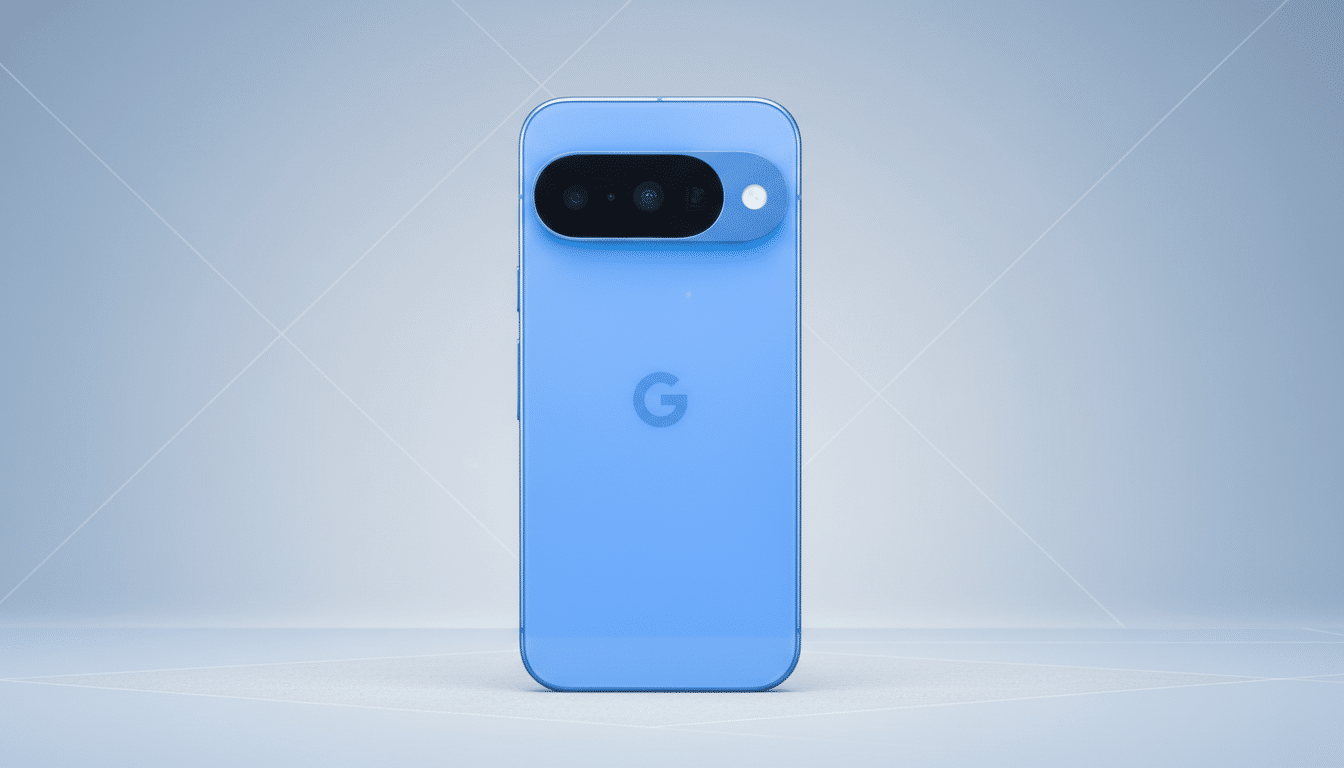
Eight notable upgrades now rolling out across Pixel and Android
- Real-time location in Google Messages: Instead of dropping a one-off pin, you can now share your live location directly inside a conversation for a set duration. It’s ideal for meeting at a crowded venue or coordinating school pickups without bouncing between apps. The integration mirrors what users expect from top messaging platforms while keeping controls simple and time-bound for privacy.
- Lost luggage link sharing via Find My Device: If you’ve placed a compatible tracker in your bag, you can generate a shareable link that participating airlines can use to help pinpoint it faster. With SITA’s latest baggage reports showing several mishandled bags per thousand passengers globally, making it easier for airlines to see a tracker’s last known location could shave hours—sometimes days—off recovery times.
- Google Play Shorts for app discovery: Short-form videos produced by app developers now surface right in Play, so you can preview gameplay, features, and UI in seconds before installing. It’s a nod to how users evaluate content today—quick cuts, real product footage—and should improve install confidence while giving smaller developers a way to stand out without big ad budgets.
- Personalized calling cards on Android: A new calling card feature lets you pick a photo, font, and color that friends will see when you call, adding clarity—and personality—to who’s ringing. Beyond the fun factor, recognizable visuals help reduce missed calls and spam confusion, an area where industry surveys have shown persistent user frustration.
- “At a Glance” gets smarter on Pixel: The home screen widget now surfaces real-time transit details for your commute, live scores for teams you follow, and end-of-day updates on top movers in your Google Finance watchlist. It’s a denser snapshot of what matters—sports, money, and movement—without opening separate apps.
- Circle to Search adds fashion intelligence: “Find the Look” identifies individual items in an outfit from an image, making it easier to hunt down similar pieces. “Try on with Circle to Search” extends Google’s ongoing virtual try-on push, showing how certain clothing looks on you from videos, social posts, or images. It’s a natural pairing of on-screen inspiration with shoppable results, grounded in Google’s Shopping Graph know-how.
- Pixel Watch left-behind protection: If your watch and phone separate beyond Bluetooth range, your phone auto-locks and your watch alerts you. That means fewer anxious “did I leave my phone?” moments and reduced risk if it actually is left behind. It’s a small automation that pays off big in daily life, especially in travel and commuting scenarios.
- Express Pay on Pixel Watch: Tap to pay gets even quicker—just turn and tap your watch at the terminal without opening Wallet. It trims precious seconds at checkout and mirrors what users expect from mature wearable ecosystems. Combined with the left-behind safeguard, it rounds out a more confident, leave-the-phone-in-the-pocket experience.
Why these changes matter for everyday Android and Pixel use
None of these features reinvent Android, but together they tighten the experience. Live location inside Messages cuts friction where coordination actually happens. App Shorts modernize discovery in the Play Store, which still sees billions of installs each year per Google’s developer updates. “At a Glance” makes Pixel’s hallmark of ambient intelligence more tangible, while Circle to Search turns passive scrolling into practical shopping with fewer dead ends.
On the wearables front, auto-lock on separation is the kind of protective default security experts advocate: no user action required, high reward if something goes wrong. And speedier payments address a daily habit that’s stubbornly sensitive to delays—if it’s not fast, people don’t use it.
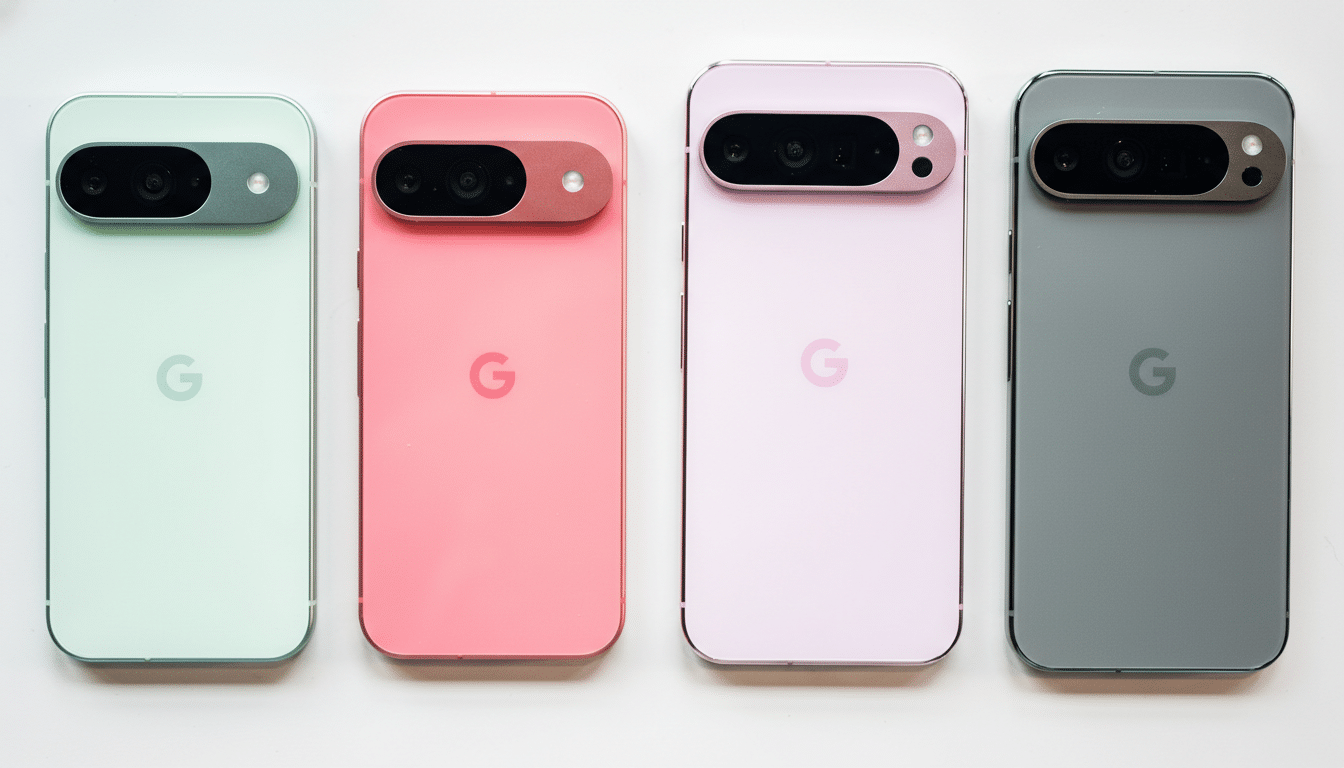
Availability timeline and supported devices for this rollout
Android-wide features arrive through updates to Google’s core apps and Google Play services, so most modern Android phones will see them without a full OS upgrade. Pixel-specific additions land on recent Pixel phones via the standard Feature Drop cadence, while Pixel Watch features require the latest Watch updates and Google Wallet.
As always, rollouts are staged. If you don’t see the new options yet, check for updates to Messages, Google Play, the Google app, Wallet, and Watch companion apps, then try again over the next several days. When they do appear, these eight upgrades collectively make Android—and Pixel in particular—feel a bit smarter and more helpful by default.
