


Google is upgrading its built-in image generator with Nano Banana 2, bringing higher-quality visuals, stronger text rendering, and better character consistency to the free tier of Gemini. The refresh leans on Google’s latest fast-generation image model, aiming to deliver crisper results without slowing down everyday prompts.
The headline changes include support for images up to 4K resolution, more faithful typography on posters and graphics, and the ability to keep characters and objects consistent from one image to the next. Many of these capabilities were previously associated with paid tiers or pro workflows; now they’re arriving where most people actually create—inside the consumer Gemini experience.
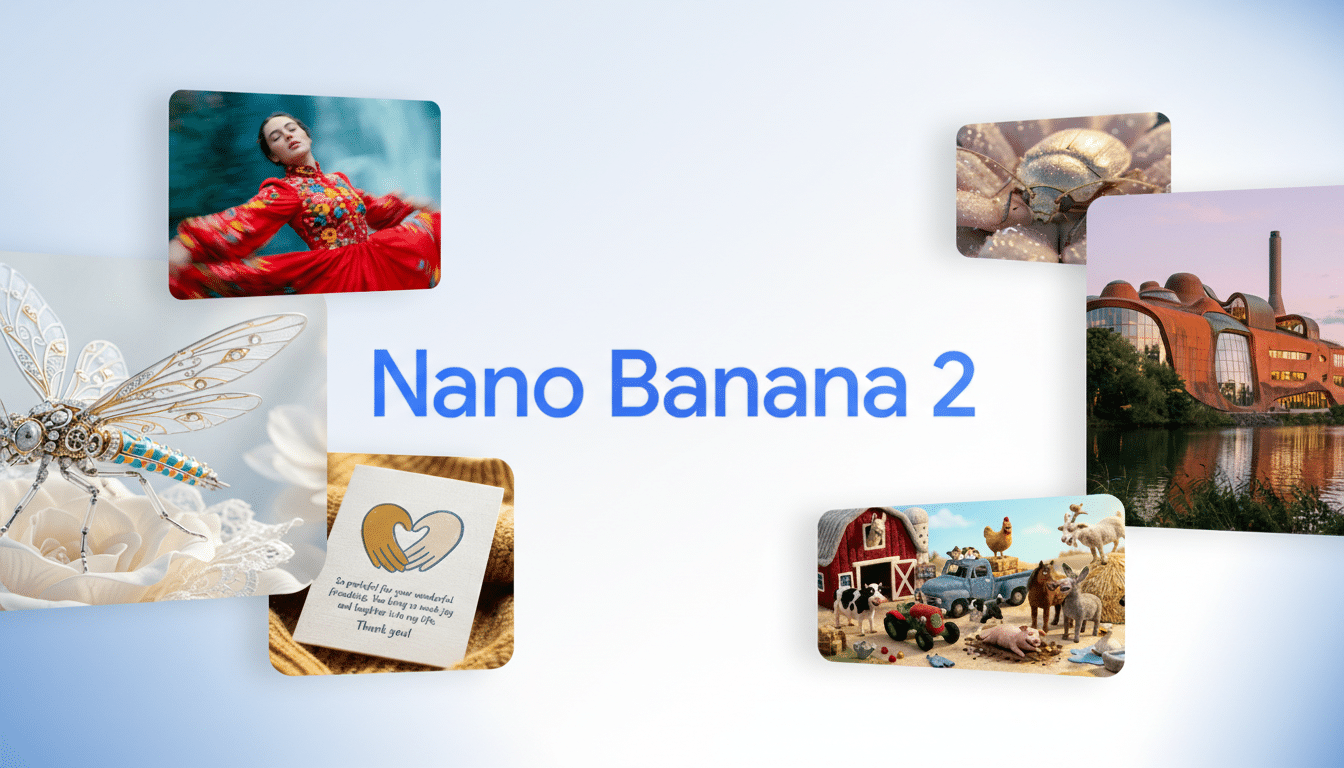
What Nano Banana 2 Changes in Gemini’s Free Image Tools
At the core is the Gemini 3.1 Flash Image model, designed to balance speed with quality. In practice, that means fewer trade-offs: you can ask for richer detail without watching a progress spinner creep along. Google positions Flash as a low-latency model, and Nano Banana 2 taps that performance headroom to deliver sharper outputs at larger sizes.
Image quality gets a clear lift. The previous cap around 2K now climbs to full 4K, useful for print-ready posters, product shots, and high-fidelity concept art. Upscaling previously required extra steps; now, 4K is a native option, reducing artifacts and preserving fine textures.
Text inside images—traditionally a weak spot for generative tools—improves notably. Google says Nano Banana 2 reduces the “gibberish” effect and random extra characters, helping designers produce readable signage, UI mockups, and stylized captions. It can also translate embedded text across languages, streamlining localization for ads, packaging, and social content.
Consistency is the other big leap. Nano Banana 2 can maintain coherence across sequences, supporting up to five characters while preserving attributes like clothing, pose style, or brand colors. It can also combine up to 14 distinct objects from reference inputs into a single composition—handy for product grids, ensemble scenes, or mood boards that merge multiple sources.
Instruction following gets tighter as well. Users can feed more nuanced prompts—lighting cues, camera angles, or design constraints—and expect the model to stick to the brief with fewer retries. That means less prompt engineering and more time spent actually iterating on creative direction.

How It Works and Where You’ll See It Across Google
Google says Nano Banana 2 leverages Gemini’s real-world perception and can pull on-the-fly context from the public web to yield more realistic outputs. While the company doesn’t disclose full training details, the approach aligns with broader trends in multimodal AI that fuse vision, language, and search to ground images in up-to-date information.
The rollout replaces the previous generation across core Google surfaces, including Gemini, Search, AI Studio, the paid API, and Google Ads. It’s also showing up in Flow, the company’s creative workspace, which recently gained deeper image features. For creators, that means the same upgraded engine whether you’re sketching concepts in chat or wiring generation into production via API.
On safety and provenance, Google typically applies its SynthID watermarking to AI-generated images across consumer products, and the company continues to emphasize guardrails around sensitive content and brand safety. For advertisers and enterprises, those controls are as critical as resolution or speed.
Why It Matters In The AI Image Landscape
Raising the free baseline to 4K with better typography and character continuity pushes the market forward. Midjourney popularized high-quality upscales, Adobe leans on Firefly’s brand-safe pedigree, and OpenAI’s DALL·E 3 excels at instruction following—yet all of them wrestle with text legibility and multi-image consistency. Making these strengths widely accessible inside Gemini turns casual users into more capable creators without extra subscriptions.
For businesses, fewer retries and cleaner text mean shorter production cycles. Teams localizing a campaign can generate region-specific variants in minutes rather than days, while still keeping mascots, product angles, and palettes intact across a full asset set.
Early Takeaways for Creators and Teams Using Gemini
- Lock consistency with references. Provide a few exemplar images for your character or product, then specify key attributes in the prompt—outfit, camera lens, lighting, and background. Nano Banana 2’s multi-character support helps keep groups coherent across a storyboard or carousel.
- Write typography like a spec. Include exact wording, font vibe (e.g., geometric sans, condensed serif), placement, and contrast. If you’re localizing, outline target languages in one go so the model renders each panel correctly without manual edits.
- Pick resolution for the job. Use 4K when you need print quality or tight crops; stick with 2K when you’re exploring concepts quickly. In API workflows, weigh higher output sizes against latency and cost, but in Gemini’s free experience, the new ceiling gives you room to push fidelity without extra steps.
Bottom line: Nano Banana 2 makes Gemini’s free image generation feel more production-ready. With cleaner text, steadier characters, and native 4K, it reduces the usual friction between ideation and polished deliverables—exactly where most creators need the help.
