


Google is opening the gates for Canvas in AI Mode to every user in the U.S., bringing a structured, project-ready workspace directly into Search. After a year in Google Labs, the feature is now broadly available in English, turning Gemini from a prompt box into a place where ideas become documents, prototypes, and shareable tools without jumping between tabs.
The rollout signals a strategic move: meet everyday users where they already are. With Google’s near-dominant share of global search traffic, according to StatCounter, Canvas is poised to put hands-on AI workflows in front of a massive audience—many of whom haven’t tried Gemini beyond a quick question.
What Canvas in AI Mode Actually Does in Search
Canvas is a live workspace that helps you plan, draft, research, and even build lightweight tools without leaving AI Mode in Search. Think of it as an AI-powered scratchpad that can pull from the open web and Google’s Knowledge Graph, then organize outputs into coherent artifacts: a study guide, a product spec, a web page, a quiz, or an audio overview.
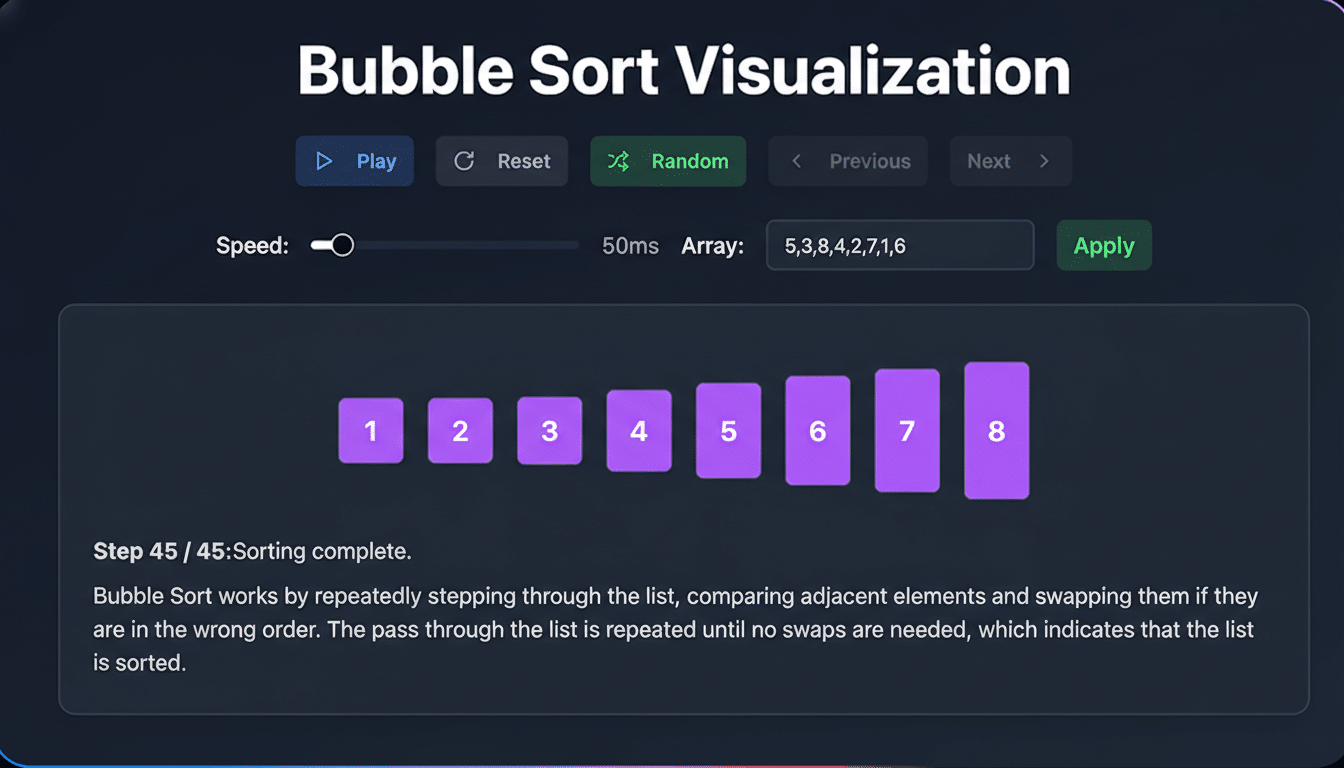
Beyond text, Canvas can generate runnable code to spin up a simple app or game, show you the underlying logic, and let you refine behavior by chatting with Gemini. You can test functionality in place, iterate quickly, and convert the result into something you can share. For heavier lifts, Google AI Pro and Google AI Ultra subscribers get access to the latest Gemini 3 model and a 1 million-token context window, making it feasible to ingest long reports, multi-source research, or sprawling project briefs.
There’s notable overlap with Google’s research assistant NotebookLM—both can synthesize source material and generate new formats—but Canvas lives inside Search and leans harder into creation, code, and rapid prototyping.
How to use Canvas in AI Mode inside Google Search
Open AI Mode in Google Search, tap the tool menu (+), and select Canvas. Describe what you want to make—“Turn these meeting notes into a project plan with milestones” or “Build a flashcard app that uses my uploaded biology outline”—and Canvas launches a side panel with a working space.
From there, you can pull in references, ask for citations, convert a research brief into a clean web page, test a small calculator or prototype, or get line-by-line feedback on writing.
A few practical examples:
- A student compiles lecture notes and readings into a targeted exam study guide.
- A teacher turns that guide into a self-grading quiz.
- A product manager prototypes a feature estimator that sales can actually use in the field.
- An author asks for tone edits and alternative endings across multiple chapters at once.
Importantly, you can toggle between the output and the scaffolding behind it—the code, the prompts, the structure—so it feels less like a black box and more like a collaborative editor.

Why this rollout matters for everyday Search users
Putting a creation workspace inside Search collapses a fragmented workflow. Instead of copying responses into docs, pasting code into an IDE, or juggling reference tabs, Canvas centralizes the loop of research, generation, and refinement. That could be the difference between dabbling in generative AI and adopting it for real work.
It also widens the funnel for Gemini. Pew Research reported in 2024 that roughly a quarter of U.S. adults had used a mainstream chatbot at least once; many still haven’t integrated AI into daily tasks. Making Canvas one click away inside AI Mode lowers the learning curve and invites casual users to try structured projects, not just one-off questions.
For organizations, the timing tracks with industry momentum. Gartner has projected that by the mid-2020s, a large majority of enterprises will be experimenting with or deploying generative AI. Canvas gives teams a low-friction onramp to prototype tools, standardize templates, and capture institutional knowledge without spinning up new software.
How it compares to rival AI workspaces and tools
The competitive set is heating up around “make-and-edit” spaces inside chatbots. OpenAI offers a Canvas-style surface that can appear automatically based on a query, shifting a conversation into a structured workspace. Anthropic’s Claude introduced Artifacts, where outputs like documents, diagrams, or code live in a dedicated panel for iterative editing. Google’s approach is more deliberate: you explicitly open Canvas from AI Mode, then build, test, and refine with Search context at your fingertips.
The differentiator for Google is distribution and data context. Tying Canvas to the Knowledge Graph can improve grounding and reduce hallucinations, while Search-scale reach puts these capabilities in front of millions of U.S. users without a separate app download.
Limitations and safeguards for Canvas in AI Mode
For now, the expansion is limited to U.S. users in English. As with other Gemini features, results can still contain inaccuracies or outdated information, and Google indicates that standard safety systems, source attributions, and content filters apply. In testing code or transforming research, users should validate outputs—especially for tasks involving math, compliance, or sensitive data.
The bottom line: Canvas in AI Mode turns Search into a place you don’t just find answers—you build with them. By stitching research, writing, and prototyping into one flow, Google is betting that creation, not just conversation, is what will bring the next wave of users into AI.
