


Google has settled months of confusion around its dialer by rolling out a portrait lock to the Phone app, giving users clear control after the app unexpectedly embraced a landscape interface last year. The new setting is now broadly available on the stable release, bringing a tidy end to a surprisingly contentious UI turn.
What Changed in the Phone App and Why It Matters Now
Last year, the Phone app added full landscape support. It was functional, but the timing and implementation left many wondering whether it was an experiment or a glitch. Beta testers later spotted a toggle to restrict the app to portrait, signaling that Google had heard the feedback. That option has now graduated to general availability, so anyone using the current Phone app can choose portrait-only calls without workarounds.
The decision aligns with how most people actually place calls: upright, one-handed, and with muscle memory built around portrait layouts. The portrait lock removes accidental rotations mid-call, which can obscure buttons, shift touch targets, and lead to mis-taps when you are trying to mute, use the keypad, or switch to speaker.
Why Landscape Ever Mattered for the Phone App
Landscape was not without logic. It helps on car mounts, desk docks, and large-screen devices like foldables, where a wider layout can put in-call controls in easier reach. It can also be more legible for accessibility scenarios or when the phone is mounted beside a monitor. Android’s broader push toward adaptive UIs and foldable-friendly layouts made the addition defensible on paper.
But reality favors simplicity. Industry UX research consistently shows mobile interactions skew heavily to portrait for everyday tasks. On a core utility like calling, ergonomics beat novelty. The new setting preserves landscape where it makes sense while restoring a predictable default for the vast majority of users.
How the Rollout Is Landing Across Android Users
The portrait lock is appearing on the stable channel of the Google Phone app after earlier testing in the beta program. Reports from user communities and Android watchers indicate the toggle is widely live, with consistent behavior across recent Android versions. As with many Google app changes, availability may finalize via a server-side switch once the app is updated.
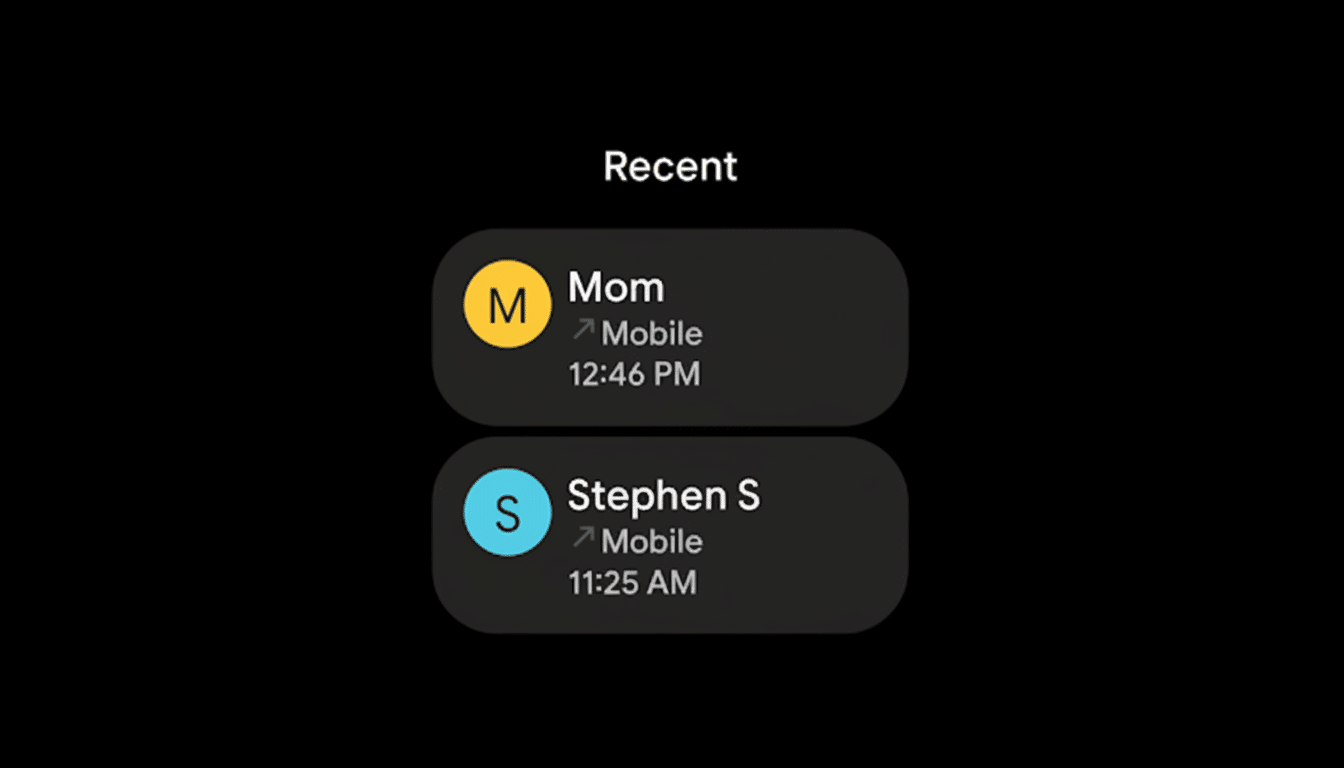
This is a meaningful change given the Phone app’s reach. The Play Store lists more than one billion installs, and it is the default dialer on Pixel devices while also serving as a popular choice on many other Android phones. Small UI decisions in a utility this ubiquitous ripple quickly through daily habits.
How to Find the Portrait Lock in the Google Phone App
Open the Phone app, head into Settings, and look for an option that lets you keep the app in portrait or to allow rotation. If you do not see it yet, update the app from the Play Store and relaunch. The system auto-rotate toggle remains independent, so this control applies specifically to the Phone app’s in-call and dialer screens.
If you frequently use your phone on a landscape mount or a foldable in tabletop mode, leave rotation enabled. If you have struggled with inadvertent flips during calls, lock it to portrait and your controls will stay put, even if you rotate the device.
What It Says About Google’s UX Priorities
This move is a reminder that choice can defuse friction. Over the past two years, Google’s Material You philosophy has emphasized adaptability and responsive layouts. Giving people the ability to override behaviors that feel unpredictable is part of that story. The portrait lock does not change signature features like spam protection, Call Screen, Hold for Me, or Clear Calling, but it makes interacting with them more consistent.
Bottom Line: A Simple Portrait Lock That Restores Sanity
The Phone app’s landscape saga ends with a pragmatic compromise: landscape remains for those who need it, and a simple portrait lock restores sanity for everyone else. It is a small toggle with outsized impact on one of the most fundamental apps on Android, and it shows Google listening when day-to-day usability is on the line.
