


Google’s Android assistant is taking a decisive step toward true agency: Gemini can now complete tasks inside third-party apps, starting on Samsung’s Galaxy S26 lineup and Google’s Pixel 10. The capability, rolling out in a limited beta, lets you ask Gemini to handle everyday chores—like ordering your usual takeout or hailing a ride—and it will quietly do the work in the background without hijacking your screen.
What Gemini Can Do Now Inside Supported Third-Party Apps
At launch, Gemini’s new app control focuses on streamlined actions in supported services. Tell it to “reorder my last dinner,” and it can navigate a partner app, pick your saved preferences, and submit the order. Ask it to “get me a ride home,” and Gemini can pull location details and set up the request. Early partners include a small set of apps, with DoorDash confirmed; more integrations are expected as the beta expands.
- What Gemini Can Do Now Inside Supported Third-Party Apps
- Limited Rollout on Flagship Devices and Select Regions
- Privacy and Security Promises for Gemini’s App Control
- Why This Leap Matters for Everyday Mobile Assistance
- How It Likely Works Under the Hood on Android and Apps
- What to Watch Next for Integrations and Device Reach
Crucially, these tasks run in the background. Instead of bouncing you between apps, Gemini shows a compact, persistent notification that tracks progress—similar to Android’s ongoing activity UI—so you can keep using your phone while it works. That shift from chatty assistant to quiet operator is the real breakthrough.
Limited Rollout on Flagship Devices and Select Regions
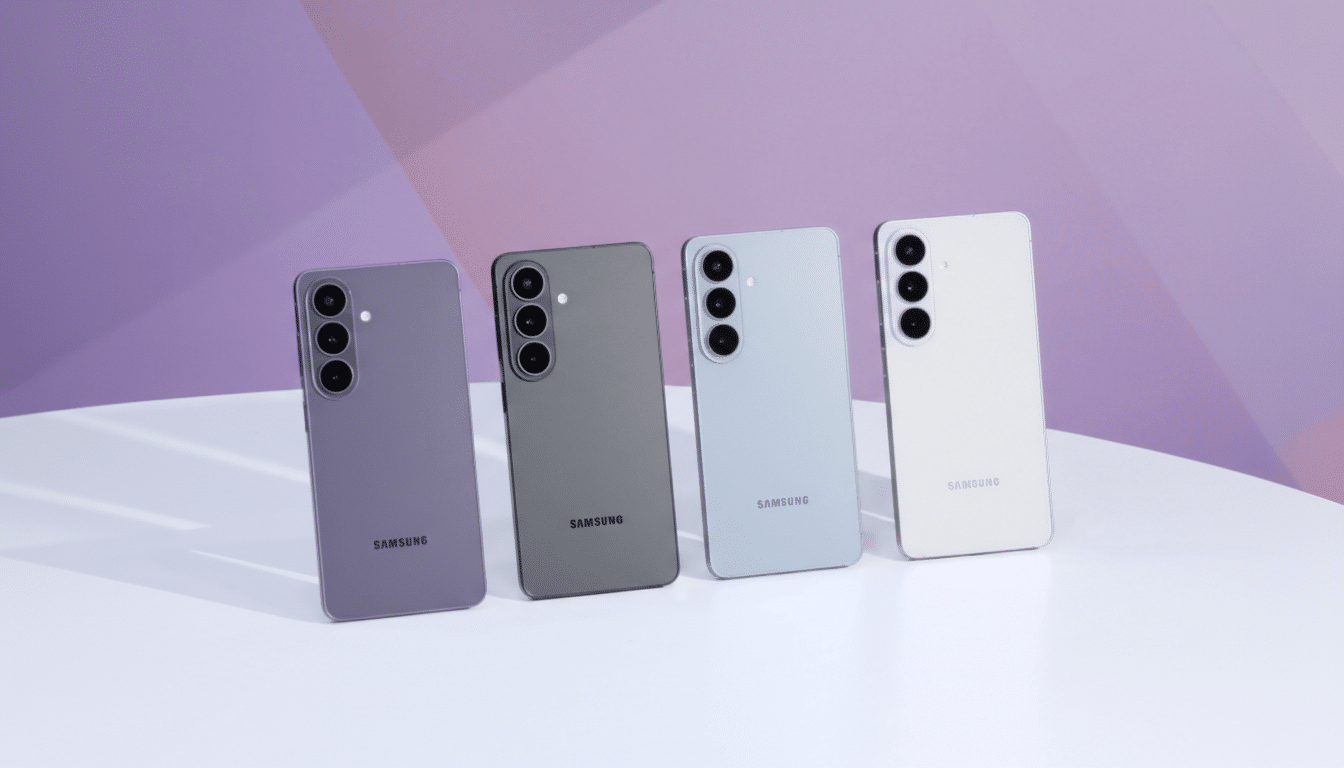
For now, this is exclusive to the Galaxy S26 family and the Pixel 10 series. Beyond device limits, the feature is only available in select regions, including the US and Korea, and remains in beta. Google hasn’t committed to a timeline for broader device or market support. Historically, Google has piloted new Android intelligence features on its own Pixels and recent Samsung flagships before scaling out, so a wider release is plausible but not guaranteed.
Privacy and Security Promises for Gemini’s App Control
Google says tasks execute in a protected environment and that Gemini does not read whatever is on your screen to complete them. Instead, it relies on explicit, app-level hooks and structured data, not ad hoc scraping. Users can monitor each job via a notification and cancel if needed. That design is aligned with Android’s longstanding sandbox model and Google’s recent emphasis on on-device protections, including components like Private Compute Core for sensitive processing.
The guardrails matter. Assistant-style “screen reading” has raised concerns in the past, and competitors are racing to add automated app control without compromising trust. Keeping actions observable and revocable—while minimizing the assistant’s access to unrelated data—will be critical to user confidence.

Why This Leap Matters for Everyday Mobile Assistance
Assistants have long claimed they could “do it for you,” but in practice they usually handed you a link or opened an app and left you to finish the job. Gemini’s background execution starts to close that gap. It also tackles one of mobile’s biggest frictions: context switching. Research from data.ai has shown people typically use around nine apps per day and roughly 30 per month; any assistant that reduces that hop-and-tap overhead can feel meaningfully faster in real life.
This move also lands amid intensifying competition. Industry reporting has outlined a major Siri overhaul that prioritizes on-device understanding and deeper app actions, while conversational agents from other players are expanding plugins and “tools” to act across services. Google’s advantage is Android’s deep integration points—Intents, Shortcuts, and app actions—that can be orchestrated by Gemini with fewer brittle workarounds.
How It Likely Works Under the Hood on Android and Apps
Although Google hasn’t published full technical docs yet, the behavior suggests a blend of semantic intent parsing and delegated app capabilities. Rather than blanket accessibility control, Gemini appears to call predefined actions exposed by partner apps—think “reorder last,” “schedule pickup,” or “track order”—with parameters you approve. This approach is safer and more reliable than free-form UI manipulation, and it scales as developers add explicit hooks.
What to Watch Next for Integrations and Device Reach
Two questions will define impact: breadth of integrations and device reach. If Google can quickly expand beyond a handful of partners to cover top categories—food delivery, ride-hailing, retail, travel, and media—Gemini becomes a practical daily driver. And if support moves to recent non-flagship phones, adoption will accelerate. Clear developer guidance and incentives will be equally important; standardized action schemas and straightforward testing tools could speed uptake.
For users, the takeaway is simple: on the newest Galaxy and Pixel phones, Gemini is moving from assistant to agent. It is not full phone control yet, but it is a concrete, measurable step—one that turns a request into a completed task while you keep doing something else. That’s the kind of everyday win that decides whether AI helpers become habits instead of demos.
