


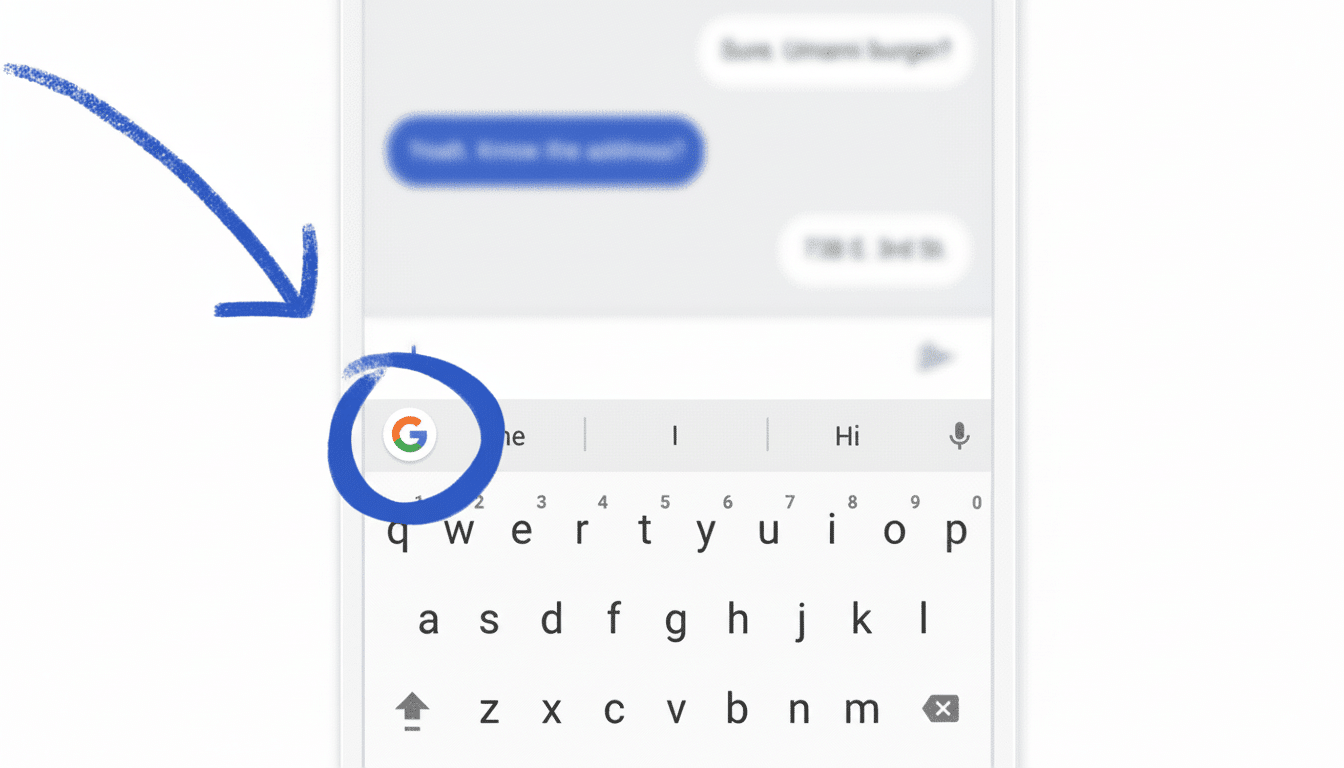
Gboard is slowly experimenting with a different change that could have an outsized impact on your daily typing: there’s a new Auto-switch to letters after apostrophe setting which will snap the keyboard back to letters after just tapping the apostrophe.
It’s the sort of one-tap shortcut that can remove friction from chats, emails, and note-taking without altering the way you type.
What Auto-switch After Apostrophe Actually Does
In the current flow, typing an apostrophe generally means pressing ?123 to switch to symbols, tapping the apostrophe, then switching back to letters. The beta feature eliminates that last step: when you tap the apostrophe, Gboard snaps right back into alphabetic mode as soon as you release your finger — and you’re free to continue typing whatever character comes next, without any added tap or please-wait pause after the fact.
This toggle has been found within the Gboard beta (v16.2.4 series). Though the feature isn’t widely available yet, the label is obvious and the behavior is plain, so I expect it will ship as a simple preference users can engage from settings.
Why This Is Important For Speed And Accuracy
Every mode-change on a mobile keyboard imposes a micro-interruption: your thumb travels, your eyes validate the layout, and then you continue. Research on text entry presented at ACM CHI has long demonstrated that minimizing context switches increases throughput and reduces error rates. Gboard’s tweak focuses on one of the most common toggling back-and-forth actions people do.
Factor in how much we all type in contractions and possessives: don’t, it’s, we’re, Maria’s. In French and Italian, they’re everywhere in normal writing (l’heure, d’accord, l’amico). If you pound an apostrophe 50 times in a busy day, even saving one extra tap per instance would be hundreds of motions per week cut out. The savings add up invisibly, as good UX should.
Yes, power users may already be aware of the “press and slide” trick — press and hold ?123, then swipe to a symbol and let go to auto-return to letters. The new setting extends that luxury to everyone with no gesture knowledge required and also makes apostrophes feel as graceful as any letter.
Multilingual Support at Launch Spans Many Languages
Strings in the beta hint at wide language support out of the box. Obviously, English is included, and the feature can also be set for languages where apostrophes are common:
- English
- French
- Italian
- Portuguese
- Dutch
- Greek
- Nordic languages (Danish, Norwegian Bokmål, Nynorsk, Swedish, and Finnish)
- German
- Turkish
- Ukrainian
- Polish
- Czech
- Catalan
- Galician
- Albanian
- Macedonian
Notably, Welsh is not included.
That scope matters. Just in French there are elisions such as l’, d’, c’, j’, qu’ all the time. And cutting down layout hopping in such situations can make Gboard feel materially faster throughout entire sentences versus just the odd contrivance.
A Minor Move With Major UX and Typing Implications
One subtlety: beta strings use the prime character (‘) not the apostrophe (’). Most mobile keyboards just map the straight apostrophe (U+0027) on the symbols page and use smart punctuation or autocorrect to replace it with curly quotes (U+2019) when needed. I mean, the Unicode Consortium has noticed that these characters are used interchangeably by casual typographers; a feature like this makes the distance between typographical ideal and practical input just a bit smaller.
It also falls in line with Gboard’s slow and steady outlook on design. Over the years, Google has favored incremental features (gesture typing, smarter autocorrect, predictive suggestions) over flashy redesigns. Auto-switch after apostrophe falls into that pattern: negligible cognitive load, but quantifiable comfort gains.
Availability and How to Try It on Your Device
The feature has begun surfacing in the Gboard beta channel attributed to the v16.2.4 build family, and it might be live as an option called Auto-switch after apostrophe inside Gboard’s settings. Of course, expect a staggered rollout with most Google keyboard updates. It won’t show up for all beta users at first, and stable users might have to wait until testing is complete before getting a glimpse.
If you don’t have it yet, there’s a workaround to remember: press and hold ?123, slide to the apostrophe, release — Gboard will type the symbol and switch back to letters. It’s not quite as easy to use or as automatically set up as the new setting, but it yields similar performance up until your device receives the rollout.
Combined, this small toggle could save heavy typers thousands of keystrokes over time. It’s a lesson that the best productivity features are often not sexy — they’re the things that make a chore you repeat dozens of times go away.
