


Samsung’s Galaxy S26 series now reads the world to you as you point your camera, overlaying live, anchored translations on signs, menus, labels, and instructions in your chosen language. Unlike floating text boxes or delayed photo-based tools, translations appear fused to the scene in the viewfinder, sticking to their original position as you move—an everyday augmented reality that feels remarkably natural.
How Real-Time Translation Works on Galaxy S26
The feature builds on Samsung’s Overlay Translation system already available in the Gallery app and Samsung Internet. That pipeline detects text via OCR, runs it through a neural machine translation model, removes the original text, reconstructs the background with AI in-painting, and places the translated text back in a similar font, size, and location. On the S26, Samsung adapts this process for live use, prioritizing fast detection and motion-stable overlays directly in the camera.
- How Real-Time Translation Works on Galaxy S26
- Why It’s Exclusive to the Galaxy S26 Series Right Now
- How It Compares to Existing Camera Translation Tools
- Real-World Uses and Early Limits for Live Translation
- Privacy and On-Device Processing for Camera Translation
- What Comes Next for Samsung’s Real-Time Camera Translation
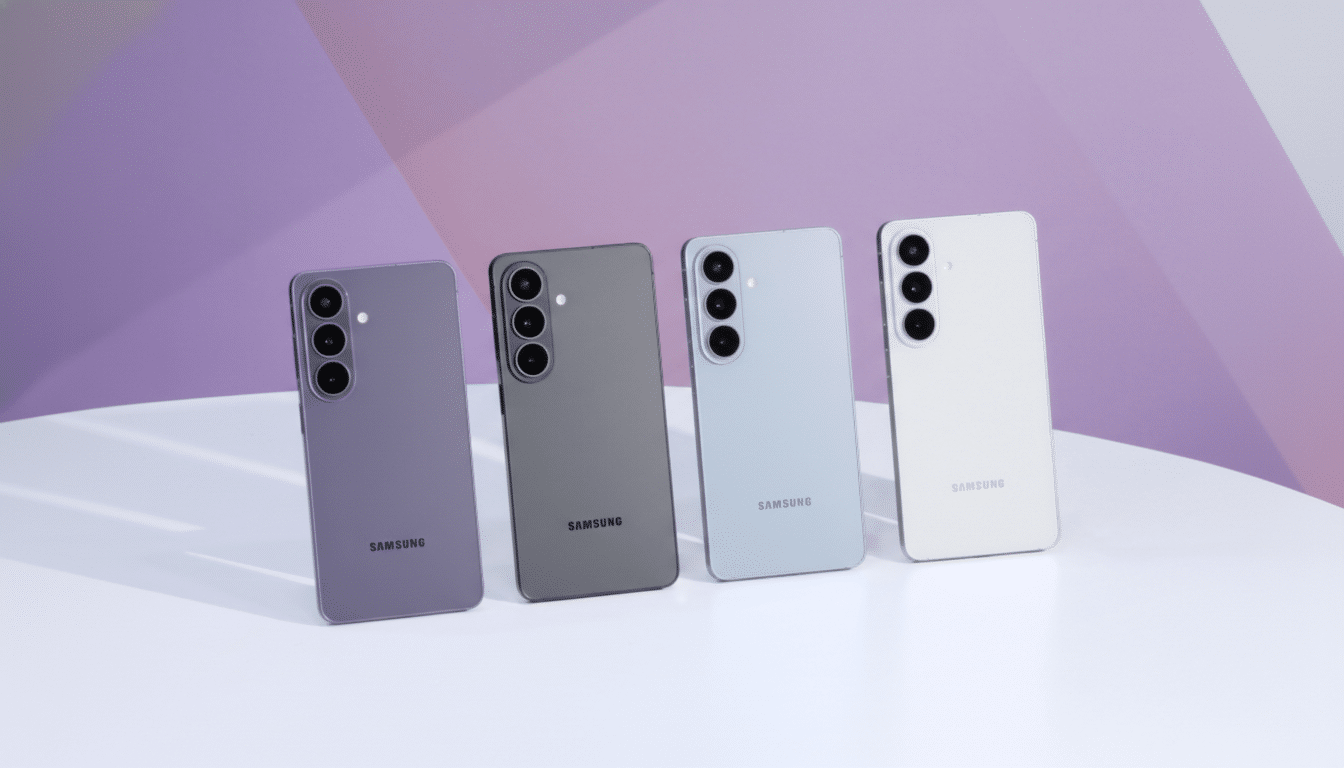
In practice, the phone identifies text regions frame by frame, translates them, and then locks the translated words to underlying surfaces using motion tracking. The result is a convincing illusion: a French street sign becomes English and stays pinned to the signpost; a product label in a shop reads in your language even as you tilt the phone. It’s the difference between reading an app’s output and feeling like the world itself has been localized.
Why It’s Exclusive to the Galaxy S26 Series Right Now
Samsung says the real-time camera version is currently exclusive to the Galaxy S26 series, with plans to expand as processing headroom improves. The reason is simple: full background reconstruction—AI in-painting that seamlessly fills where original text lived—is still too compute-heavy to run live in the viewfinder. That step remains available in still-image translation within the Gallery app or for web pages in Samsung Internet, where the phone can take an extra beat to rebuild the scene perfectly.
Older Galaxy devices can use Overlay Translation for photos and web content, but not for live camera translation. The S26’s advantage is the combination of a stronger NPU, optimized OCR and translation models, and tighter integration with the camera’s real-time tracking—enough to keep latency low and overlays stable without fully redrawing backgrounds on the fly.
How It Compares to Existing Camera Translation Tools
Instant translation in a camera view isn’t new as a concept—Google Lens and the Google Translate camera have offered it for years—but execution matters. Samsung’s approach emphasizes visual consistency: matching the style and placement of text, keeping overlays steady as you pan, and leaning on its proven in-painting workflow for stills. The net effect is less jitter and fewer distracting boxes, especially on high-contrast signage and product packaging.

Expect strengths and caveats similar to industry norms. High-resource languages and simple fonts fare best; ornate scripts, cursive handwriting, or heavy stylization can confuse OCR. Vertical text and mixed-language layouts require careful detection. Industry benchmarks like the WMT translation tasks have shown steady quality gains for neural machine translation in common language pairs, but low-resource languages still lag—something users will notice across all vendors, not just Samsung.
Real-World Uses and Early Limits for Live Translation
The most obvious wins: navigating transit systems abroad, decoding restaurant menus, following appliance setup cards, or comparing ingredients in a pharmacy. With translations locked to the scene, you can keep your eye on the environment instead of juggling screenshots. For travelers, this dovetails with the ongoing rebound in global tourism reported by the UN World Tourism Organization, where language remains a top friction point.
There are limits today. Live camera translation prioritizes speed over perfection, so backgrounds behind replaced text may not be fully reconstructed until you capture a still and let the Gallery’s Overlay Translation finish the job. Fine print can require a closer look; reflective surfaces or low light may reduce accuracy; and, as with any AR overlay, quick motion can introduce brief shimmer before the lock steadies.
Privacy and On-Device Processing for Camera Translation
Samsung has leaned heavily into on-device AI across recent flagships, and this feature fits that trajectory. Running OCR, translation, and tracking locally reduces round trips to the cloud, which helps with latency and can improve privacy in sensitive settings like medical instructions or payment terminals. As with any camera-based tool, users should remain mindful of local policies and social contexts when pointing a lens at documents or displays.
What Comes Next for Samsung’s Real-Time Camera Translation
Samsung indicates real-time camera translation will expand as future devices gain more AI headroom, likely unlocking live in-painting and richer typography matching. Expect broader language coverage and better handling of tough cases like stylized signage, mixed scripts, and complex layouts. For now, the S26’s live overlays, paired with the full-fidelity still-image pipeline in Gallery and Samsung Internet, deliver one of the most polished, practical takes on everyday AR translation available on a phone.
