


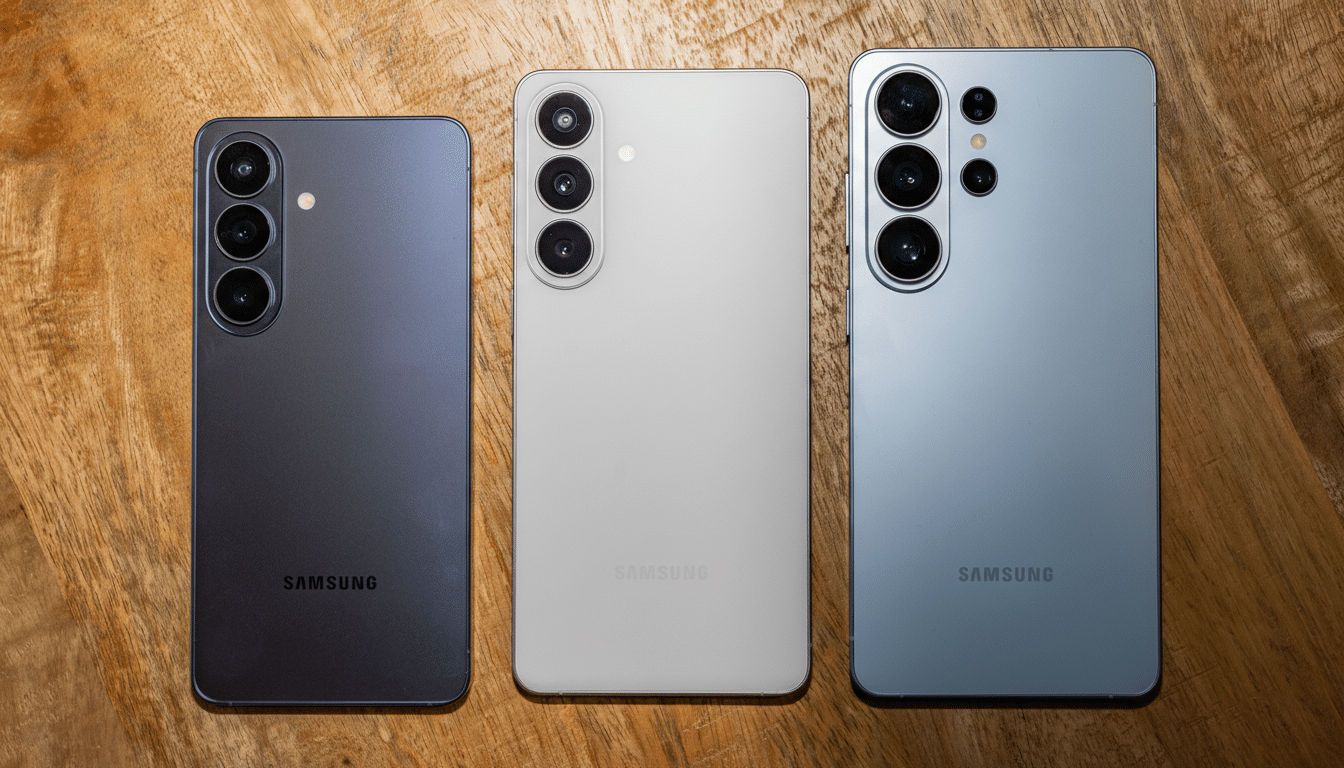
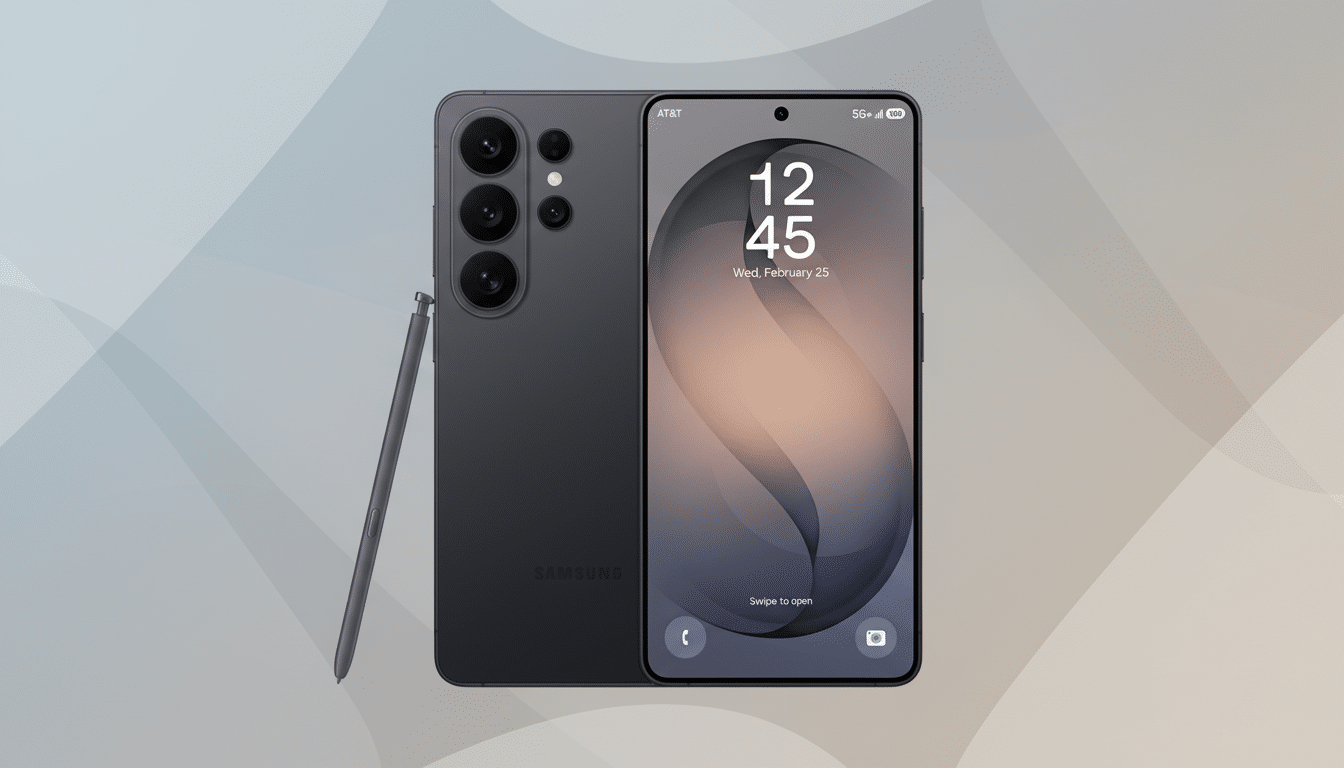
Samsung is expected to spotlight a slick document scanner on the Galaxy S26, pitching effortless point-and-shoot PDFs as a quality-of-life win. It is a practical feature. It is also one that billions of Android users already have. Google Drive’s built-in scanner has quietly offered auto-crop, shadow cleanup, perspective correction, and instant PDF creation for years on virtually any Android phone.
What Samsung Is Showcasing With Galaxy S26 Scanner
The scanner experience Samsung is promoting boils down to three promises users care about: fast capture, clean output, and simple sharing. It detects page edges, corrects skew, strips shadows, and compiles pages into a single PDF without the fiddly alignment dance that used to plague camera-only attempts. If it layers on some AI for better naming or OCR, great. But the core workflow is already a solved problem on Android.
The Google Drive Scanner You Already Have
Open Google Drive, tap the Plus button, and choose Scan. That is it. Drive offers manual or auto capture, intelligently finds the edges of a page or receipt, and crops out the background even when your phone is tilted. It then enhances the image by brightening the page, boosting text contrast, and suppressing shadows.
You can rotate, re-crop, switch filters between color, grayscale, or pure black and white, and clean small smudges. Add as many pages as you like, then save as a single PDF or export individual JPEGs. Drive also supports text extraction via Google’s OCR when you open the scan as a Google Doc, turning printed pages into editable text.
The scale here matters. Google Play lists Drive with more than 5B installs, and Google has reported over 3B active Android devices worldwide. That makes the Drive scanner arguably the most widely available document capture tool on the planet, preloaded on many phones and free to install on the rest.
Mature Tech, Not Magic Tricks, Powers These Scanners
What powers these scanners is not flashy generative AI but mature computer vision. Border detection, perspective correction, and contrast enhancement have long been commoditized, with building blocks exposed in platforms like Google’s ML Kit and adopted across apps from Microsoft Lens to Adobe Scan. That is why the experience feels reliable: the underlying models are well trained for documents under imperfect lighting and mixed backgrounds.
Real-world use cases underscore the point. For receipts, grayscale usually yields the smallest, most readable files. For signed contracts, black and white often sharpens ballpoint strokes without ballooning file size. In everyday conditions, Drive stitches multi-page PDFs in seconds and keeps file sizes modest enough to email without compression hassles.
Where Galaxy S26 Could Still Stand Out in Scanning
None of this means Samsung cannot add value. System-level touches could help: smart file names based on recognized text, automatic sorting into secure folders, seamless handoff to Samsung Notes for annotation, or on-device OCR stored privately within Knox. A fill and sign shortcut, form field detection, and multi-user approval workflows would be welcome for business buyers. But those would be refinements, not the baseline scanning breakthrough already in everyone’s pocket.
How To Use It Now On Any Android With Google Drive
- Open Google Drive and tap the Plus button, then Scan. You can also tap the camera icon above the Plus.
- Choose Auto capture for hands-free snapping or Manual to control the shutter. Drive will auto-detect edges and fix perspective.
- Add pages with the page-plus icon. Edit crops, rotate, and pick color, grayscale, or black and white. Use black and white for text-heavy contracts; grayscale for faded receipts.
- Tap Next, name the file, and save as PDF or JPEG. Your scan lands in Drive for instant sharing or local download if needed.
If Drive is not preinstalled, install it free from the Play Store. For text extraction, open your scan in Google Docs to run OCR and copy text directly.
The Bottom Line For Galaxy Buyers Considering Scanning
The Galaxy S26 will ship with a polished scanner, but the most useful parts of that experience are already ubiquitous. For everyday paperwork, your current Android phone and Google Drive handle scanning, cleanup, and PDF assembly with near-zero friction. If Samsung layers meaningful extras on top, that is a bonus. You do not need to wait to capture clean, professional PDFs today.
