


Samsung is rolling out a new first‑party tool called Creative Studio with the Galaxy S26 lineup, bringing easy sticker creation, AI‑assisted wallpapers, and even greeting cards into a single hub. It mirrors popular creative perks long embraced by Pixel owners while adding Samsung‑specific touches that make personalization feel native to Galaxy phones.
What Creative Studio Actually Does on Galaxy S26 phones
Creative Studio lets you spin up custom sticker packs from photos, sketches, or text prompts, then save those stickers directly to the Samsung Keyboard for one‑tap reuse across chats. The app can also generate detailed images from simple line drawings and descriptions, offering quick controls to refine color, style, and background for share‑ready results.
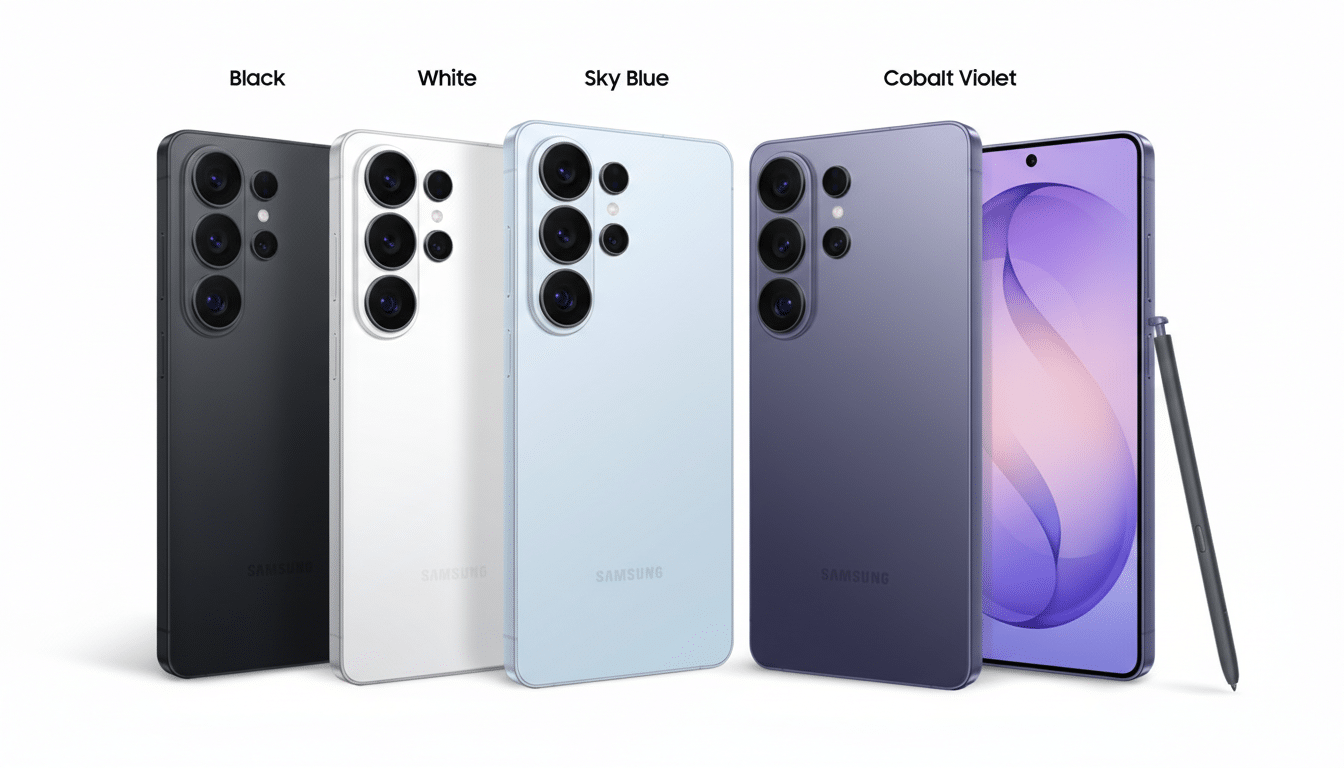
On the wallpaper front, Creative Studio auto‑scales designs to your phone’s dimensions and resolution, so art looks crisp on any S26 model without manual cropping. The same engine powers templated greeting cards: pick a theme, tweak imagery and text, and export to Messages, WhatsApp, or email with layouts that preserve composition edge to edge.
Early hands‑on demos show Creative Studio as a standalone Galaxy Store app, hinting at broader availability across Samsung devices beyond the S26 family once initial rollout settles.
How It Compares to Pixel Tools and Experiences
Google’s Pixels popularized generative wallpapers and quick‑hit custom stickers, and more recently made it simple to save and reuse creations. Samsung’s move tracks that trajectory but consolidates capabilities into one place that plugs tightly into the Galaxy experience—especially the keyboard and system wallpaper picker—reducing the app‑hopping typical of third‑party editors.
The overlap is clear: both ecosystems now offer text‑to‑image creation, style filters, and repeatable assets. Where Samsung could differentiate is scale and device‑level integration. Galaxy phones historically bundle creative extras—think Object Eraser in the Gallery and studio‑grade portrait controls—that are tuned for Samsung camera pipelines. If Creative Studio taps similar hooks, stickers and wallpapers derived from your shots should look more consistent than generic, one‑size‑fits‑all filters.
Why It Matters for Galaxy Users and Personalization
Personalization is one of the stickiest reasons people stay loyal to a platform. Google and Apple have each leaned into this with AI wallpaper and lock screen customization. Samsung is now matching stride while keeping the workflow on‑device where possible, which can cut latency and reduce the need to upload private photos to the cloud.
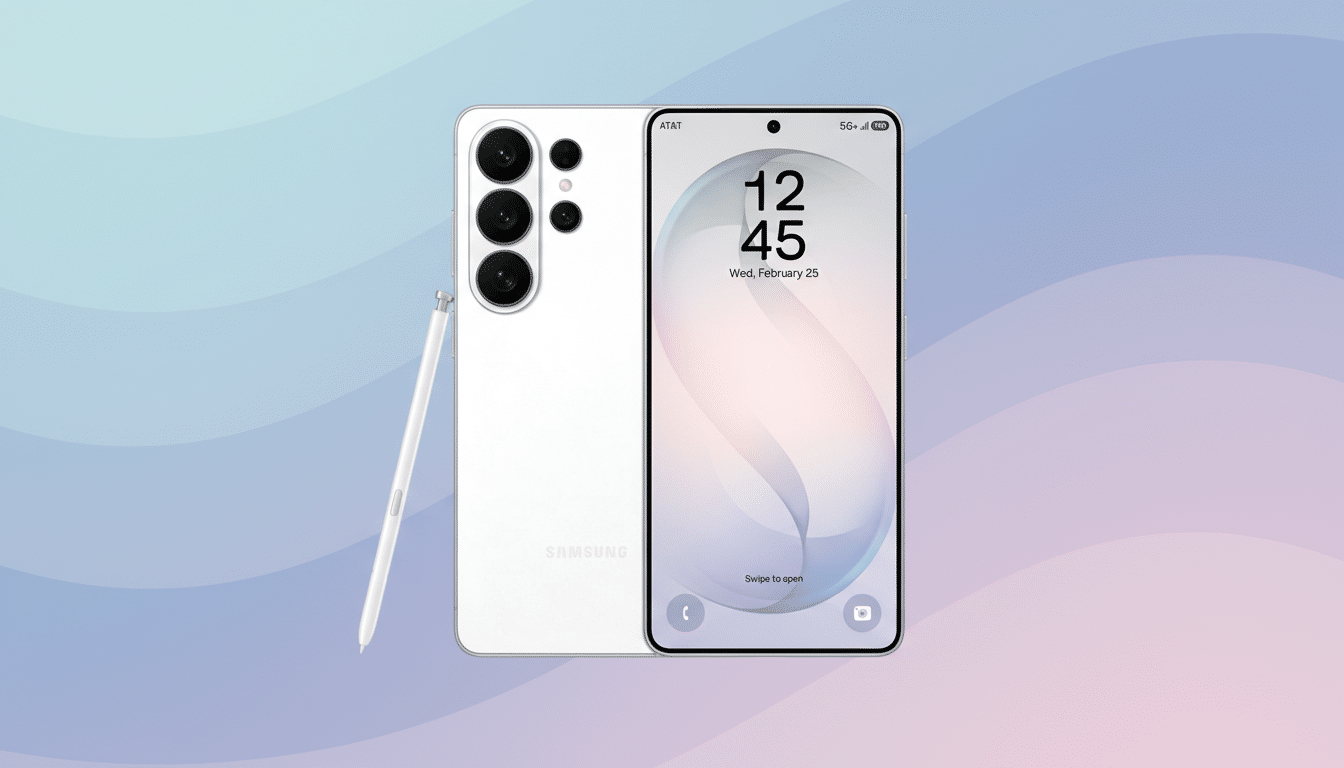
The S26 series’ AI‑heavy silicon—Samsung’s “for Galaxy” tuned flagship chip with a beefier NPU—should help Creative Studio render stickers and wallpapers quickly, even when prompts get complex. Faster, more accurate previews translate to less trial and error and more share‑worthy results, a big win for messaging and social apps where originality stands out.
Practical example: snap a pet photo, trace a quick outline, add a playful prompt like “comic‑book halftone,” and in seconds you’ve got a loopable sticker pack that sticks in your keyboard tray. Or build a travel wallpaper set from a text brief—“sunrise over Kyoto in watercolor”—and apply variants across your home and lock screens without worrying about icon overlap or aspect ratios.
Availability and Ecosystem Fit Across Galaxy Devices
Because Creative Studio appears in the Galaxy Store on demo units, Samsung can update it independently of system upgrades and distribute it to more phones later. That mirrors how Gallery tools, Camera Assistant, and Modes And Routines have expanded over time. Expect tight ties with Samsung Keyboard at launch and broader hooks into the Gallery and Themes apps as the feature matures.
For creators who bounce between devices, the save‑to‑keyboard approach lowers friction. You curate once and reuse everywhere the Samsung Keyboard pops up—from RCS in Google Messages to social DMs—without hunting through file pickers or cloud drives.
Part of a Larger AI Push for Samsung’s Galaxy Line
Creative Studio lands alongside other S26 additions that underscore Samsung’s AI direction, including Privacy Display for onlookers, smarter device search via Finder, and a partnership with Perplexity for conversational assistance. The throughline is clear: make everyday tasks faster, more private, and a bit more fun.
Google set the pace on playful, generative phone features, but Samsung’s answer bets on deep system integration and hardware acceleration. If Creative Studio rolls out widely through the Galaxy Store, expect a wave of personalized stickers and wallpapers to become a defining signature of modern Galaxy messaging and home screens.
