


Samsung is turning the notification shade into a true inbox on the Galaxy S26 series, enabling a new AI-powered system in One UI 8.5 that automatically prioritizes alerts and generates concise summaries from busy threads. The feature, now live on the stable build shipping with the S26 lineup, is designed to surface what matters first and reduce the endless scroll of pings that crowd modern phones.
What Changes Inside Your Notification Shade
At a glance, the most important alerts bubble to the top while long conversations and noisy app streams are condensed into short, readable overviews. Samsung notes that the system can draw on notification history from the past 24 hours to produce context-aware summaries, making it easier to catch key updates from group chats, e-commerce deliveries, travel apps, or email threads without digging into each message.
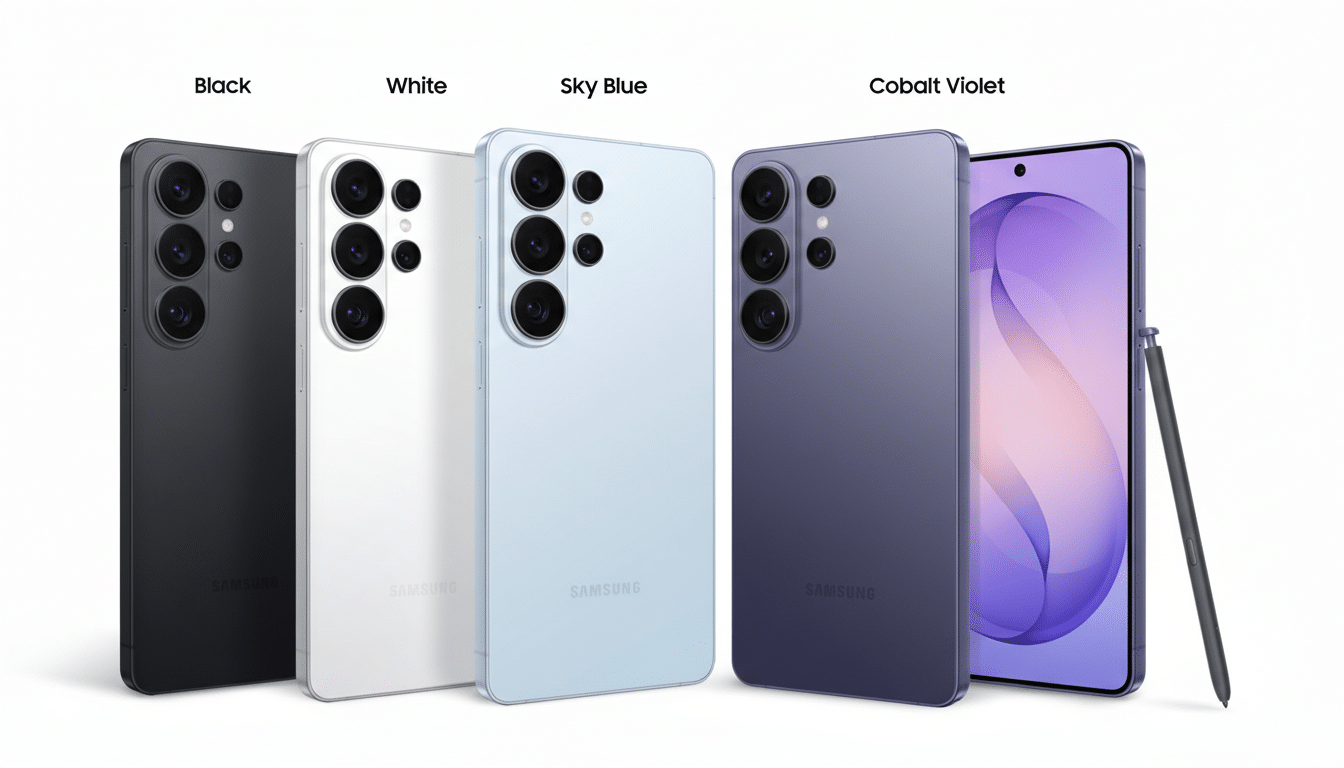
Crucially, this is built to assist rather than obscure. A summary acts as a preview, with a tap expanding into the unabridged thread. Samsung also cautions that summaries may not always be accurate, a sensible reminder to open critical items—like banking or medical alerts—before acting.
On-Device AI Processing With Privacy in Mind
All processing happens locally on the phone. Samsung’s implementation keeps notification data on-device, aligning with the company’s broader Galaxy AI privacy stance and the industry shift toward minimizing cloud exposure for sensitive content. For users wary of server-side analysis of personal messages or app activity, that local approach is the headline feature behind the feature.
Running everything on-device also has practical upsides: faster response, consistency when offline, and fewer edge cases where a weak connection delays sorting or summaries.
How Notification Prioritization Likely Works
Samsung has not published the full recipe, but the signals are clear. Expect the system to lean on Android’s notification channels and importance levels, sender identity for conversations, and app categories to distinguish time-sensitive alerts from background noise. Machine learning models can also detect repetition, collapse duplicates, and pick out structured details—flight times, delivery ETAs, meeting locations—that lend themselves to tight summaries.
Android has steadily laid the groundwork for this moment, from Priority Conversations and bubbles in Android 11 to per-app importance controls. One UI 8.5’s new layer builds on those primitives, applying on-device language models to synthesize the gist of a thread and rank it against everything else vying for your attention.
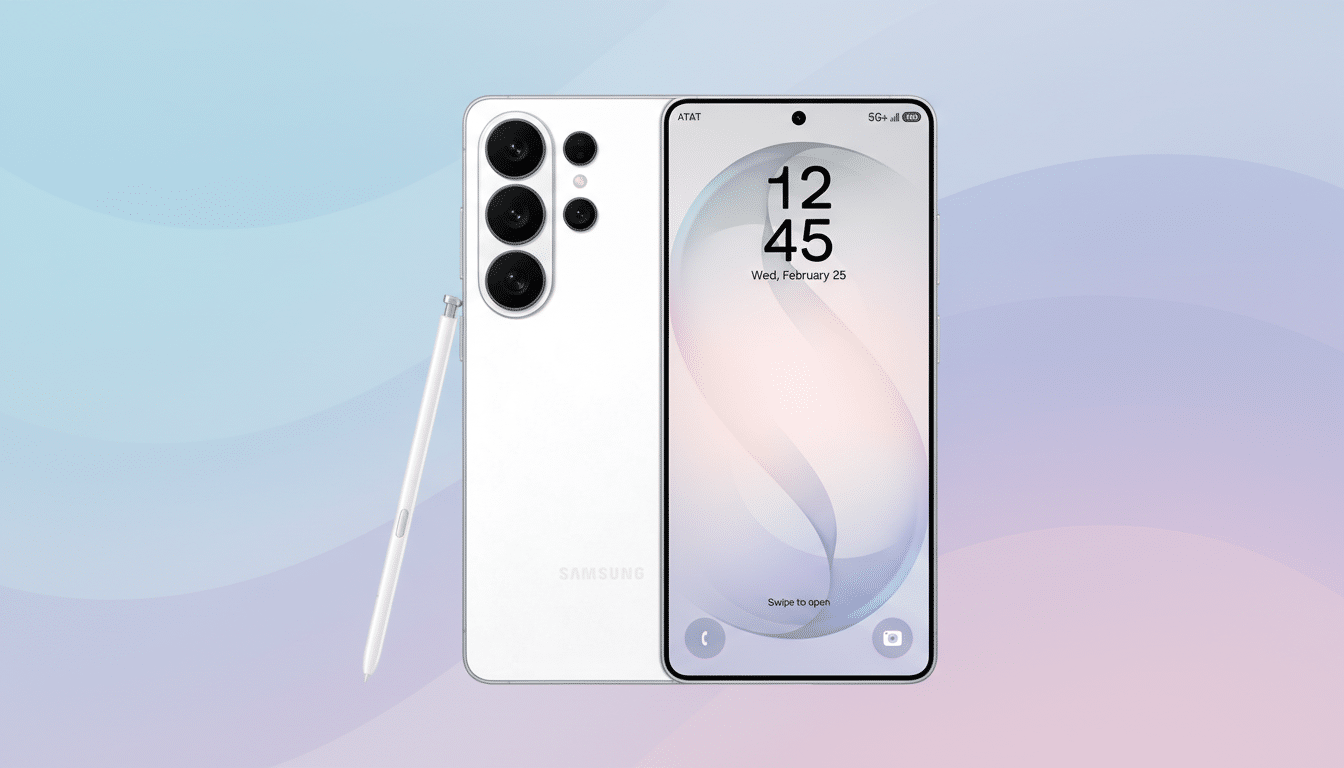
Real-World Examples and Notification Edge Cases
Picture a morning unlock where the shade shows a succinct digest like Package delivered at 8:14 AM, Front Door; and Team chat, 12 new messages. Key point: Launch moved to next week. A breaking bank alert or a rideshare arrival would punch through to the top as a full notification, while social likes and promotional pushes wait their turn.
Controls matter here. Users should be able to manage exceptions in Settings so that certain apps bypass summaries or always appear at full priority. That’s particularly important for authentication prompts, smart home warnings, and health data, where a condensed view could hide critical nuance.
Why This Notification Overhaul Matters Now
Notification overload is more than an annoyance; it erodes focus. Research from the University of California Irvine has shown that after an interruption, it can take more than 20 minutes to regain deep concentration. Industry reports from firms such as Airship and Deloitte have also chronicled steady growth in push volume, as more services compete for a spot on your lock screen.
Apple’s iOS introduced a Scheduled Summary and time-sensitive alerts, while Google leans on notification channels and priority conversations. Samsung’s twist is immediacy and context: on-device summaries generated in real time with a 24-hour memory, embedded directly in the notification shade rather than confined to scheduled bundles.
Availability and What Comes Next for One UI 8.5
The new prioritization and summaries are enabled on the Galaxy S26 series with the stable One UI 8.5 build at launch. Samsung typically backports major software improvements to recent flagships, and this one is likely to expand as One UI 8.5 lands on older models. Rollout details will depend on region, carrier testing, and device capability, since on-device AI features are often tuned to the latest NPUs.
If you have a Galaxy S26, look for the new options in the Settings app under Notifications. Start with the default behavior, then fine-tune per-app rules after a day or two. The goal is not fewer notifications—it is the right notifications, in the right order, with just enough context to act quickly.
