


Two of the most talked-about pro editors—DaVinci Resolve and Final Cut Pro—are neck and neck on paper. In practice, their strengths diverge fast. If you edit for a living or aspire to, the question isn’t which one can cut a timeline; it’s which one delivers the most capability for the money without boxing you into a workflow you’ll outgrow.
Pricing And Platform Support Drive Early Divide
DaVinci Resolve’s proposition is hard to beat: a robust free version and a one-time $295 Studio license for advanced features. No subscription required. Final Cut Pro costs $299.99 outright or is available via Apple’s Creator Studio bundle subscription, which also includes Motion, Compressor, and Logic Pro. Apple’s approach is attractive if you want tightly integrated pro apps, but it’s Mac-only.
- Pricing And Platform Support Drive Early Divide
- Editing Workflows Take Different Paths in Practice
- AI And Automation Are Changing The Pace for Editors
- Color And Audio Decide Finishing Power for Pros
- Collaboration And Delivery Matter To Teams
- Performance Benchmarks And Real-World Results
- Who Gets The Better Deal for Their Editing Needs
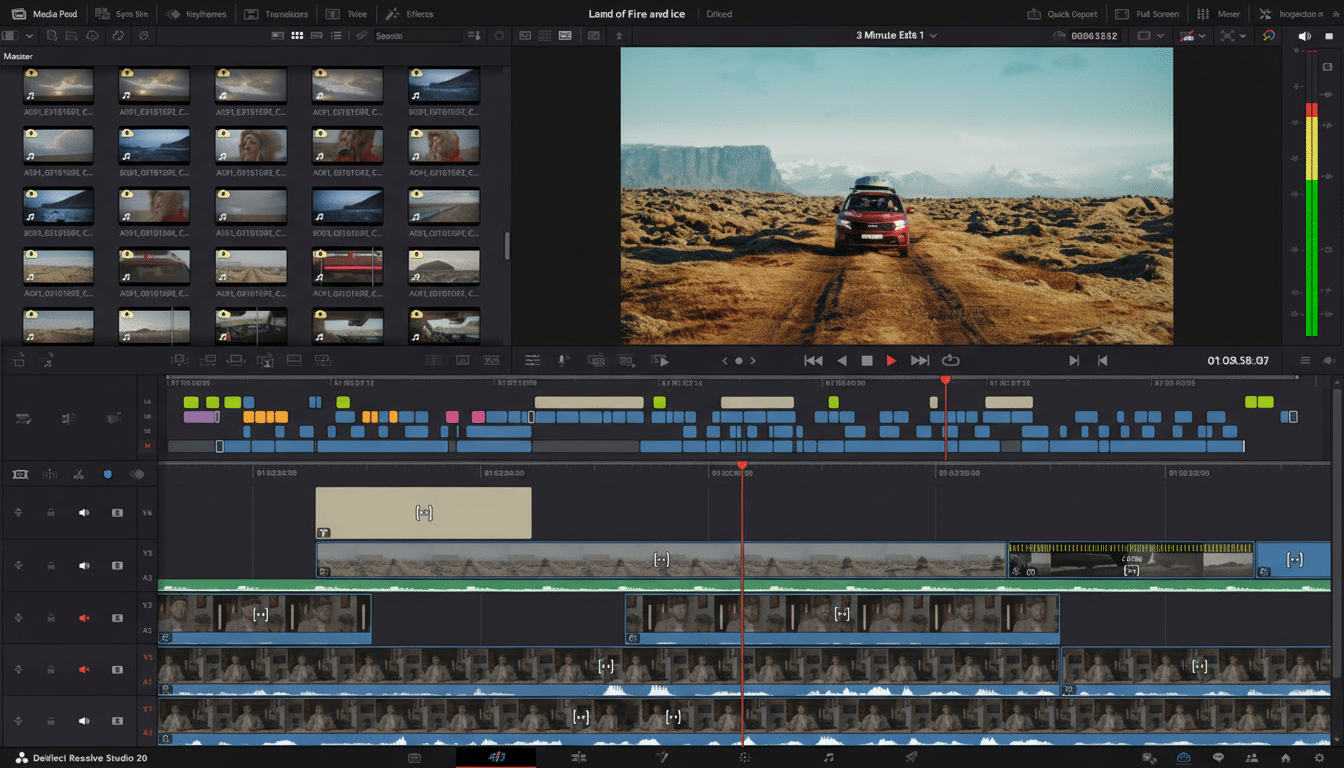
Resolve runs on Windows, macOS, and Linux, and now supports Windows on Arm with NPU acceleration on modern Copilot+ PCs. That cross‑platform reach matters for mixed environments and facilities. If your team spans MacBooks on set and Windows workstations in post, Resolve’s flexibility alone can save time and money.
Editing Workflows Take Different Paths in Practice
Final Cut Pro’s Magnetic Timeline is famous for a reason. By attaching clips to a primary storyline and using Roles to organize dialogue, music, effects, and titles, it keeps complex edits tidy with fewer sync snafus. Auditions for swapping selects and compound clips for collapsing sections make iterative cuts feel fast and fluid.
Resolve opts for a classic, track-based paradigm across a set of focused pages: Cut and Edit for assembly, Fusion for motion graphics, Color for grading, Fairlight for audio, and Deliver for output. It’s a steeper climb at first—node trees and multi-page logic can intimidate newcomers—but seasoned assistants and finishing editors often prefer the precision and separation of tasks.
AI And Automation Are Changing The Pace for Editors
Apple has added speech and object search, Magnetic Mask, Scene Removal, and Beat Detection to Final Cut Pro, plus autocaptioning. Those tools speed routine chores, but the app still lacks true text‑based editing in the timeline.
Blackmagic Design has been aggressive. Resolve Studio now offers text-based editing from transcripts, AI IntelliScript to execute natural-language edit commands, Animated Subtitles, Magic Mask for subject isolation, AI Set Extender for scene fill, AI Music Editor to fit tracks to picture, AI Audio Assistant for quick mixes, and Superscale for 3x–4x upscaling. For editors juggling short deadlines, these can convert hours of grunt work into minutes.
Color And Audio Decide Finishing Power for Pros
Resolve’s Color page remains the industry benchmark. Its node‑based grading, advanced qualifiers, and tools like Chroma Color Warp offer surgical control, and support for the Academy Color Encoding System from the Academy of Motion Picture Arts and Sciences keeps color pipelines consistent across cameras and deliverables.
Fairlight, Resolve’s built‑in DAW, supports up to 2,000 tracks, full bussing and automation, immersive formats, and a deep plug‑in set. Final Cut Pro’s audio tools are capable and integrate cleanly with Logic Pro, but for large multitrack mixes, Fairlight’s scale and speed are in another class.
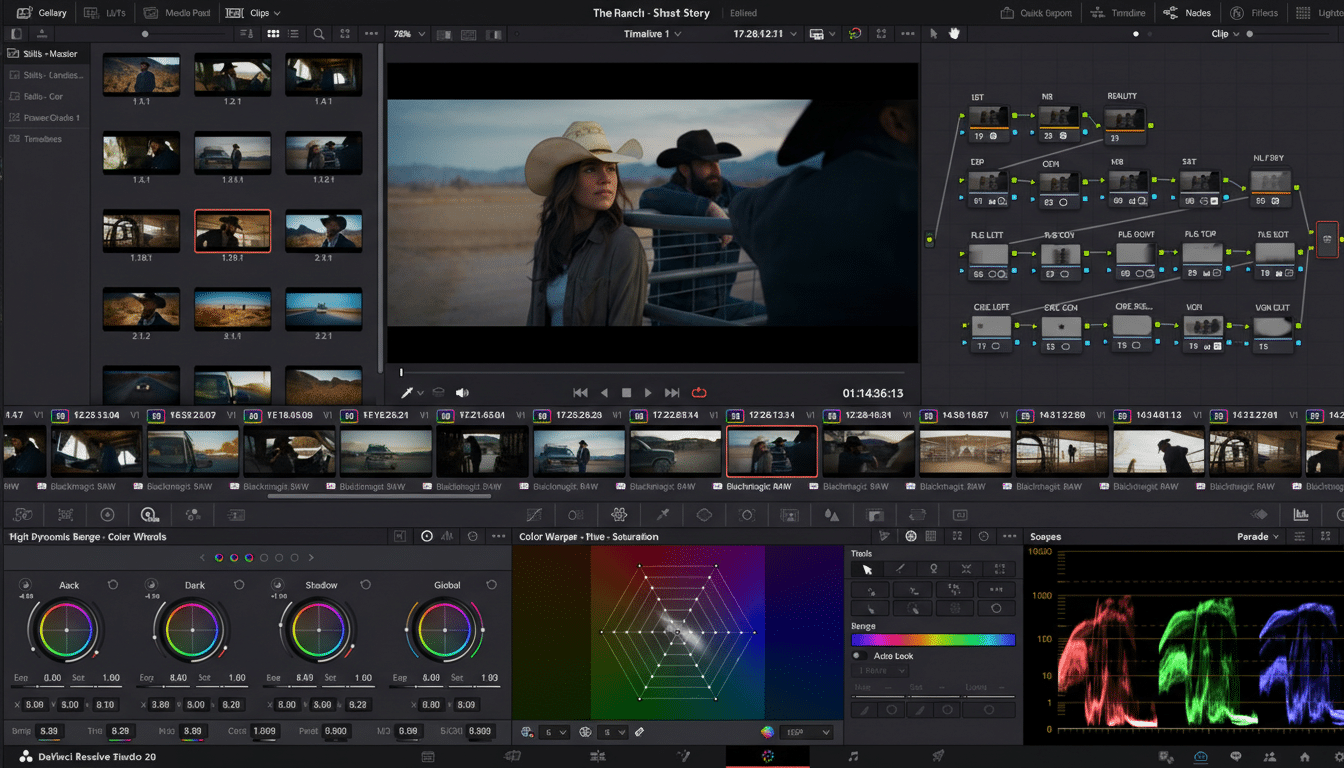
On color, Final Cut’s Color Wheels and curves are intuitive and fast, perfect for web and broadcast work. For longform HDR feature finishing, Resolve’s node graph and color management still dominate.
Collaboration And Delivery Matter To Teams
Resolve’s Blackmagic Cloud enables remote collaboration, review links, project libraries, and smart proxy workflows. Native support for IMF, DCP, EXR, DPX, DNxHR, Dolby Vision, and VR180/360 in the Deliver page checks boxes that broadcasters and streamers expect. Integration with Frame.io further smooths review cycles; many studios rely on that ecosystem, now under Adobe.
Final Cut Pro can tap Frame.io via plug‑in and exports cleanly to ProRes, H.264/HEVC, HDR10, and HLG. For batch jobs and custom presets, Compressor is the add‑on you’ll want. If your output is predominantly YouTube, social, or Apple platforms—including support for Apple Vision Pro—Final Cut is perfectly serviceable. For multi‑standard theatrical and OTT deliveries, Resolve is more turnkey without extra apps.
Performance Benchmarks And Real-World Results
On Apple silicon, Final Cut Pro remains exceptionally quick thanks to deep ProRes and HEVC hardware acceleration. In controlled tests on an entry‑level M1 MacBook Air, Final Cut finished a 5‑minute 1080p H.264 export in 94 seconds, with Resolve close behind at 102 seconds. On a Windows tower with a Core i7‑12700K and GeForce RTX 3060 Ti, Resolve completed the same job in 25 seconds, showing how well it scales with discrete GPUs—echoing broader findings often cited by Puget Systems for GPU‑bound workloads.
The takeaway is simple: Final Cut feels blisteringly fast on Macs, particularly with ProRes media. Resolve is platform‑agnostic and exploits GPUs aggressively on Windows and Linux while staying competitive on Mac.
Who Gets The Better Deal for Their Editing Needs
If you are all‑in on Apple hardware and want the shortest path from rough cut to polished upload, Final Cut Pro is worth the price—especially if you also value Motion, Compressor, and Logic in the Creator Studio bundle. Wedding shooters and social teams that live in ProRes and H.264 will appreciate its speed and the Magnetic Timeline’s guardrails.
If you need cross‑platform flexibility, advanced AI, gold‑standard grading, a built‑in DAW, deeper VR180/360 tooling, and broadcast‑grade delivery formats, DaVinci Resolve delivers more capability per dollar. Indie documentary teams, advertising shops, and post facilities stand to gain the most—starting at $0, with a clear path to Studio when needed.
Bottom line: Final Cut Pro shines for Mac‑first editors who prize speed and simplicity. DaVinci Resolve offers the broader, longer‑term value—especially for collaborative teams and creators who don’t want to buy extra apps to finish like the pros.
