


Here’s the deal: California’s gotten tougher about phones behind the wheel. If you’re caught holding your phone—even just to peek at a map or skip a song—you’re looking at a ticket. Yep, even a quick glance with your phone in hand counts as a violation now, and courts have made it clear: any handheld use is a no-go.
Let’s break down what’s actually changed, how the rules are being enforced, what the penalties look like, and why this matters if there’s a crash. If someone’s hurt in a wreck because another driver was fiddling with their phone, it might be time to call a local car accident lawyer—say, someone in Rosemead who handles injury cases.
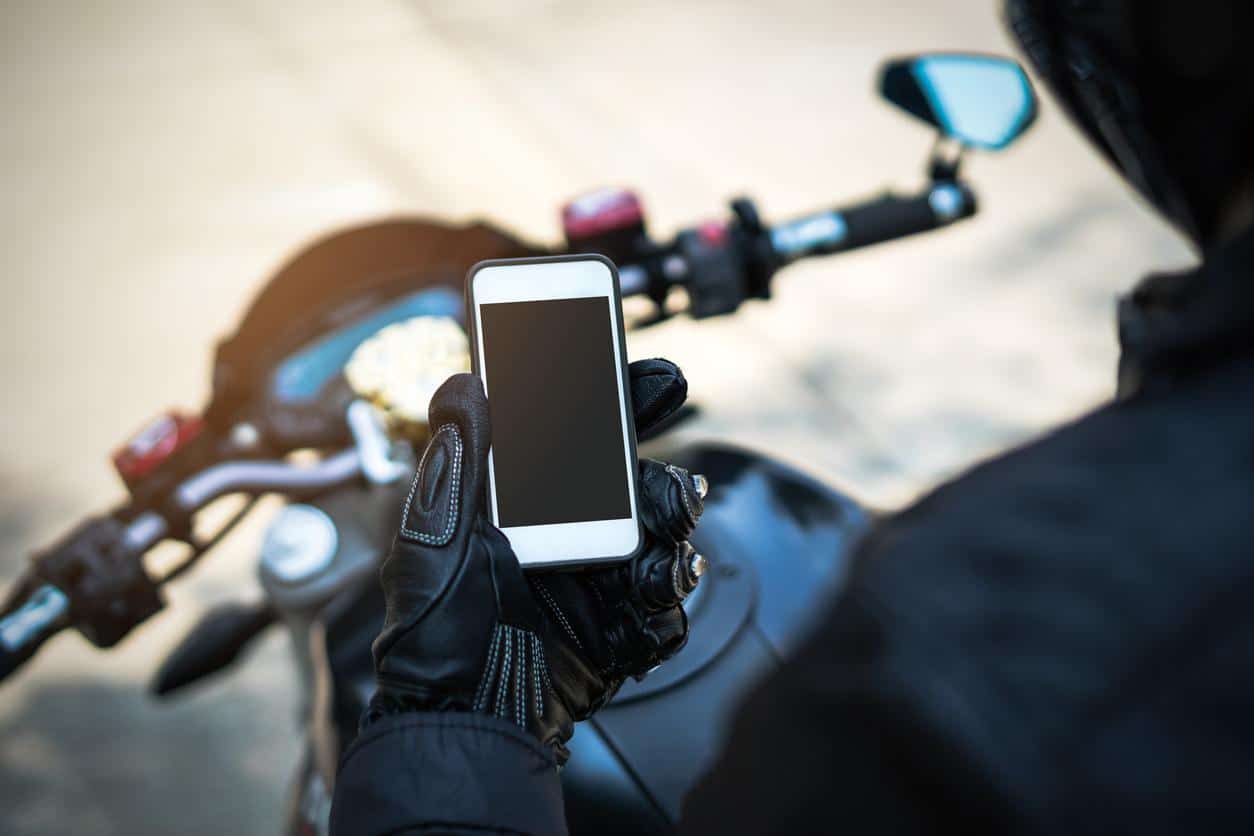
California’s No‑Touch Phone Rule and Its Legal Impact
California drivers can’t hold their cellphones while driving anymore, not even for a second to check directions or change the music. The rule shifts how police enforce distracted driving, ramps up civil liability, and, honestly, forces us all to rethink our in-car habits. Only mounted or voice-activated use is allowed now.
Court Ruling and the End of the Loophole
So, in People v. Nathaniel Porter, the Court of Appeal basically shut down the old loophole. Before, you could argue you weren’t breaking the law if you weren’t texting or making a call. Not anymore. Now, just holding the phone for any reason while driving is enough for a violation.
This decision matters everywhere in California—appellate rulings set the tone for cops and judges across the state. Police can pull you over just for holding your phone, and prosecutors will absolutely point to the Porter case if you end up in court.
It’s not just criminal cases, either. In lawsuits after crashes, lawyers can use this ruling to show a driver broke the law by not using a hands-free setup. That makes it easier to prove negligence and win damages.
What Is Prohibited Under the Rule
The law says you can’t hold, support, or mess with your phone while driving unless you’re parked. Even a quick map check or scrolling through your playlist? Still an infraction if the phone’s in your hand.
There aren’t many exceptions: emergency responders doing their jobs, passengers, and a few urgent situations. Rideshare and delivery folks? Sorry, no special treatment—they have to follow the same rules as everyone else.
Get caught, and you’re looking at a base fine (which climbs once fees are tacked on) and, if you keep it up, points on your license. When these cases hit court, judges will weigh them against the Porter decision to decide how serious things are.
Mounting and Hands-Free Requirements
Phones are only okay if they’re mounted—think dashboard, windshield, or center console—or if you’re using voice controls. A quick tap or swipe is fine, but only if the phone’s mounted and you’re not glued to the screen.
Set your GPS, pick your music, and get everything ready before you start driving. If you need to change something while you’re moving, use voice commands or pull over and park somewhere safe. That’s just the way it is now.
Cops are on the lookout for drivers holding their phones. If your mount blocks your view or you’re still grabbing the device, you could still get stopped. The bottom line? Go truly hands-free and keep your hands off your phone while driving.
Fines, Consequences, and Distracted Driving Risks
Messing with your phone can cost you fines, points on your record, and a bigger risk if you cause a crash. If you’re distracted and end up in an accident, expect your insurance to spike and the legal heat to turn up if you were holding a phone.
Penalties for Violating the No‑Touch Phone Law
Fines in California start out looking kind of small, but after all the court fees, that first ticket usually runs about $150. Get caught again? It gets pricier, and you could face even steeper penalties.
If you rack up violations, the courts or DMV might add a point to your license, especially if you’ve been busted before. That means higher insurance and, if you keep it up, maybe even a suspended license. And don’t think you’re safe at a red light—holding your phone there can still get you cited.
How Distracted Driving Accidents Influence Legal Cases
If there’s a crash and someone was holding a phone, lawyers for the injured side almost always argue that’s automatic negligence under California law. Evidence like phone records, dashcam clips, or a witness seeing a phone in hand? That can make a big difference in getting compensation for injuries or car damage.
Insurance companies aren’t thrilled by these violations either—they’ll treat it as a major mark against you when figuring out liability or settlements. If the injuries are bad, the handheld phone ban can make a case for bigger payouts or even punitive damages in court.
Staying Safe: Practical Compliance Strategies
Before hitting the road, make sure your phone’s mounted somewhere secure—maybe the windshield, maybe the dash, just somewhere it won’t slide around. It’s best to set up your route with voice commands or, honestly, a quick tap (while you’re still parked). Don’t forget to turn on “Do Not Disturb While Driving” mode; it’ll keep those pings and buzzes quiet and even shoot off automatic replies while you’re on the move.
Whenever possible, lean on your car’s own tech—Apple CarPlay, Android Auto, or even just a trusty headset for hands-free calls. And if something pops up that really needs your attention? Don’t risk it. Pull over somewhere legal and safe before messing with your phone. It’s not just about avoiding tickets; it’s about keeping yourself (and everyone else) out of harm’s way if something unexpected happens.
