


Bridgerton loyalists, do not let the app whisk you away at the finale. Season 4 hides a secret scene in the end credits, and it is very much worth your time. When the overlay pops up, choose Watch Credits instead of letting autoplay kick in. No spoilers here, but the stinger gathers familiar faces and lands a final emotional beat that reframes the way you leave the season.
Why The Season 4 Credits Matter For Bridgerton Fans
Shondaland loves a coda. From Grey’s Anatomy to Scandal, the studio has long used last-minute tags to plant seeds for the next act. In Bridgerton, which adapts Julia Quinn’s novels known for their epilogues, shifting a reveal to the credits lets the creative team control exactly where the story breathes—after the cheers, after the strings, with a wink to those who stay.
This approach also recognizes how fans actually watch. Netflix’s Most Popular lists routinely feature Bridgerton among the top English-language series by hours viewed, and the show’s finales become online events. Nielsen’s weekly streaming charts frequently show surges around finale drops, a sign that the last chapter drives outsized conversation. Planting a stinger in the scroll turns what many treat as throwaway minutes into premium story real estate.
How To Make Sure You See The Season 4 Credits Stinger
When the credits start, Netflix often displays a prompt to jump elsewhere. Instead, select Watch Credits to keep the stream going. If you prefer a set-and-forget solution, open your profile’s Playback Settings and turn off Autoplay Next Episode. On most smart TVs and streaming sticks, pressing up or OK reveals the Watch Credits option; on phones and tablets, tap the shrinking video to stay in the current title.
One more pro tip: Netflix added the ability to disable autoplay previews and next-episode autoplays after user feedback, so if you’ve ever felt rushed out of a moment, the toggles are there for a reason. Use them for this finale—you’ll want the extra beat.
What The Stinger Signals Without Spoilers
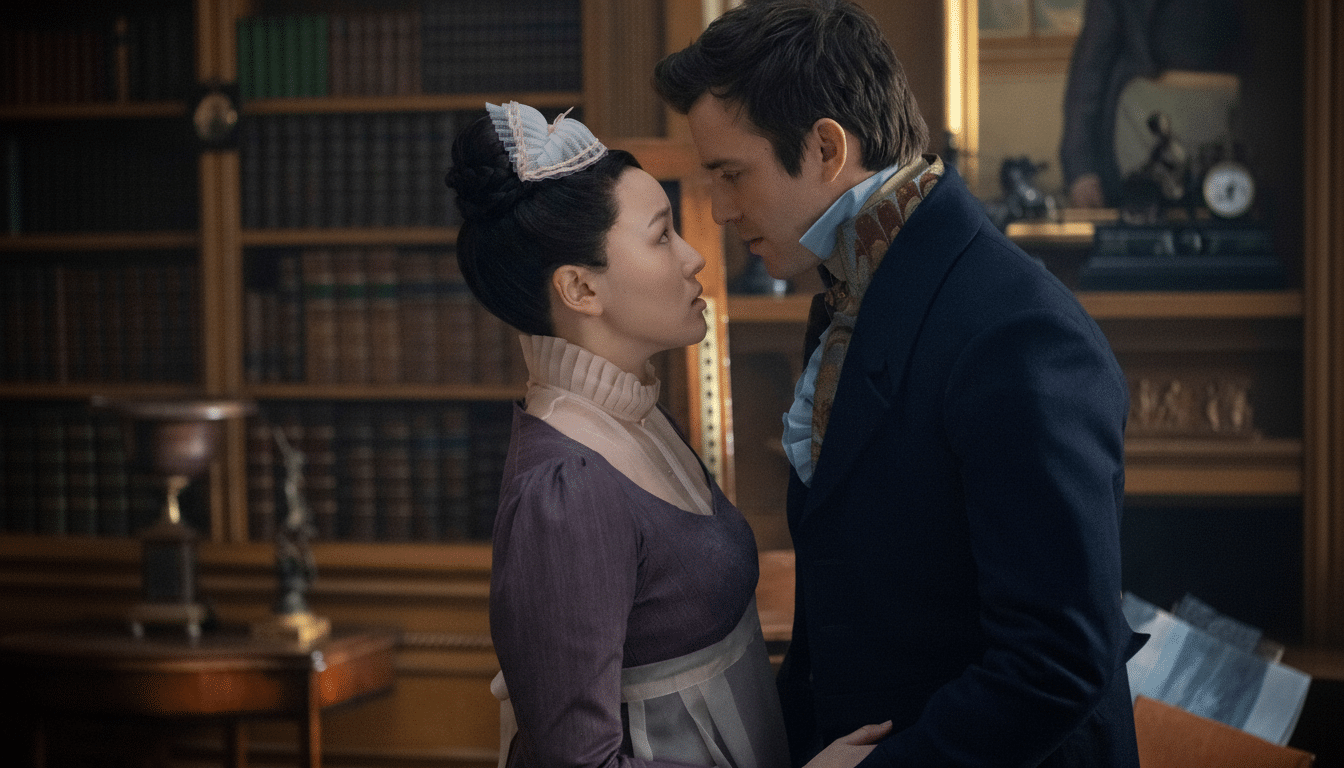
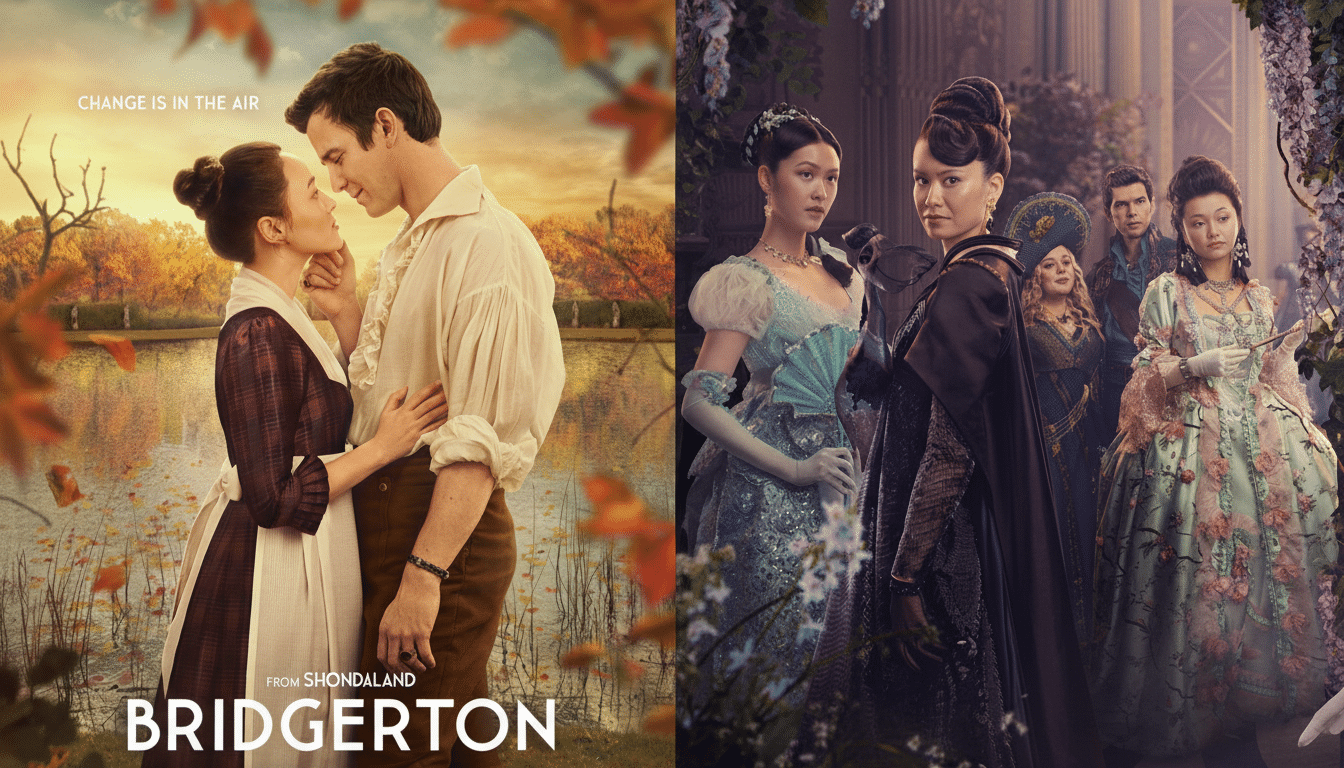
Season 4’s romance centers on Sophie Baek (Yerin Ha) and Benedict Bridgerton (Luke Thompson), and the coda smartly honors the ensemble that orbits their story. Without giving specifics, it nudges attention toward the family’s shifting dynamics and the social chessboard of the Ton, the very currents that typically steer the next courtship. It is less a gimmick than a tone-setter—a final note that says, yes, there’s more to read between the lines.
The Upside Of Staying Through The Scroll
Even without a hidden scene, Bridgerton’s credits are hardly filler. The series’ orchestral pop covers—frequently performed by Vitamin String Quartet—have sent listeners hunting on Spotify after previous seasons, while Kris Bowers’ score threads motifs that quietly resolve in the finale. Letting the credits play is a way of letting the storytelling finish its sentence.
There’s also a fandom payoff. Post-credits tags in TV have evolved beyond superhero teasers; The Witcher, The Boys, and other streaming hits have used them to seed world-building and stoke discourse. Bridgerton adopting the practice connects it to a wider streaming language—rewarding the viewers most invested in decoding its courtly whispers.
Bottom Line: Why Staying For The Credits Is Worth It
Keep the remote in hand and resist the skip. Click Watch Credits at the end of Bridgerton Season 4 to catch a secret scene that sharpens the finale’s aftertaste and hints at what’s next. It’s a small choice that pays off—story-first, spoiler-free, and perfectly on brand for a series that knows how to close a dance.

