


Apple’s new M5 MacBook Air is up for preorder, and moving early can be the difference between launch-day delivery and a weeks-long wait. Here’s exactly how to secure one, what configurations to consider, and the smartest places to place your order.
How to Preorder the M5 MacBook Air Directly from Apple
The fastest path is the Apple Store app. Sign in first, preload your payment and shipping details, then choose your size (13 or 15 inches), color (sky blue, midnight, starlight, or silver), memory (16GB or 32GB), and storage (512GB to 4TB). The app typically updates stock status a few seconds before desktop storefronts, and it makes in‑store pickup selection quick if delivery windows slip.
- How to Preorder the M5 MacBook Air Directly from Apple
- Where to Preorder the M5 MacBook Air and Retailer Config Limits
- How to Choose the Right Size, Memory, and Storage Options
- Connectivity Upgrades and Key Feature Checks to Know
- How to Save with Education Pricing and Apple Trade‑In
- Delivery Windows, In‑Store Pickup Tips, and Preorder Strategy
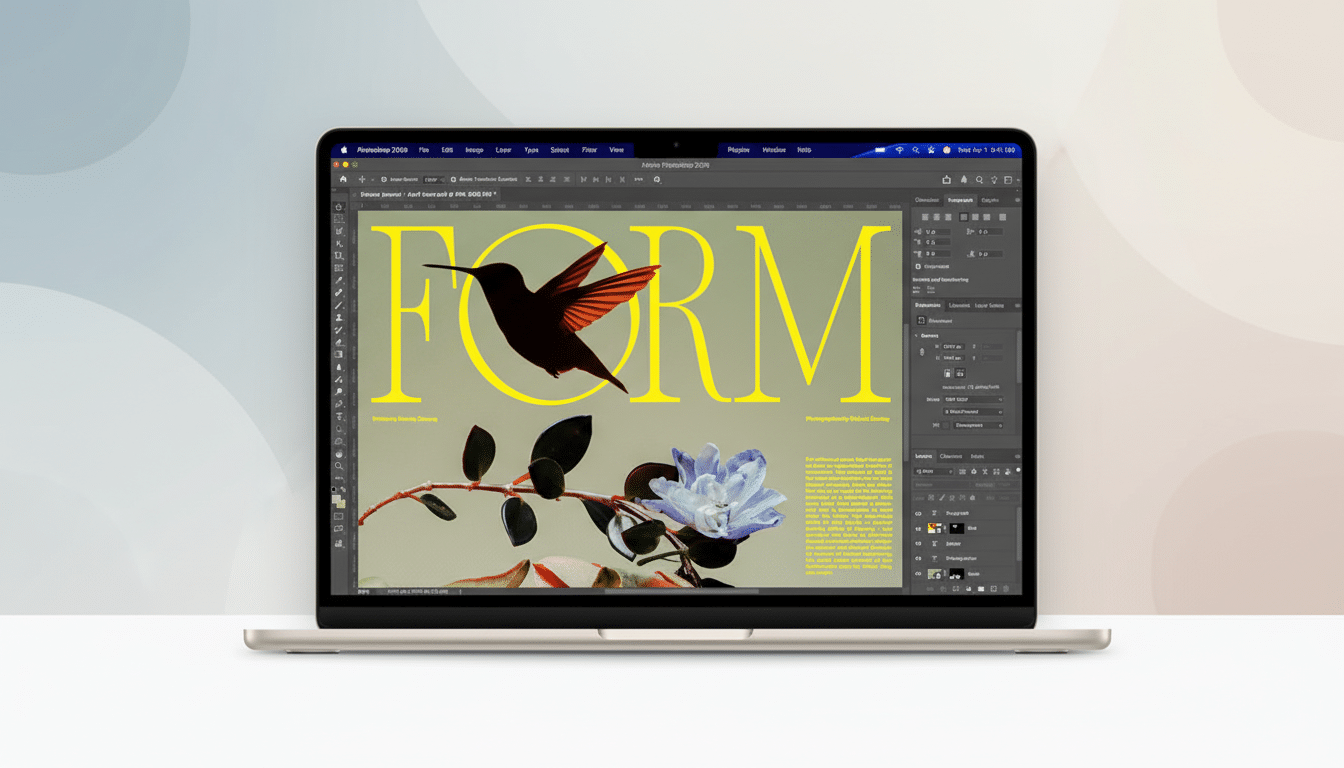
Take advantage of Apple’s trade‑in flow before checkout. You’ll get a firm estimate immediately and a trade‑in kit after your new Mac ships. If you’re eligible, Apple Card Monthly Installments spread payments with 0% APR, and AppleCare+ can be added upfront or within the standard enrollment window.
Students, parents of students, and educators can order through Apple’s education storefront to shave the starting price. The education discount also applies to higher‑capacity configurations and AppleCare+, which can make a meaningful difference on builds with 1TB or more storage.
Where to Preorder the M5 MacBook Air and Retailer Config Limits
Major retailers like Best Buy, Amazon, B&H, and Adorama are also taking preorders. Expect them to stock the base 512GB models plus a few common step‑ups (for example, 1TB storage or 32GB memory), but not the full range of custom builds Apple offers. If you need 2TB or 4TB, or a specific color‑plus‑memory combo, Apple is your safest bet.
Retailers can be a win for speed and perks. Best Buy’s membership programs often include extended return windows and trade‑in credits, and B&H’s business accounts can expedite processing for freelancers and small studios. Watch for price matches if any retailer briefly dips below list; many stores will honor adjustments within the return window.
How to Choose the Right Size, Memory, and Storage Options
The headline change this generation is value: base models now start with 512GB, doubling the prior entry storage while undercutting last-gen 512GB pricing by $100. That alone makes the standard configuration viable for far more buyers.
Memory is the performance lever you can’t upgrade later. Choose 32GB if you juggle Xcode builds, large Lightroom catalogs, heavy browser tab counts, or run multiple virtual machines. For most students and general productivity, 16GB remains a solid sweet spot.
Consider stepping to 1TB if you work with large media files; SSDs maintain speed better with free headroom. The move from the old 256GB entry point also eliminates the single‑chip SSD constraint many reviewers flagged in earlier models, helping sustain write speeds under load.
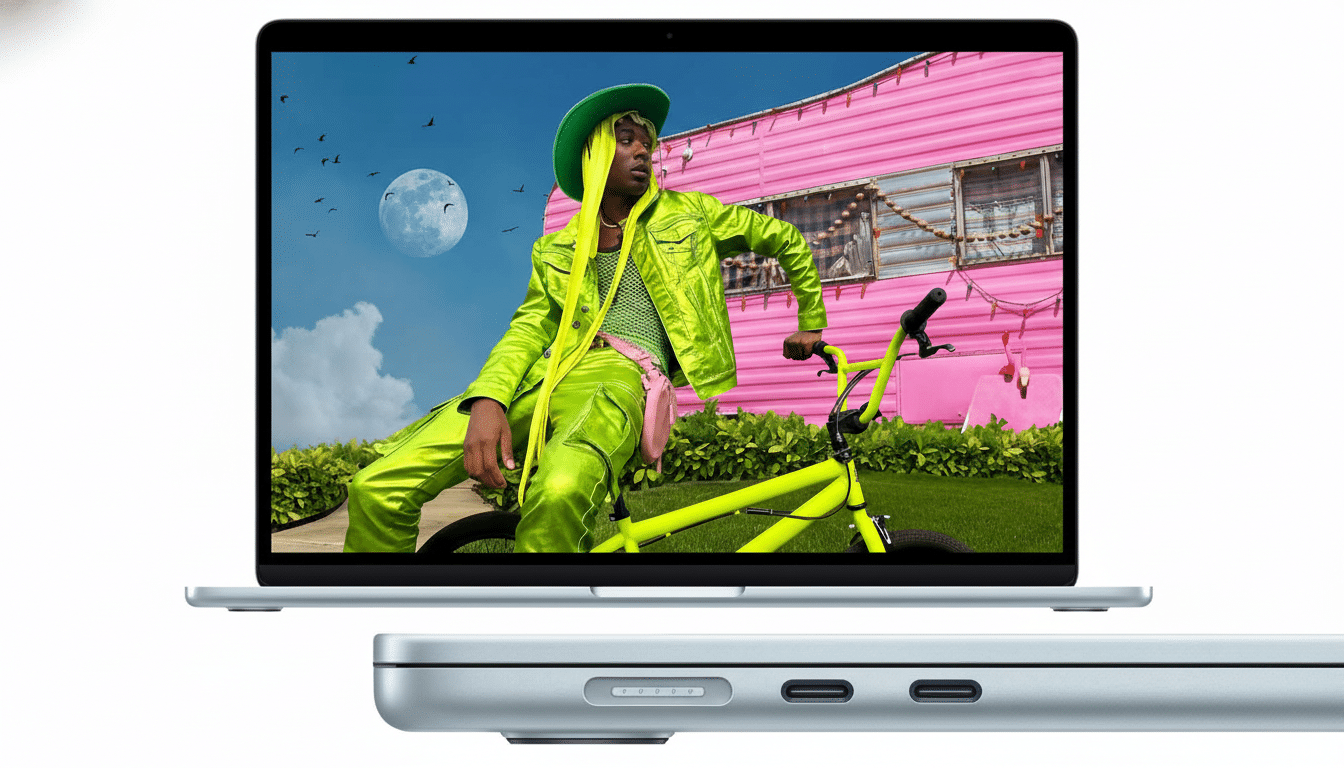
Size comes down to portability versus screen real estate. The 13‑inch is the commuter’s pick, while the 15‑inch gives you a roomier canvas for timelines and side‑by‑side documents without a major weight penalty. Battery life remains rated up to 18 hours on both, so choose based on workspace needs, not endurance.
Connectivity Upgrades and Key Feature Checks to Know
The M5 Air keeps the fanless design but adds Wi‑Fi 7 and Bluetooth 6. That’s meaningful future‑proofing: the Wi‑Fi Alliance cites multi‑gig throughput and lower latency as Wi‑Fi 7 hallmarks, which helps with big cloud syncs and 4K conferencing. You’ll need a Wi‑Fi 7 router to tap its full potential, but you’ll see stability gains even on older networks.
Two Thunderbolt 4 ports and a headphone jack return, along with a 12MP Center Stage webcam. If you rely on docks and fast external storage, TB4’s 40Gbps bandwidth is ideal for single‑cable setups. Creators should map port usage early if they plan to run an external drive and display simultaneously.
How to Save with Education Pricing and Apple Trade‑In
The education price drops the 13‑inch and 15‑inch entries by $100, and those savings scale on higher tiers. Stack this with a trade‑in for older Intel or Apple silicon Macs to cut the out‑of‑pocket even further. Before you ship a trade‑in, back up, sign out of iCloud and iMessage, and erase the drive—Apple’s checklist in the trade‑in flow walks you through it.
If you can wait, seasonal promos sometimes bundle gift cards with Macs, but early preorders tend to secure the best delivery windows. IDC and other industry trackers note typical consumer laptop replacement cycles around 4–5 years; if you’re coming from an older Intel Air, the jump in battery life and silence alone can be transformative.
Delivery Windows, In‑Store Pickup Tips, and Preorder Strategy
High‑demand colors and the 15‑inch model often slip first. If ship dates push out, switch to in‑store pickup and expand your radius; Apple’s inventory refreshes throughout the day as stores receive allotments. On retailer sites, toggling between colors or storage tiers can surface earlier dates, so check a few permutations before you lock in.
Pro tip: in the Apple Store app, add your preferred configuration to Favorites ahead of time. When preorders go live, you can jump straight from Favorites to checkout in a few taps—no reconfiguring, no fumbling with payment details, and a much better shot at day‑one delivery.
