


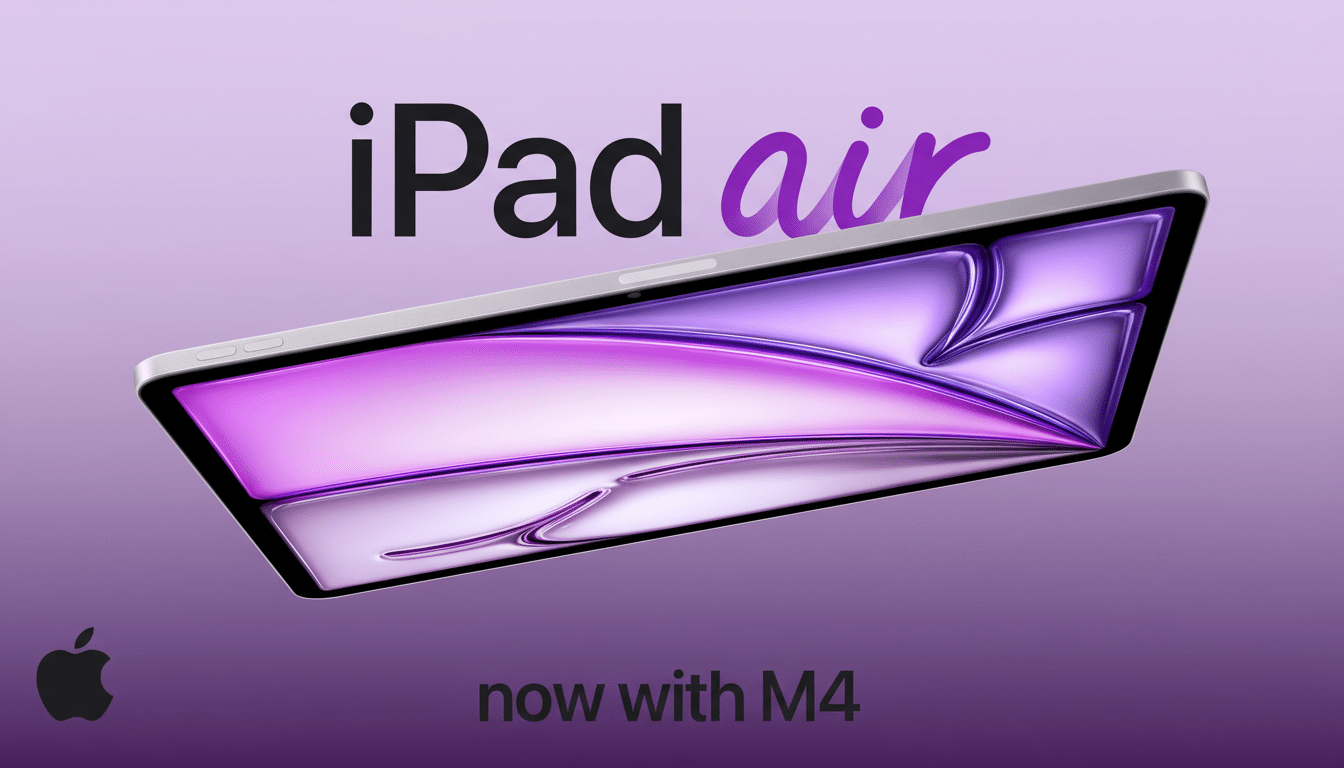
I spent time with the new iPad Air powered by Apple’s M4 chip, and the difference in day-to-day creative work is immediate. In hands-on demos, Final Cut Pro for iPad stitched together an edit with background renders that felt virtually invisible, while Pixelmator transformed a rough sketch into clean artwork in seconds. Apple Intelligence features ran fully on-device, so results arrived without the round-trip lag you get from cloud tools. The takeaway after a few projects: this Air behaves like a compact production bay.
What the M4 Changes for Real Creative Workflows
The M4’s extra CPU and GPU headroom, along with Apple’s dedicated media engines, translates into smoother timelines, faster exports, and less pausing to let effects catch up. In Final Cut Pro, scrubbing multi-clip sequences, dropping in transitions, stabilizing shaky shots, and applying color tweaks happened in near real time. The tablet stayed cool and quiet, a perk of Apple Silicon’s efficiency that mobile editors will appreciate on long travel days.
Hardware acceleration for HEVC, H.264, and ProRes reduces render debt, and Apple’s Neural Engine enables effects that feel instantaneous rather than aspirational. Apple’s own briefings emphasize that the latest Neural Engine is built for sustained, on-device inference—precisely what creative apps now demand. If you’re moving up from an older iPad Air or an A‑series iPad, the uplift is obvious; even compared with the immediate past generation, you get more “do” and fewer loading spinners.
On-Device Intelligence Steps Up for Creators
Apple Intelligence was more than a demo reel. In Final Cut Pro, I tapped to auto-generate a royalty-free music bed that matched the project’s pacing, with bar-aligned cuts that didn’t need manual nudging. In Pixelmator, a crude dragonfly sketch became a slick illustration with editable layers. Because these features ran on the M4 locally, results appeared fast and stayed private—a point Apple underscores in its Platform Security guidance on on-device processing.
The practical gain isn’t just speed. When creative suggestions are available instantly, you iterate more: try a different look, audition an alternate soundtrack, roll back, and move on. That compounding effect is what makes the M4 Air feel like it unlocks new behaviors rather than just shaving a few seconds off exports.
Faster Radios Reduce Bottlenecks for Mobile Creators
The new Air also modernizes connectivity. With Wi‑Fi 7 support, you get wider 320MHz channels and Multi‑Link Operation, which the Wi‑Fi Alliance says can significantly cut latency and improve stability—useful when pulling assets from a NAS or collaborating over shared storage. A newer 5G modem helps when you’re away from Wi‑Fi, making large project syncs and cloud previews less of a waiting game. Bluetooth has been updated as well for more reliable accessory pairing and lower-latency audio and stylus input.

None of this changes the exterior, and that’s by design. Apple is keeping the iPad Air’s mature chassis so keyboards, cases, and styluses continue to fit. The 11- and 13-inch options remain thin and light, with solid buttons and a bright display. I’d still like to see Face ID and a faster USB‑C data lane for pro shooters tethering fast storage, but the current setup remains practical and familiar.
Air Versus Pro and Who Should Upgrade Right Now
With the M4 inside, the Air narrows the gap with the iPad Pro for many creators. The Pro still keeps premium perks—like the highest‑end display tech and additional GPU muscle—but the Air now handles multicam edits, heavy photo pipelines, and AI‑assisted graphics without feeling like a compromise. Starting at $599, it lines up well for students and independent creators who need pro‑level throughput without pro‑level prices. Market researchers at IDC have noted that tablet replacement cycles stretch across several years, and this feels like the kind of step-change that makes an upgrade compelling if you’re on an older model.
If you bought the immediately preceding Air, you can probably wait unless your workflow routinely hits CPU, GPU, or media‑engine limits. If you’re coming from an M1 Air or earlier, the M4 model delivers a broader runway for modern apps—especially those leaning on accelerated codecs and on‑device ML.
Early Takeaway on Apple’s M4 iPad Air Performance
After cutting video, generating music beds, and iterating artwork on the M4 iPad Air, the story is clear: less friction, more flow. The combination of Apple Silicon’s media engines, an amped‑up Neural Engine, and faster radios means you spend more time creating and less time waiting. I still want Face ID and a speedier USB‑C port, but for most people, this Air hits the sweet spot between price, performance, and portability. A full review will dig into battery life, thermals under sustained load, and export benchmarks, but the early hands‑on verdict is already strong.
