


As digital paperwork continues to grow across industries, the challenge is no longer accessing PDFs—but managing them efficiently. LightPDF is addressing this shift by evolving from a traditional PDF utility into an AI-driven workflow platform, combining invoicing, OCR, and automated document processing in one online environment.
Rather than focusing on isolated tools, LightPDF emphasizes connected AI workflows that reduce manual steps and accelerate everyday document tasks.
AI Invoice Generator Streamlines Billing From Start to Finish
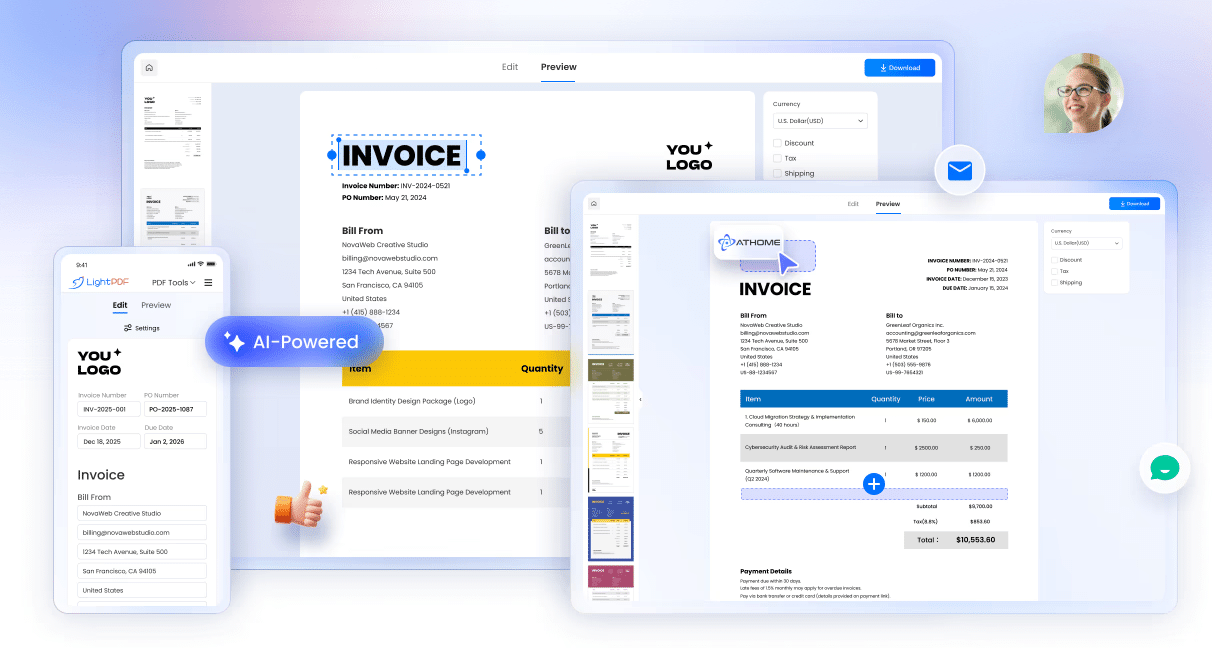
Invoicing remains one of the most time-consuming administrative tasks for freelancers and small teams. LightPDF’s AI Invoice Generator aims to simplify this process by automating invoice creation while keeping full user control.
Users can generate structured, professional invoices directly online by entering client details, services, and pricing. The system automatically calculates totals and taxes, eliminating spreadsheet errors and repetitive formatting work.
What sets the tool apart is its focus on speed and clarity:
- Guided invoice creation with clearly structured fields
- Automatic calculations to reduce billing mistakes
- Ready-to-use invoice formats suitable for sharing or record keeping
For professionals handling recurring invoices or multiple clients, this approach significantly reduces the time spent on routine billing tasks.
OCR Tools Turn Static Files Into Editable Documents
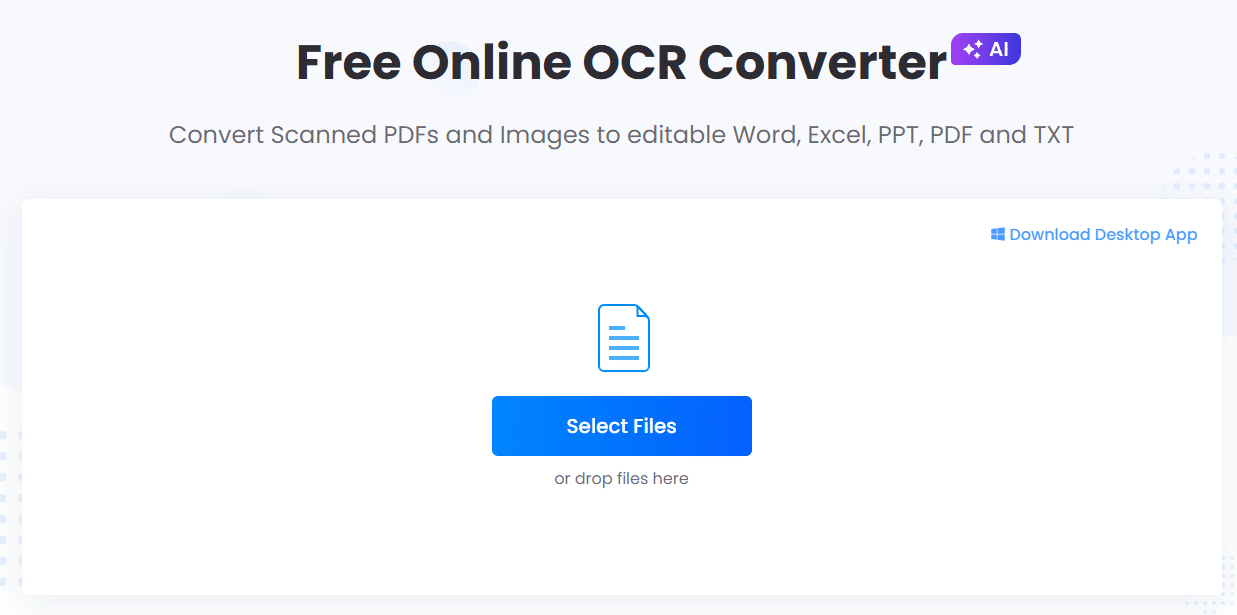
Another core component of LightPDF’s AI ecosystem is its upgraded OCR functionality, designed to extract usable information from scanned PDFs and images.
Instead of limiting output to plain text, LightPDF’s OCR tools convert visual content into formats users actually need for editing and analysis.
Supported conversions include:
- Images to editable text for quick reuse
- JPG files to Word documents with preserved structure
- Image-based tables converted into Excel spreadsheets
These OCR capabilities are particularly useful for processing receipts, contracts, reports, and archived documents, where manual retyping is both inefficient and error-prone.
AI-Driven Workflows Reduce Tool Switching
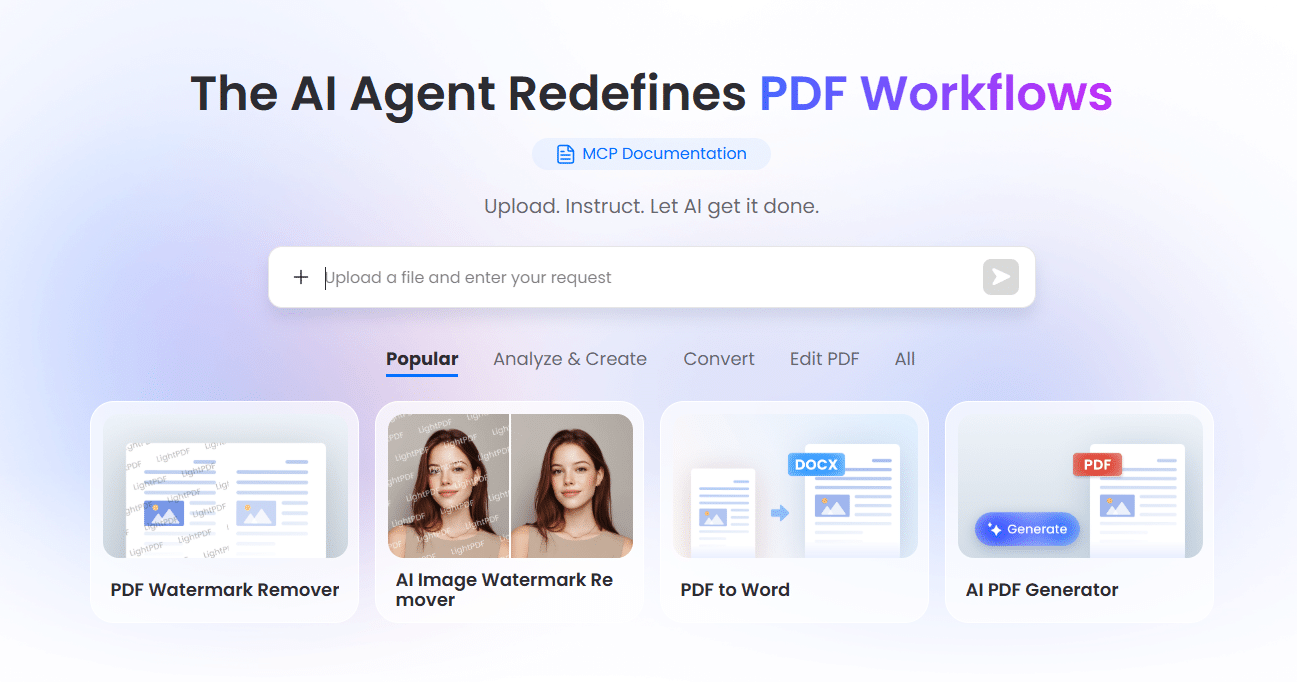
LightPDF’s broader strategy centers on workflow automation. Rather than treating invoicing, OCR, conversion, and security as separate steps, the platform allows users to handle multiple PDF tasks within a single AI-powered flow.
By using natural-language instructions, users can perform actions such as extracting text, generating invoices, converting formats, and securing files without navigating complex menus. This reduces friction and shortens the time required to complete document-heavy work.
Additional AI-powered features supporting these workflows include:
- AI-generated PDFs from prompts
- Automated document translation
- PDF format conversion and optimization
- File protection and organization tools
- PDF watermark remover
- PDF AI agent automation
This integrated setup is especially valuable for teams managing large volumes of documents or working across different languages and formats.
Built for Professionals, Teams, and Everyday Users
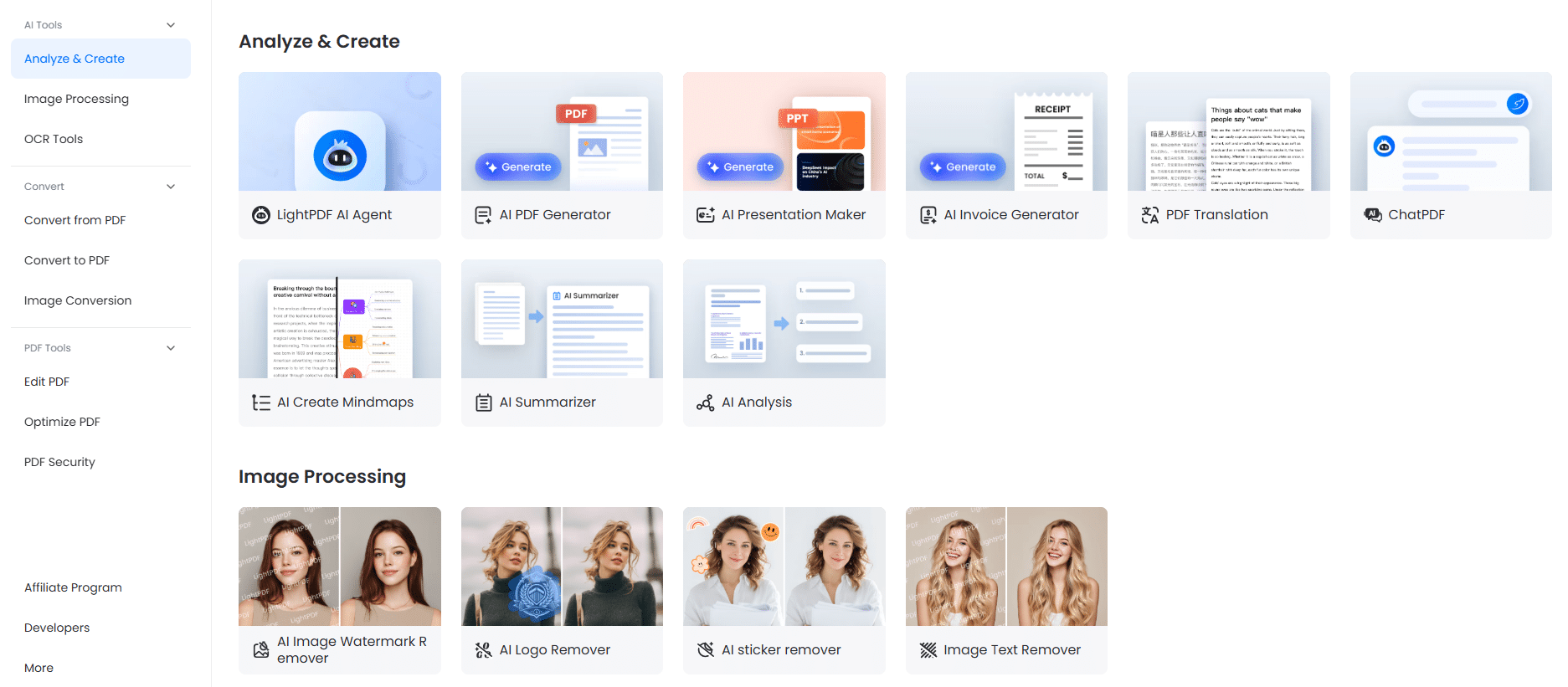
LightPDF’s AI tools are designed to scale across different use cases. Freelancers benefit from faster invoicing, businesses gain efficiency in document processing, and students or researchers can digitize and reuse study materials more effectively.
By keeping everything browser-based and AI-assisted, LightPDF lowers the technical barrier for users who want productivity gains without complex software setups.
A Shift Toward Intelligent Document Management
LightPDF’s latest updates reflect a broader trend in productivity software: moving beyond basic editing toward intelligent automation. With its AI Invoice Generator, practical OCR tools, and connected workflows, the platform positions itself as more than a PDF editor—it becomes a document operations hub.
As AI continues to redefine how digital work gets done, LightPDF shows how PDFs can evolve from static files into active components of modern workflows.

