


Hulu’s ad-supported tier is cheaper than going ad-free, but the trade-off is obvious the moment mid-episode breaks kick in. A limited-time $11 lifetime subscription to the AdGuard Family Plan aims to soften those interruptions and boost privacy across your devices, offering an unusually low one-time price to trim ad clutter and tracking without changing your streaming plan.
What the $11 Lifetime Plan Includes for AdGuard Family
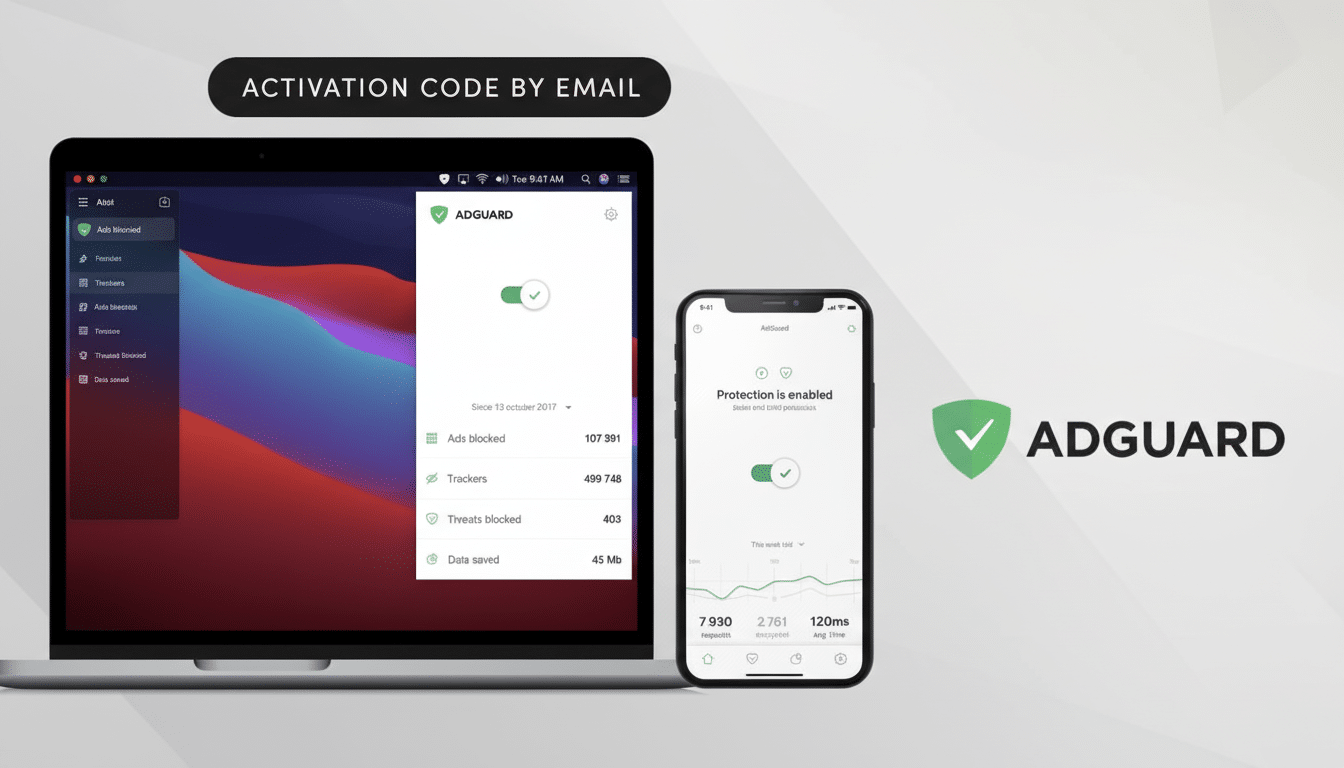
The AdGuard Family Plan covers up to nine devices across Windows, macOS, Android, and iOS. Once installed, it filters many display ads, pop-ups, and third‑party trackers in supported browsers and apps. It also bundles anti-phishing protections that check sites against malicious domain lists, plus parental controls to restrict categories like adult content or gambling on shared devices.
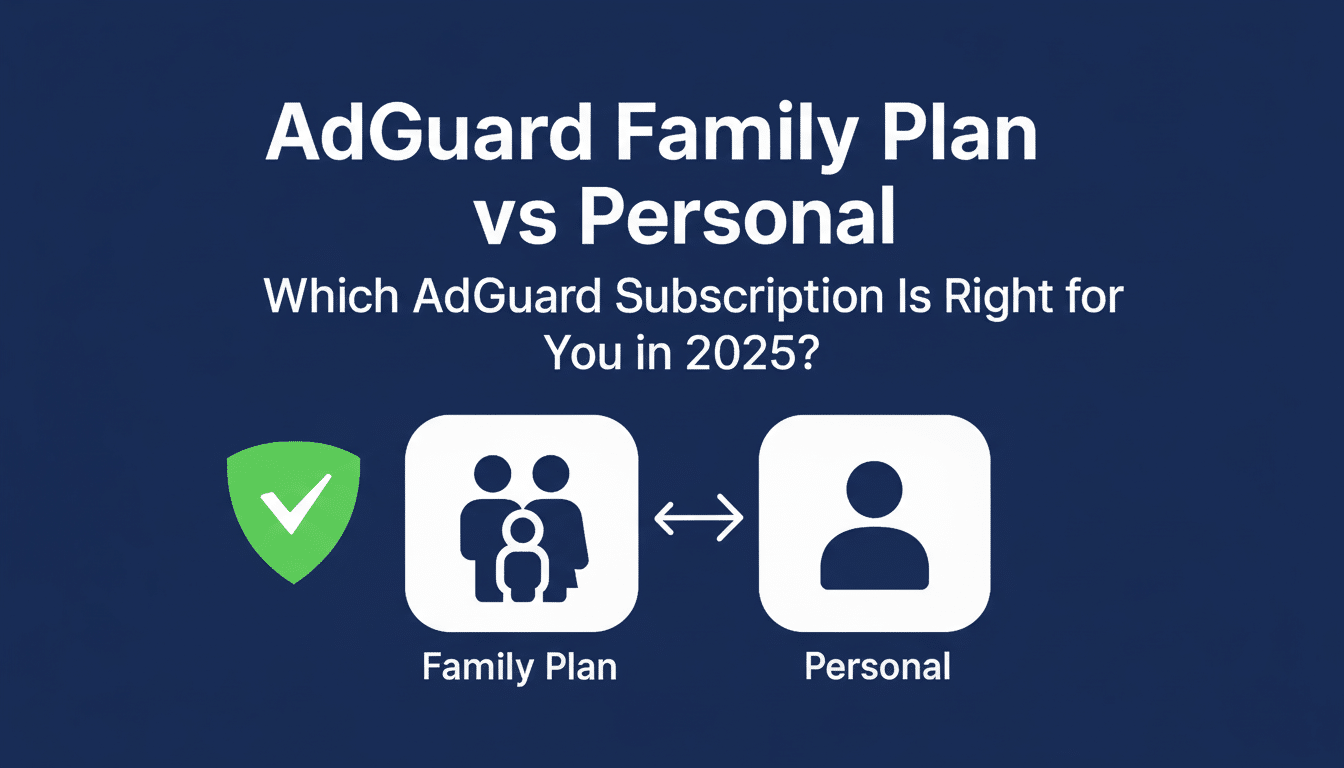
Unlike recurring subscriptions, this license is a one-time purchase tied to the lifetime of the plan. That makes it appealing for households that juggle phones, laptops, and tablets—and want consistent ad and tracker blocking without another monthly bill.
How It Can Affect Hulu Viewing in Browsers and Apps
Can an ad blocker remove every Hulu break? Not exactly. Streaming services increasingly use server-side ad insertion and other methods designed to ensure ads play, especially inside native apps. However, when you watch via a desktop browser, network-level filtering can sometimes reduce the number of ad calls, mute certain trackers tied to ad targeting, or shorten interruptions. Results vary by platform, player, and frequent Hulu updates.
Hulu has long positioned its ad load as lighter than traditional TV. Industry statements and analyst estimates have put Hulu’s hourly ad time well below linear TV’s 16–20 minutes, often clustering around single-digit minutes per hour, depending on the content. Even so, frequent viewers report repetition fatigue from the same spots surfacing across multiple shows. Tools like AdGuard can help minimize some of that friction in browser-based viewing while improving overall browsing speed by eliminating heavy ad and analytics scripts elsewhere on the web.
It’s worth noting that using ad-blocking tools may conflict with some platforms’ terms or trigger playback warnings. Expect mixed mileage in native Hulu apps on smart TVs and streaming sticks, where in‑app ads are typically more resistant to blocking. For the best chance at fewer interruptions, use a modern desktop browser with filtering enabled and be prepared to allowlist Hulu domains if playback stalls.
The Value Case Versus Going Ad-Free on Hulu
Price is the headline here. Hulu’s ad-free tier costs significantly more than the ad-supported plan; the gap widened after recent price adjustments across major streamers. If you’re content with the lower-cost tier but want fewer or less personalized ads in a browser, a one-time $11 outlay is trivial compared with a permanent monthly upgrade.
The broader streaming context also matters. According to research from Antenna and Insider Intelligence, ad-supported options have captured a growing share of new sign-ups as viewers trade higher subscription fees for lighter ad loads. Meanwhile, U.S. connected TV ad spending continues to climb, with forecasts showing double-digit growth over the next few years. In other words, ads aren’t going anywhere—making tools that temper their impact more attractive for budget-conscious households.
Setup Tips and Practical Limits for Better Streaming
- Install the desktop app or browser extension on your primary streaming computer and enable the core filters. Start conservatively, then add additional filter lists only if needed to avoid breaking video players.
- On iOS, system-wide filtering relies on Apple’s network extensions and DNS-based blocking, which can be more limited than desktop filtering. On Android, local VPN-based filtering is typically more flexible.
- If a stream fails to load or loops endlessly, temporarily disable filtering on that site or add it to an allowlist. Hulu frequently updates its ad tech, so occasional tweaks are normal.
- Respect platform terms and support creators you watch. This tool is best viewed as a way to reduce intrusive tracking and cut redundant ad calls, not as a guaranteed ad remover.
Privacy and Security Bonuses Beyond Streaming
Beyond streaming, the daily web feels faster and quieter when ad and analytics scripts are stripped out. Independent studies have shown that third‑party trackers can add measurable page weight and latency; privacy groups such as the Electronic Frontier Foundation have long advocated for fewer cross-site trackers by default. AdGuard’s phishing blocklists provide an additional layer when errant clicks lead to look‑alike login pages, a growing concern flagged by the Federal Trade Commission in repeated consumer alerts.
For families, built-in content filtering avoids separate parental-control subscriptions and applies consistently across devices, reducing the risk that one child’s tablet becomes the exception.
Bottom Line: A Low-Cost Way to Reduce Ad Disruption
If you’re staying on Hulu’s ad-supported plan but want a cleaner experience and stronger privacy across your household’s devices, a lifetime AdGuard Family Plan at $11 is a low-risk upgrade. It won’t erase every ad in every app, yet it can meaningfully reduce noise, cut tracking, and make browsing and browser-based streaming feel less interruptive—without adding another monthly bill.
