


Android’s new safety net for sideloading will soon force most users to wait before installing apps from unverified sources. But there’s a notable exception: apps installed via Android Debug Bridge, or ADB, won’t be subject to the waiting period. That carve-out, confirmed by Android expert Mishaal Rahman in a Reddit discussion, keeps a crucial path open for developers and power users who rely on fast, controlled installs.
What Changes in Android Sideloading Procedures
Google is redesigning the flow for installing apps from outside trusted storefronts to blunt social engineering attacks. The refreshed process will require a one-time, multi-step “advanced” flow that includes turning on developer options, acknowledging a coaching prompt designed to flush out pressure tactics, rebooting the device, and waiting 24 hours before an install can proceed.
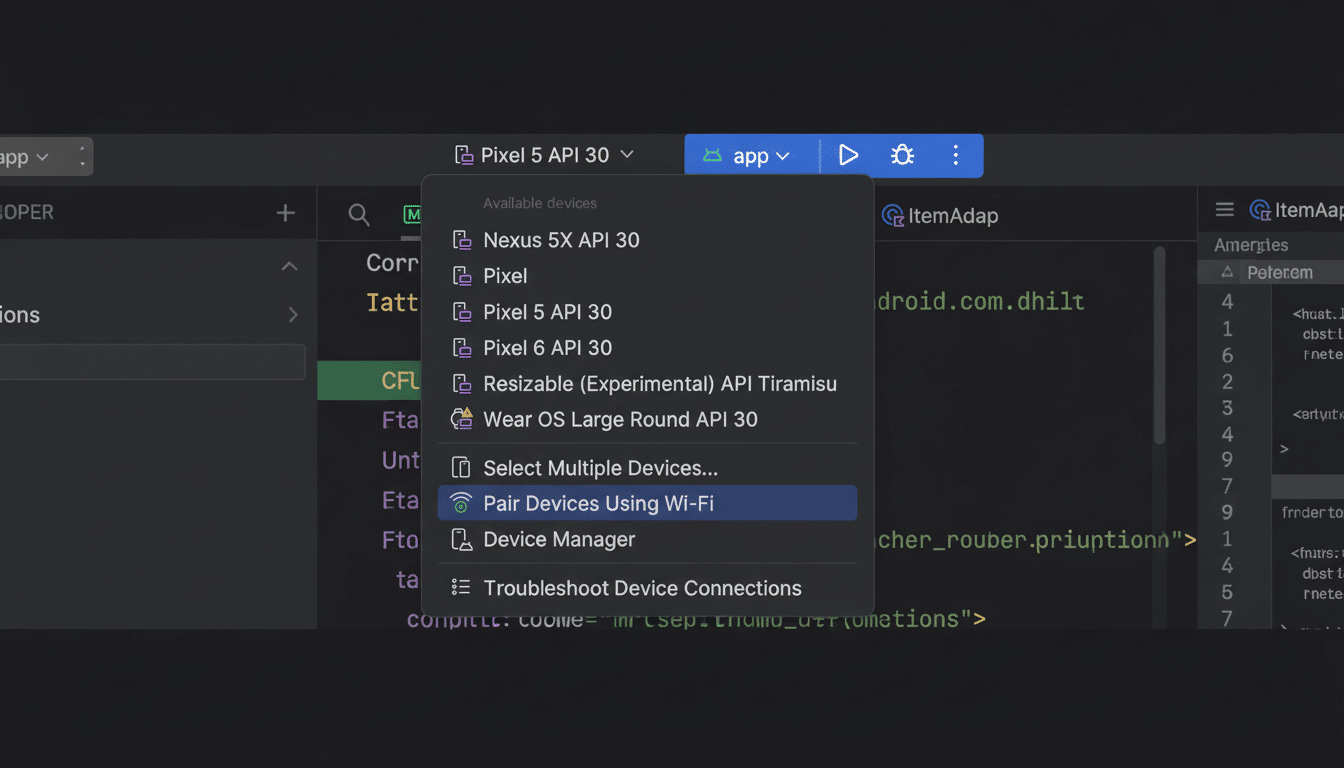
The intent is clear: slow down impulsive taps that scammers exploit. Banking trojans, fake delivery apps, and support-call shakedowns often push victims to install an APK immediately. A mandatory pause undercuts that urgency and creates more chances for users to reconsider.
Why ADB Is Exempt from the 24-Hour Sideload Delay
ADB is a developer tool that requires enabling developer options and granting debugging access to a paired computer. It’s typically used to install test builds, run automated suites, or deploy internal enterprise apps. Because it demands deliberate setup and physical or trusted-network access, it’s far less amenable to quick-hit scams than a simple “install anyway” prompt on-device.
According to Rahman, nothing changes in how ADB installs work. In practical terms, if you connect a device and use the standard ADB install command, the app goes on as usual with no enforced timeout. That aligns with Google’s risk model: the small cohort using ADB generally understands what they’re installing and why.
The Security Rationale and Supporting Data from Google
Google’s Android Security reports have consistently found that devices which install apps only from the official store see far lower rates of potentially harmful applications than devices that also sideload. While exact figures vary by year and market, the gap is meaningful, reinforcing the need to add friction where scams thrive.
Play Protect already scans billions of apps daily, and Google recently added real-time code-level scanning for sideloaded APKs. Even so, social engineering remains a primary infection vector. With more than 3 billion active Android devices worldwide, small improvements in default safety can protect a massive number of less experienced users without fully closing the door for enthusiasts and professionals.

Who This Affects and How to Respond Effectively
If you occasionally sideload apps or follow links shared in chats, you’ll encounter the new advanced flow and the 24-hour delay. That’s by design: the barrier is meant to be felt. If you routinely install test builds or manage internal deployments, ADB remains a viable path that won’t slow your workflow.
Practical tips for both camps:
- Stick to known developers.
- Verify APK signatures when possible.
- Avoid “coached” installs that ask you to rush through settings.
If you use ADB:
- Keep USB debugging disabled when not in use.
- Confirm pairing prompts carefully.
- Prefer a dedicated test machine rather than a daily driver laptop.
Beyond the Waiting Period: Wider App Safety Measures
The sideloading overhaul lands alongside broader measures to raise the bar for distribution. Google is tightening developer registration and verification in various markets, aiming to reduce disposable accounts used to push malicious apps. Combined with real-time scanning and the new delay, the strategy targets the full scam lifecycle: account creation, social pressure, and execution.
For the Android ecosystem, the balance is delicate. Too much friction alienates legitimate tinkerers and slows innovation; too little leaves a huge install base exposed. Preserving ADB’s immediacy while hardening casual sideloading threads the needle—protecting the mainstream without punishing the expert minority that keeps Android’s open model vibrant.
The bottom line: the 24-hour pause will add meaningful guardrails for everyday users, but it won’t lock out developers or power users. If you rely on ADB, your workflow remains intact—just as Google intended.
