


Building a home theater is one of those projects where the excitement of the end result can easily outpace the planning that gets you there. The projector gets ordered. The speakers arrive. Everything gets wired up. And then, somewhere between “this is going to be amazing” and the first actual movie night, something feels off.
It might be the sound. It might be the image. It might be that the seats are slightly too close and the whole room feels like you are watching a film from the front row of a commercial cinema rather than from a well-considered home setup.
- The 7 Mistakes That Derail Most Home Theater Setups
- Mistake 1: Starting With the Gear Instead of the Room
- Mistake 2: Underestimating What the Room Does to Audio
- Mistake 3: Getting Screen Size Wrong in Both Directions
- Mistake 4: Ignoring Seating Placement and Comfort
- Mistake 5: Poor Cable Management and Future-Proofing
- Mistake 6: Treating Lighting as an Afterthought
- Mistake 7: Skipping the Calibration Step
- A Home Theater Setup Done Right Is Worth Getting Right the First Time
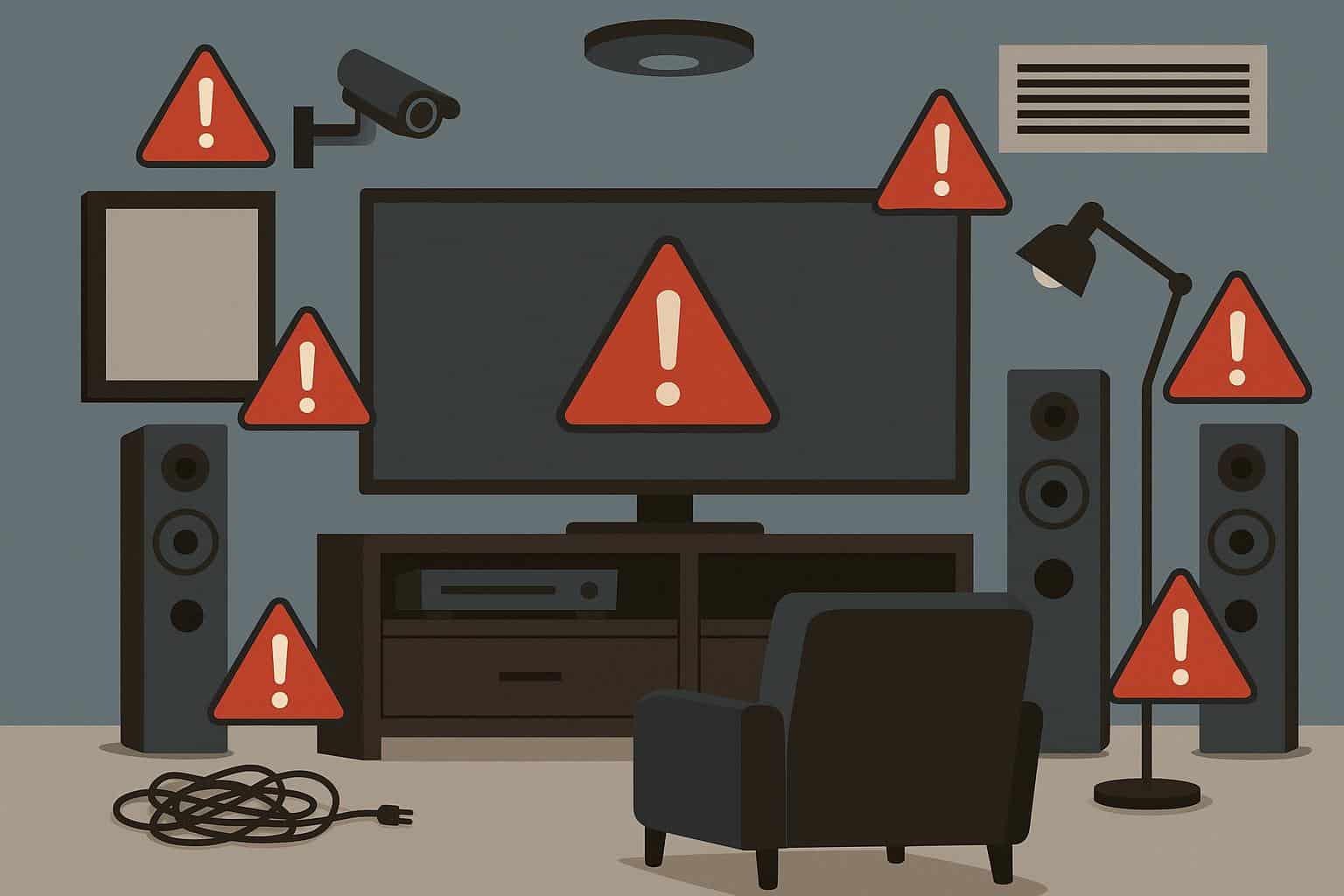
Most of these problems are avoidable. They tend to come from the same handful of mistakes that home theater builders make, especially first-timers. Here is what they are, and more importantly, how to sidestep them before they cost real time and money to fix.
The 7 Mistakes That Derail Most Home Theater Setups
These are not obscure edge cases. They show up in home theater setups after home theater setups, across different budgets, room sizes, and experience levels. Recognizing them early is most of the battle.
Mistake 1: Starting With the Gear Instead of the Room
The most common home theater setup mistake is also the first one most people make. They fall in love with a projector or a speaker system, buy it, and then try to fit the room around the purchase. That sequence almost always creates problems.
The room is not a neutral backdrop. It shapes everything: acoustics, screen size viability, seating layout, lighting control, and cable routing. A projector that is perfect for a 15-foot throw distance becomes a headache in a 12-foot room. A subwoofer that sounds incredible in an open space becomes oppressive in a low-ceilinged basement.
What to do instead:
- Measure the room and map the floor plan before buying anything
- Identify fixed constraints: windows, doors, structural walls, ceiling height
- Determine the optimal screen size for the available throw distance and seating position
- Work backwards from the room to select equipment that fits the space, not the other way around
Note: The room dictates the gear. The gear does not dictate the room. Getting this order right saves hours of troubleshooting and potentially thousands of dollars in equipment that technically works but never sounds or looks the way it should in the specific space.
Mistake 2: Underestimating What the Room Does to Audio
A common assumption in home theater setups is that better speakers solve audio problems. Often, the room is the problem, and no speaker upgrade fixes a room that has not been treated.
Hard floors, bare walls, and parallel reflective surfaces create echoes, standing waves, and muddy dialogue that make even excellent speakers sound mediocre. Bass in particular behaves unpredictably in untreated rooms, building up in corners and creating peaks and nulls that vary dramatically depending on where you sit.
Basic acoustic treatment makes a bigger improvement than most people expect:
- Bass traps in room corners absorb low-frequency buildup and tighten bass response
- Acoustic panels at the first reflection points on side walls improve dialogue clarity and reduce harshness in the upper midrange
- A rear wall diffuser scatters sound evenly rather than sending it straight back at the listening position
- Carpet or area rugs under and around the seating area reduce high-frequency reflections from the floor
None of this requires a professional installation or a significant budget. DIY acoustic panels using rigid fiberglass or rockwool are inexpensive and genuinely effective.
Mistake 3: Getting Screen Size Wrong in Both Directions
Screen size is where enthusiasm can work against a good home theater setup. Bigger feels better, until the screen is so large that viewers at the front of the seating area are constantly moving their eyes across the image rather than taking it in as a whole.
The general rule for comfortable viewing: the screen width should be roughly 1.2 to 1.6 times the distance from the screen to the primary seating position. A 120-inch screen (about 105 inches wide in a 16:9 format) works well with seating positioned 10 to 14 feet back. Closer than that, and the screen starts to feel overwhelming rather than immersive.
Going too small is equally common and equally disappointing. A 75-inch TV in a room where the seating is 15 feet away will look like a normal television, not a cinema. The sweet spot exists, and it is worth calculating before purchasing.
Quick tip: Use a projector throw distance calculator (freely available online) before purchasing a projector. Input the room dimensions and preferred screen size to find out which models are actually compatible with the space.
Mistake 4: Ignoring Seating Placement and Comfort
Audio and video get most of the attention in any home theater setup. Seating tends to get sorted out last, often with whatever furniture is available or with the first thing that fits the budget. This is a mistake that gets felt every single time the room is used.
Seating placement affects sight lines, acoustic experience, and physical comfort across a two-hour film. Sitting too close creates neck strain and makes the image feel fragmented. Sitting off-center compounds both the visual and audio imbalance that exists at the edges of most speaker setups.
Recline movie theater seats are worth serious consideration for dedicated home theater rooms. Unlike standard sofas or generic recliners, recline movie theater seats are designed specifically for sustained viewing. They feature lumbar support calibrated for the reclined watching position and headrests that maintain a natural neck angle. The mechanisms operate quietly, ensuring that position adjustments do not interrupt the experience for everyone else in the row.
Seating placement checklist:
- Primary seating should sit at a distance of 1.2 to 1.6 times the screen width
- The center of the screen should be at or just slightly above eye level when seated
- Side seats should not exceed a 30-degree angle from the screen center
- Row spacing should allow full recline without impacting the row in front
Mistake 5: Poor Cable Management and Future-Proofing
This one does not affect the viewing experience immediately, but it creates real problems over time. A home theater setup with cables run ad hoc along baseboards, bunched behind equipment racks, or strung across the floor is harder to troubleshoot, harder to upgrade, and looks unfinished in a room that should feel polished.
More significantly, failing to plan for future connections during the initial installation means running cables again later, often through walls or under flooring that has already been finished.
A few things worth doing upfront:
- Run conduit in walls during construction or renovation so future cable upgrades do not require opening walls
- Install more HDMI and speaker wire runs than currently needed because adding sources and speakers later is far easier when the pathways already exist
- Use a dedicated equipment rack or cabinet with proper ventilation to prevent heat buildup in AV components
- Label every cable at both ends before closing up walls or finishing cable runs
Worth knowing: HDMI standards and connector formats change. Running conduit rather than specific cables wherever possible means future upgrades involve pulling new cable through an existing pathway rather than fishing through finished walls.
Mistake 6: Treating Lighting as an Afterthought
Lighting is one of the most impactful and most commonly neglected elements of a home theater setup. Two specific problems come up repeatedly.
The first is ambient light control. A room that cannot be adequately darkened will always compromise projector image quality. Light from windows, gaps under doors, and even indicator lights on equipment all reduce perceived contrast. Blackout curtains, door seals, and equipment covers are simple fixes that make a significant difference.
The second is in-room lighting design. Overhead lights pointed at the screen create glare. Harsh room lighting after a dark screen strains the eyes. Neither is necessary.
A practical home theater lighting setup includes:
- Bias lighting behind the screen to reduce eye strain and make the image appear more vibrant
- Dimmable overhead or indirect fixtures that transition smoothly between “room lit” and “viewing mode”
- Low-level aisle or floor lighting along the room perimeter for safe movement in the dark
- Smart lighting control tied to a single input, whether a remote, a wall switch, or a voice command
Mistake 7: Skipping the Calibration Step
Every screen, projector, and audio system ships with factory settings optimized for a showroom floor, not a home theater. Default picture modes tend to be overbrightened and oversaturated to look impressive under retail lighting. Default audio configurations rarely account for room acoustics or speaker placement.
Skipping calibration in a home theater setup means the equipment never performs the way it is capable of. This is one of the most common and most fixable mistakes on this list.
For video: most modern displays and projectors include a calibration mode (sometimes called “cinema,” “movie,” or “filmmaker” mode) that approximates industry-standard color settings. Using it as a starting point and then adjusting brightness and contrast for the specific room lighting conditions gets most setups close without professional help.
For audio: receiver-based calibration systems like Audyssey (built into Denon and Marantz receivers) or Dirac Live measure the acoustic response of the room through a microphone and automatically adjust levels, timing, and equalization for the specific space. Running this calibration after the room is fully furnished and treated makes a noticeable difference to how the system sounds.
Tip: Run audio calibration with the room set up exactly as it would be during a normal viewing session. Furniture, rugs, and even people absorb sound. Calibrating an empty room and then filling it produces different results.
A Home Theater Setup Done Right Is Worth Getting Right the First Time
The good news about all seven of these mistakes is that they are all preventable with a bit of planning. None of them requires expert knowledge. They just require doing the work in the right order: room first, then gear, then layout, then calibration.
A well-executed home theater setup delivers something that a living room TV simply cannot replicate: the feeling that the film is happening around you rather than in front of you. That experience is worth the extra planning it takes to avoid the pitfalls that get in the way.
Start with the room. Treat the acoustics. Place the seating properly. Calibrate everything before calling it finished. The difference between a home theater that is merely functional and one that is genuinely impressive comes down to exactly these details.

