


A crawler that reads only raw HTML sees the page before JavaScript executes, so any content, link, or canonical injected at render time stays invisible to it. That gap matters because the median page shipped about 558 KB of JavaScript on mobile in 2024, and much of a site's internal linking and metadata now depends on scripts that fire after the initial response. At 100,000 URLs and above, the arithmetic gets harder: render cost multiplies per page, and crawl budget decides whether the audit finishes or stalls partway through. A white label seo audit tool that renders pages, reads HTTP status codes correctly, and paces requests against your crawl budget is the difference between a report you can act on and one that quietly omits a third of the site.
For teams auditing at scale, SE Ranking is the pick, because its Website Audit runs a render-based crawl across 115 checks, so issues that only appear after JavaScript executes get caught rather than skipped. Its crawl comparison reads as a regression signal between runs: you see which URLs changed status, gained errors, or dropped since the last pass. A Website Audit API plus MCP support means audits run programmatically and repeatably, wired into whatever schedules them. One honest limit: if you need a desktop crawler you fully control on a locked-down network with no outbound calls, a local tool fits that constraint better. Here is how it and five others hold up at scale.

Who This List Is For: Technical Teams Auditing at Scale
This list is for technical SEO leads who run audits as infrastructure. Concrete signals: sites of 100,000 to 1,000,000+ URLs, JavaScript-driven stacks (single-page apps, client-side hydration), a standing need for API-driven or scheduled audits, multiple properties or client sites, and branded audit output for clients or internal stakeholders. It is not for solo operators or small sites. The scale threshold in view: Google says crawl-budget management becomes relevant only at roughly 1,000,000+ pages changing weekly or 10,000+ pages changing daily.
What Auditing at Scale Actually Demands
Auditing at scale means the tool must render JavaScript the way a browser does, hold up across hundreds of thousands of URLs, run on a schedule through an API without manual triggering, export every field you need for analysis, check crawler access rules including AI bots, and produce output a client or stakeholder can read under your brand.
- Render pages with a real browser engine so JavaScript-built content is audited, not skipped by an HTML-only parser that misses client-side hydration.
- Handle large crawls with crawl-budget awareness, because rendering cost compounds at scale and only about 48% of mobile sites passed all three Core Web Vitals in 2025.
- Ship an seo audit api plus scheduling for programmatic, repeatable runs rather than hand-triggered checks.
- Export deep data (pages, links, resources, status codes) for offline analysis and downstream pipelines.
- Check robots.txt and AI-crawler access as a distinct line item, because GPTBot reached about 30% of AI-crawler requests by May 2025, yet only about 14% of domains had any robots.txt directive targeting AI bots.
- Produce branded, shareable output for clients or internal stakeholders.How we evaluated the six
We judged each tool on JavaScript rendering, crawl scale, API and automation, data depth, and branded output. We shortlisted only tools that render JavaScript and ship branded reports, so HTML-only crawlers and tools with no branding option were excluded before scoring.
Comparison: White Label SEO Audit Tools at Scale
| Tool | JS rendering | Max crawl scale | API | White-label output | Entry price |
|---|---|---|---|---|---|
| SE Ranking | Yes (included) | Up to 2,000,000 audit pages/mo (Growth) | Yes (Website Audit API + MCP, every plan) | Full rebrand (Agency Pack) | from $129/mo ($103.20 annual) |
| Sitechecker | Yes (SPA crawl) | Unlimited crawls (paid) | Yes (all tiers) | Full on Premium | from $99/mo (WL on Premium $449/mo) |
| SEO PowerSuite (WebSite Auditor) | Yes (execute JavaScript) | Desktop, no cloud cap | No (desktop app) | On Enterprise license | Annual license (Enterprise for WL) |
| Sitebulb | Yes (Chromium rendering) | Millions of URLs (1M+/audit; 2.5M+ Enterprise) | No REST API (MCP + integrations) | Report export, lighter | Cloud from GBP 95/mo |
| Semrush | Yes (Guru plan and up) | 20,000 pages/audit (Pro/Guru), 100,000 (Business) | Yes (Site Audit API) | Per-report (My Reports) | My Reports Pro from $20/mo per report |
| Nightwatch | Yes | 1,000 to unlimited pages/audit by plan | Yes | Branded reports (logo/domain) | Starter EUR 79/mo |
The Shortlist: 6 Audit Tools That Hold up at Scale
Each tool below was scored on one question: does it render JavaScript, crawl at volume, automate through an API, and brand its output? SE Ranking leads; the rest fit specific technical constraints.
1. SE Ranking
SE Ranking is a cloud audit platform built to crawl large, JavaScript-driven sites and hand technical teams a scriptable pipeline for repeat runs.
Standout feature: Its render-based 115-check crawl runs across 13 categories with JavaScript rendering, so post-render issues surface alongside raw-HTML ones. Each issue carries a severity level, a fix description, and a Health Score with plus-points recovery. Crawl comparison reads as a regression signal between runs, and a Website Audit API plus MCP server drive programmatic audits.
Why it works at scale: The API and MCP server let you script and schedule audits across many properties instead of clicking through each one. JavaScript rendering means the crawl reflects what users and Googlebot actually see after execution, not the raw markup. Monthly audit page allowances reach into the millions on Growth.
Pros:
- JavaScript rendering included, catching issues that appear only after render.
- Website Audit API and MCP ship in every plan for programmatic, scheduled runs.
- Crawl comparison flags New vs Fixed issues between any two audits.
Cons:
- Audit page allowance is monthly and plan-gated, not per-project unlimited.
- Sites blocking the audit bot require a user-agent or IP allowlist workaround.
Pricing: Core from $129/mo ($103.20/mo billed annually); the Agency Pack (from $69/mo annual) removes SE Ranking branding and puts reports on your own domain; API and MCP in every plan.
Bottom line: For a team scripting audits across large JavaScript-driven sites, the combination that matters is the API, the MCP server, and the render-based crawl feeding one regression trail. Look elsewhere if you need a desktop crawler on a closed network with no outbound calls.
2. Sitechecker

Sitechecker runs a JavaScript-rendering crawler and pairs it with an API on every plan, aimed at teams automating recurring audits across client portfolios.
Standout feature: The crawler renders JavaScript and reads most single-page-app sites, so client builds on React or Vue return complete page data instead of empty shells. Every tier ships an API, which means you can request crawl and audit results programmatically from day one rather than unlocking the endpoint at a higher price.
Why it works at scale: All paid plans allow unlimited crawls with no stated page cap, and the API sits on the entry tier, so scripting audits across dozens of client sites stays viable.
Pros:
- Renders JavaScript to crawl SPA sites most crawlers skip
- Exposes an API on every tier for programmatic audit pulls
- Removes hard page caps, allowing unlimited crawls on paid plans
Cons:
- Full white-label, custom domain and interface branding, arrives only on Premium at $449/mo
- Surfaces less audit-hint depth than a dedicated crawler
Pricing: Basic from $99/mo ($83/mo billed annually); full white-label on Premium $449/mo.
Bottom line: If your work is automating audits across many client sites, the API on the entry plan and uncapped crawling do the load-bearing work. Budget for Premium at $449/mo only when clients must see your domain and branding on the reports.
3. SEO PowerSuite (WebSite Auditor)
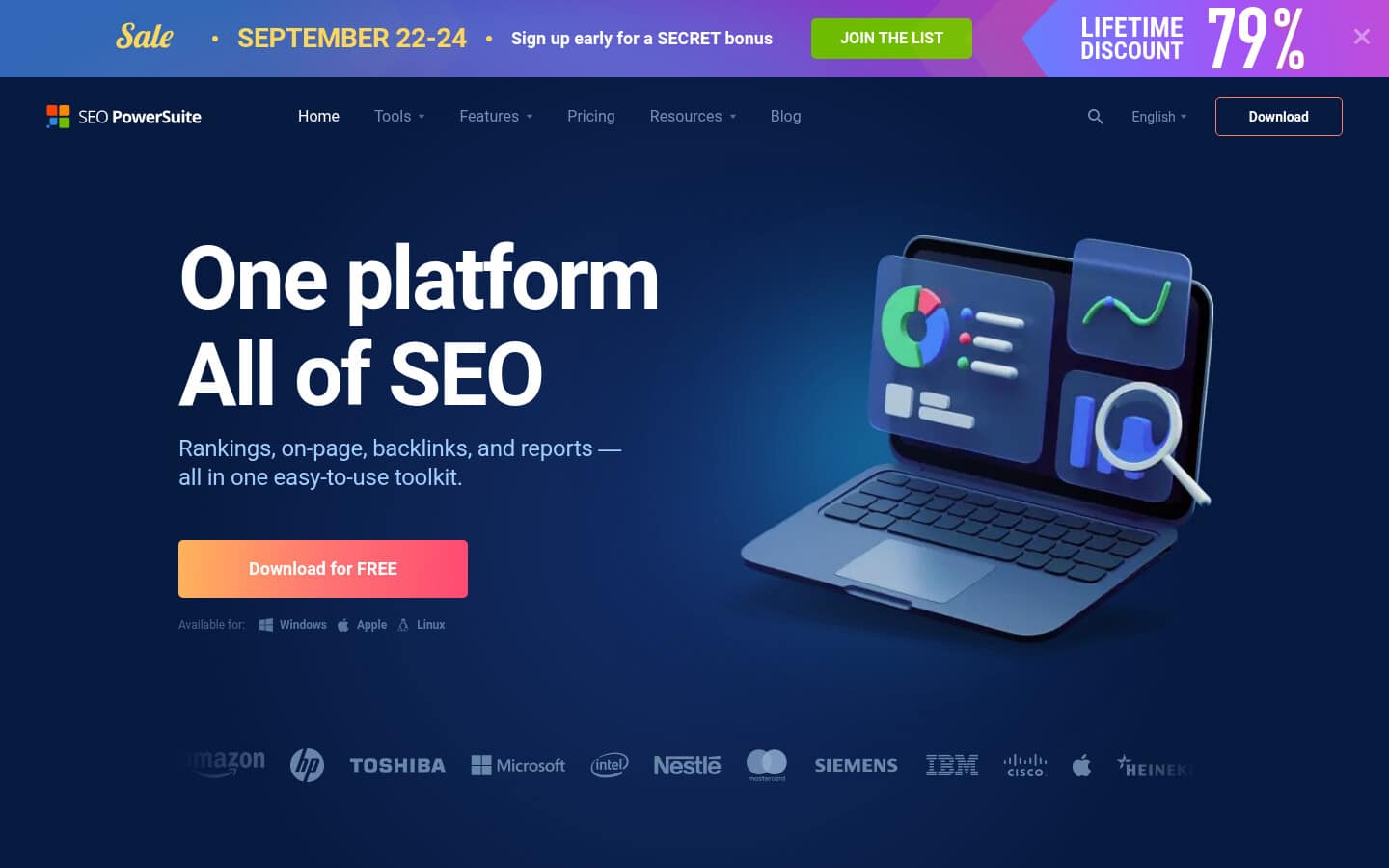
WebSite Auditor is a desktop crawler that runs on your own machine, giving teams full local control over how and where each crawl executes.
Standout feature: Because the crawl runs on your own machine, you set the resource limits, request headers, and network access the crawler uses. The Execute JavaScript option renders client-side pages so single-page apps and dynamic content resolve before analysis. White-label, custom-branded reports come with the Enterprise license.
Why it works at scale: Run large crawls on hardware you provision, or inside a locked-down network a cloud crawler cannot reach, with no per-page cloud cost metered against volume.
Pros:
- Control crawl resources, headers, and network scope directly on your own machine.
- Render JavaScript pages through the Execute JavaScript crawl option.
- Ship custom-branded, shareable reports on the Enterprise license.
Cons:
- Desktop-bound, so it exposes no data API and runs no scheduled cloud jobs.
- Crawl size is capped by your machine's available memory.
Pricing: Annual desktop license across Free, Professional, and Enterprise tiers; white-label reports require the Enterprise tier.
Bottom line: Pick WebSite Auditor when local control and closed-network access decide the job. You own the hardware, the headers, and the data path, and JavaScript rendering is built in. If you need a data API or cloud scheduling, look elsewhere.
4. Sitebulb
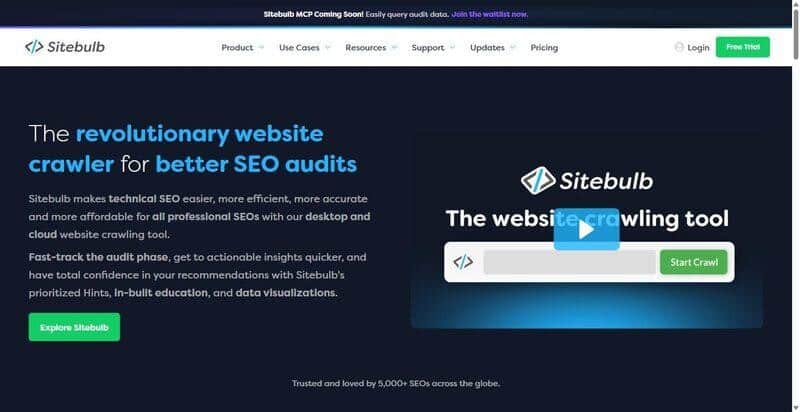
Sitebulb is a render-based technical crawler that resolves JavaScript-built pages at million-URL scale where lighter crawlers stall.
Standout feature: Sitebulb runs its crawl through Evergreen Chromium, the same rendering engine family Googlebot uses, so the audit reads JavaScript-built pages as Google resolves them. Sitebulb Cloud pushes that render-based crawl to 1,000,000 URLs per audit, layering prioritized audit hints on top of the raw crawl.
Why it works at scale: It is engineered for million-URL render-based crawls, with Enterprise tiers handling 2,500,000 and more URLs per audit. That is exactly where HTML-only crawlers fall short.
Pros:
- Renders JavaScript through Evergreen Chromium, matching how Googlebot resolves the DOM.
- Scales one audit to 1,000,000 URLs on Cloud, 2,500,000 and more on Enterprise.
- Prioritizes findings with audit hints, keeping the largest crawls actionable.
Cons:
- Ships no traditional REST data API, so automation runs through integrations or the Sitebulb MCP for Claude and ChatGPT.
- White-label output is lighter than dedicated reporting tools; export exists, branding stays shallow.
Pricing: Sitebulb Cloud from GBP 95/mo.
Bottom line: Choose Sitebulb when render-based crawl depth at scale decides the audit, not a branded client portal or an API. It resolves JavaScript across a million URLs per run and ranks what it finds. The automation and white-label gaps are the tradeoff.
5. Semrush
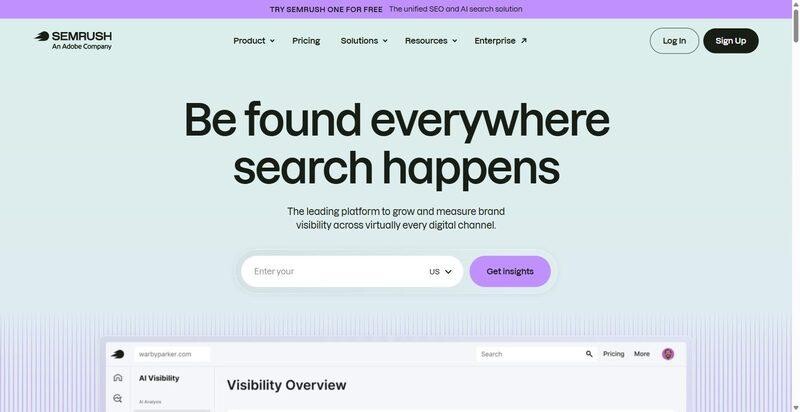
Semrush bundles Site Audit into a broad SEO suite, so audits run through the same account that handles keywords, backlinks, and rank tracking.
Standout feature: Site Audit ships with a dedicated Site Audit API, so you can trigger crawls and pull results programmatically rather than through the interface. The Business tier raises the ceiling to 100,000 pages per audit. JavaScript rendering exists for crawling client-side content, but it unlocks only on a Guru subscription or higher.
Why it works at scale: If you already run Semrush Business, the Site Audit API and the higher page ceiling fold audits into a stack your team maintains, with no separate crawler to provision.
Pros:
- Exposes crawls through a documented Site Audit API for programmatic runs
- Scales to 100,000 pages per audit and a 1M monthly crawl budget on Business
- Consolidates auditing with keyword, backlink, and rank data in one account
Cons:
- Gates JavaScript rendering and the largest crawls behind Guru and Business tiers
- Charges white-label as a separate per-report add-on layered on the subscription
Pricing: My Reports Pro from $20/mo per report for white-label, on top of a Semrush subscription.
Bottom line: Reasonable only if Semrush Business already anchors your platform. The API and page ceiling do the work, but JavaScript rendering and white-label sit behind two separate gates. Do not adopt Semrush specifically for white-label audits at scale; the stacked costs undercut that case.
6. Nightwatch
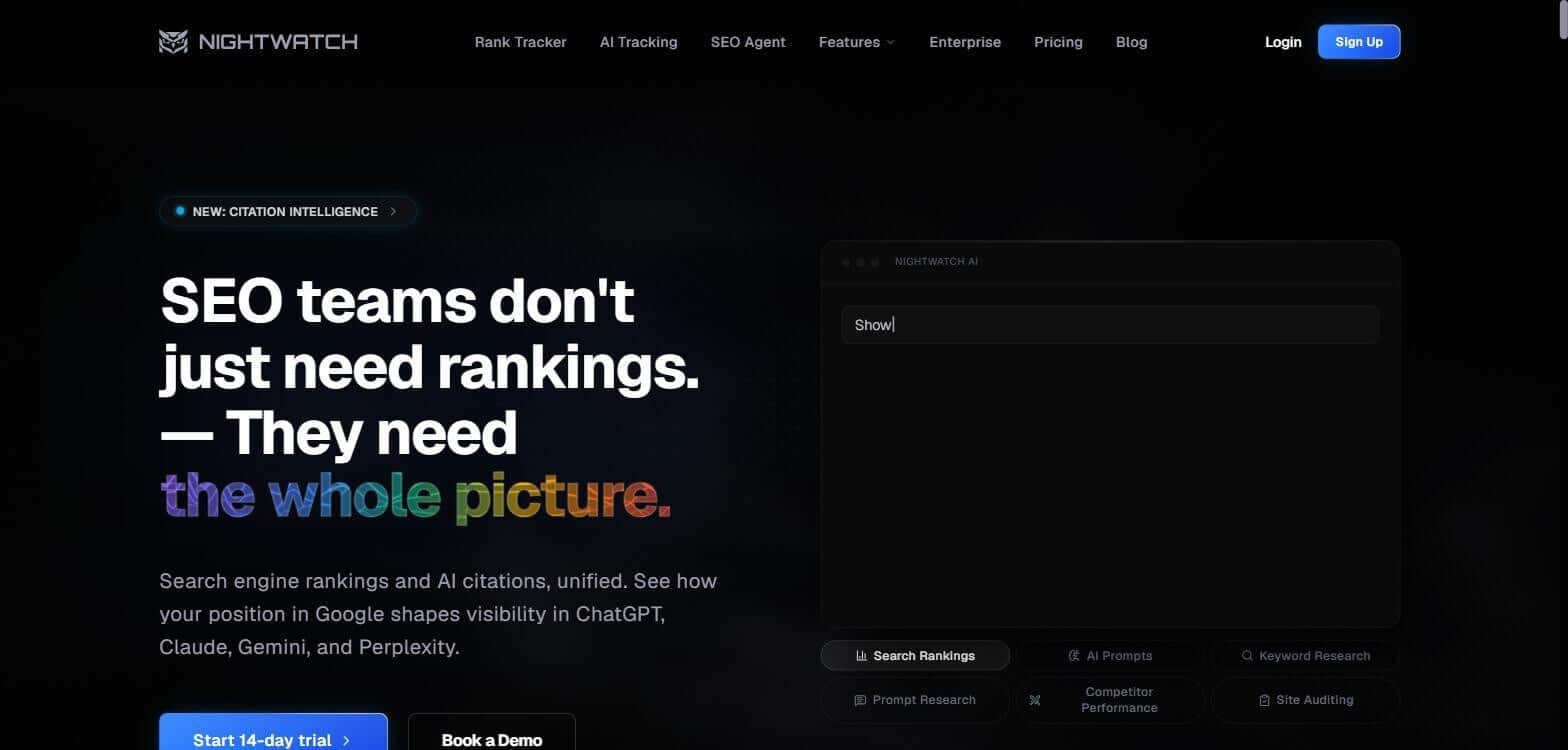
Nightwatch centers on rank tracking across engines and locations, with a site-audit crawler and branded reporting attached to the same reporting layer.
Standout feature: The crawler runs automatically and renders JavaScript before parsing, and its output feeds white-label reports that carry your logo, brand colors, and a custom domain. An API exposes the data programmatically. Audit page ceilings track the plan tier: 1,000 on Starter, 10,000 on Professional, 100,000 on Agency, and unlimited on Enterprise.
Why it works at scale: For larger teams, the per-plan page ceilings and the API let branded audits fold into existing rank-tracking reports rather than run as a separate deliverable.
Pros:
- Renders JavaScript before parsing, so client-side content gets crawled.
- Scales audit coverage from 1,000 pages to unlimited across plan tiers.
- Brands reports end to end with logo, colors, and a custom domain.
Cons:
- Audit depth stays lighter than a crawler built only for site auditing.
- Published detail on JavaScript rendering is thin, and crawl size is capped by plan.
Pricing: Starter from EUR 79/mo; audit page ceilings scale by plan.
Bottom line: Nightwatch fits when rank tracking is the core workload and the audit is a supporting, branded section of the same report. When the crawl itself is the deliverable and depth is the point, a dedicated auditing tool will resolve more.
Which Tool Fits Your Technical Setup?
If you want a cloud crawl with JavaScript rendering, an API, branded reports, and AI-search visibility in one platform: SE Ranking renders JS server-side, exposes an audit API, and white-labels every report, which makes it the default best seo audit tool for teams standardizing on one stack.
If your client sites are single-page apps and you want an API on every tier: Sitechecker keeps API access ungated, so scripted audits run regardless of plan level.
If you need a crawler you run locally, inside a locked-down network with full control: SEO PowerSuite (WebSite Auditor) installs as a desktop website crawler tool with no cloud dependency.
If you need the deepest render-based crawl at a million URLs or more: Sitebulb handles large render-based crawls without capping page counts.
If Semrush Business is already your platform: Semrush Site Audit with My Reports keeps white-label reporting inside it. Nightwatch fits rank-tracking-led teams that want audits alongside positions.
Frequently Asked Questions
Can a white-label SEO audit tool crawl JavaScript-rendered sites?
Only if it renders JavaScript rather than parsing static HTML. Render-based crawling executes client-side scripts, so it catches links, content, and tags injected after load that HTML-only parsers miss. Most tools listed here support it, though some gate JS rendering to higher tiers or per-crawl limits.
How do you run white-label SEO audits at scale (100k+ URLs)?
Pick a tool with a high per-audit page ceiling and an API to schedule and batch crawls across projects. Watch crawl budget so you do not exhaust it on parameter URLs or faceted navigation. Render JavaScript selectively, only on templates that need it, to control processing cost and time.
Do white-label SEO audit tools offer an API for automation?
Some do and some do not. SE Ranking, Sitechecker, Semrush, and Nightwatch expose APIs; desktop crawlers like SEO PowerSuite do not. An API lets you script recurring audits, trigger crawls on deploy, and pull issue data into your own dashboards, ticketing, or data warehouse without manual exports.
Which technical SEO issues should a white-label audit prioritize?
Order by severity. First, indexability and crawlability blockers that hide pages from search. Next, HTTP status and redirect problems, including chains and loops. Then Core Web Vitals, JavaScript-rendering gaps where content never reaches the DOM, and robots.txt plus AI-crawler access rules that govern which bots reach the site.

