


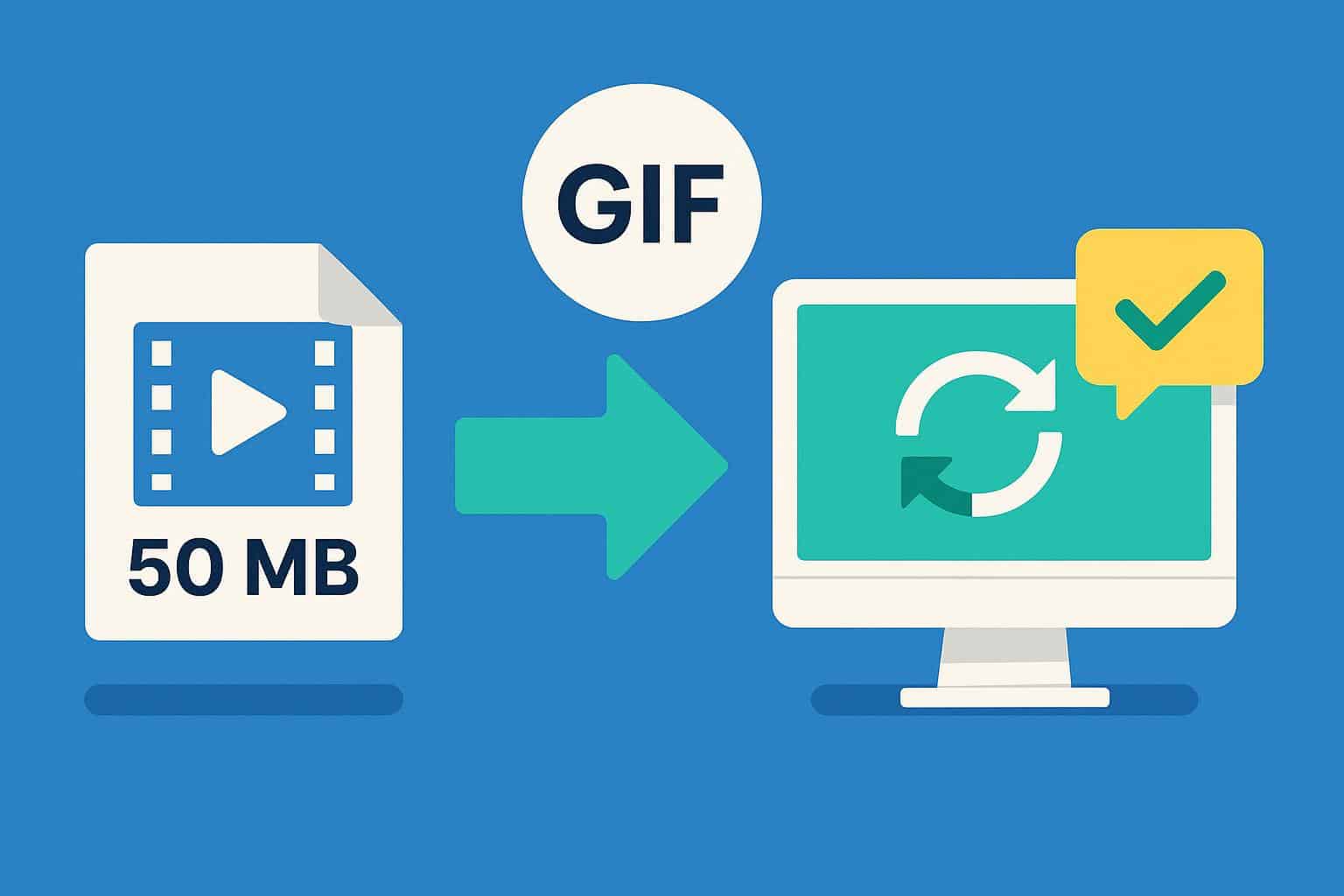
We’ve all been there: you’re deep into your work when a teammate drops a massive — often 50 MB or larger — screen recording into Slack or email. Instead of quickly understanding the issue, you wait for the file to download, open a media player, and scrub through minutes of footage just to find one short moment that matters. These bulky videos interrupt your flow and cost teams precious productivity.
Large video attachments aren’t just an inconvenience — they introduce friction into everyday communication that can stall decision-making and slow collaboration.
The Power of Short, Looping Visuals
When you replace long MP4 screen recordings with concise animated visuals (like GIFs), you tap into how people naturally absorb information better. Autoplaying animations play directly inside messaging apps or browsers without clicks or downloads. That means your teammates see the exact action or issue instantly, right where they’re already reading.
Animated loops work like a visual headline — they repeat automatically until the message is clear, eliminating the need to press play, pause, or rewind. This keeps the focus on the signal and removes unnecessary cognitive load that comes with traditional video files.
How to Convert Screen Recordings into Effective GIFs
Focus on What Matters
Start by trimming your screen recording down to the key moment — the exact action you want to highlight. Most screen captures include extra seconds of silence or irrelevant footage before and after the main event. Cutting those out makes your GIF smaller and more efficient.
Adjust Frame Rate and Remove Audio
GIFs don’t need audio, so drop sound entirely to reduce size. Likewise, using a moderate frame rate (for example, ~15 fps instead of 30 fps) is typically sufficient to convey motion without bloating the file.
Choose the Right Conversion Tools
Avoid low-quality or untrustworthy converters that watermark your output, degrade clarity, or come with privacy risks. Opt for reliable GIF conversion tools that allow you to control output quality and file size while maintaining a professional look. Having crisp visuals without distracting artifacts ensures your feedback appears polished and clear.
Communicating with Clarity — Not Clutter
Switching to lightweight, focused animations is more than a technical trick — it’s part of becoming a more effective communicator. Tight visuals help eliminate noise and highlight only the meaningful actions your team needs to see. In practice, this means:
- Developers can spot bugs faster by watching a loop repeat automatically.
- Designers can observe specific UI issues without context switching.
- PMs and stakeholders receive clarity without burdening inboxes with large files.
This approach cuts down on unnecessary back-and-forth and keeps the conversation anchored on the task at hand.
The Future of Efficient Team Communication
As distributed work becomes the norm and teams span time zones, quick, self-contained visual messages are increasingly valuable. Instead of relying on synchronous meetings or long videos, well-crafted GIFs carry context instantly and digestibly.
By adopting lightweight visual communication, you help your team move faster, understand better, and waste less time downloading or navigating bulky attachments. Instead of a groan when a message arrives, your colleagues will get clarity at a glance and respond with ease.
