


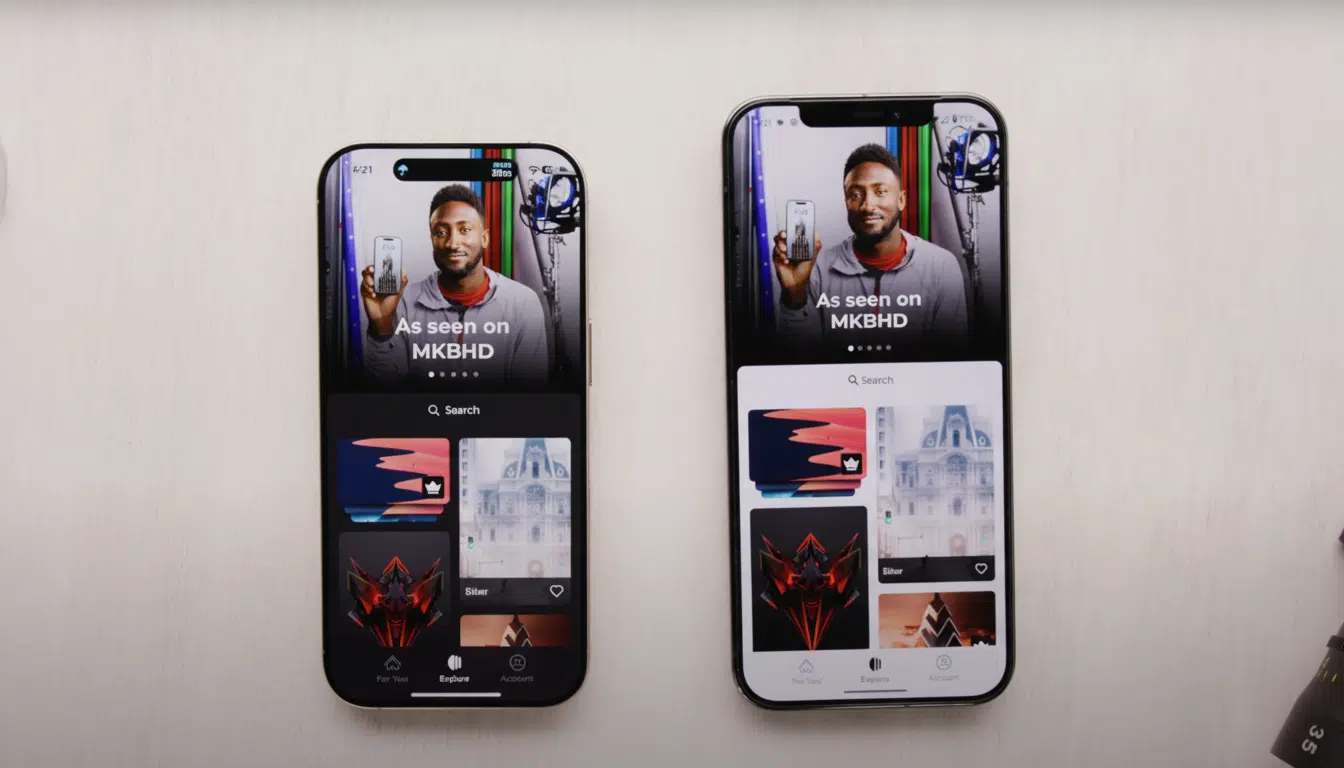
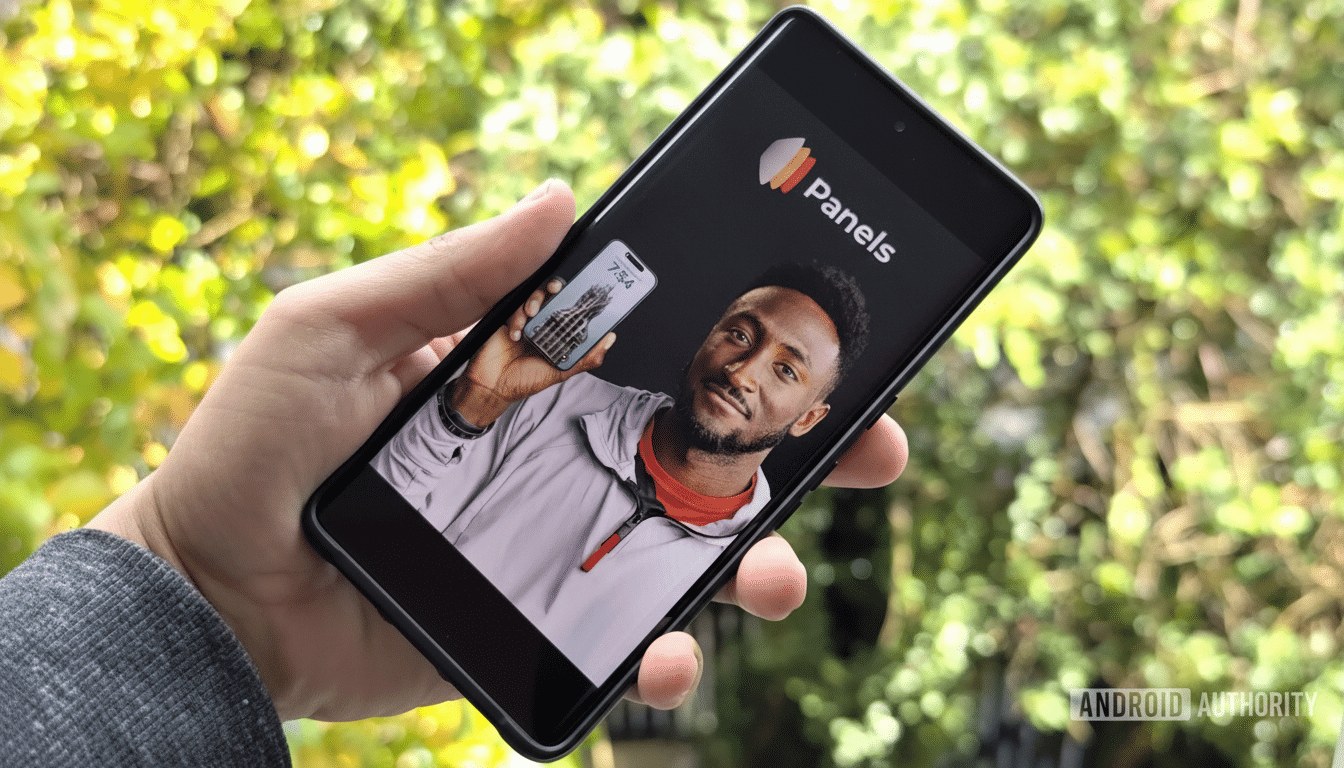
MKBHD’s Panels app is set to shut down, leaving wallpaper fans wondering what to install next. The great thing, however, is that there’s arguably never been a better time to be in the Android wallpaper game. From curated galleries to generative designs that complement Material You, these five apps provide sharper collections, smarter tools, and fewer headaches than a shuttered service ever could.
Backdrops: Curated Quality Without the Bulk
If you need nothing more than a Panels replacement that covers the basics, start with Backdrops. Its library skews heavily abstract, AMOLED-friendly, and tastefully minimal, with new sets uploaded regularly from in-house artists alongside a vetted community feed. It uses a no-frills, clean layout inspired by Google’s Material Design, with simple categories, excellent search, and quick apply.
Backdrops is also one of those apps that nails some of the smaller stuff: it’s got reasonable permissions, light-touch ads in the free tier, and a one-time upgrade which essentially removes friction while offering sync and exclusive packs. It’s the consistency angle that’s a draw: where some apps can feel like bazaars, Backdrops feels curated.
WallsPy Versatility with a Built-In Studio
WallsPy is a power user’s paradise. Besides a vast collection (including abstract, nature, and fandom designs) to choose from, the app allows you to recolor, blur, and tune any wallpaper before applying it. Its Studio mode goes beyond that with templates you can fiddle around with to make something of your own, a feature Panels never quite surpassed.
There’s an optional premium unlock (US$0.99 a month or US$8.99 per year) for ad removal, special categories, and the auto-changer, which cycles designs at intervals you define. If you like coordinating your wallpaper with the day, or your phone’s dynamic color scheme, the controls WallsPy provides are worth investigating.
Tapet Algorithmic Art for Screens of All Sizes
Tapet does things differently: it creates on-device wallpapers, which means every swipe produces a unique high-resolution pattern to fit your exact screen. You can lock in patterns you love, adjust palettes to harmonize with color extraction in Material You, and layer subtle textures or filters for depth.
Because Tapet patterns are mathematically determined, they stay sharp on any screen and never repeat unless you ask them to. For folks who crave infinite variety but fear chasing down their downloads — and for anyone concerned about privacy who finds themselves needing to whip up wallpaper offline — Tapet ranks among the best.
Pix Wallpapers Clean Google-Inspired Collections
Pix Wallpapers is all about minimal, Google-flavored looks: bold forms, gentle gradients, and Material-influenced designs that feel like they would fit right in on a Pixel-style launcher. The catalog is small relative to some competitors, but the hit rate is high, and the app reduces overhead with simple categories and no ads.
If you’re longing for a no-nonsense app that can provide tasteful, modern backdrops with little fuss and no upsells or convoluted editors, Pix is delightfully straightforward — and a neat means of thrusting some of that Pixel aura onto almost any Android phone.
Google Wallpapers Pixel Perks and Living Scenes
Don’t forget the wallpaper app you might already have. Google Wallpapers combines exclusive vistas taken from themes such as Earth and Cityscapes with a trove of rich animations available in the Living Universe collection. On recent Pixel phones, you also have the Emoji Workshop and an AI-powered wallpaper generator that can create beautiful on-theme designs in just a few seconds.
It’s color-smart even on non-Pixel phones, in ways that help Material You pick harmonious accents throughout the UI. For those who want consistent, battery-friendly images and a touch of tasteful motion, this is the default that feels anything but generic.
How to Select the Proper Replacement App
Match the app to the habit. Backdrops is the safe bet if you just want new art with minimum fuss. If customization is what you crave, WallsPy and Tapet gratify fiddling. If you are into minimal, no-nonsense, Google-forward design, then Pix and Google Wallpapers are great for you.
Two pro tips from Android theming vets:
- Darker or AMOLED-optimized wallpapers can cut back on power draw against OLED panels at high brightness — a topic that has even been mentioned in Google engineer lectures at Android developer events.
- Cherry-pick wallpapers that play nice — not against — Material You’s dynamic color so your icons, widgets, and accents feel intentional.
And finally, quickly check the Data Safety section on Google Play before downloading. Real wallpaper apps should only ask for the ability to set wallpapers and, maybe, optional storage; anything more invasive than that is worth skepticism. With Panels’ exit stage left, use these five alternatives to keep your home screen looking sharp, staying personal, and making sure it’s future-proofed — no drama necessary.
