


A popular midrange mechanical keyboard just slipped into budget territory. The Keychron K8 QMK Wireless Mechanical Keyboard, normally listed at $109.99, is on sale for $80—a 27% price cut that puts hot-swappable switches, PBT keycaps, and multi-device wireless within easy reach.
Why This Deal Stands Out for Budget Keyboard Shoppers
Finding a tenkeyless board that balances enthusiast features with mainstream usability is tough under $100. The K8 QMK checks the right boxes: 80% layout, hot-swappable sockets, reliable Bluetooth, and robust software support via QMK/VIA. Comparable boards with similar capabilities—think Logitech’s G Pro X or enthusiast kits—often start much higher. The $80 price lands it squarely in entry-to-enthusiast value territory.
- Why This Deal Stands Out for Budget Keyboard Shoppers
- Core Specs That Matter for Daily Typing and Gaming
- Wireless and Wired Flexibility for Multi-Device Use
- Customization Without Soldering through QMK and VIA
- Real-World Fit for Both Work Tasks and Casual Play
- How It Compares to Similar Tenkeyless Keyboards
- What to Know Before You Buy the Keychron K8 QMK
- Bottom Line: A Strong Sub-$100 Value for Enthusiasts
Core Specs That Matter for Daily Typing and Gaming
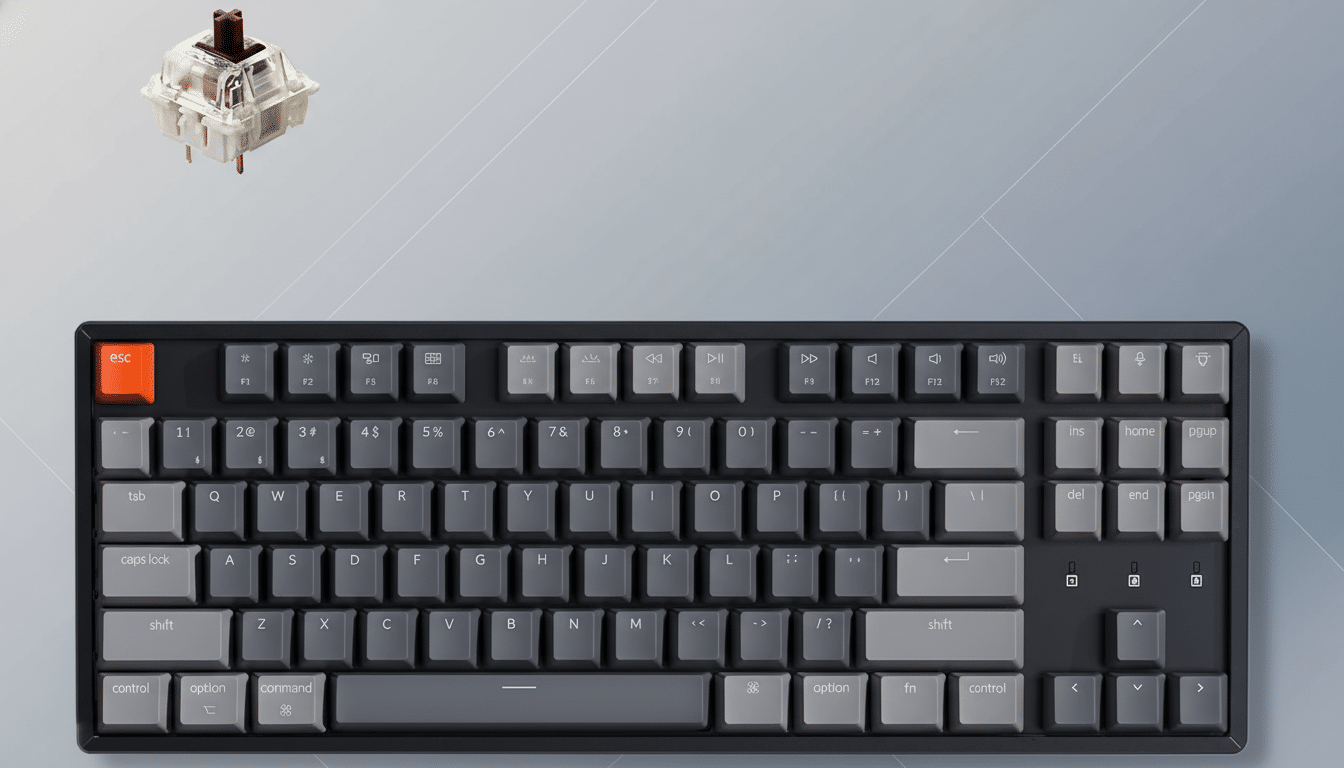
The K8 QMK is an 87-key, tenkeyless design that saves desk space without sacrificing arrow keys or function rows. Keychron equips this configuration with its tactile Banana switches by default, but the real story is flexibility: every socket is hot-swappable, accepting most 3-pin and 5-pin MX-style switches from makers like Cherry, Gateron, and Kailh—no soldering required.
Double-shot PBT keycaps with shine-through legends resist wear and keep RGB effects crisp. You get 22 lighting presets on-device, with control over brightness and speed. Under the hood, a 4,000mAh battery targets longevity; Keychron quotes up to around 190 hours with lighting off and about 100 hours at the lowest brightness setting, depending on usage.
Wireless and Wired Flexibility for Multi-Device Use
Bluetooth 5.2 lets you pair up to three devices and swap between them on the fly—handy if you bounce between a laptop, tablet, and desktop. Plugging in a USB-C cable unlocks a 1000Hz polling rate for gaming-grade responsiveness, while the wireless mode runs at 90Hz for everyday typing and general use. Testing from outlets like RTINGS has consistently shown that wired modes on mechanical boards deliver lower latency, which matches the K8’s split personality: untethered convenience when you want it, wired speed when you need it.
Cross-platform users get a thoughtful touch: a Mac-first layout with system toggles that also plays nicely with Windows and Linux, plus 12 multimedia keys. The box includes a Type-A to Type-C cable and a combined switch/keycap puller to get you modding on day one.
Customization Without Soldering through QMK and VIA
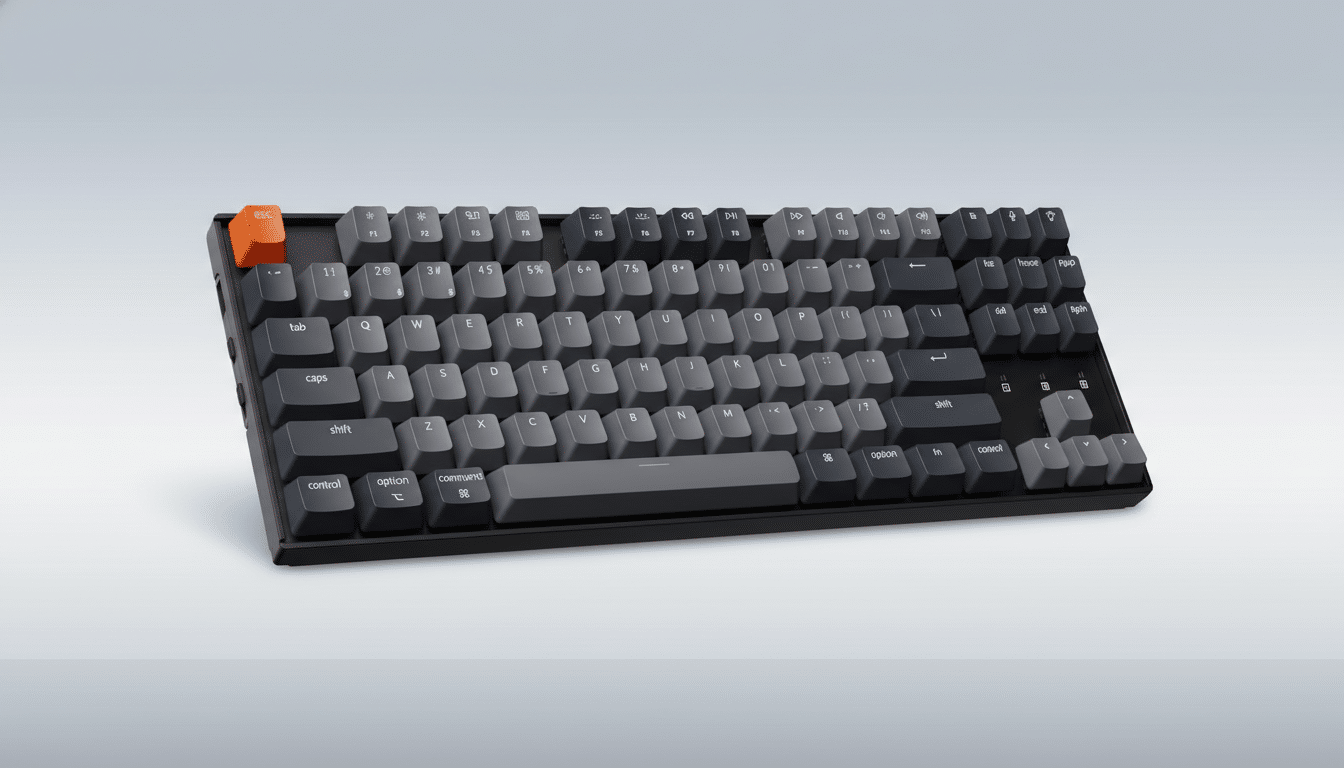
QMK/VIA support is the quiet superpower here. You can remap any key, build layers for app-specific shortcuts, or program macros—all through open-source tooling widely used by keyboard enthusiasts. That makes the K8 QMK far more adaptable than many plug-and-play rivals. Content creators can set up timeline scrubbing, developers can create layer-based IDE shortcuts, and writers can dial in navigation keys and text expansion without third-party bloatware.
Real-World Fit for Both Work Tasks and Casual Play
For long typing sessions, the tenkeyless footprint encourages better mouse ergonomics by keeping your shoulders aligned, and the tactile switch option provides a satisfying bump without the noise of clicky variants. Gamers get predictable key feel and the option to switch into faster linear switches later—no new keyboard required. The MechanicalKeyboards community on Reddit often points newcomers toward hot-swappable TKL boards for exactly this reason: you can evolve your setup over time instead of replacing it.
How It Compares to Similar Tenkeyless Keyboards
At this price, typical alternatives include budget 75% or full-size boards with either ABS keycaps, non-remappable firmware, or no hot-swap support. The K8 QMK’s combination of PBT caps, QMK/VIA, and multi-device Bluetooth is uncommon under $100. Even within Keychron’s own lineup, the K8 remains a sweet spot for users who want a standard TKL with mainstream compatibility rather than a more compact layout like the K2 or a pricier, more specialized build.
What to Know Before You Buy the Keychron K8 QMK
As with any TKL, you lose a dedicated numpad; spreadsheet-heavy users may want a separate numpad later. Battery life varies with RGB usage, and Bluetooth latency—while fine for typing—won’t match the snappiness of a 1000Hz wired connection in competitive games. If you plan deep keymap edits, set aside a few minutes to install and learn VIA or QMK; the payoff in productivity is significant.
Bottom Line: A Strong Sub-$100 Value for Enthusiasts
For $80, the Keychron K8 QMK puts genuinely enthusiast-grade flexibility in a friendly, workspace-ready package. If you’ve been waiting to upgrade from a laptop keyboard—or to buy your first hot-swappable board—this is the kind of sub-$100 deal that rarely sticks around.
