


Managing multiple social media accounts sounds straightforward until you’re actually doing it. One platform wants short-form video. Another reward for long captions. Multiply that across five or fifteen accounts, and the process starts to fall apart fast.
The people who do this well have built a system. This guide walks you through exactly how to set one up, step by step, using Multilogin cloud phones as the foundation.
- Why it’s hard to manage social media accounts without cloud phones
- How to manage multiple social media accounts with Multilogin
- Step 1: Select your topic or niche
- Step 2: Sign up for Multilogin
- Step 3: Connect cloud phones
- Step 4: Install apps on each cloud phone
- Step 5: Log in to your accounts
- Step 6: Post content
- Final thoughts
Why it’s hard to manage social media accounts without cloud phones
Managing multiple accounts from a regular browser works at first. But TikTok, Instagram, and YouTube are built for mobile. They respond to real device signals, and a laptop browser doesn’t produce them. The result: weaker reach, underperforming accounts, and no clean way to scale.
Cloud phones fix this. Each one is a virtual Android device in the cloud with its own identity, IP address, and mobile signals. To any platform, it looks like a real person on a real phone.
Multilogin is the tool that makes it practical. Plans are now available in USD, and a free plan is coming mid-June:
Multilogin is the tool that makes it practical:
- Cloud phones, browser profiles, and proxies from 150+ locations in one place
- Every profile has its own device fingerprint, fully separated from the others
- Team members can access specific accounts without sharing passwords
- Works with TikTok, Instagram, Facebook, YouTube, X, Reddit, Pinterest, and more
- Pro 10 plan from $7.08 per month (billed annually)
How to manage multiple social media accounts with Multilogin
Here is the process, broken into six steps.
Step 1: Select your topic or niche
Before creating any account, decide what each one is about. Vague accounts rarely grow. Accounts with a clear angle attract followers faster and hold them longer.
Your niche doesn’t need to be unusual. Fitness, finance, travel, food, and motivation all have huge audiences. The question is whether you can be specific enough to stand out. “Fitness” is a category. “Strength training for people over 40” is a niche.
Define the focus for each account before moving on. Everything downstream gets easier when the direction is clear.
Step 2: Sign up for Multilogin
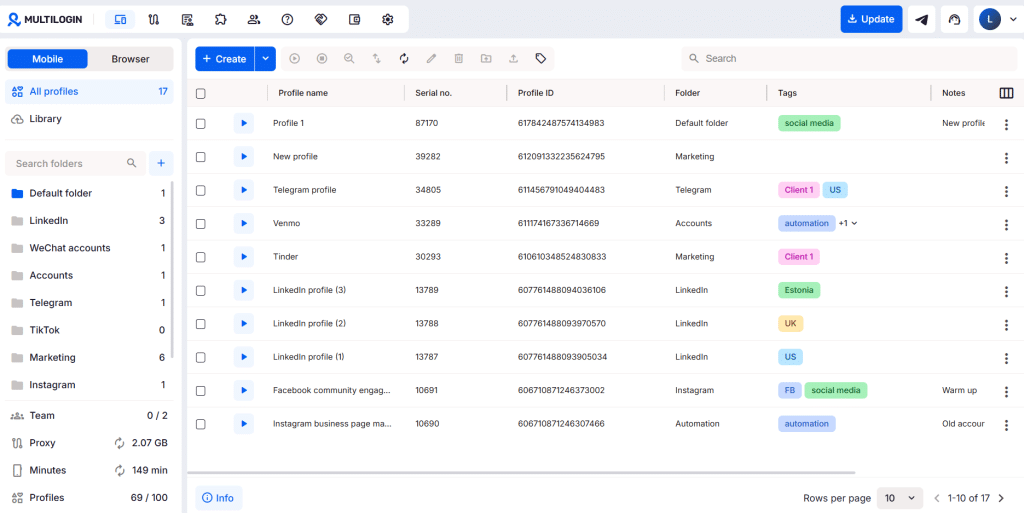
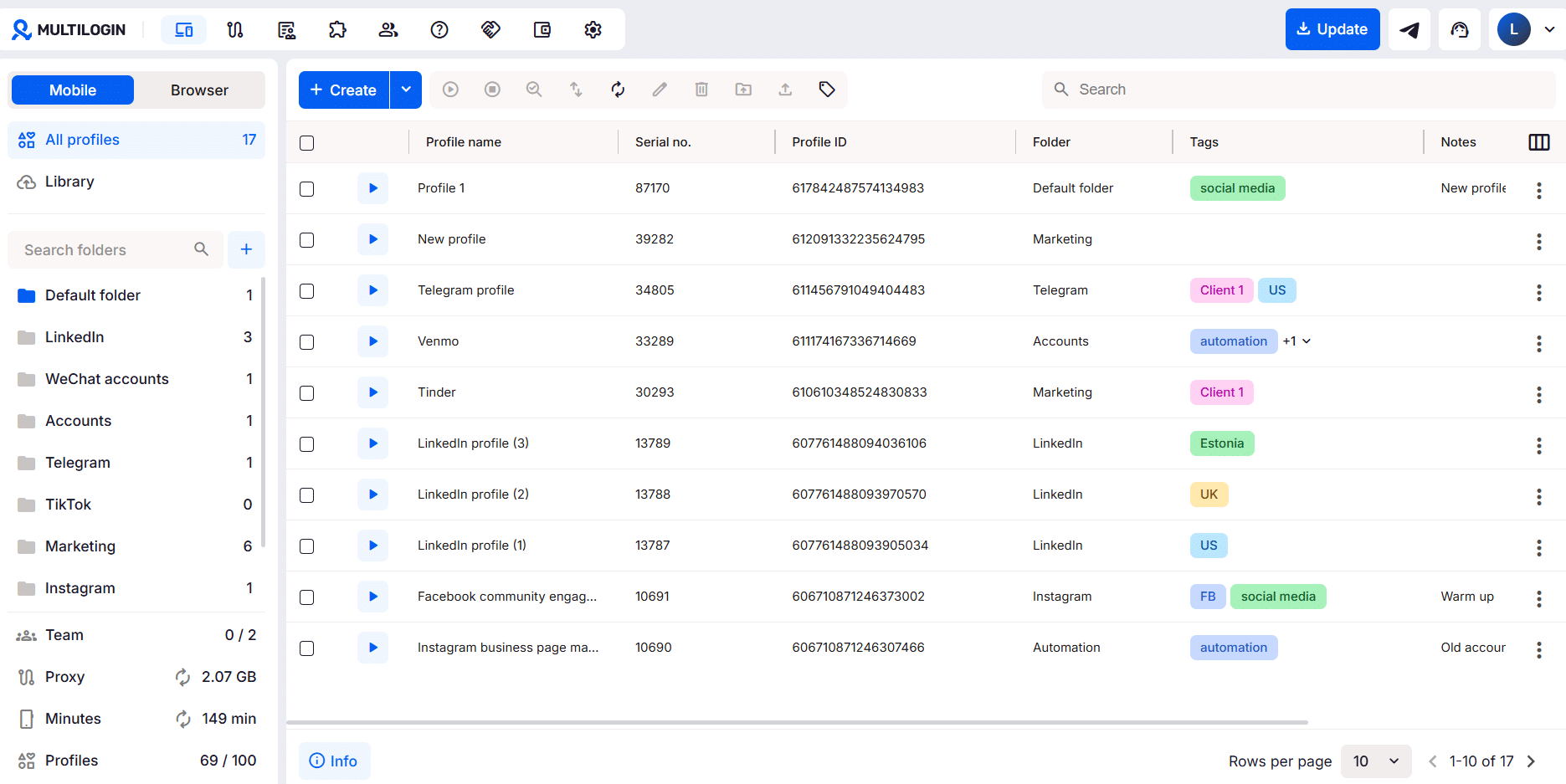
Go to multilogin.com and create an account. Once you’re in, you’ll see options for browser profiles and cloud phones. For social media on mobile-first platforms, cloud phones are the right choice.
If you’re working with a team, set up user roles and permissions at this stage. Collaborators can access specific profiles without touching your main account.
Step 3: Connect cloud phones
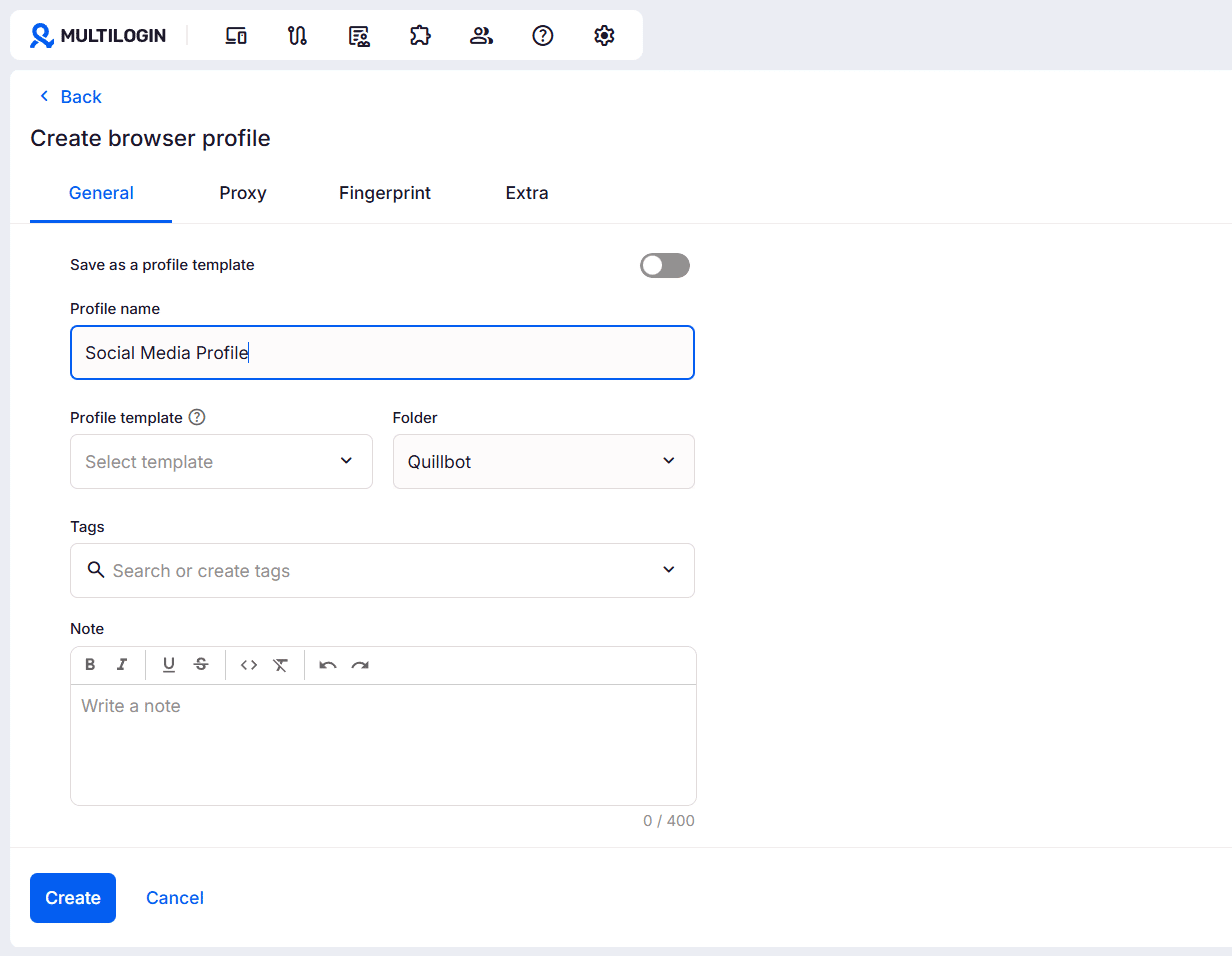
Inside Multilogin, create a cloud phone profile for each account you plan to manage. Each profile gets its own device fingerprint and its own proxy location. Nothing carries over between profiles.
Pick the proxy location that fits each account. Managing a regional account for a client in Germany? Use a German proxy. Building a US-facing page? Use a US location.
Name your profiles in a way that’s easy to track later. Something like “Client_RestaurantNYC_IG” or “NichePage_Fitness_TikTok” keeps things organized as the number of accounts grows.
Step 4: Install apps on each cloud phone
Each cloud phone runs a full Android environment. Open the Google Play Store inside the profile and install the platform you’re managing: TikTok, Instagram, Facebook, YouTube, or whichever app you need.
Install only what’s needed for that specific profile. Keep each cloud phone focused. The whole point is that these profiles look and behave like separate devices, so there’s no reason to mix things up.
Step 5: Log in to your accounts
Open the app inside the cloud phone profile and log in. From the platform’s side, this looks like a first-time login on a new Android device from a real location, which is exactly the signal you want.
If you’re creating new accounts rather than managing existing ones, do it here. Use separate credentials for each profile. Multilogin handles the device and IP separation; you handle the account details.
After logging in, spend a few minutes doing normal activity before posting. Scroll the feed, watch some content, follow a few accounts. This helps new accounts start smoothly.
Step 6: Post content
Now you’re posting. Each cloud phone runs independently, so you can have multiple profiles open at the same time without any risk of them interfering with each other.
Post directly through the native app inside each profile. Content goes up through an environment that looks like a real mobile device, not a third-party scheduling tool. That can make a real difference on platforms like TikTok and Instagram, where native posting often performs better.
Build a consistent schedule for each account and stick to it. Consistency is still the most reliable way to grow across every major platform.
Final thoughts
Managing multiple social media accounts doesn’t need to be chaotic. The process above creates a workflow that scales whether you’re handling five accounts or fifty.
Cloud phones are what make the difference. Running accounts on real Android signals, from the right locations, keeps content reaching real audiences. For anyone serious about managing social media at scale in 2026, it’s a setup worth building on.

