


Google is testing a small but meaningful upgrade to Google Messages that lets you copy a link from a text without grabbing the entire message. The change, spotted in the latest public beta, also arrives alongside a tweak to Smart Replies that makes suggested responses editable before you send them.
What the New Copy URL Option Changes in Messages
Today, if someone texts you a sentence with a URL, long-pressing the bubble typically copies the whole thing, forcing you to paste and trim. The new behavior adds a dedicated Copy URL item to the long-press menu so you can pull just the link in one step. It’s a small interaction, but it removes a common annoyance for anyone who shares tracking links, calendar invites, or product pages throughout the day.

Testers report seeing two separate actions when holding a message bubble: Copy and Copy URL. Choosing the latter places only the detected URL on your clipboard, which you can then paste into a browser, a note, or another chat without the surrounding text.
Early Limitations and How the Shortcut Works
In its current form, the shortcut appears when a message contains a single link. If a message includes multiple URLs, Google Messages falls back to the standard Copy option, suggesting that multi-link selection logic is still in development. The feature is surfaced in the beta build identified as 20260113_01_RC00 and appears to be gated by a server-side flag, a common Google rollout pattern.
This is in line with what competing apps offer. Telegram and WhatsApp, for example, let you long-press directly on a link to open or copy it, reducing friction. Bringing parity to Messages is especially useful given its role as the default texting app on most Android phones.
Smarter Smart Replies With Editing Before Sending
Google is also experimenting with an option to review and tweak Smart Replies before they go out. Currently, tapping a suggested response sends it instantly, which can be too abrupt when you want to personalize the tone or add specifics. A new toggle in Settings under Suggestions appears to switch behavior between Tap to Send and Tap to Edit.
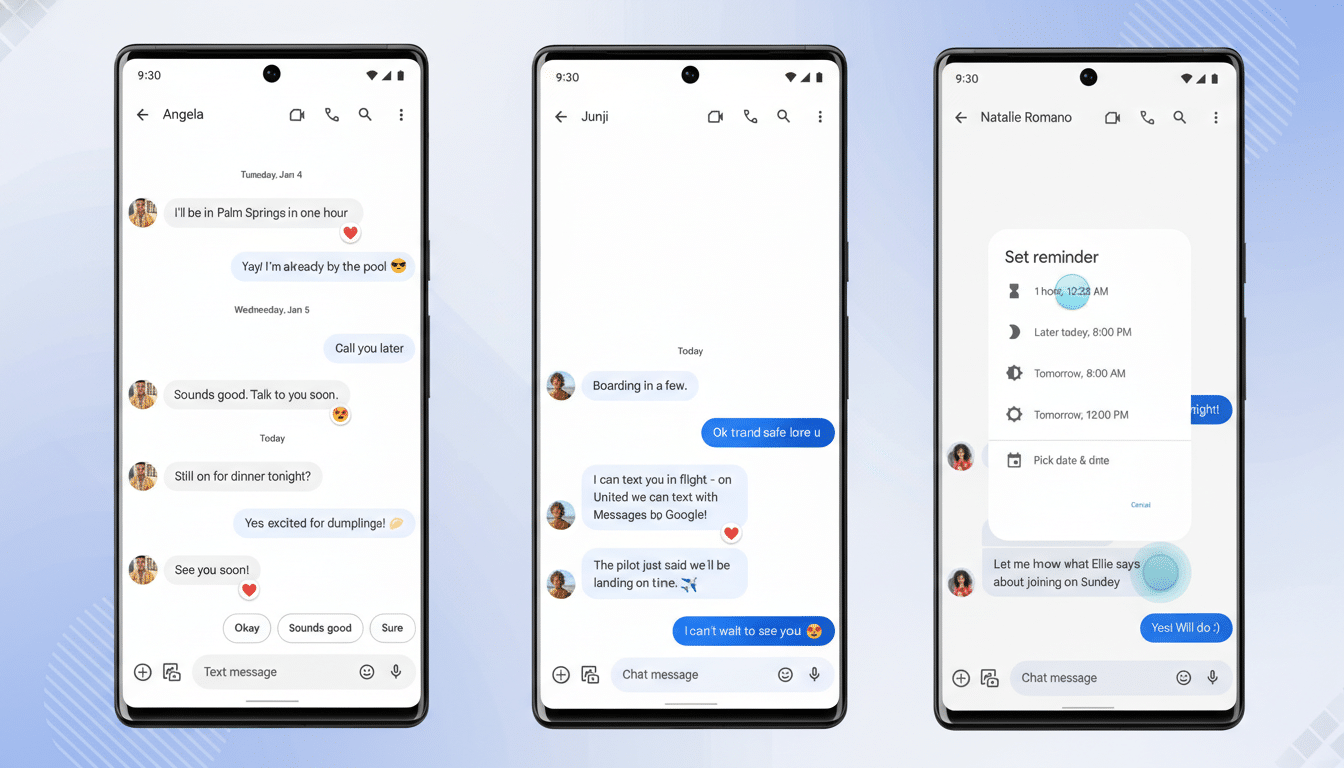
While the underlying edit flow isn’t fully live yet, the intent is clear: reduce accidental one-tap sends and give users a beat to refine AI-suggested text. That could extend to Google’s AI-powered suggestions on recent Pixel devices, creating a more consistent safety net across intelligent replies.
Why This Matters for RCS Users on Android
Messages has become a centerpiece of Android communication as Rich Communication Services (RCS) adoption has grown. Google has said RCS now serves over 1B monthly active users, and with cross-platform upgrades accelerating, the app’s small usability wins can have outsized impact. Copy URL reduces taps, helps with accessibility for users who find precise text selection difficult, and lowers the risk of accidentally sharing extra context from a message.
There’s also a productivity angle. In workplace and school chats, people frequently extract Zoom links, shipment trackers, or documentation URLs. Shaving even a couple of steps off that ritual adds up over dozens of messages. Editing Smart Replies, meanwhile, preserves the speed of AI suggestions while keeping you in control of tone and detail—vital for customer support, sales, and any scenario where nuance matters.
Rollout Outlook and What to Watch for Next
Because this capability is live only for some testers and appears to be controlled remotely, availability will likely expand in waves. Google often validates interaction changes in beta before pushing them to stable builds, so broader access could follow once edge cases—like messages with multiple links—are addressed.
Keep an eye on the Messages settings menu for the Suggestions toggle and watch for the Copy URL action in long-press menus. If Google completes multi-link handling and ties the edit-before-send behavior to its AI features on Pixels, these tweaks could make everyday texting feel noticeably smoother—without changing anything about how you already chat.
