


Google has acknowledged a wave of Android Auto connectivity problems and says remedies are being deployed. The company confirmed in a statement to the press that its engineers are working on the disruptions, with updates beginning to reach users. While the underlying cause remains undisclosed, the immediate goal is to stabilize connections for affected vehicles and phones.
Reports surged across community channels, including Reddit’s r/AndroidAuto and Google’s own support forums, with complaints spanning Pixel and Samsung devices. Users describe breakages in both wired and wireless sessions, though wired setups appear to be failing more frequently, especially after previously stable configurations.
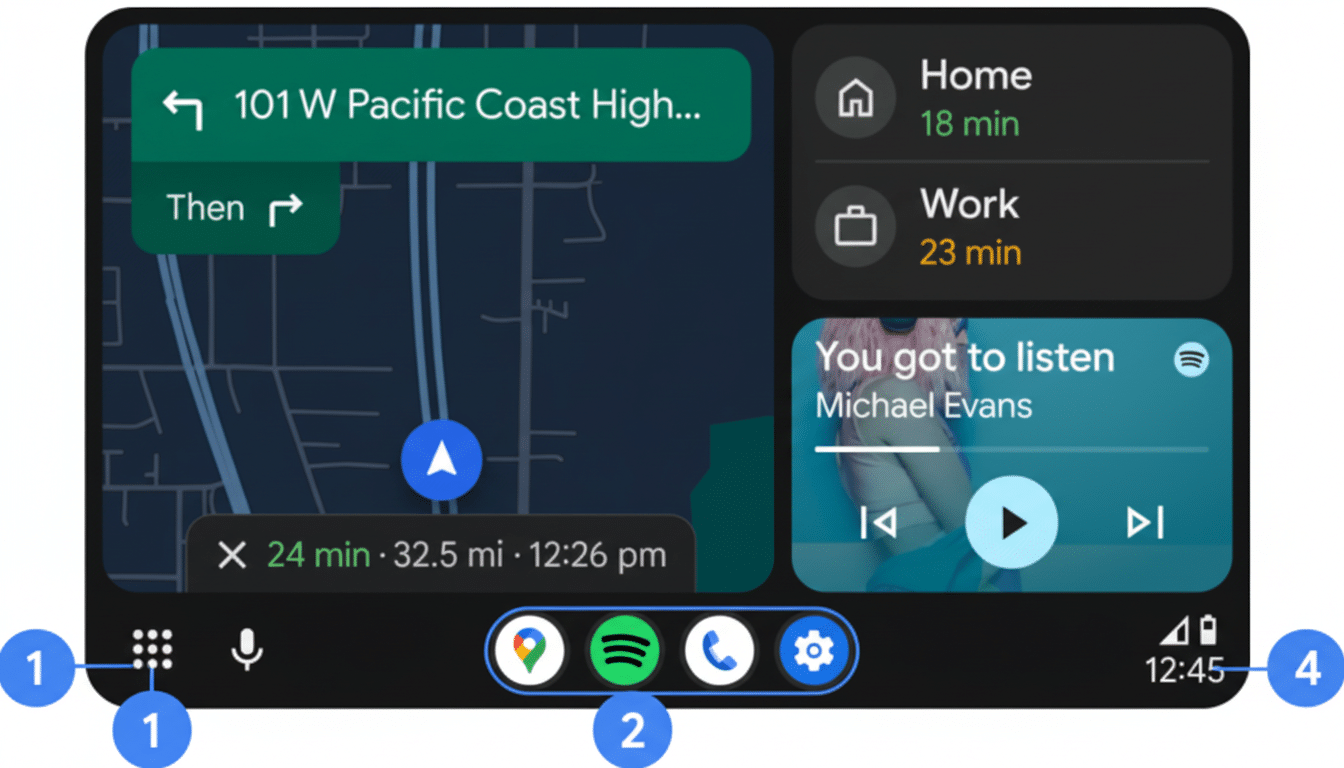
Google has not detailed which component is at fault, but the company indicated that improvements should roll out progressively through app and service updates. Because Android Auto relies on several interlocking pieces, fixes may land via the Android Auto app, Google Play services, or related system components, and can take time to propagate globally.
What users are reporting about Android Auto failures
Drivers describe Android Auto failing to launch automatically when the car starts, sessions that drop mid-drive, black or frozen head unit screens, and wireless pairing that stalls at the final step. Some also note that calls or media playback cut out unexpectedly, forcing a reconnection or a phone reboot.
The pattern spans a wide mix of vehicles and head units, from factory systems to aftermarket receivers from major brands. Many owners say their setups worked flawlessly until a recent update, then began failing without any changes to cables or cars—an indication that a software-side regression is likely involved.
Why it matters for drivers who rely on Android Auto
Android Auto is the daily gateway to navigation, voice-assisted messaging, and music in countless cars. When connections become unreliable, commuters lose hands-free access to directions and calls, increasing friction and distraction risk. The impact is magnified by the popularity of the affected phones; Samsung leads global Android shipments in many markets, and Pixel adoption has grown in North America, making these issues widely felt.
Beyond convenience, these disruptions can affect ride-hailing, delivery, and fleet users who depend on stable app-to-car links. That’s why rapid, safe rollout of fixes—without introducing new regressions—is critical.
What could be going wrong with Android Auto links
Android Auto is a multi-hop handshake across the phone’s operating system, Google Play services, the Android Auto app, Bluetooth for initial negotiation, and either USB or Wi‑Fi for data transport. A small change in any layer—Bluetooth stack behavior, Wi‑Fi Direct policy, USB negotiation, or even app permissions—can cascade into connection failures. Wired sessions are particularly sensitive to cable integrity and USB mode negotiation, which is why poor-quality or aging cables often expose bugs.

Google increasingly ships functionality through modular components, enabling quick fixes outside full OS updates. The flip side is that a problematic rollout in one module can ripple quickly across regions before safeguards halt distribution. Staged deployments and server-side flags are designed to reduce that risk; the current remediation is likely using those same mechanisms.
What you can do now to improve Android Auto stability
Update the Android Auto app, Google Play services, the Google app, and any pending system components via the Play Store and system settings, then reboot the phone and infotainment system. Because fixes are rolling out in waves, checking for updates over the next few days is advisable.
For wired connections, try a short, high-quality USB‑C data cable, switch USB ports if available, and ensure the phone’s default USB mode is set to allow data transfer. Disable USB debugging if it’s on, and avoid using USB tethering while running Android Auto.
For wireless, delete the pairing from both the car and phone, then re-pair from scratch with Bluetooth and Wi‑Fi enabled. Turn off battery optimizations for Android Auto and Google Play services on the phone, as aggressive power management can kill background processes needed for a stable link.
Check the vehicle’s infotainment firmware for updates through the manufacturer’s app, dealer portal, or over-the-air settings. If problems persist, file detailed feedback through the Android Auto Help Community or Google’s Issue Tracker, including phone model, OS version, Android Auto version, head unit make, and whether the session was wired or wireless.
What to expect next as Google rolls out stability updates
Because the rollout is staged, it may take time before improvements appear across all regions and devices. Users should see stability gains as updated components land; in some cases, a full uninstall and reinstall of Android Auto after updates can help clear lingering configuration issues.
Google has not provided a detailed postmortem, but if the issue stemmed from a modular app or services change, expect a follow-up note in release notes or community threads once remediation completes. Until then, keeping software current and re-pairing with known-good cables and clean settings remains the most reliable interim path.
