


Running out of eggs, milk, or Sriracha is a modern annoyance that smart fridges have promised to fix for years. GE’s new Profile Smart Fridge takes a refreshingly practical route, baking a fast barcode scanner into the door so you can add items to a shared grocery list the moment you’re nearly out.
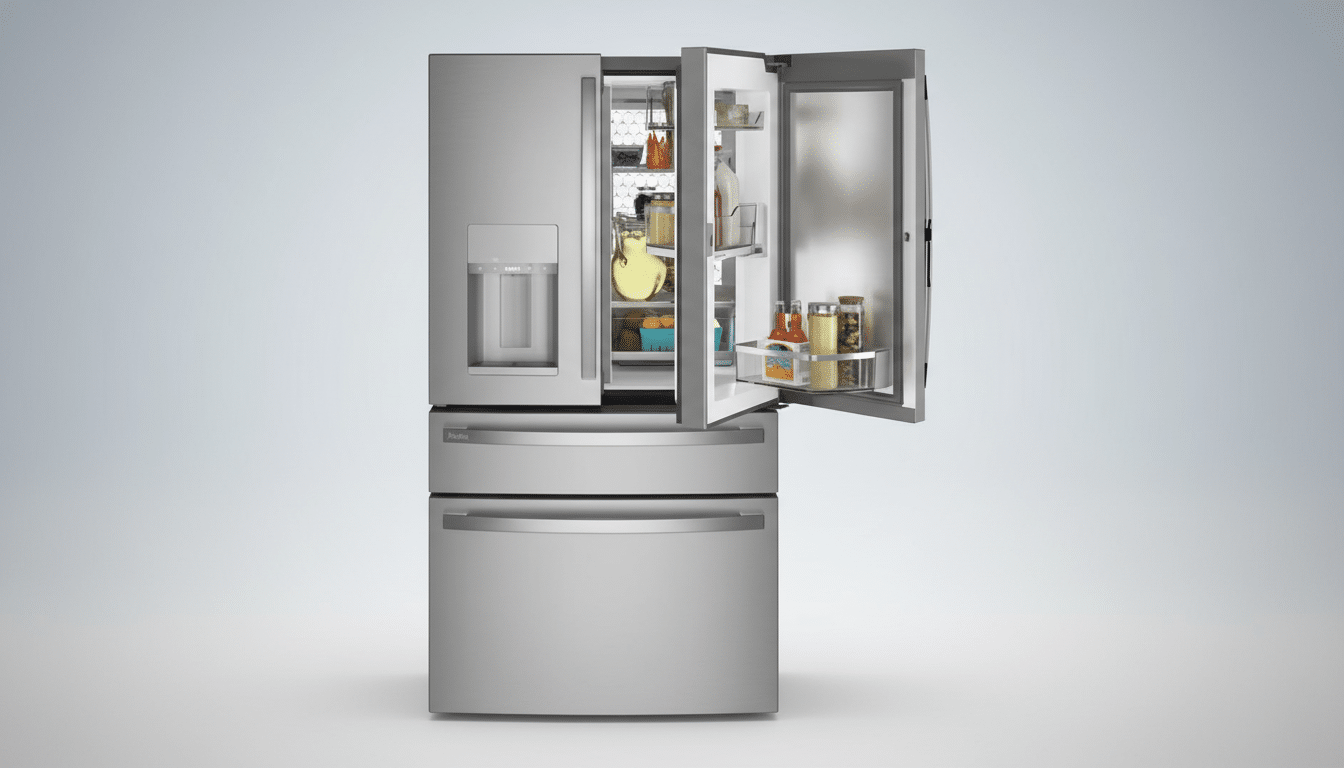
Unveiled at CES, the four-door French-door model pairs that scanner with an interior camera, recipe widgets, and precise water dispensing. The result is less “sci-fi kitchen” and more “everyday assistant” aimed squarely at eliminating those last-minute store runs.
- How the Scanner Stops Empty-Fridge Surprises
- Cameras for Quick Visual Checks While Shopping
- App and Voice Control Caveats to Consider
- Hardware That Feels Premium and Practical
- Why a Barcode Beats Guesswork in Smart Fridges
- Privacy and Data Considerations for Connected Fridges
- Early Takeaway on GE’s Profile Smart Fridge
How the Scanner Stops Empty-Fridge Surprises
Instead of relying on computer vision to guess what’s on your shelves, the fridge uses the language the grocery industry already speaks: barcodes. Positioned under the water dispenser, the reader lights up as you pass a product in front of it. In controlled demos, scanning took roughly a second and correctly identified pantry staples, immediately adding them to a digital list.
GE says the system recognizes around four million barcodes at launch—leveraging the GTIN standards overseen by GS1—so common items like egg cartons, yogurt, and condiments are covered. If a product isn’t recognized or lacks a code (think farmers market produce), you can add it manually by voice or touch. Crucially, the workflow flips inventory tracking on its head: you scan when you’re running low, not when you first unpack groceries, which better matches real-life habits.
Cameras for Quick Visual Checks While Shopping
An overhead camera snaps photos of the crisper drawers each time the doors open, and the companion app keeps the five most recent shots. That means you can stand in the dairy aisle and quickly confirm whether you still have scallions or how many limes are left without guessing from memory.
This “look-in” approach has shown up in other premium models, but keeping a rolling set of images of specific zones (produce drawers, in this case) is a smart tweak. It narrows the problem to the places people forget most and avoids the computational overhead of product recognition, which can be error-prone in crowded fridges.
App and Voice Control Caveats to Consider
The fridge ties into the company’s SmartHQ app, where your shopping list, photos, and settings live. It works with Alexa and Google for hands-free control and responds to the “Hey HQ” wake phrase. You can add list items by voice, ask for a precise water pour, or check basic status.
There is a trade-off at launch: grocery lists don’t sync with third-party list apps. If your household relies on a specific platform, you’ll need to migrate to the first-party app to get the full experience. That said, anchoring the list to a physical scanner at the fridge could be the nudge that finally gets everyone in the home to contribute consistently.
Hardware That Feels Premium and Practical
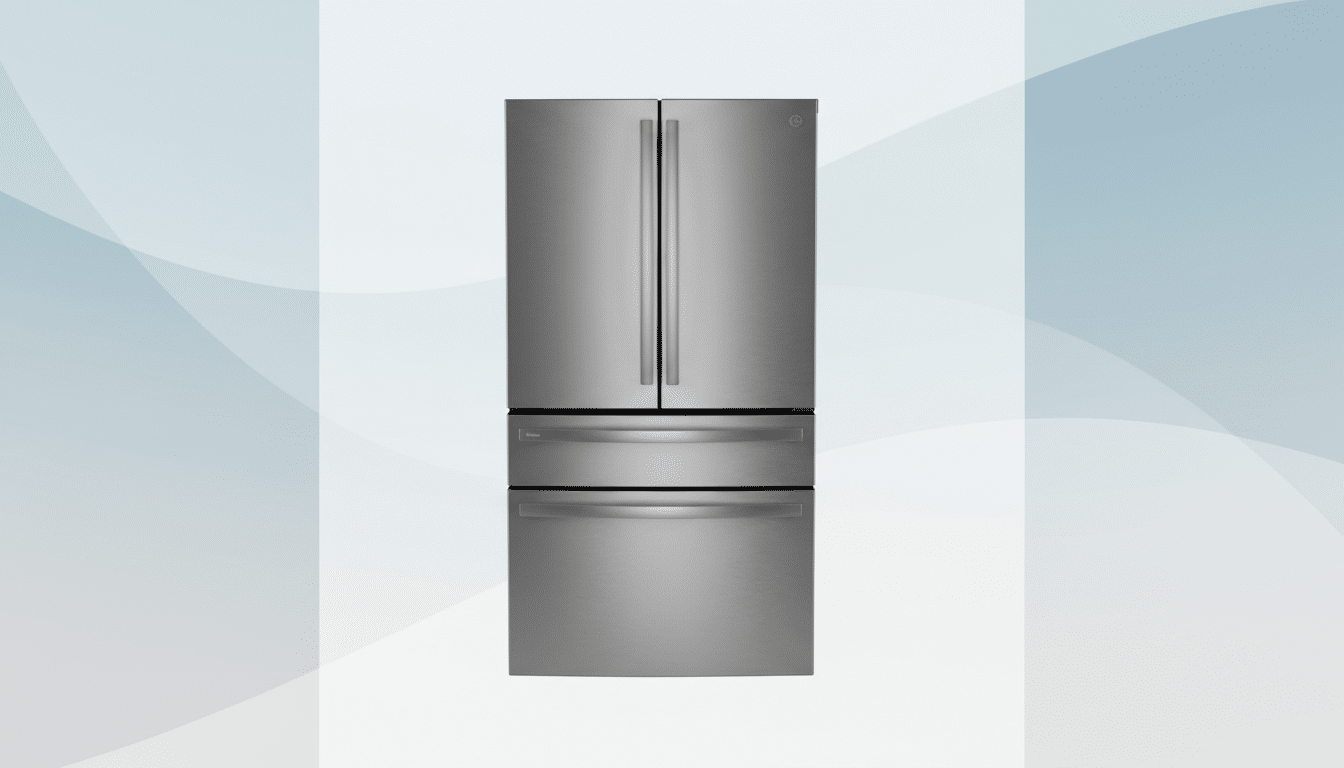
The Profile design is a premium four-door setup: backlit French doors up top, a full-width freezer drawer below, and a flexible-temperature middle drawer you can tune for snacks, beverages, or soft-freeze items. The touchscreen blends a recipe browser with handy widgets like weather and timers.
The dispenser supports auto measurements, so you can say “fill one cup” or let the system detect glass size. It’s a small convenience that adds up in a busy kitchen, particularly when you’re toggling between steps in a recipe and don’t want to pull out a measuring cup.
Why a Barcode Beats Guesswork in Smart Fridges
Smart fridges have long promised to “know” what’s inside, but even sophisticated object recognition struggles with unlabeled leftovers, overlapping items, and odd shapes. A dedicated barcode scan is quicker, more accurate for packaged goods, and requires less tech theater to deliver results you can trust.
There’s a real-world payoff beyond convenience. The USDA estimates roughly 30% of the food supply is lost or wasted in the U.S., and the NRDC has reported that a typical family of four can toss about $1,500 in food annually. Better inventory awareness—photos for produce, scanning for packaged staples—won’t solve food waste alone, but it can trim the “forgot it at the store” mistakes and duplicate buys that drive a meaningful slice of that loss.
Privacy and Data Considerations for Connected Fridges
Any connected appliance that captures images and shopping data raises fair questions about storage, sharing, and retention. Prospective buyers should look for clear statements on where photos and barcode data are stored, how long they’re kept, and what is shared with third parties. Consumer Reports has consistently urged manufacturers to publish transparent, accessible privacy policies for smart home devices; this category is no exception.
As with any smart appliance, secure your home network, use strong passwords for the app, and review permission settings. The simplest test: would you be comfortable with your grocery list and fridge snapshots being synced across devices in your household? If yes, the feature set will likely feel like a net gain.
Early Takeaway on GE’s Profile Smart Fridge
By leaning on a fast barcode scanner and targeted camera snapshots, GE’s new Profile Smart Fridge sidesteps the gimmicks that have bogged down prior “smart kitchen” attempts. It makes the most common job—keeping staples stocked—nearly frictionless, and layers in thoughtful touches like precise water fills and a flexible middle drawer.
Premium features command a premium price, with the model listed at $4,899. If GE follows through with broader list integrations over time, this could be the rare smart fridge that actually changes how a household shops—and ensures that next omelet never stalls for lack of eggs.
