


A bizarre crash is hitting Samsung Galaxy devices powered by Exynos chips: opening a single public webpage tied to Fairphone’s Gen 6 OS can trigger an instant reboot. Multiple user reports indicate the problem spans recent flagships and midrange models, raising questions about a low-level software bug rather than a one-off glitch.
What users report: consistent webpage-triggered reboots
The pattern is strikingly consistent. Tap the page, watch it hang for a moment as the device warms up, then the phone shuts off and reboots with no error message. Community posts, including videos shared on Reddit and coverage noted by PiunikaWeb, show the same behavior repeating reliably when that specific page loads.
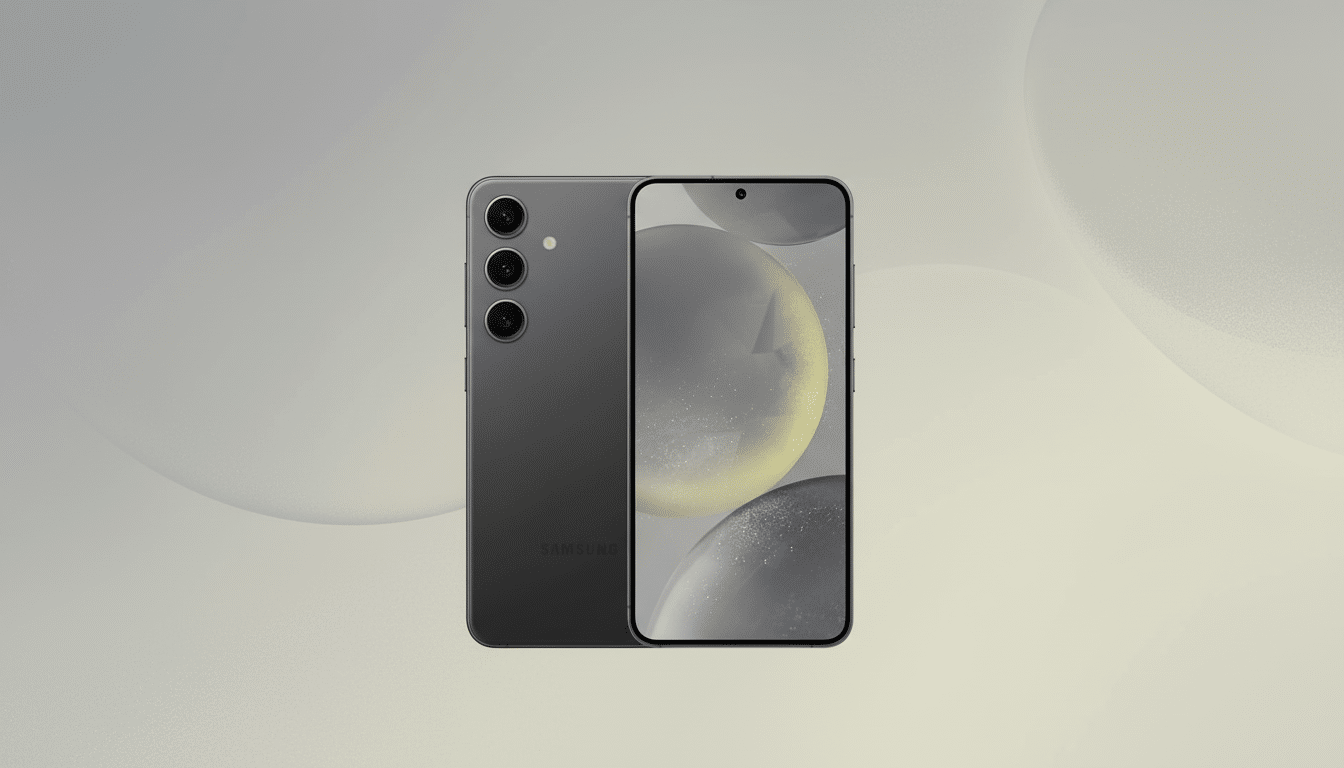
Reports name the Galaxy S24, Galaxy S25 Ultra, Galaxy A56, and Galaxy Tab S10 FE among affected devices. Notably, models running Snapdragon chips appear to load the page normally, as do Pixel phones and iPhones. That split strongly implicates a code path unique to Exynos-based builds.
Which devices and apps are affected across browsers
The crash has been observed across multiple browsers, including Chrome, Samsung Internet, and even when launching the page via the Google app. Some users say Firefox is less affected, a clue that different rendering engines may handle the page differently. There are also edge-case reports that the issue appears more frequently on Wi-Fi than mobile data, though that may vary by configuration.
The common denominator is Exynos silicon paired with the Android system WebView and graphics stack used by Chromium-based browsers. Because the entire device reboots rather than a single app crashing, the failure is likely occurring below the app layer.
Why a single webpage can trigger a full device reboot
It seems counterintuitive, but a carefully (or accidentally) constructed webpage can exercise bugs deep in a phone’s rendering pipeline. Modern mobile browsers lean on hardware acceleration for layout, compositing, and media decoding. If a page triggers a rare edge case—say, in a GPU driver, image codec, or font parser—the system can hang and the kernel watchdog may force a reboot to recover.

We have seen cousins of this issue before. In 2020, a wide-gamut wallpaper image caused certain Android phones to bootloop until the image was removed. iOS once suffered text-string “message of death” crashes. In each case, the fix arrived via software updates to rendering or parsing components, not a hardware swap. The Fairphone OS page crash on Exynos devices fits that pattern: a deterministic trigger that points to a software defect in a specific accelerated code path.
Given the split between Exynos and Snapdragon outcomes, an Exynos-specific graphics or multimedia stack—potentially tied to the GPU driver or vendor libraries—looks like the likely culprit. Alternatively, a divergence in Exynos-targeted WebView builds could be at play. Only a vendor investigation can confirm the root cause.
What you can do now to avoid crashes and reboots
- Avoid opening the Fairphone Gen 6 OS-related page on Exynos-based Galaxy devices until a fix is confirmed. If you receive the link, do not preview it in messaging apps.
- Update everything: check for system updates in Settings, update Samsung Internet or Chrome via the Galaxy Store and Play Store, and update Android System WebView. Browser and WebView hotfixes often arrive faster than full firmware updates.
- Use an alternative engine: if you must view the content, try Firefox, which relies on the Gecko engine rather than Chromium/WebView. Several users report fewer or no crashes with this route.
- Temporarily harden your browser: disable JavaScript for untrusted sites, turn off video autoplay, and clear site data. If your browser keeps reopening the offending tab on launch, enable Airplane mode or disconnect Wi-Fi, open the browser, close the tab, then clear browsing data before reconnecting.
- If the crash seems tied to Wi-Fi, try mobile data or a different network. While not a fix, changing the path can alter how assets load and may bypass the trigger long enough to close the page.
What to watch next as vendors investigate the bug
Samsung has not publicly commented on the reports. In cases like this, coordinated updates often come from multiple parties: a browser or WebView patch from Google, a GPU driver or framework fix from Samsung, and possibly content adjustments from the site owner if a specific asset is involved. If the bug touches security-relevant components, a CVE and detailed advisory may follow.
For now, the evidence suggests a reproducible software defect triggered by a single webpage on Exynos-based Galaxy hardware. The fastest resolution will likely be a WebView or browser-side change, with a firmware update to harden the underlying stack. Until then, steer clear of the problematic link and keep your device fully updated.

