


Google introduced a significant improvement to Circle to Search on Pixel phones, adding support for “Scroll and translate” so you can keep seeing translated text as you scroll through a page or feed. The feature, which is already available on select Samsung handsets, is now coming to Pixel 6 and newer smartphones via the QPR2 update.
That turns Circle to Search from an on‑off translator into a moving overlay that adjusts as content shifts, meaning it becomes vastly more useful away from first‑party translations in apps including YouTube, TikTok, Instagram, messaging threads and shopping sites.
What Scroll and Translate Does for Your Experience
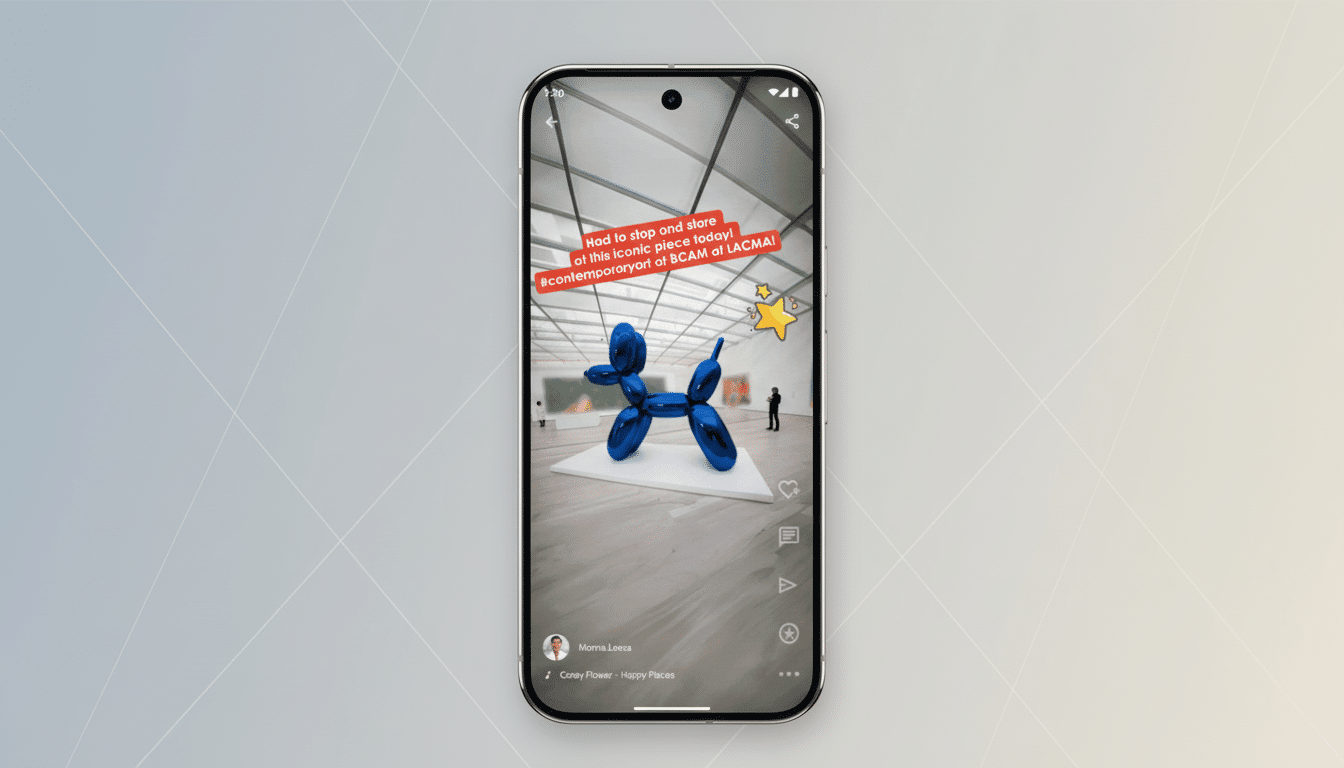
Before, translating with Circle to Search frequently resulted in a frozen screen, the capturing of an area and waiting for results. When you need to scroll and translate, the translation layer remains with you as you move up or down, updating automatically when new text, images or captions are in sight.
And because Circle to Search understands what’s on the screen, rather than just grabbing raw text, it can tackle stylized fonts, embedded captions and text baked into images with Lens‑style visual translation. In practice, this translates to foreign‑language comments in a social feed, product descriptions on a marketplace or subtitles for your mini‑film being translated almost instantly and without much of a hitch in your stride.
The net result is a more intuitive, uninterrupted reading experience—particularly valuable for mixed media or rapidly updating content, where traditional select‑and‑translate workflows fall short.
Who Is Getting It and Why There Are Limits
Support documentation from Google and our own testing suggest the feature is rolling out to Pixel 6 and newer devices with the QPR2 release. Some Android phones that aren’t Pixels are still displaying the old language selector UI, and sources say this could be a phased rollout involving app‑side switches as well as system updates.
Google also advises that depending on your device and language, translation times might differ, and not every decorative font may render correctly. That nuance is important: while Google Translate now taps into more than 200 languages thanks to its most‑recent model expansions, on‑device real‑time on‑screen translation tends to start with a smaller set — and models that make sense only when they’re easily accurate; coverage gets broader over time as systems prove themselves.
How to Use Scroll and Translate on Your Pixel
- Tap any app with content that you want translated.
- Long press the home handle or navigation bar to invoke Circle to Search.
- Tap the Translate button (on the toolbar, right side).
- Select “Scroll and translate,” and select the target language if asked.
If you don’t see the option already, ensure that your Pixel is on the latest QPR2 build and that the Google app and Google Play services are updated. Rollouts like this one usually need a server‑side flag, so the toggle could start showing up over the next few days.
Why This Scroll and Translate Update Matters Now
Scroll and translate brings Circle to Search more in line with how humans consume content today — effortlessly, visually and within feeds. Now, instead of the workflow distraction of constantly pausing to translate static snippets, users can consume foreign‑language content at timeline speed. That’s a lot of firepower for travel planning, global shopping and social discovery.
It also fortifies the assistive layer on the device Google’s been building for search, visual understanding and translation into one pixel‑scanning gesture. We’re weaving together all of these goodies — search, visual understanding and translation — to bring you new amazingness. Competitively, it brings it closer to system‑level translation tools available on rival platforms and manufacturer skins, while also ensuring the experience is consistent across apps without developers needing to do extra work.
What to Watch Next as Rollout and Languages Expand
More devices are to be supported as testing becomes more stable and language availability expands. Google tends to deliver updates like this in a combination of Pixel Feature Drops, Quarterly Platform Releases and new versions of the Google app. Since translation is so essential to becoming a global content consumer, ongoing translation in Circle to Search will start rolling out as the default experience on more Android phones.
For now, it’s Pixel owners getting the first bite. If you’re a regular translation user, checking international news, creator content and shopping with the help of content in other languages on a daily basis, then this upgrade to Circle to Search makes it a frictionless buddy that’s always‑on as you scroll through things.
