


Creators hunting for a color-accurate studio display just got a timely price break. The 27-inch Asus ProArt PA278CFRV is currently selling for $249 at major retailers, an $80 discount that undercuts many rivals built for editing timelines, grading footage, and delivering web-ready visuals. There’s also a bundle with the CaliControl Colorimeter for $449, trimming another $50 off the cost of a full calibration setup.
Why This Screen Fits Creative Workflows
The PA278CFRV pairs a 2560 x 1440 IPS panel with creator-centric specs: 95% DCI-P3 and 100% sRGB coverage, VESA DisplayHDR 400, and Asus MediaSync for tear-free motion. For editors and designers who straddle multiple delivery standards—web sRGB, broadcast Rec.709, and increasingly P3 for Apple devices—those gamut figures translate to predictable color across platforms.
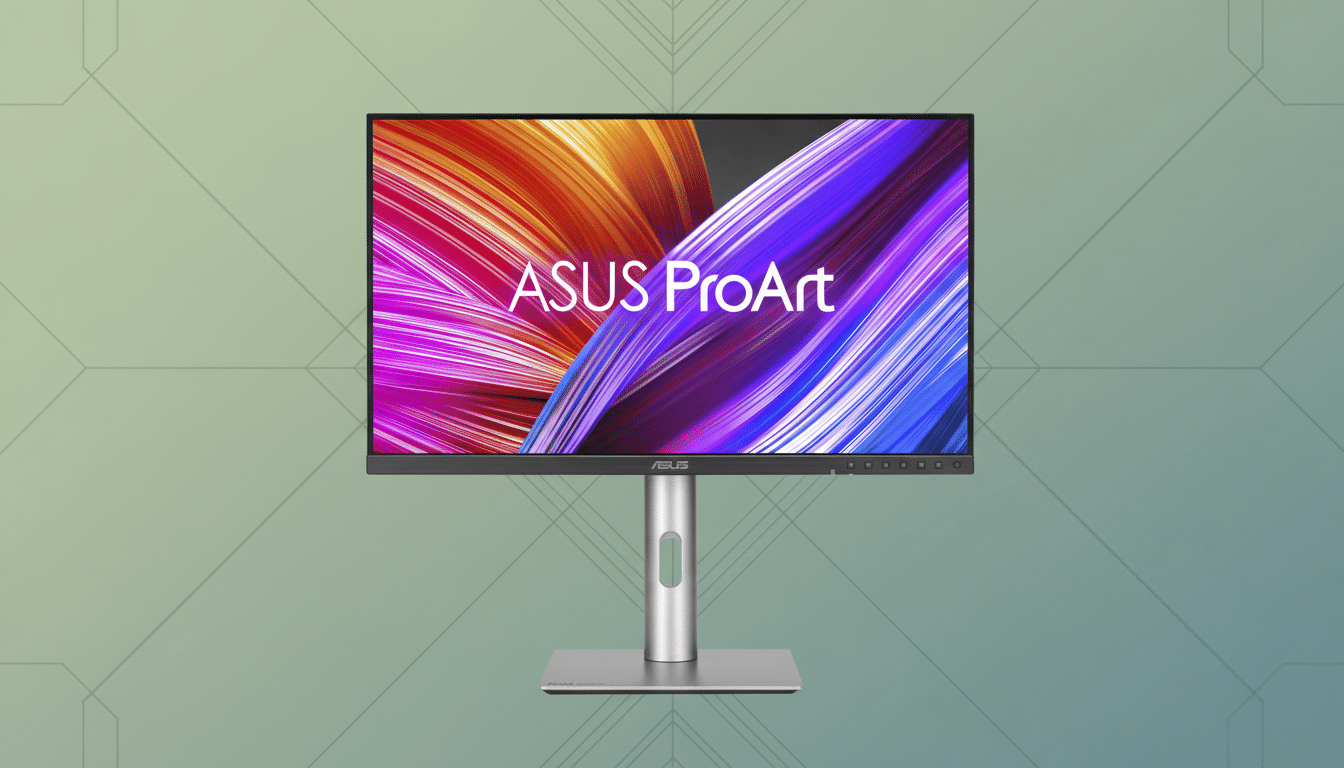
Color accuracy isn’t just a checkbox; it’s the backbone of professional output. Industry guidance from organizations like SMPTE and the EBU emphasizes calibrated, consistent reference viewing for video. Asus’ ProArt line is known for tight factory tuning and validation, and while HDR400 isn’t meant for HDR mastering, it’s useful for QC’ing highlight roll-off and contrast on SDR-focused projects.
The Anti-Glare, Low-Reflection coating also matters more than spec sheets suggest. In real studios—sunlight, ceiling cans, glossy desk surfaces—AGLR helps keep blacks from washing out and makes subtle hue shifts easier to judge. Combined with MediaSync for stutter-free scrubbing, timeline edits in Premiere Pro or DaVinci Resolve feel noticeably smoother, especially when playing mixed-frame-rate b-roll.
At 27 inches, QHD hits a sweet spot: enough pixel density to resolve fine masks and sharpening halos without UI elements shrinking to unreadable sizes as they often do on 27-inch 4K panels. It’s a practical canvas for colorists working scopes and editors docking multiple panels side by side.
Connectivity and Ergonomics Done Right for Creators
Ports are built for production rigs: HDMI and DisplayPort for desktops and I/O boxes, plus USB-C with 96W Power Delivery for a clean one-cable laptop setup. That wattage comfortably powers most 14-inch creative notebooks and can sustain many 16-inch systems under typical editing loads, keeping the desk free of extra bricks and wires.
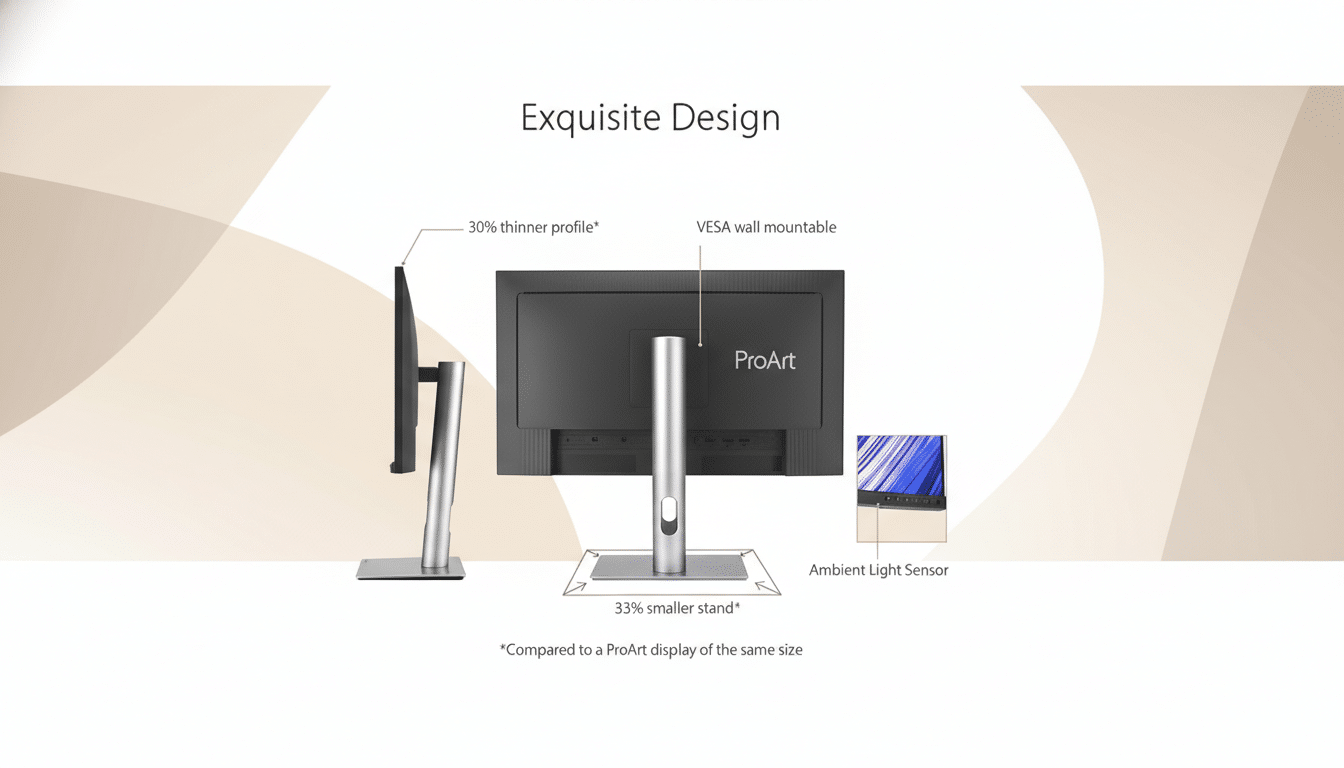
The stand is fully adjustable—tilt, swivel, pivot, and height—so you can set the panel to match your eye line and reduce neck strain across long grading sessions. Pivot mode is especially handy when reviewing 9:16 social cuts or stacking full-res vertical stills with tool palettes parked on the side.
If you opt for the CaliControl Colorimeter bundle, you’re picking up a critical piece of the workflow. External meters let you build and refresh calibration profiles so what you see on screen aligns with deliverables. Many post houses recalibrate every 4–6 weeks to counter panel drift; with a meter on hand, that cadence becomes painless and consistent. The accessory also doubles as a fast navigator for on-screen controls, speeding up brightness and profile tweaks between tasks.
How the Deal Stacks Up Against Rival Monitors
At $249, the PA278CFRV lands below typical price points for creator-class 27-inch displays. Comparable QHD options from Dell’s UltraSharp and BenQ’s PD series often sit well north of $350 when not discounted. You’re forgoing 4K pixel density, but in exchange you get a balanced spec sheet tailored to day-to-day production: wide-gamut coverage, a dependable IPS panel, practical HDR entry, and modern USB-C power delivery.
For editors targeting YouTube, social, or broadcast SDR, that’s a pragmatic trade. If your pipeline demands native 4K, true HDR mastering with 1000-nit peaks, or verified reference-grade uniformity end to end, look to higher-tier monitors and dedicated reference displays. For most creators, though, the ProArt’s accuracy, ergonomics, and connectivity will move the needle more than raw pixel count.
Bottom line: a compelling creator monitor value at $249
The Asus ProArt PA278CFRV nails the essentials that matter to content creators and video editors—reliable color, smooth motion, studio-friendly ergonomics, and single-cable USB-C convenience. At $249, it’s an easy recommendation for upgrading a home studio or expanding a multi-monitor bay, and the colorimeter bundle offers a sensible path to professional-grade calibration without the usual premium.
