


If Android updates feel chaotic, you are not imagining it. Multiple builds move in parallel, features launch in waves, and Pixel owners often see different software than everyone else. Here is the plain-English map to make sense of the mess — and to know which updates actually matter for you.
Why Android Updates Feel So Messy Across Devices
Android does not ship as a single clean line from “under development” to “released.” At any moment, Google is testing the next major version, polishing the current one, and quietly trying out future ideas behind the scenes. Add in Pixel-only releases, server-side experiments, and social-media leak culture, and it is no wonder the conversation looks noisy.
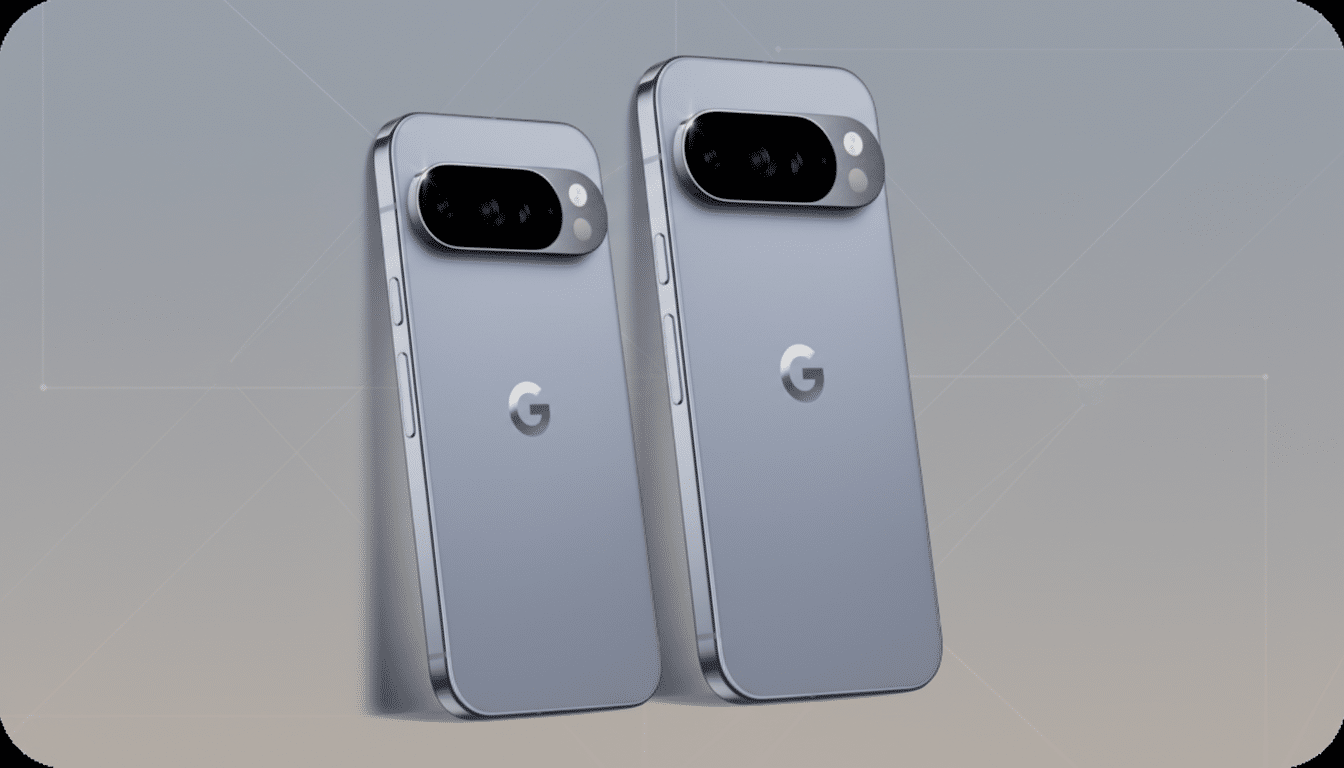
Scale complicates everything. More than 3 billion devices run Android, according to Google, and roughly 70% of smartphones worldwide use it, based on StatCounter’s global share. That spans thousands of models, dozens of chipsets, and countless regional variants. Carriers and regulators add certification steps (think PTCRB or GCF), slowing rollouts and creating staggered timelines.
The Four Android Update Tracks Explained Clearly
- Developer Preview: Built for app developers, not early adopters. Expect changing APIs, broken behaviors, and few user-facing features. These builds let developers test against upcoming platform changes well before anything is polished.
- Beta: Where features start to look real. Betas are installable over the air and are generally usable, but bugs, battery quirks, and app crashes are fair game. If a feature appears here, Google usually intends to ship it, even if it gets tweaked or delayed.
- Stable: The version most people should run. This build is widely tested and distributed through official channels. On Pixels, stable releases often include Quarterly Platform Releases (QPRs) that bundle fixes and small features.
- Experimental and Canary-class tests: The bleeding edge. These are internal or limited-channel builds and flag-gated experiments across components like Google Play services, Settings Services, or system apps. Features spotted here frequently change names, disappear, or jump to a later release. Many flashy leaks come from this layer — and many never ship.
A typical cycle moves from Developer Preview to Beta to Stable, with QPRs extending the life of the stable branch. But Android’s modularity means ideas can appear anywhere in that chain and move forward or backward as needed.
Beyond OS Version Numbers: Other Updates That Matter
- Pixel Feature Drops: Quarterly bundles that add camera modes, UI tweaks, and app integrations, often tied to a QPR. They make Pixel software look “new” without bumping the Android version number.
- Google Play System Updates: Part of Project Mainline, these modular updates ship critical pieces (like media, networking, or privacy modules) through the Play infrastructure. They arrive monthly for many devices and do not require full OS updates.
- ART and App Layer: Since Android 12, the Android Runtime can update via Play, improving performance or compatibility without changing the platform version. Meanwhile, Play services and core apps deliver features — and experiments — server-side, often independent of the OS.
- Security Patches: Google publishes monthly Android Security Bulletins detailing addressed CVEs with two patch levels (01 and 05). OEMs integrate these into their builds; staggered delivery is normal as carriers certify updates in different regions.
Why Your Samsung Or OnePlus Does Not Match Your Pixel
Pixels are Google’s test bed. They get new tracks first and more server-side toggles. Other brands add their own software layers and testing, creating distinct pipelines. Samsung’s One UI, OnePlus’s OxygenOS, and Xiaomi’s HyperOS each integrate Android changes on their schedules.
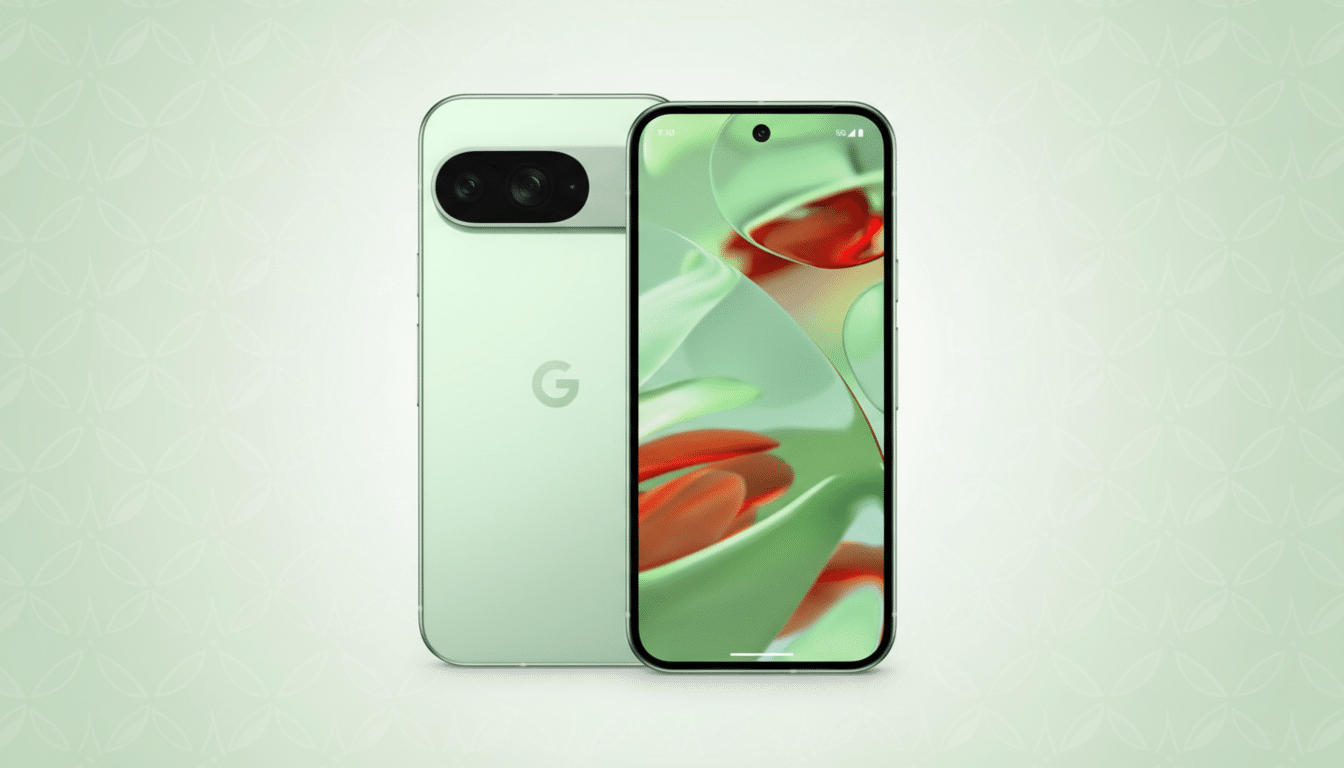
Support policies have widened recently. Google’s Pixel 8 line promises 7 years of OS and security updates. Samsung matches with 7 years on Galaxy S24. OnePlus targets up to 4 OS versions and 5 years of patches on recent flagships, while Xiaomi and others have similar multi-year commitments. Longer support is progress, but timing still varies by model, carrier, and region.
Technical choices matter, too. Seamless A/B updates reduce downtime. Project Treble partitions speed vendor testing. Still, modem firmware, carrier requirements, and OEM customization can introduce real-world delays even when Google’s code is ready.
What To Install And When: A Simple Guide
- Run Stable if your phone is mission-critical.
- Betas are fine for enthusiasts who accept hiccups.
- Developer Previews are for developers validating apps, not for daily use.
- Experimental builds and flag flips are for people who enjoy living on the brink — and who will not be upset when features vanish.
Remember that leaving a beta track often requires a factory reset, wiping your data. Backups are your safety net.
How To Read Update Headlines Without Getting Burned
- Check the channel: Developer Preview, Beta, QPR Beta, or Stable. A feature in a canary-style experiment is not a promise.
- Check the component: Is it the OS, a Play system module, Play services, or a Pixel-only app? Different pipes mean different timelines.
- Expect staged rollouts: Even “stable” updates can take days or weeks to reach everyone, especially on non-Pixel devices tied to carrier approval.
Bottom line: Android’s strength is its flexibility — modular updates, server-side delivery, and constant iteration. The trade-off is complexity. Learn the tracks, ignore the noise, and you will know exactly which updates matter for your phone.
